How do I let customers choose a service provider in Rekaz?
Rekaz’s the current interface does not show the “Choose Provider” option or a customer-facing provider-selection setting in service editing.
You can still review the related provider setup: the provider form includes a “Select services” control for associating services with a provider. This evidence does not confirm that customers can choose among providers when booking.
Steps
Select Services in the Rekaz sidebar.
The Services area opens.
In the service provider form, verify the available provider-to-service association control: Select services. The current interface does not show a customer provider-choice setting alongside this control.
The Select services control is visible in the provider form.
Illustrated guide
Step 1: Open Services from the Rekaz sidebar.
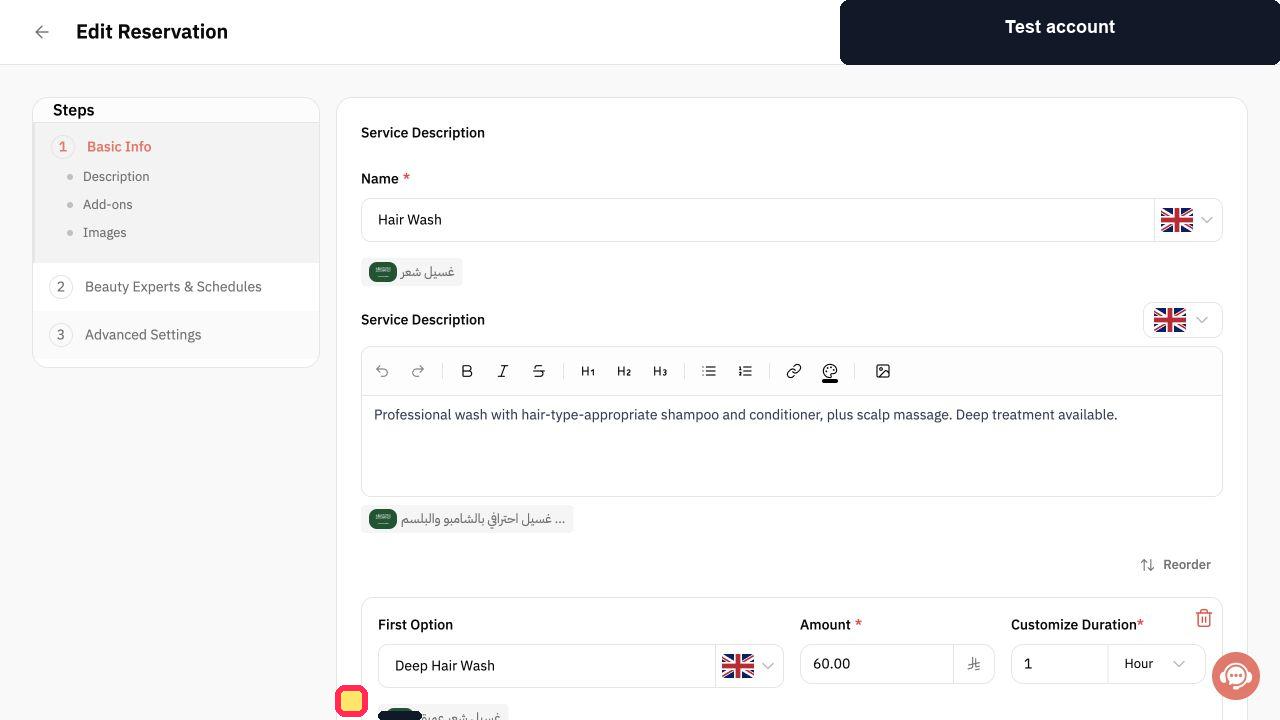
Step 2: The current provider form shows the service-association control, not a customer provider-selection option.
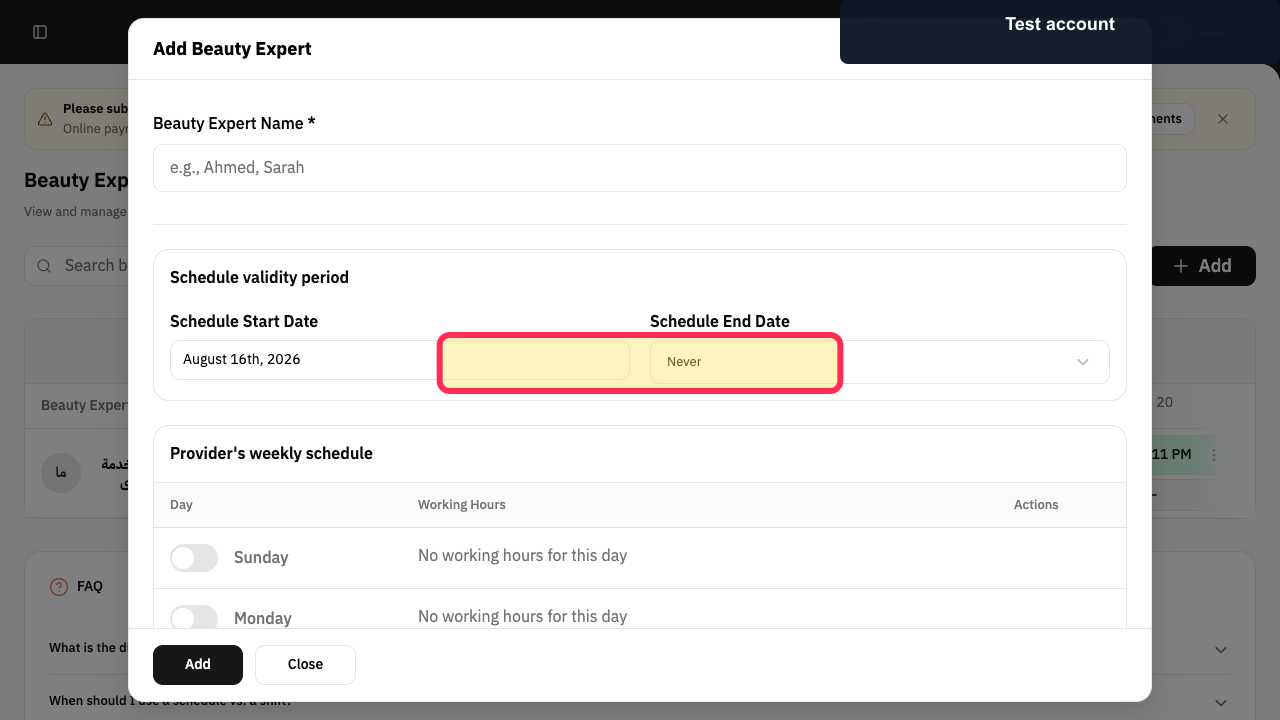
Important notes
Link more than one Service Provider to the service; otherwise, customers will not have a meaningful provider choice.
Check providers’ work schedules, as available appointment times are shown according to availability.
Button label may vary
The source guidance says the final action can be Next or Update, depending on the service flow. Confirm the current label in your account before publishing screenshots.
Related questions
How can the booking owner choose a provider in Rekaz?
How do I show service providers on the booking page in Rekaz?
Where can I enable provider selection for a service in Rekaz?


