How do I view a specialist’s weekly schedule in Rekaz?
To view a specialist’s weekly working schedule in Rekaz, open Specialists from the sidebar. You can filter the list if needed, then use the Date Range bar to choose a week and move between weeks.
Viewing a week does not change the schedule or save any settings.
Steps
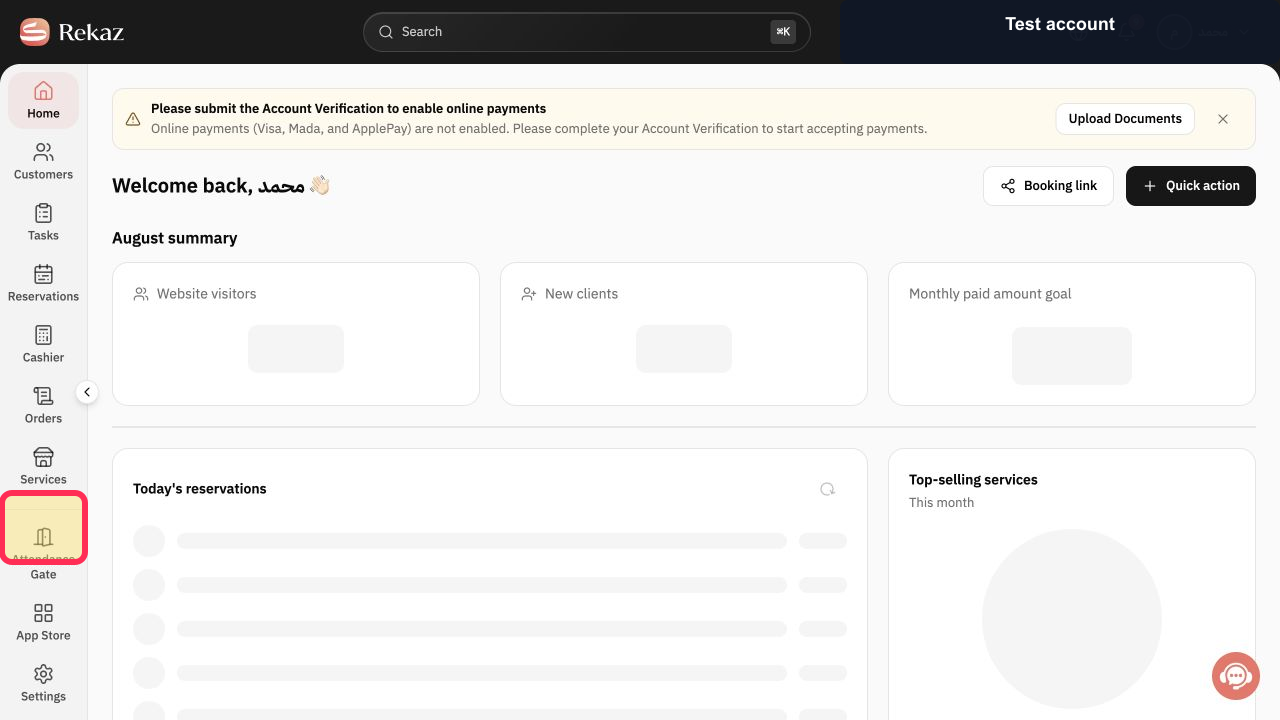
Select Specialists in the Rekaz sidebar.
The Beauty Experts weekly provider schedule opens.
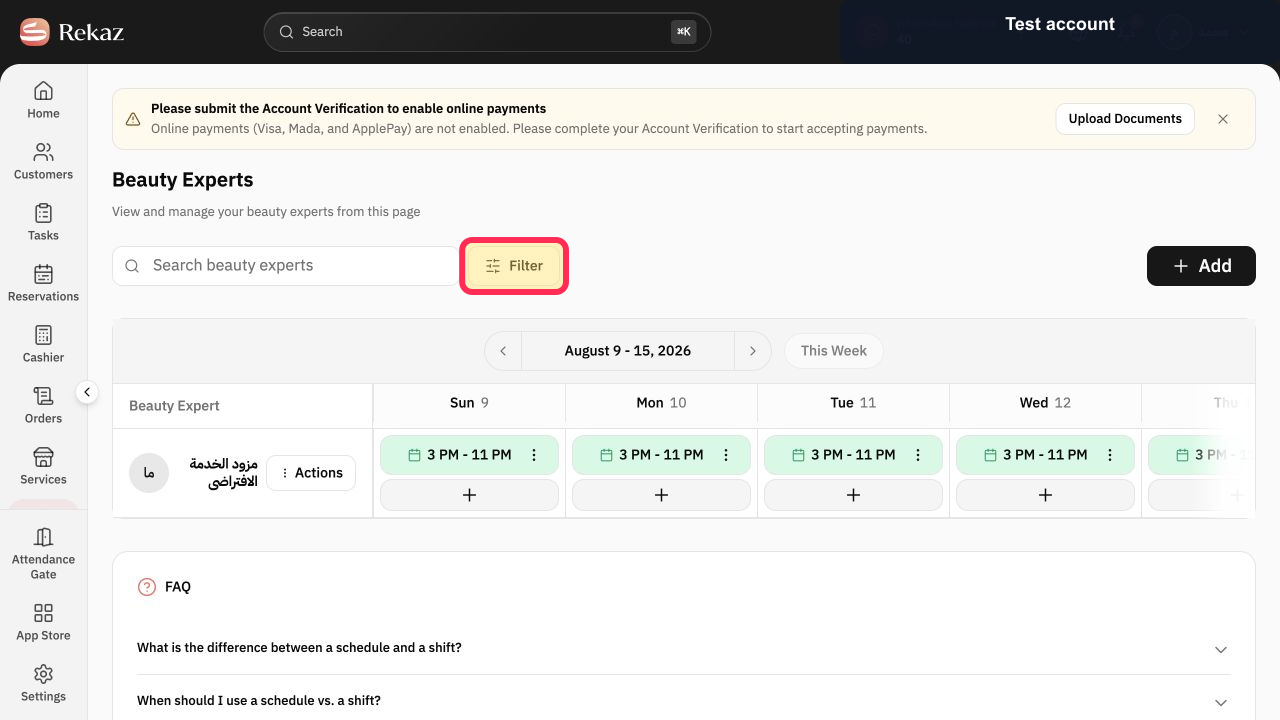
Use Search beauty experts or Filter to narrow the list when needed.
Only matching providers remain in view.
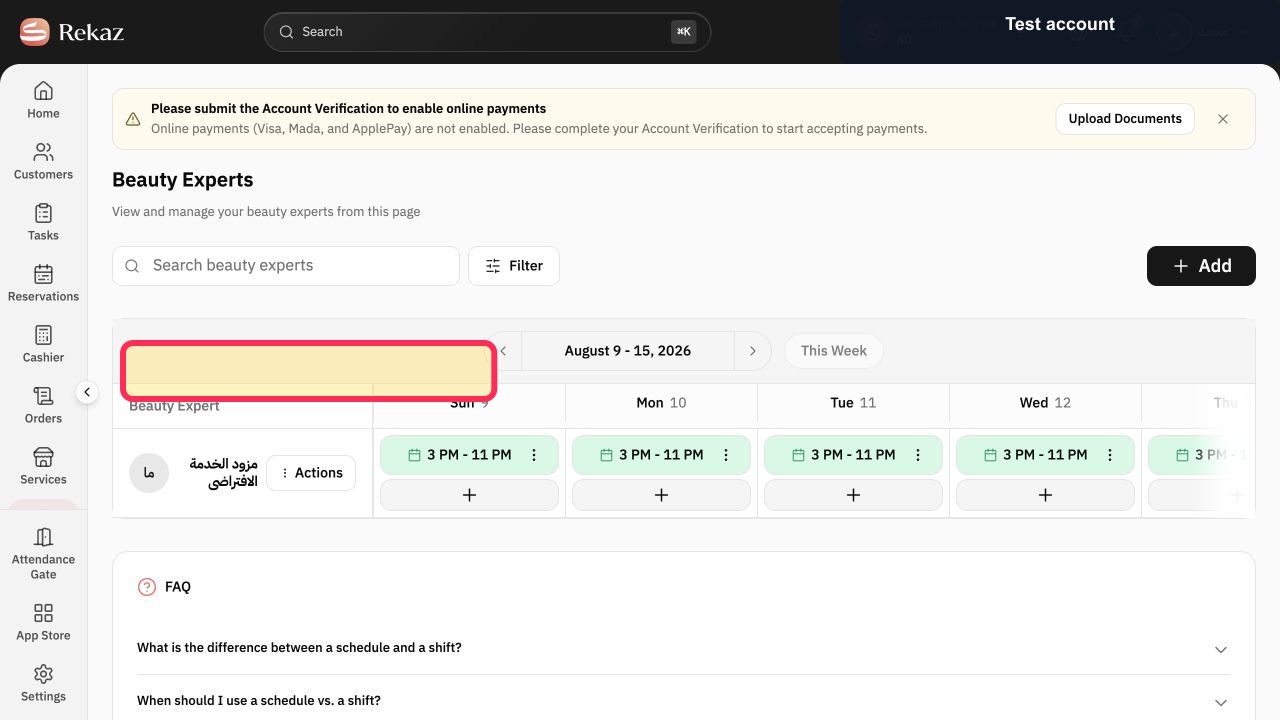
Select Schedule date range to choose the week you want to review.
The selected date range is applied to the schedule.
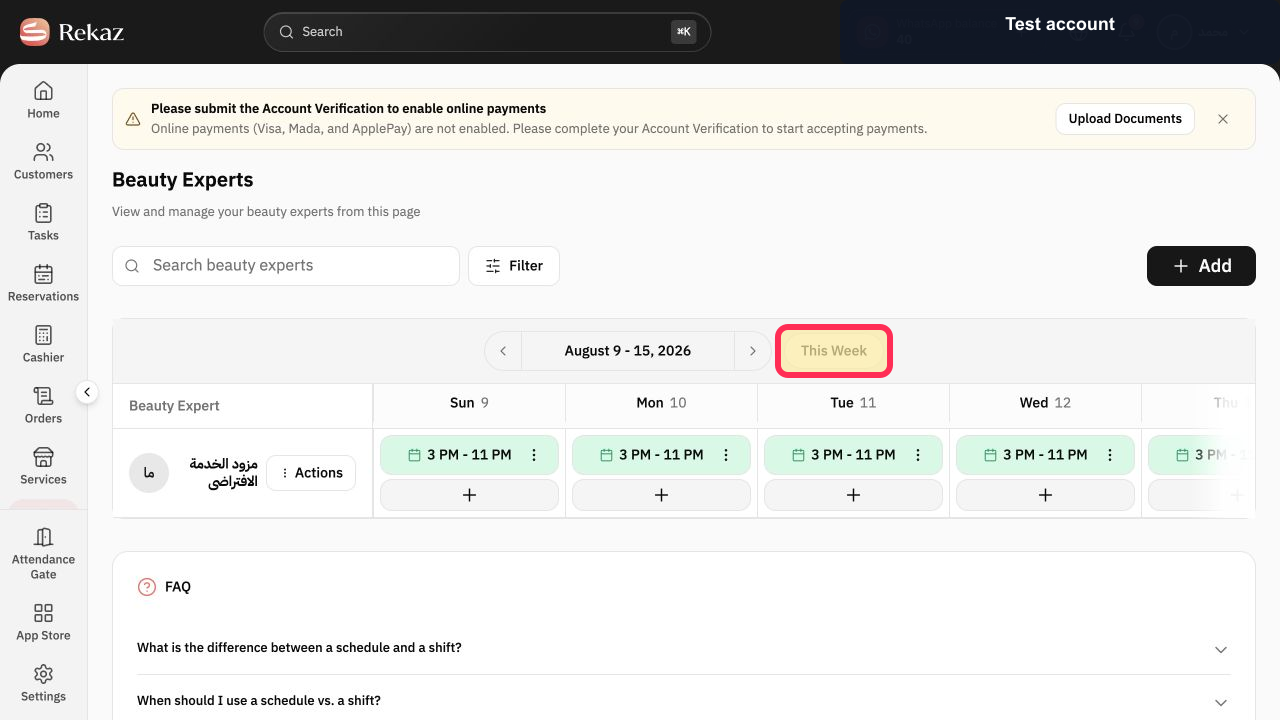
Use the previous and next week controls around the displayed week, or select This Week to return to the current week.
The weekly columns update to the requested dates.
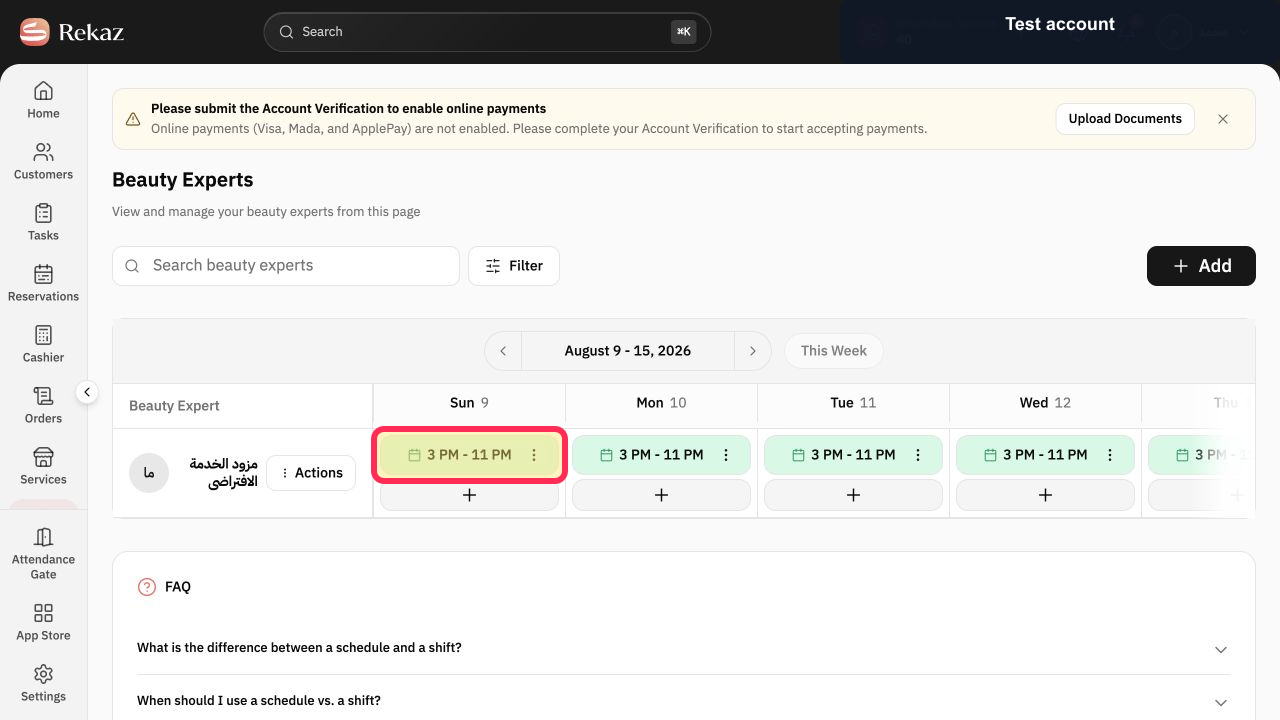
Read the working-hours blocks across the provider's row.
The provider's working times and open days are visible for the selected week.
Illustrated guide
Step 1: Open the Beauty Experts weekly schedule from Specialists.
Step 2: Find the required Beauty Expert.
Step 3: Choose the provider schedule date range.
Step 4: Move through the Beauty Expert's weekly schedule.
Step 5: Review the provider's weekly working hours.
Important notes
The current sidebar section is called Specialists.
Viewing a week does not edit the schedule or save any settings.
Related questions
How do I view a specialist’s working hours in Rekaz?
Where can I find a service provider’s schedule in Rekaz?
How do I move between weeks in the Specialists schedule in Rekaz?


