How do I add a booking question to a service in Rekaz?
Rekaz does not provide a service-editor action for adding a booking question to an individual service, including the former custom-field editor and service save action.
The available Custom Fields option is a checkout setting for additional customer details. Use it only when a checkout-wide customer field meets your need.
Steps
From **Settings**, select **Custom Fields Define additional customer details and choose which fields are required or shown during checkout** to access the available checkout-field option.
The Custom Fields option is available, and its description states that it manages additional customer details that can be required or shown during checkout.
Custom Fields is for customer details required or shown during checkout, not a confirmed service-specific booking-question setting. The available option is limited to checkout customer details.
Illustrated guide
Step 1: The available Custom Fields option in Rekaz Settings.
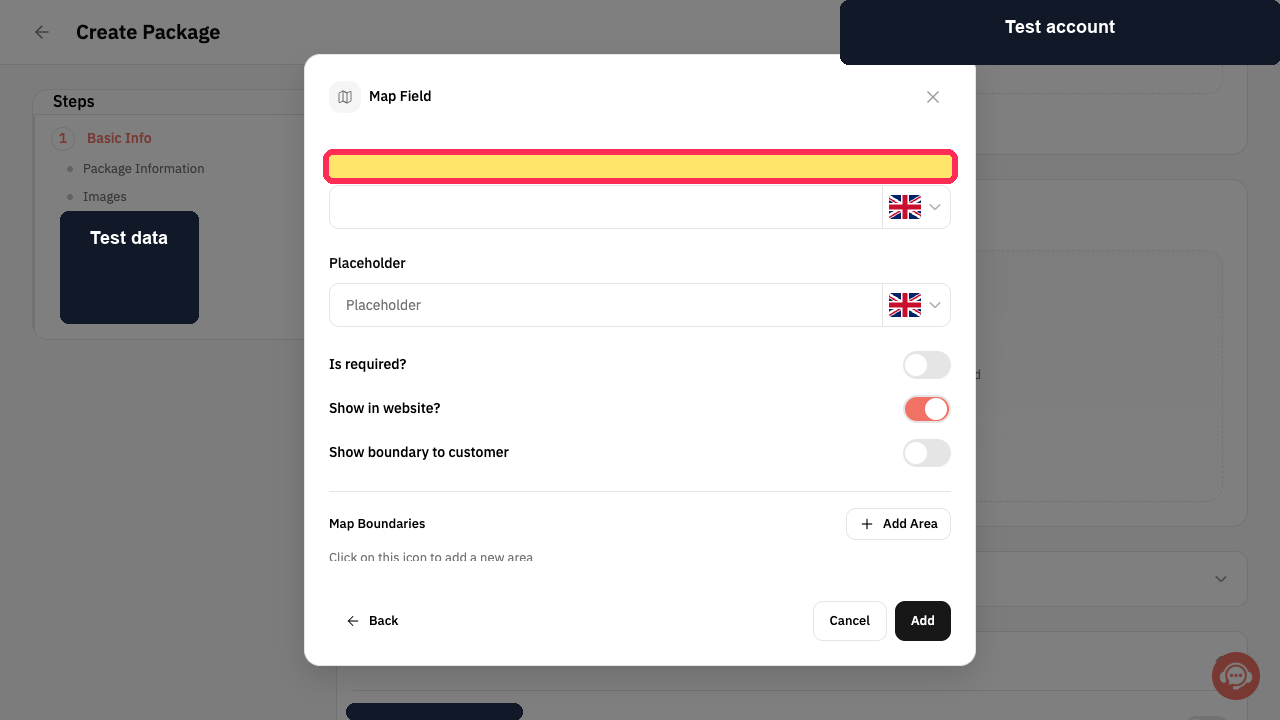
Step 2: Custom Fields is described as a checkout setting.
Important guidance
Use questions that are directly related to the service.
Do not request unnecessary health information or personal information.
Related questions
How do I ask a customer a question before their appointment in Rekaz?
Where do I add a question to the booking form in Rekaz?
How do I collect information from customers during booking in Rekaz?


