How do I view all appointments in the calendar in Rekaz?
Use the Reservations area in Rekaz to access calendar and appointment management.
Illustrated guide
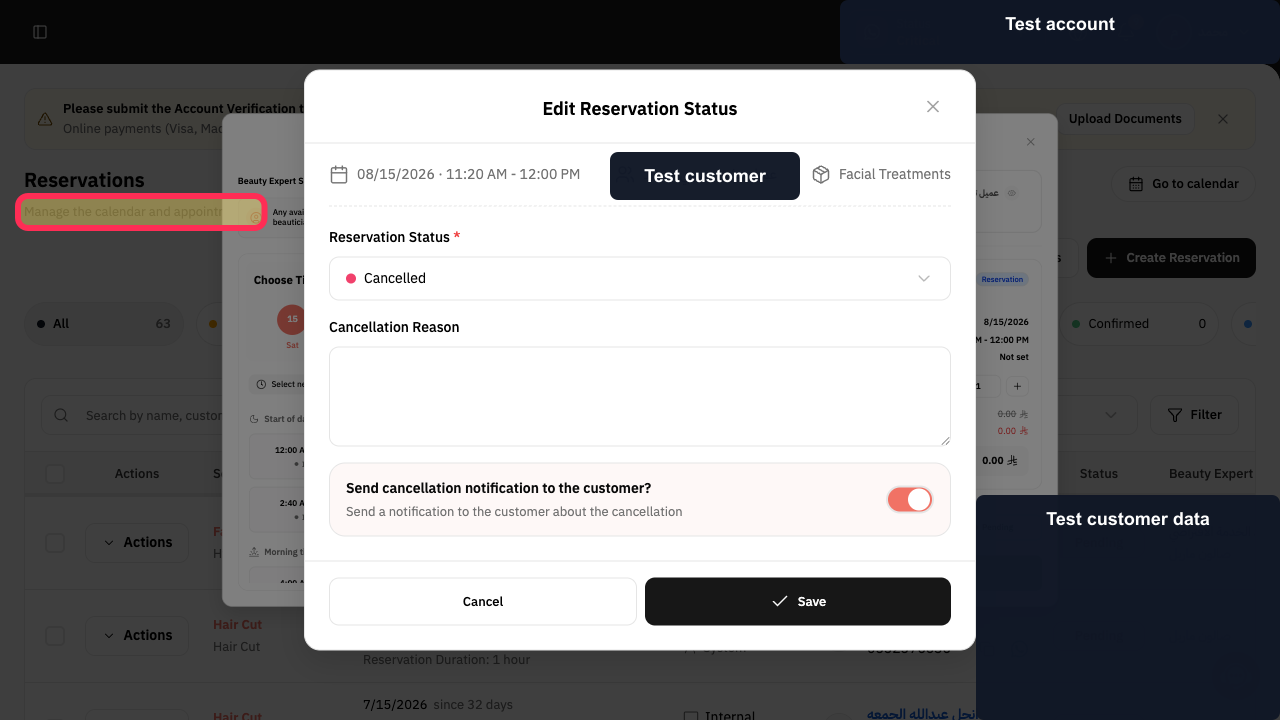
Step 1: Reservations is the area for managing the calendar and appointments.
Available calendar views
Use the calendar view controls to change how appointments are displayed.
Day: view appointments for one day.
Month: view appointments across a month.
Year: view appointments across a year.
Agenda: view appointments in an agenda format.
Notes
To see appointments for all service providers, select All beauty specialists. To narrow the calendar, select one service provider.
The calendar example contains no customer data.
Related questions
Where can I find the Reservations Calendar in Rekaz?
How do I view all of today’s appointments in Rekaz?
How do I view my appointment schedule by month in Rekaz?


