How do I mark a reservation as completed in Rekaz?
To mark a reservation as completed in Rekaz, a Completed option must be available in the reservation status editor. The current interface shows the entry point for Edit Reservation Status.
The current interface does not show an option named Completed or a control to save a completed status. Use the steps below to reach the status editor, but do not rely on the older instructions to select Completed and Save.
Steps
For the reservation you are reviewing, select Edit Reservation Status.
The reservation status editor opens.
Verify that the status editor is open by checking its heading.
The heading reads Edit Reservation Status.
Illustrated guide
Step 1: The Edit Reservation Status control for the selected reservation.
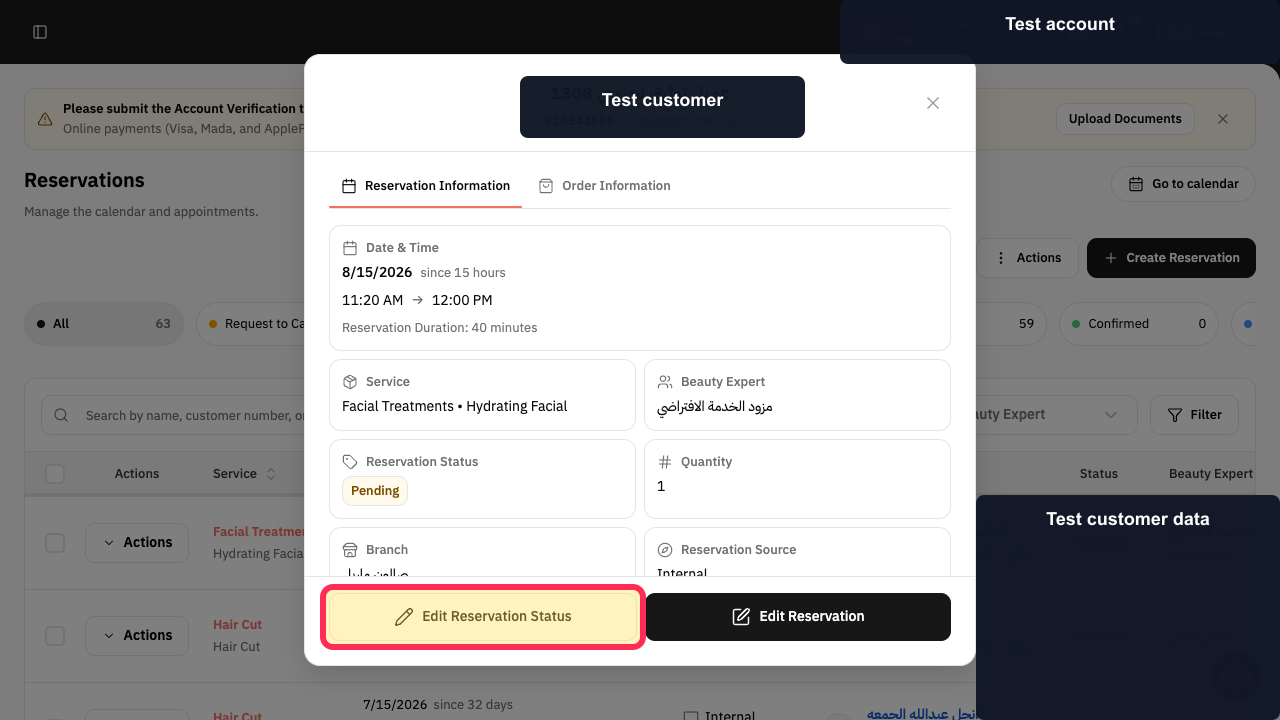
Step 2: The Edit Reservation Status heading in the status editor.
Important note
Available reservation statuses include Confirmed, Pending, Cancelled, and Completed.
If your Rekaz interface differs slightly, look for the reservation status option in the reservation’s Actions menu. Contact Rekaz support if you cannot find the option.
Related questions
How do I close an appointment as completed in Rekaz?
How do I change a reservation status to Completed in Rekaz?
How do I record that a customer attended and their appointment has ended in Rekaz?


