How do I change the service in an existing reservation in Rekaz?
Rekaz currently does not offer an option to change the service on an existing reservation.
You can use the reservation area to manage appointments, but it does not provide options to switch the service, cancel the reservation, or create a replacement.
Steps
Review the existing reservation. There is no option to select a different service or change the service on the reservation.
Do not use unrelated product, package, order, or provider controls to change the service on the reservation. There is no other option for changing the service.
Illustrated guide
Step 1: The Rekaz reservation-management context for reviewing appointments.
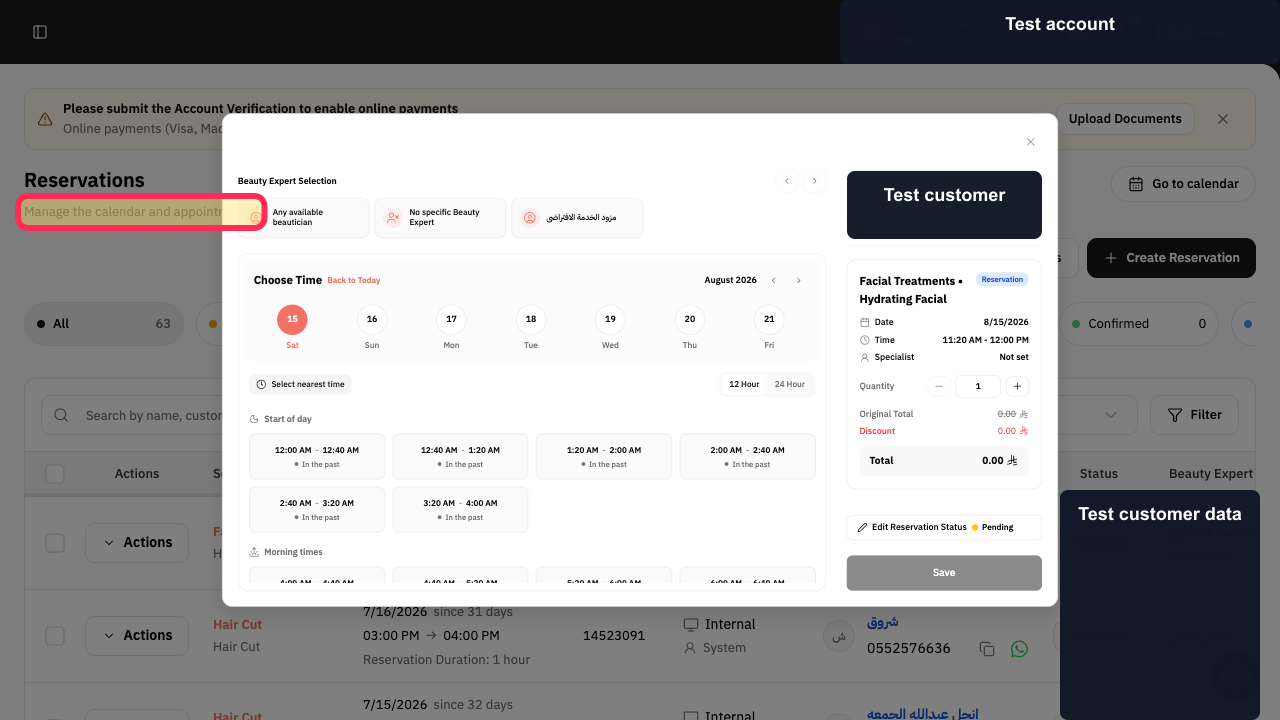
Step 2: The reservation-management context, where the current interface remains limited to appointment management.
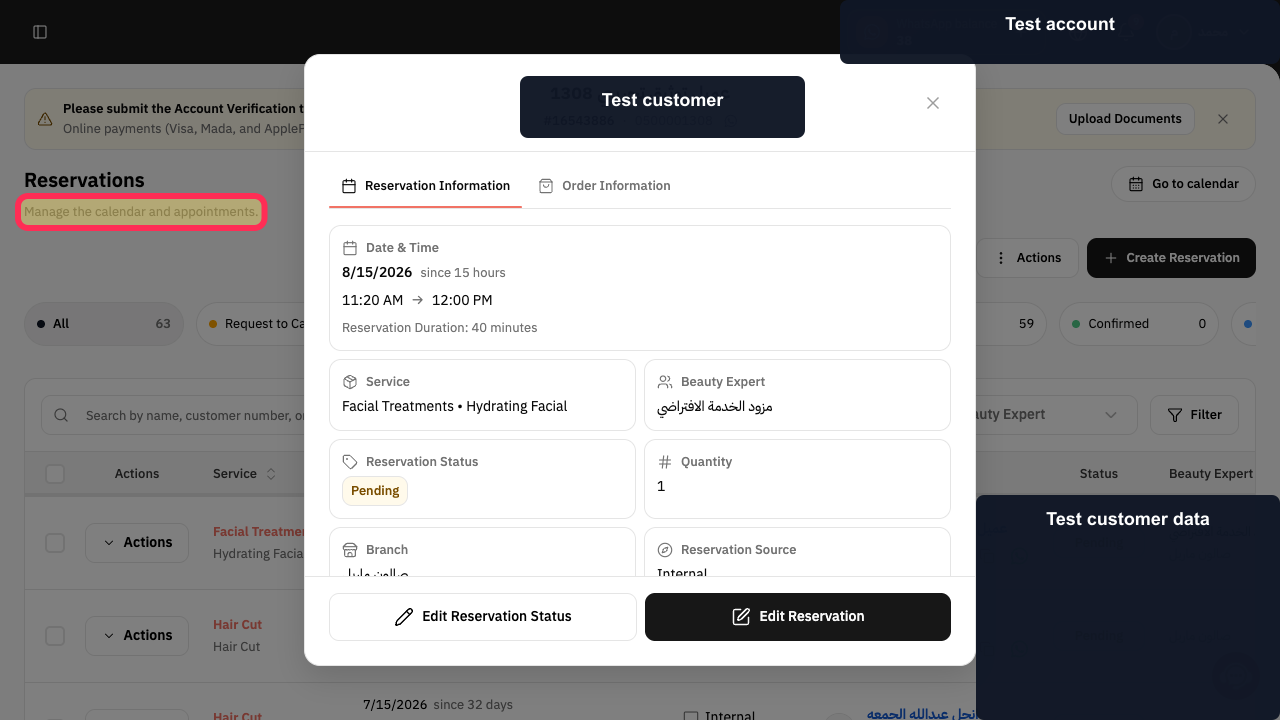
Important limitations
Do not save the Edit Reservation window assuming that the service has changed if no new service selection is shown.
For paid reservations, check the financial impact before cancelling the original reservation and creating a new one. If you are unsure how cancellation may affect a payment, contact Rekaz support before proceeding.
Related questions
Can I change the service for an appointment in Rekaz?
How do I change the service type after creating a reservation in Rekaz?
Where is the service list in Edit Reservation in Rekaz?


