How do I cancel a reservation in Rekaz?
The current Rekaz cancellation workflow is handled through Edit Reservation Status. Use the correct reservation record and review the customer-notification choice before saving.
The cancellation dialog does not show a refund-amount control. Handle any required payment refund separately from the order or invoice workflow after confirming the cancellation policy.
Steps
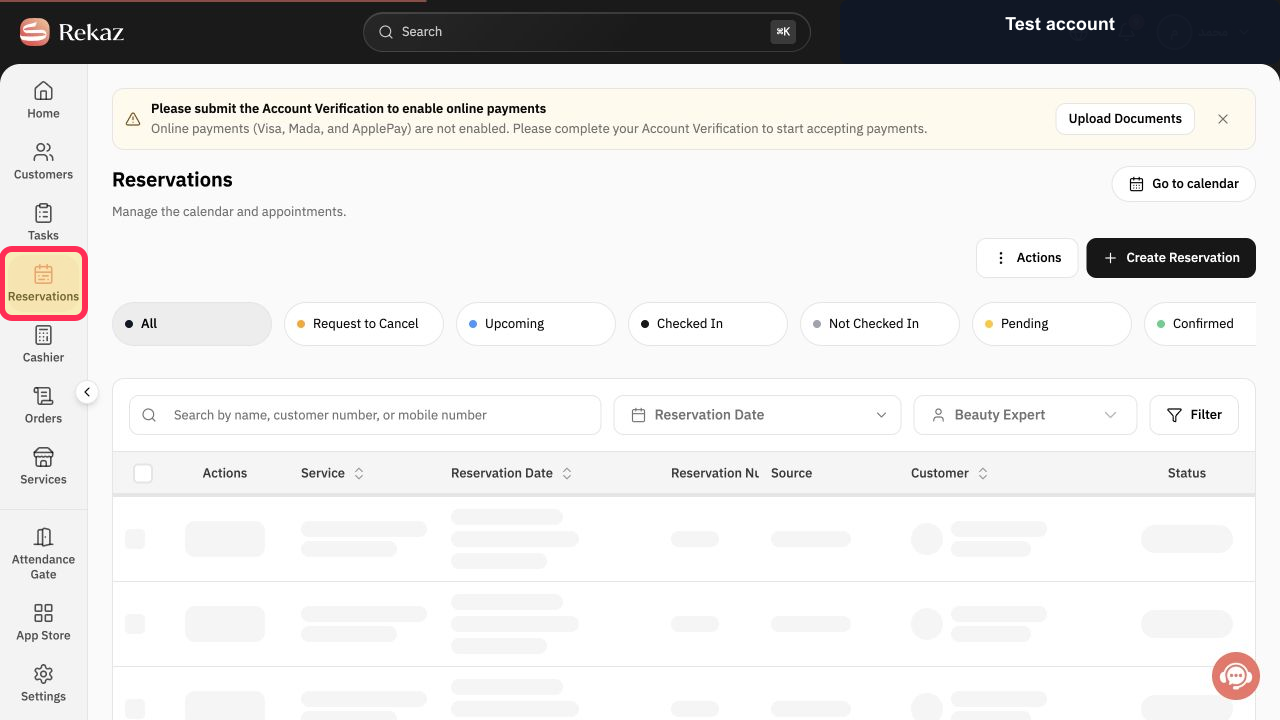
From the sidebar, select Reservations.
The Reservations page opens.
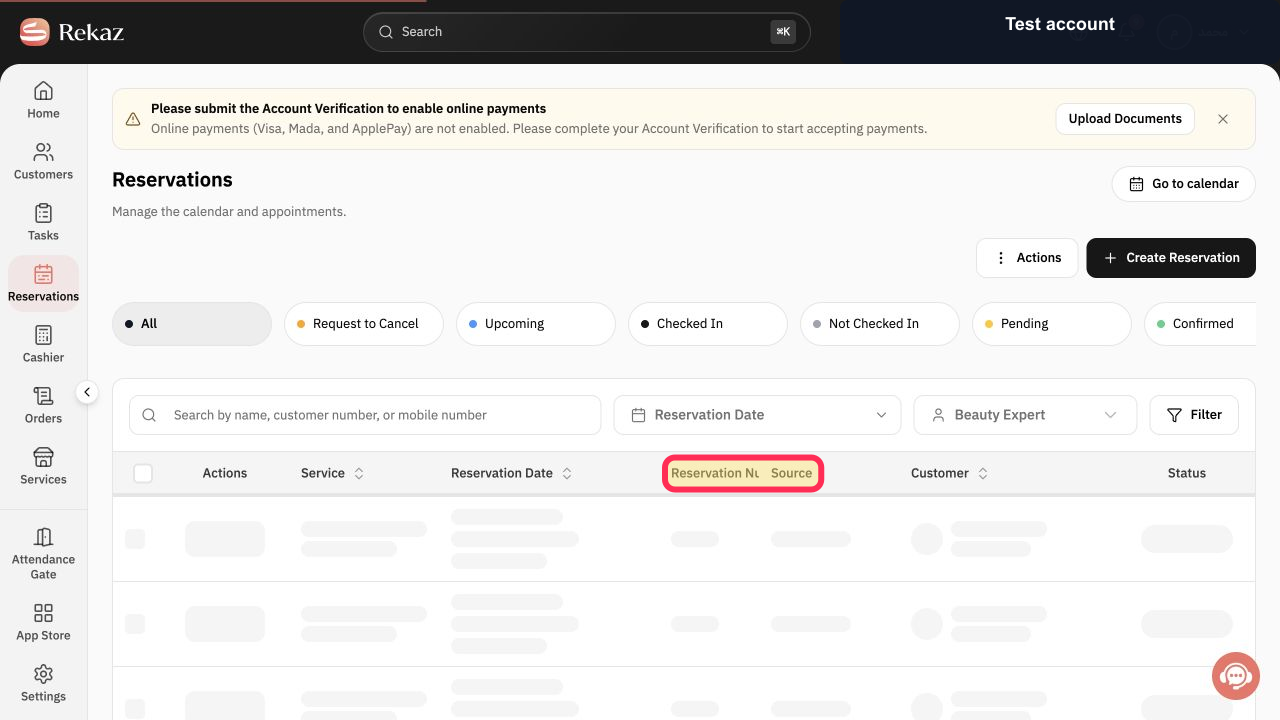
Locate the correct row using its Reservation Number, then open the reservation.
The selected reservation detail sheet opens.
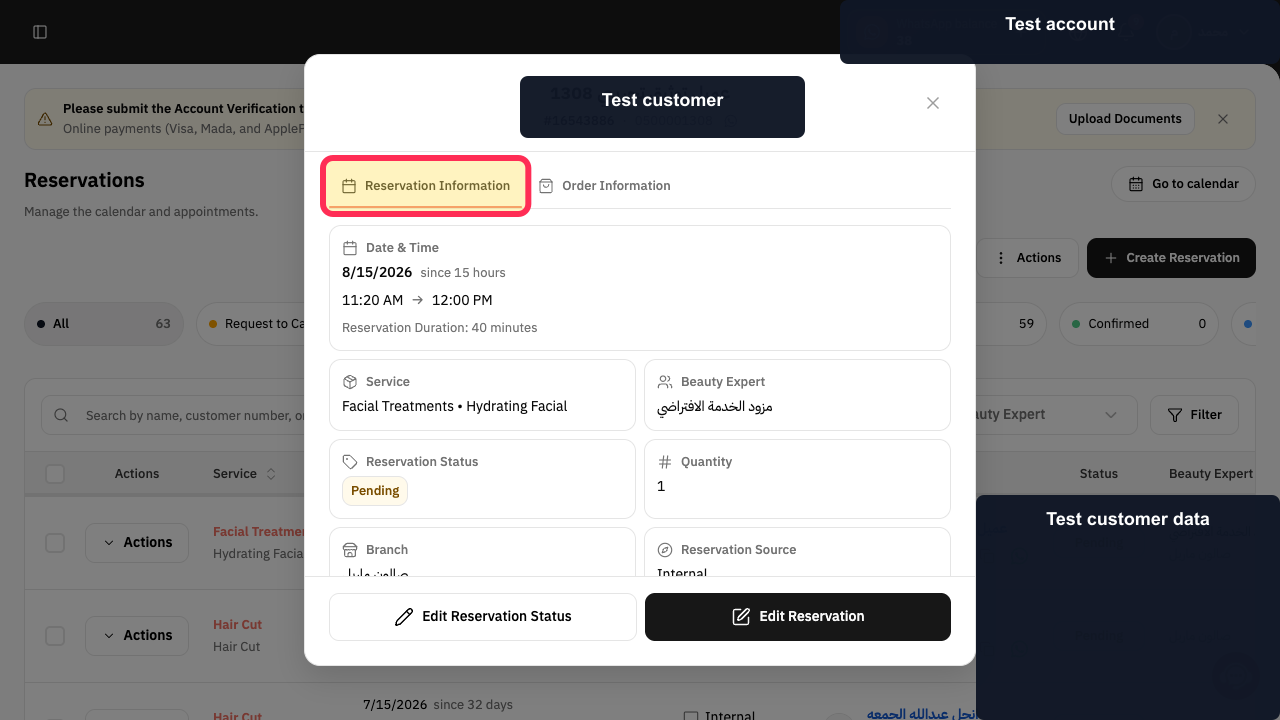
In the detail sheet, select Reservation Information.
The reservation status and editing controls are displayed.
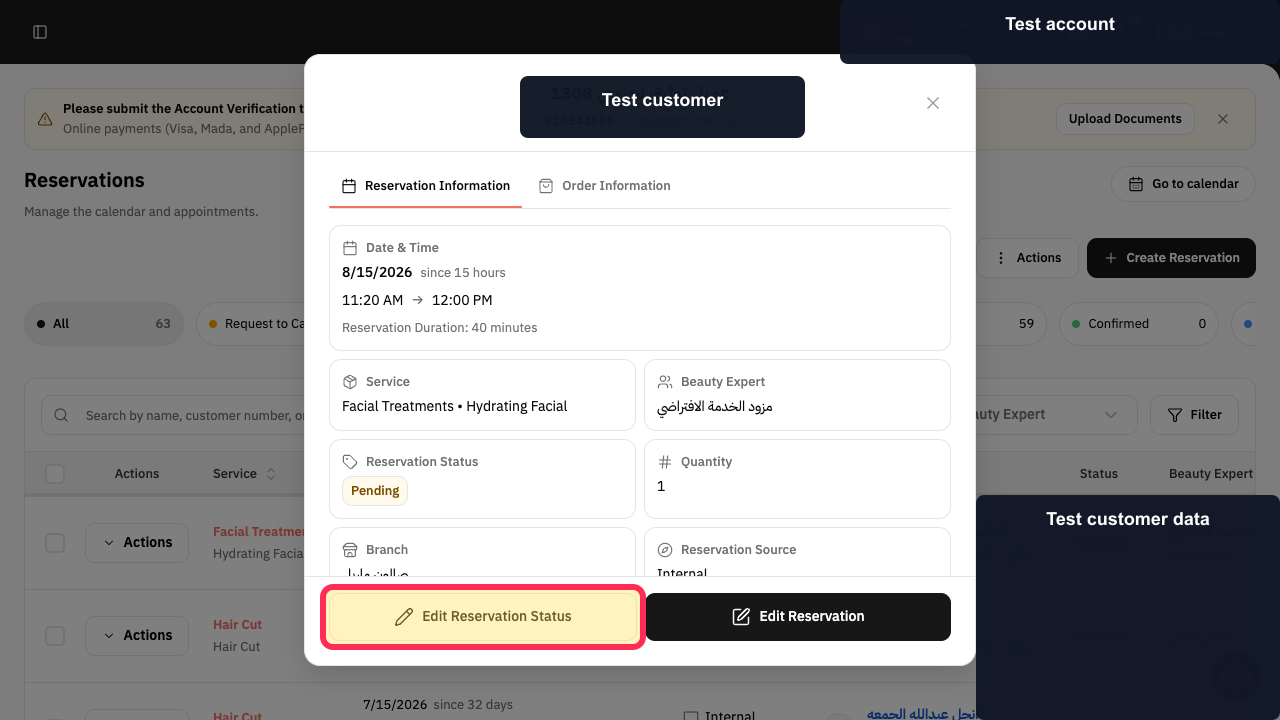
Select Edit Reservation Status.
The status editor opens.
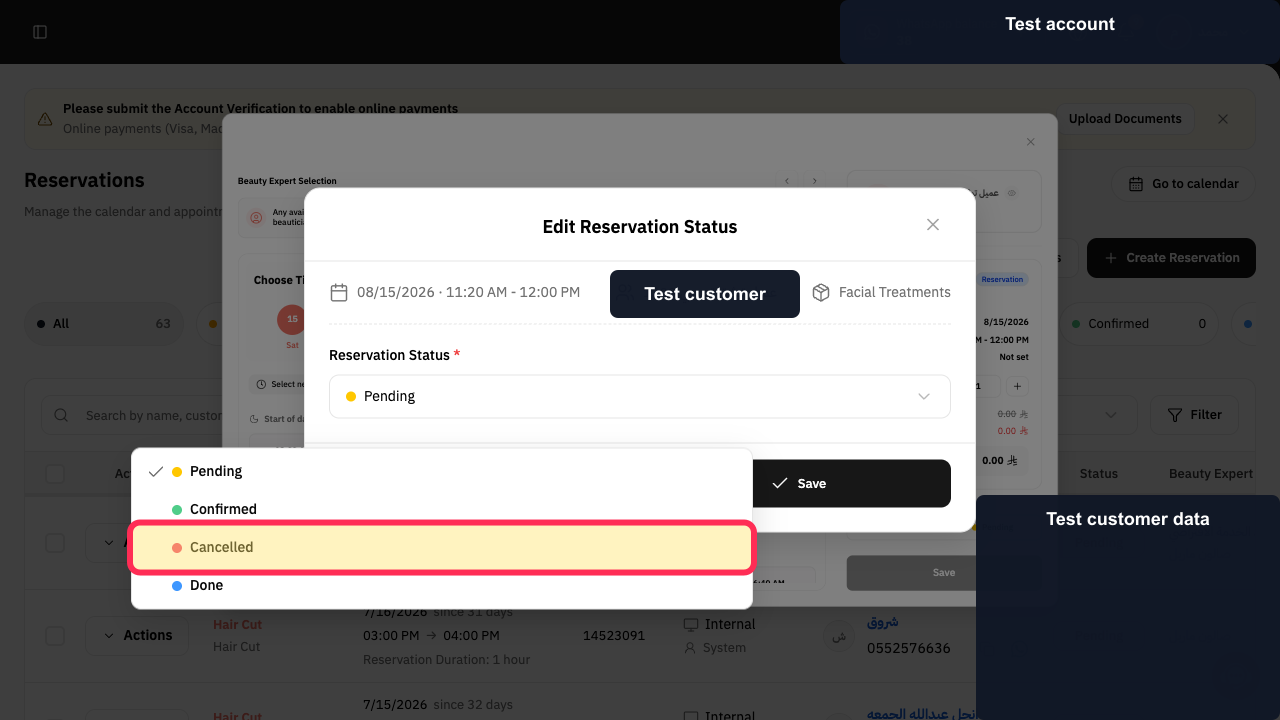
Open Reservation Status and choose Cancelled.
The cancellation-specific fields appear.
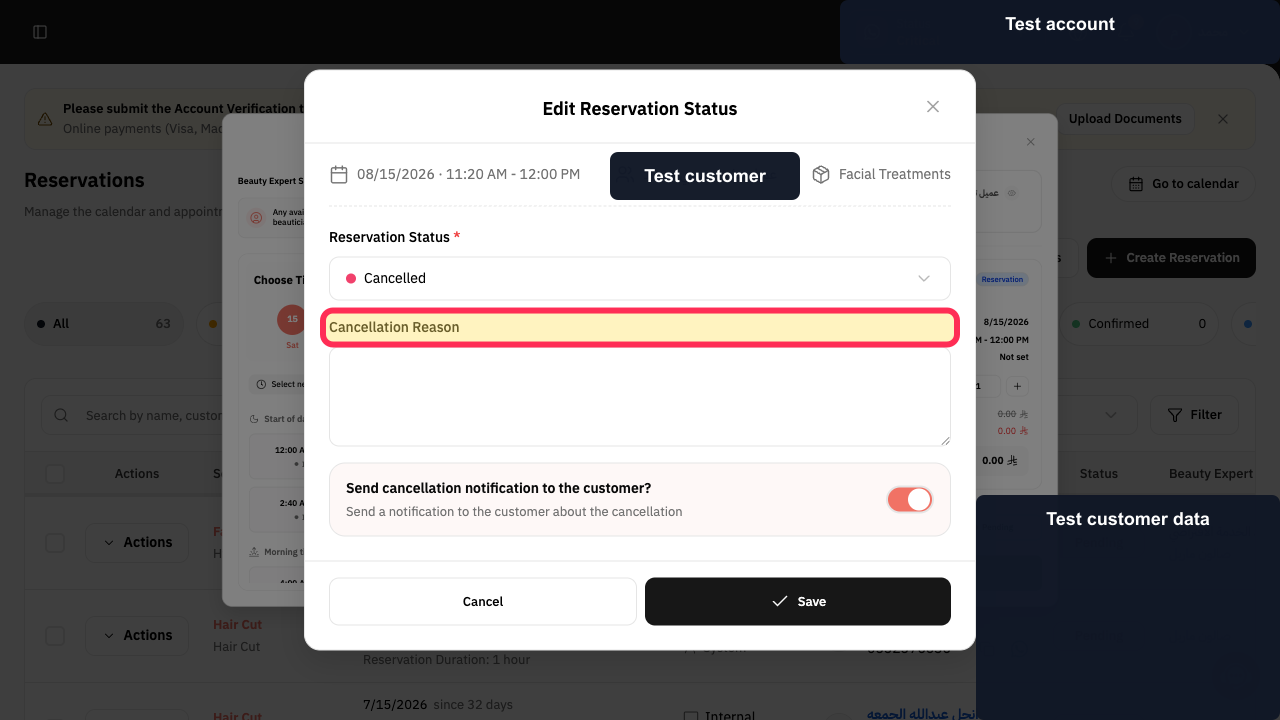
Enter a clear Cancellation Reason.
The reason is recorded in the cancellation form.
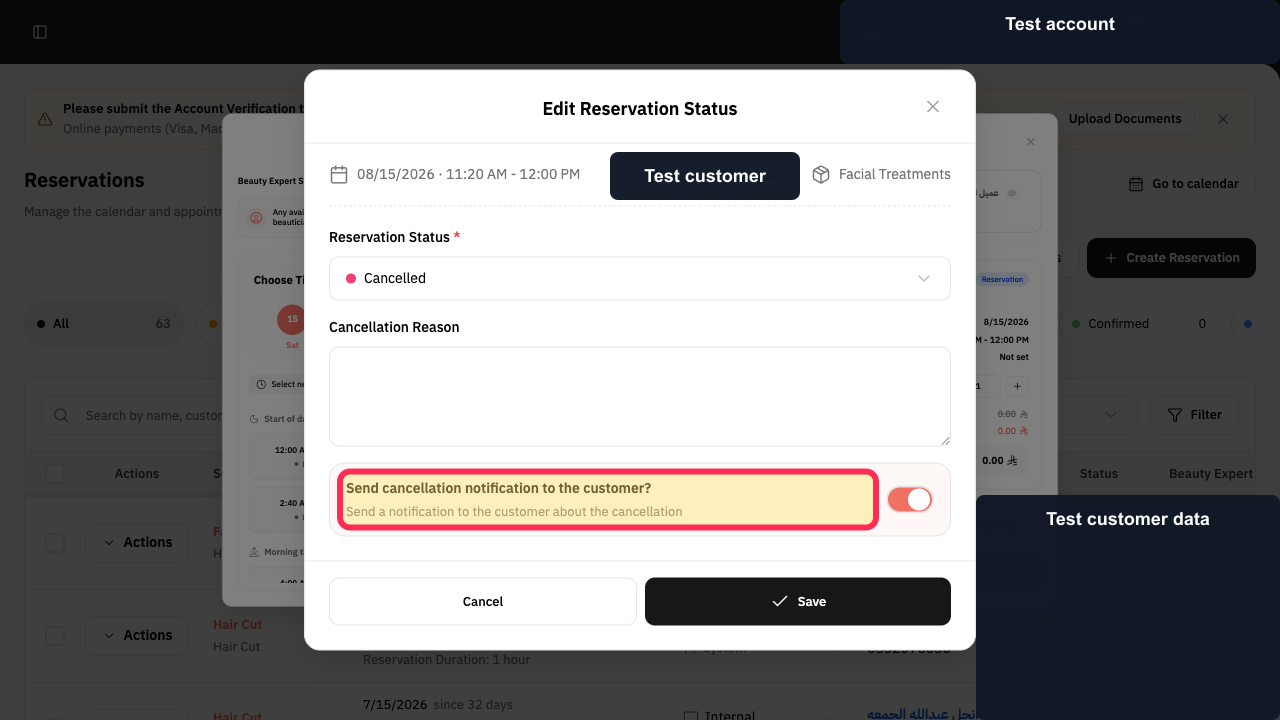
Choose whether Rekaz should send a cancellation notification to the customer.
The customer-notification preference is set.
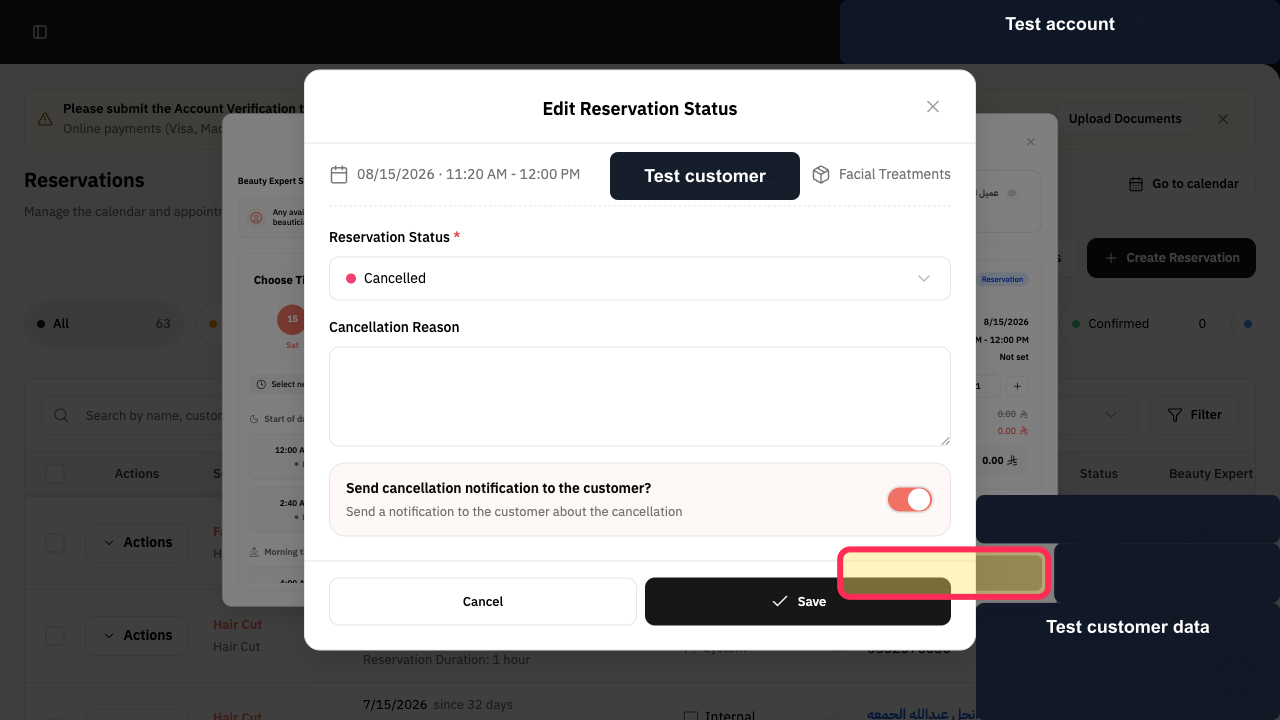
Review the reservation, reason, and notification choice, then select Save.
The reservation status change is submitted.
Illustrated guide
Step 1: Open Reservations in Rekaz.
Step 2: Locate and open the correct reservation record.
Step 3: Open Reservation Information.
Step 4: Open Edit Reservation Status.
Step 5: Choose the Cancelled reservation status.
Step 6: Enter the Cancellation Reason.
Step 7: Set the cancellation notification preference.
Step 8: Save the cancelled reservation status.
What you can choose when cancelling
When cancelling a reservation, Rekaz lets you select a cancellation reason and choose whether to notify the customer and refund the amount.
Related questions
How do I refund a cancelled reservation in Rekaz?
Can I notify a customer when I cancel a reservation in Rekaz?
Where do I select a cancellation reason in Rekaz?


