Why won’t my report open or export in Rekaz?
If a report does not open or Export to Excel does not work in Rekaz, first locate the correct report card and open it. For large reports, try a shorter period, wait for the report to complete, then export it again.
Reports are organised into searchable groups and cards. Export to Excel is available only for reports that provide this option.
Steps
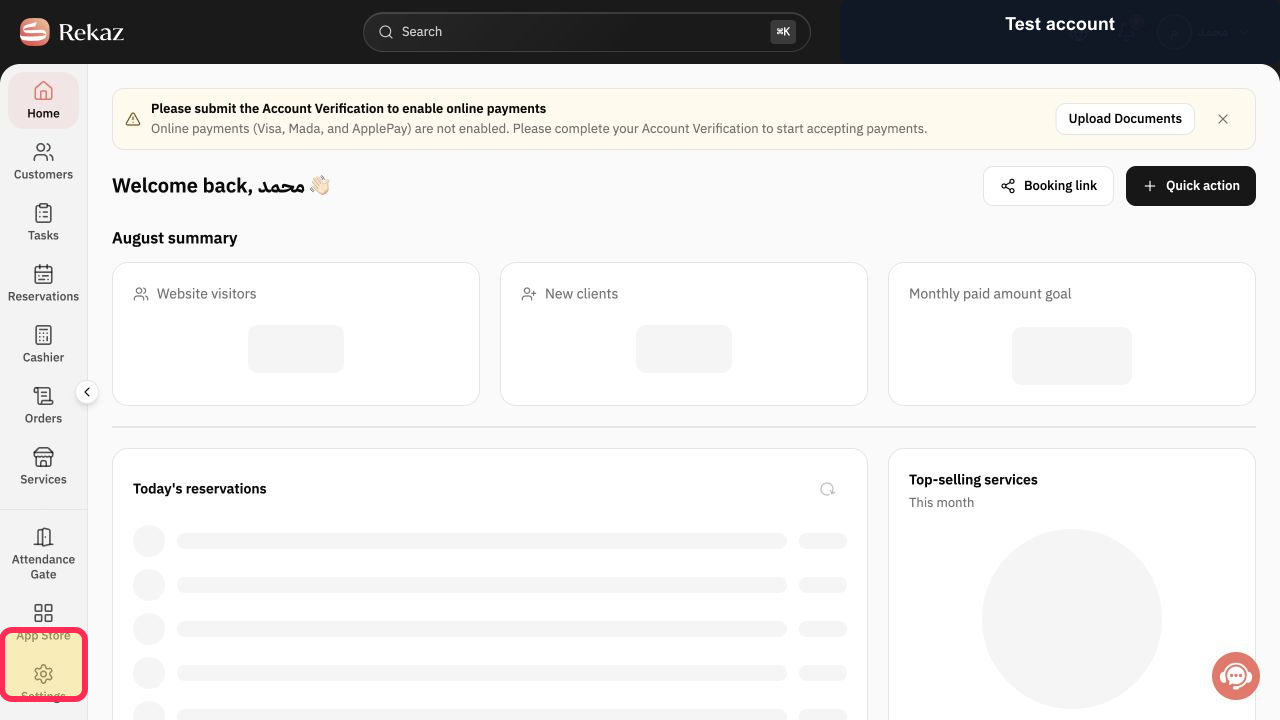
From the signed-in Rekaz dashboard, select Reports in the sidebar.
The Reports area opens.
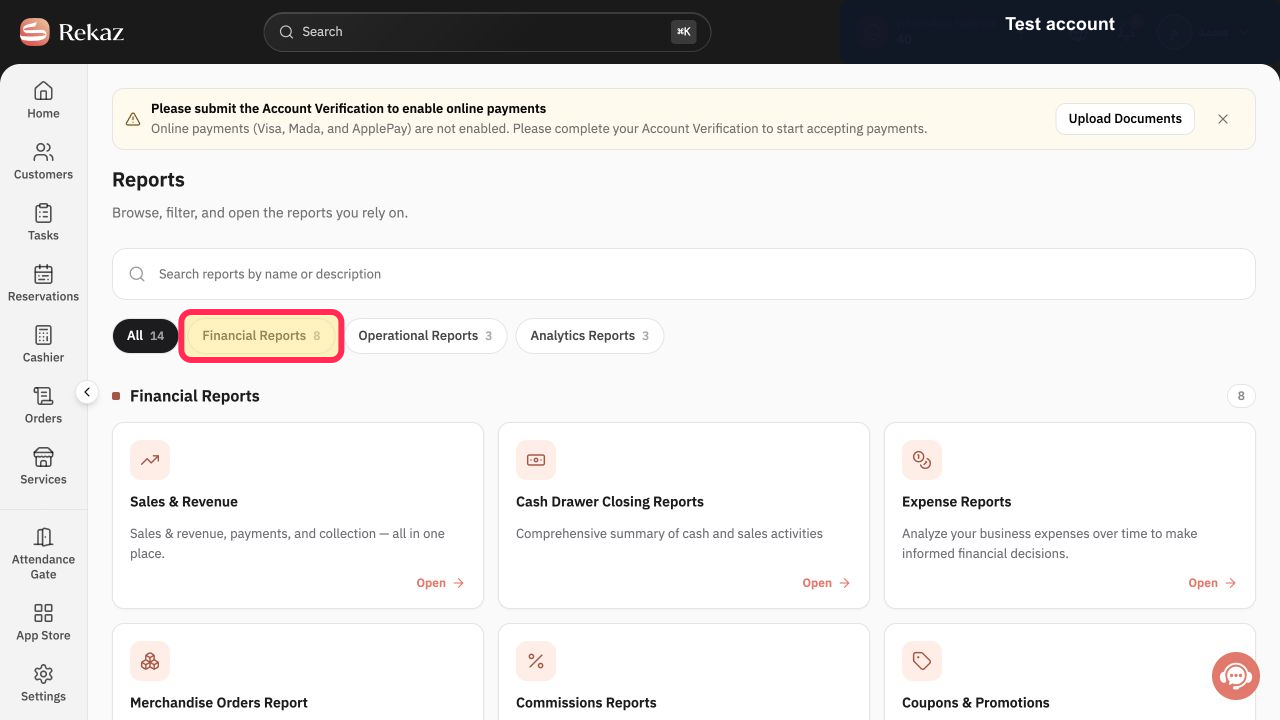
Select the appropriate report group.
The reports in the selected group are displayed.
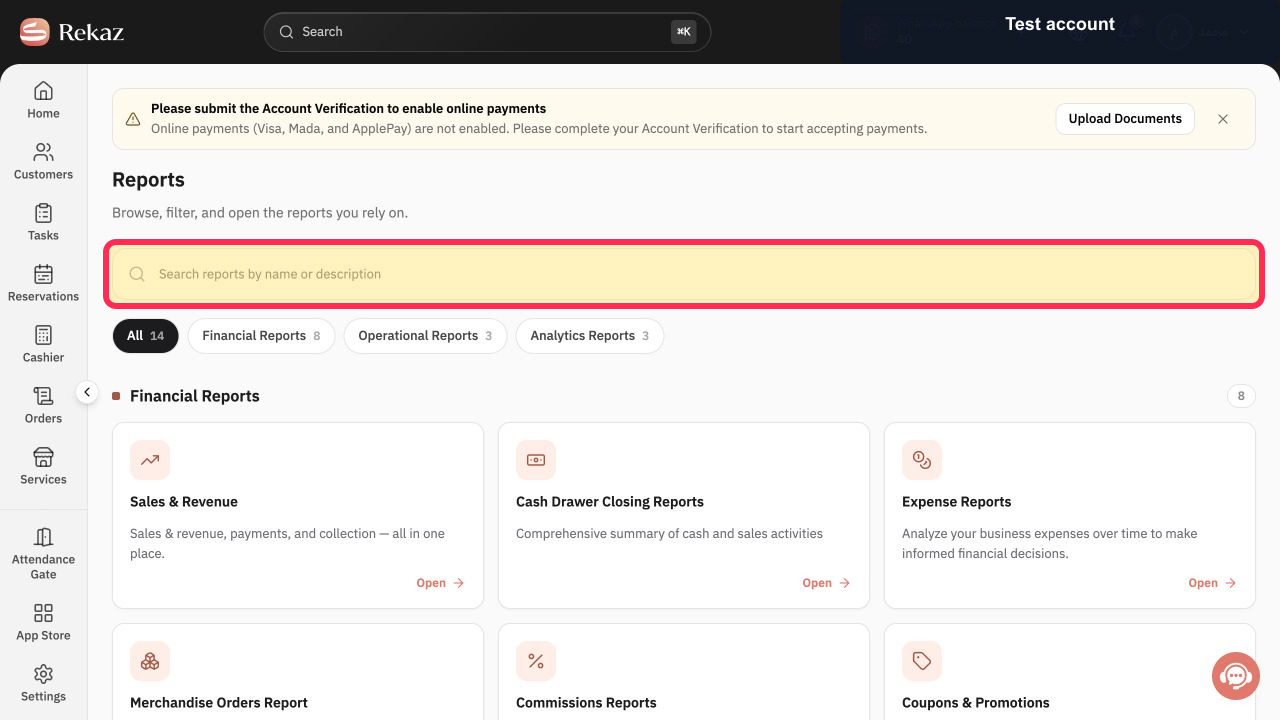
Use Search to enter the report name and find the correct report card.
Matching report cards are shown.
Select Open on the correct report card.
The selected report opens.
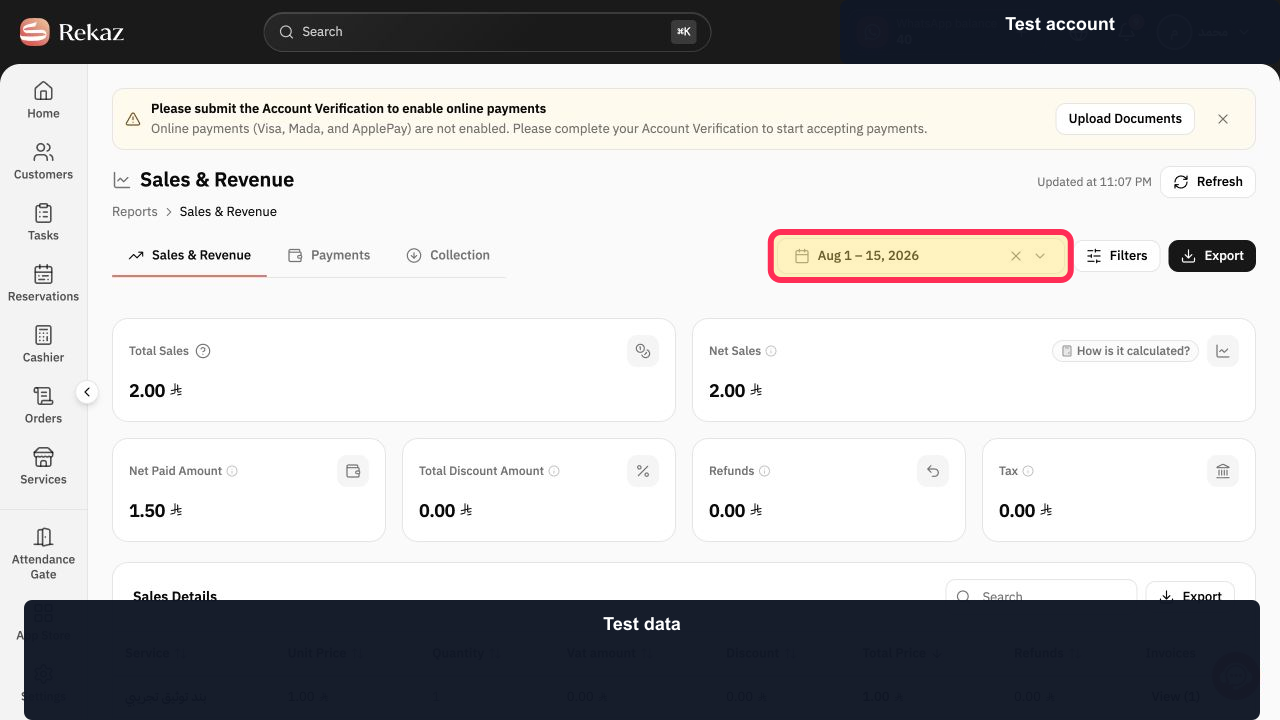
Set a shorter Period while troubleshooting a large report.
The report is updated for the shorter selected period.
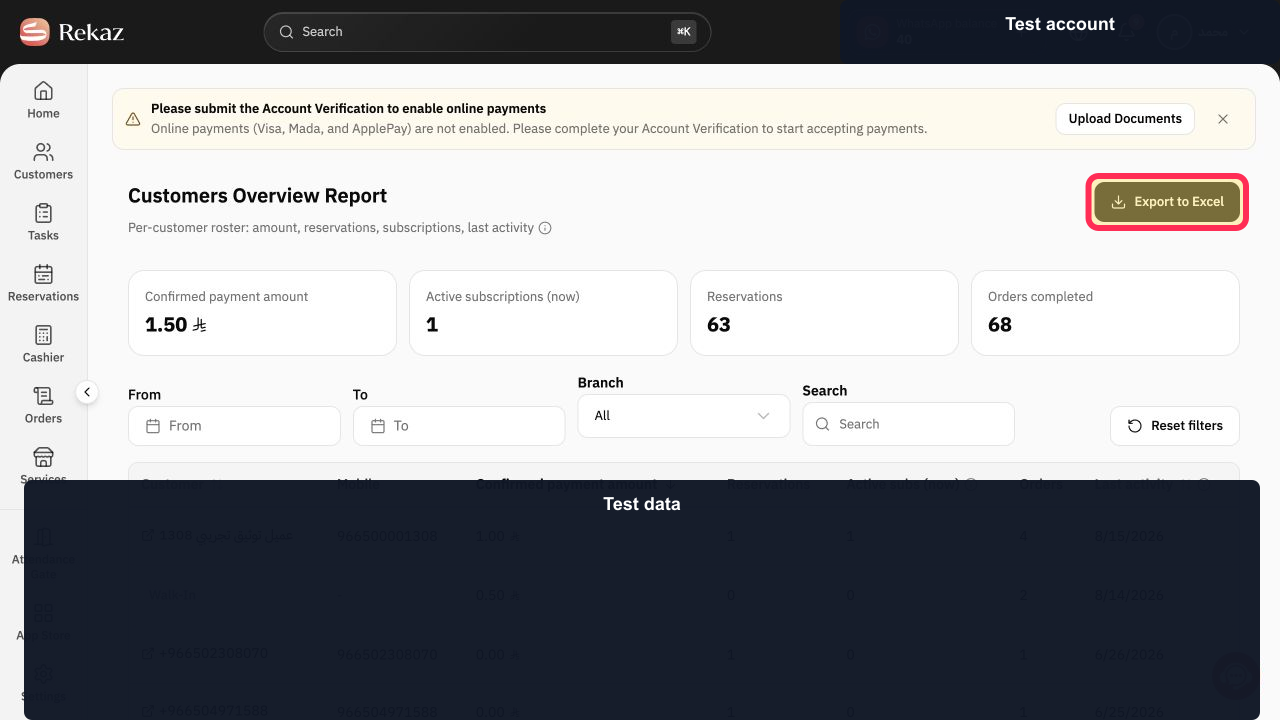
After the report has completed, select Export to Excel to try the export again.
The browser starts the Excel export if downloads are permitted and the report supports this option.
Illustrated guide
Step 1: Open Reports from the sidebar in Rekaz.
Step 2: Select the report group that contains the report you need.
Step 3: Search by report name to avoid opening the wrong report card.
Step 4: Open the correct report after its card appears.
Step 5: Use a shorter period when checking a large report.
Step 6: Retry Export to Excel after the report is complete.
Important notes
If the report is large, use a shorter period before trying again.
Make sure your browser allows downloads from the Rekaz platform.
Related questions
Why is Export to Excel not downloading in Rekaz?
Why won’t a report open in Rekaz?
Why is my Rekaz report file empty?


