How do I reset my Rekaz password if I can’t sign in?
If you cannot sign in to Rekaz, Rekaz currently does not show a “Forgot Password?” action or password-reset workflow.
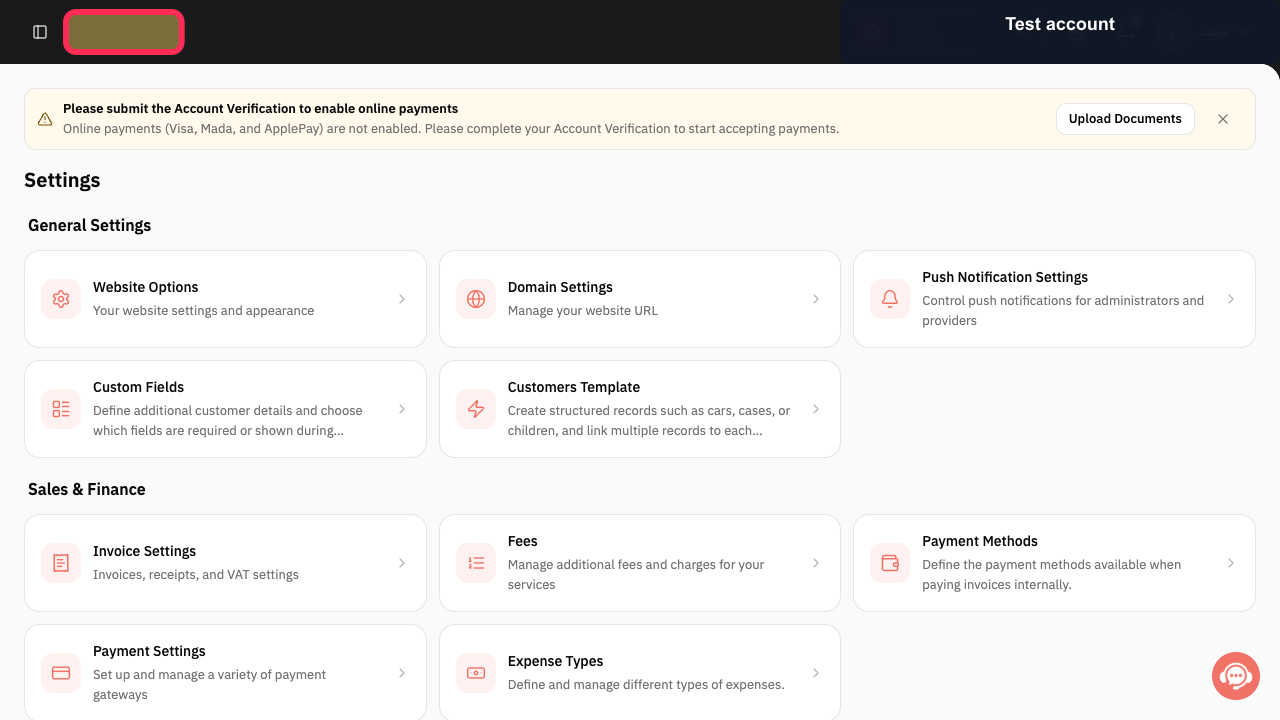
Rekaz currently provides settings and configuration screens, but no sign-in or account-recovery controls, so password-reset steps are not available.
Steps
Rekaz provides settings and configuration screens, but no sign-in or password-recovery control. A password-reset option is not available.
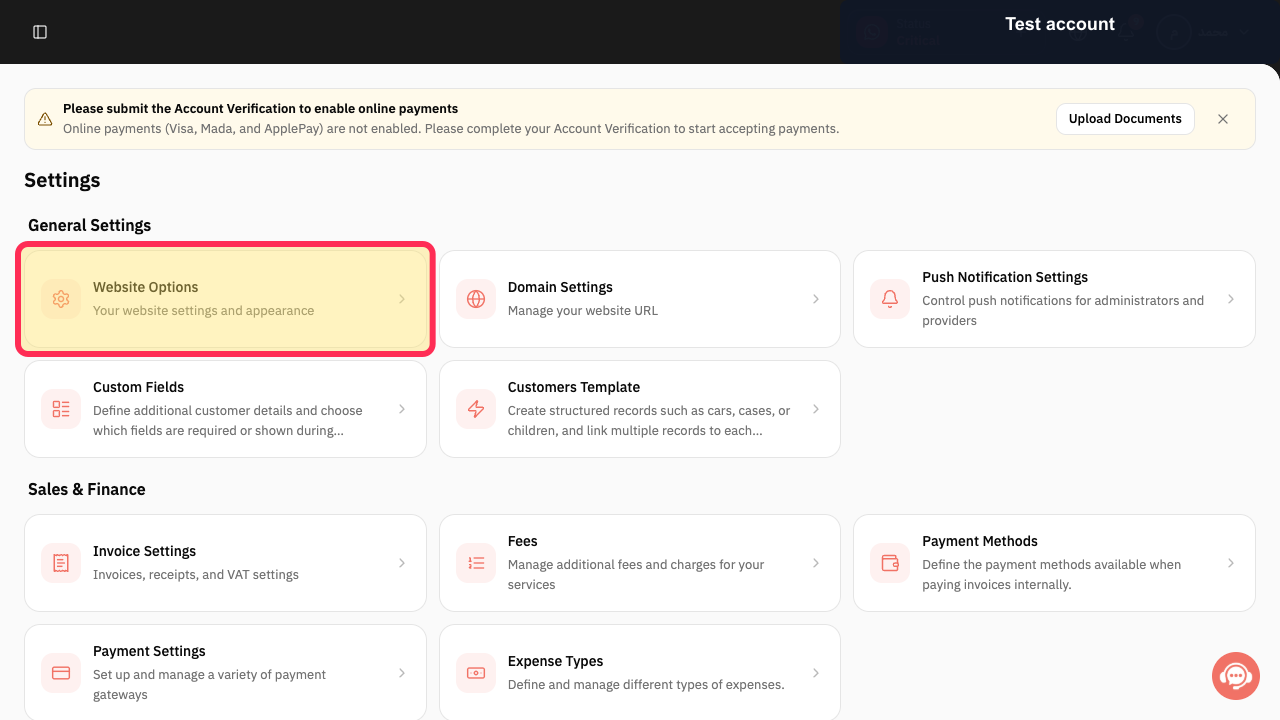
Do not use Website Options or other settings pages to try to reset your password; they are unrelated to account recovery.
The available settings card is identified as website configuration, not password management.
Illustrated guide
Step 1: Rekaz does not include a password-reset control.
Step 2: Website Options is a website-configuration setting, not a password-reset option.
Important notes
If you do not receive the reset link, check that you entered the correct account email and review that inbox for the message.
Related questions
I forgot my Rekaz password. How do I reset it?
Why can’t I sign in to my Rekaz account?
Where is Forgot Password? in Rekaz?


