How do I set up a consulting office in Rekaz?
To set up a consulting office in Rekaz, start with one service and one service provider, set the provider’s actual availability, and create the customer records you need for daily work. Then test a complete booking and payment journey before making bookings available to customers.
This is an operational setup approach, not a separate consulting-office feature. Expand your setup only after the initial service, provider, booking, and payment flow have been checked.
Steps
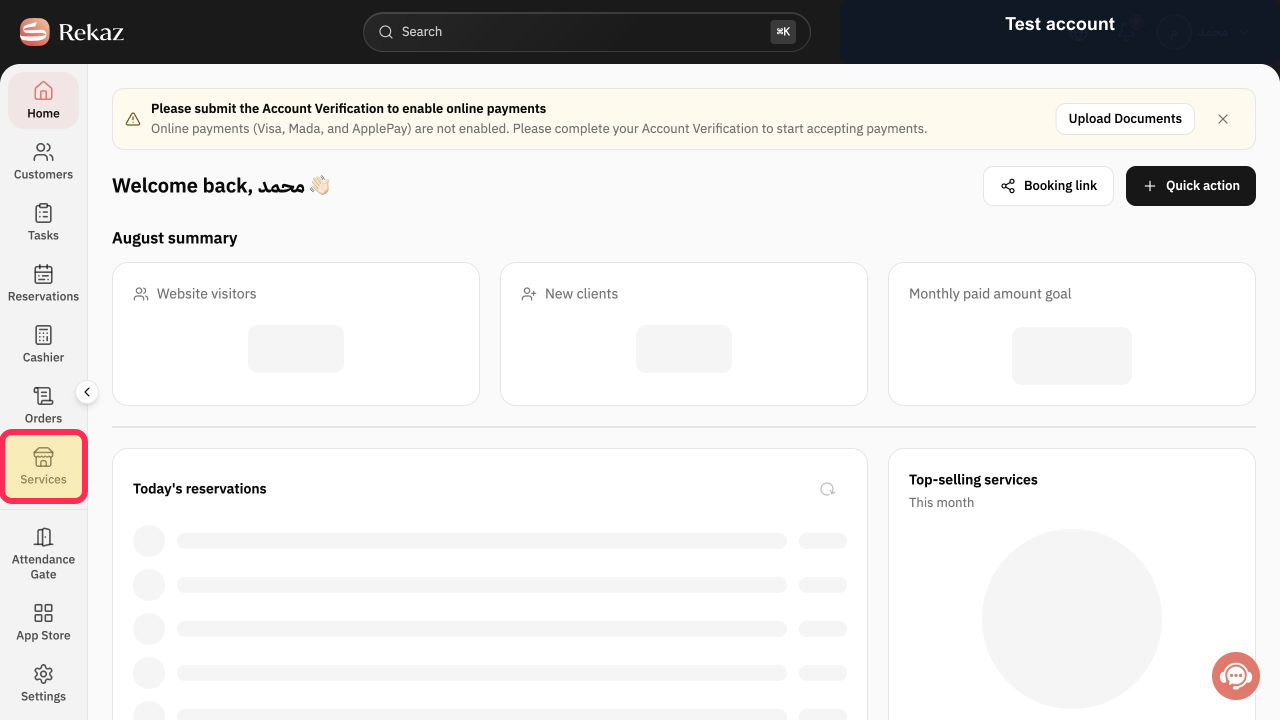
From Home, select Services in the sidebar. Start with one service that represents an offering from your consulting office.
The Services page opens, ready for you to set up the consulting service.
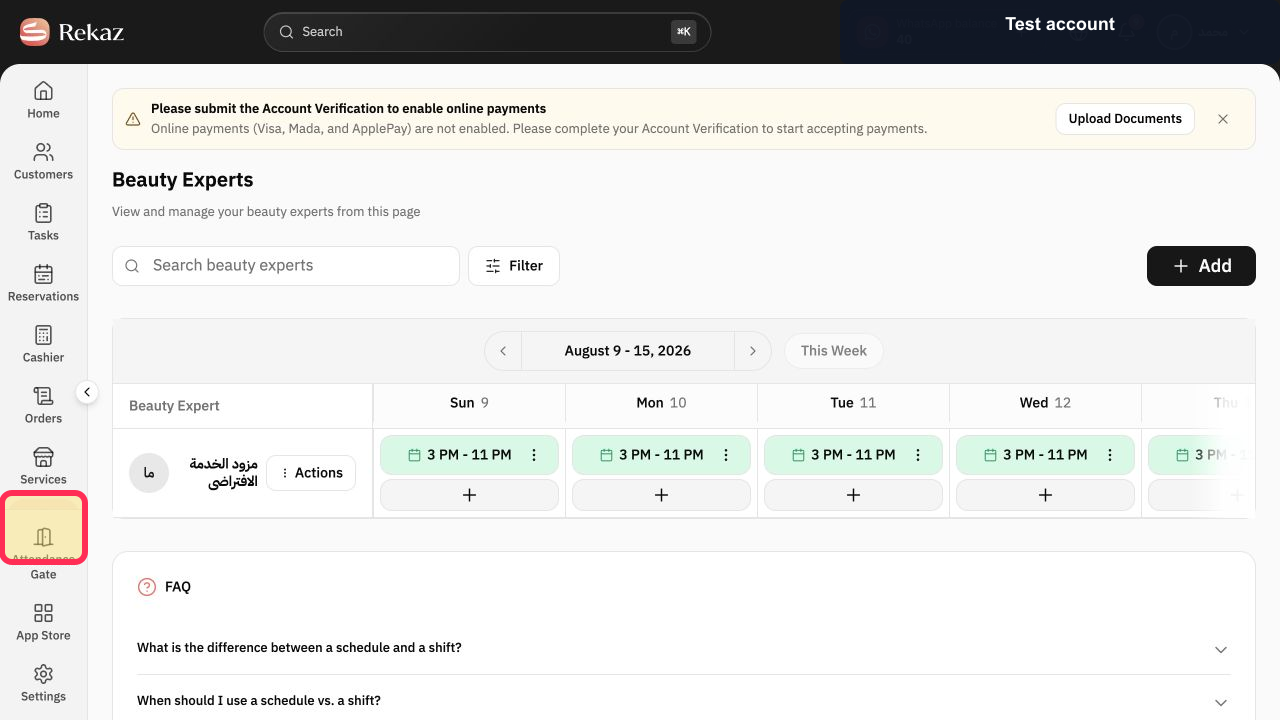
Select Specialists in the sidebar. Set the service provider who will deliver the consulting appointments and associate them with their schedule.
The Specialists area opens, where you can work with the service provider for consulting appointments.
Open the selected specialist’s schedule and set the consulting team’s actual availability.
The provider’s availability can be reviewed and adjusted to reflect the team’s working times.
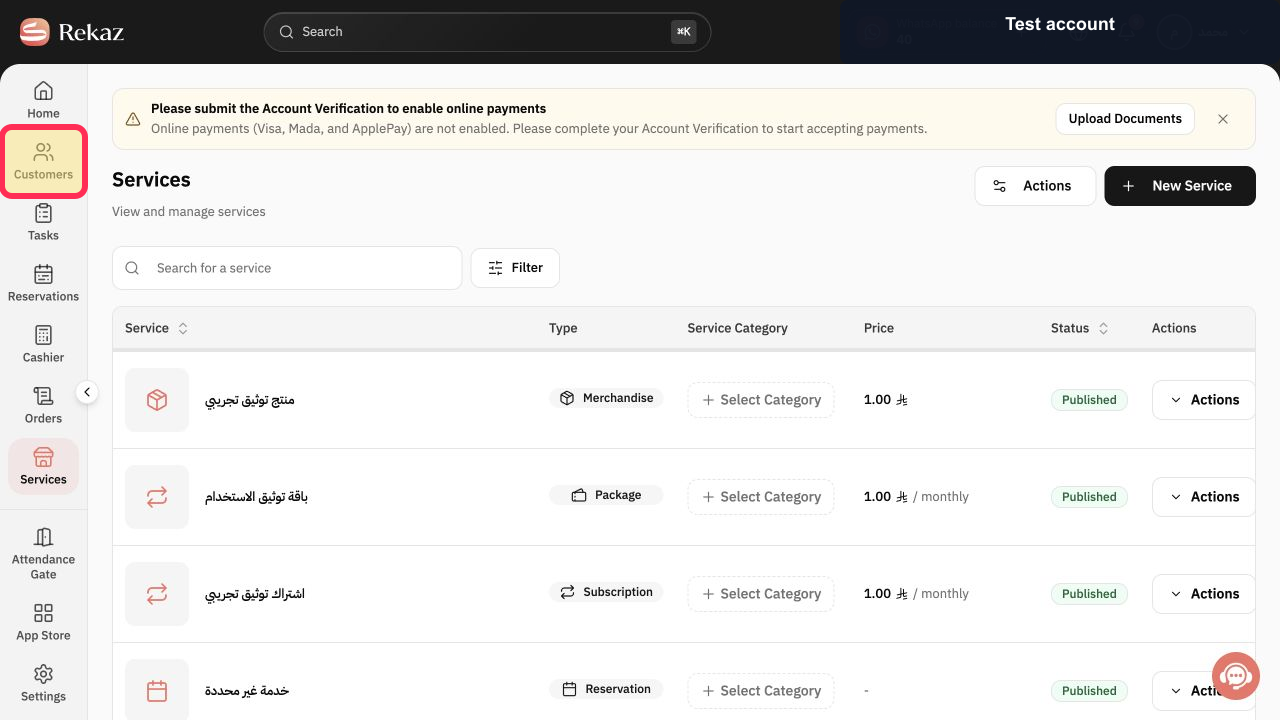
Select Customers in the sidebar. Build the customer record needed to operate and follow up on consulting sessions.
The Customers page opens, where customer records can be maintained.
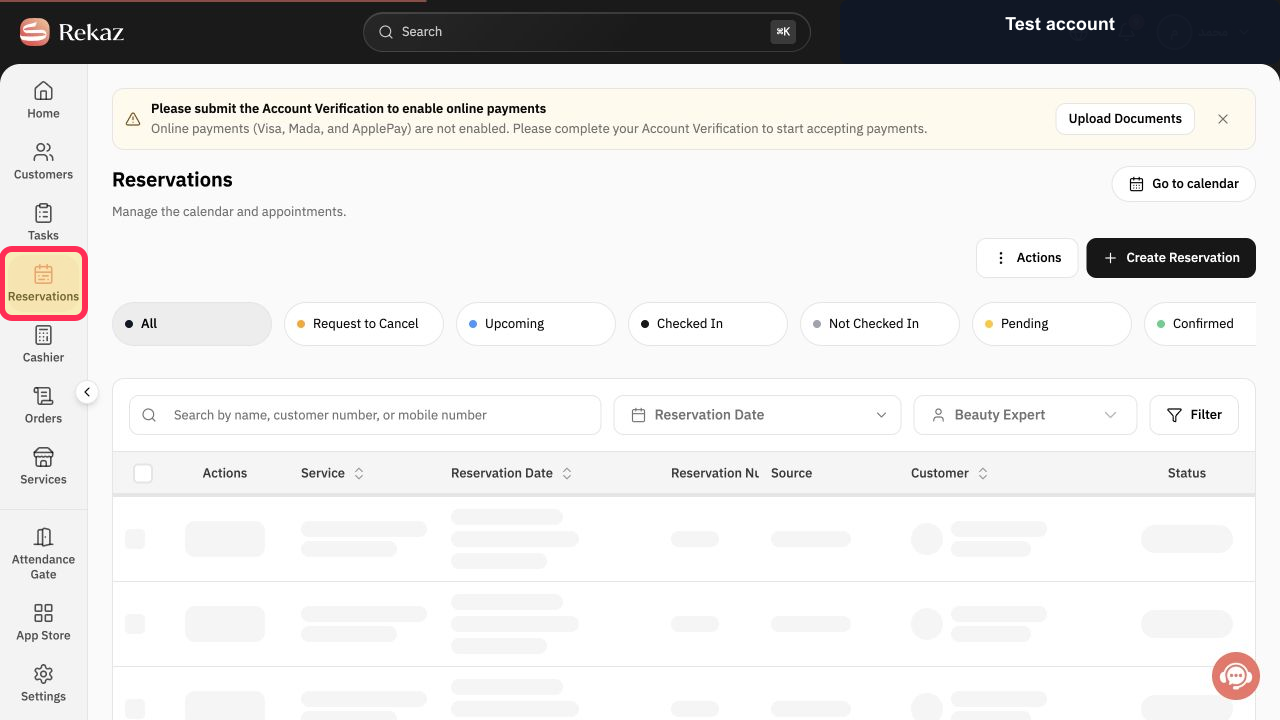
Select Reservations in the sidebar. Test creating a complete booking for a consulting service before you accept real customer bookings.
The Reservations area opens, where you can test the booking journey for the consulting service.
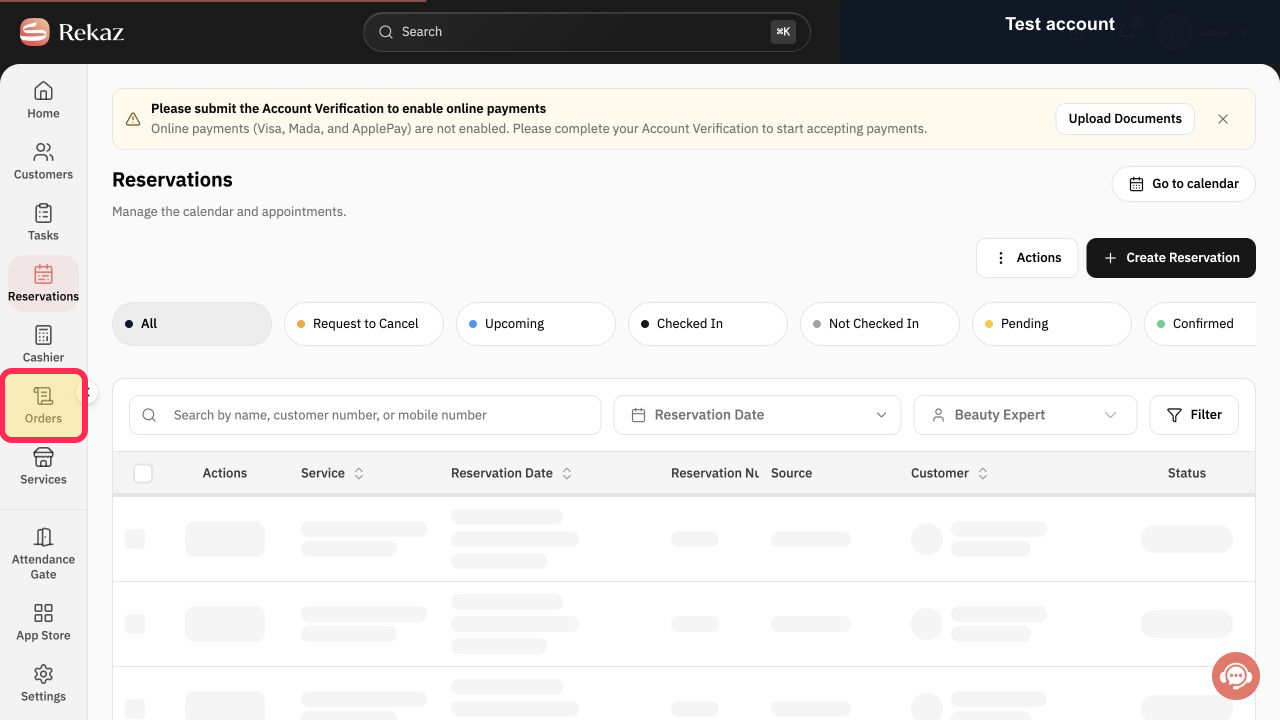
Select Orders in the sidebar. On a test order, test recording the payment as part of the consulting-office journey.
The Orders area opens, where you can test payment recording on a trial order.
Illustrated guide
Step 1: Open Services and begin with one consulting service.
Step 2: Choose the service provider who will deliver consulting appointments.
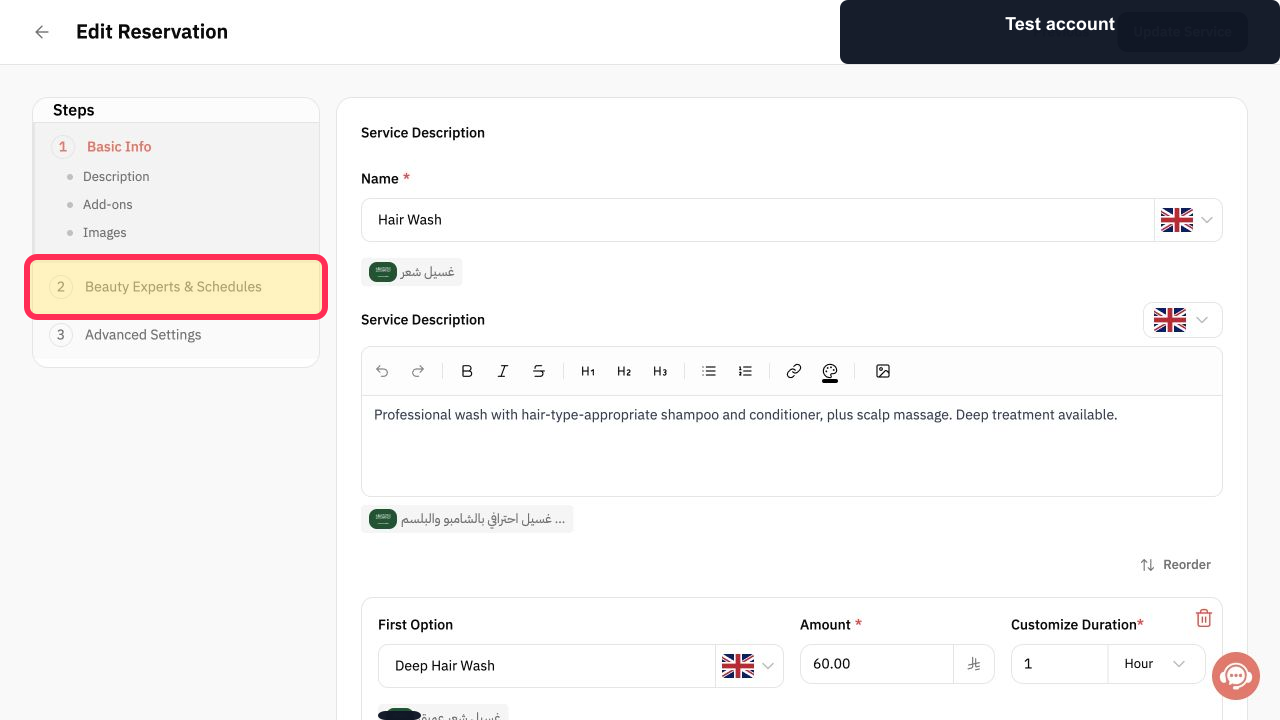
Step 3: Set the consulting team’s actual availability in the provider schedule.
Step 4: Use Customers to build the customer record for operations and follow-up.
Step 5: Test a complete booking for a consulting service.
Step 6: Test recording a payment on a trial order.
Important notes and limitations
Begin with a small setup: one service and one service provider. Add more services and providers after you have tested the flow.
Review the relevant detailed guides before changing settings or opening bookings to customers.
Related questions
How do I organise consulting appointments in Rekaz?
How do I prepare a consulting office in Rekaz?
How do I manage client sessions in Rekaz?


