How do I prepare home or mobile services in Rekaz?
To prepare home or mobile services in Rekaz, set up the service and the provider who delivers it, confirm the team’s actual availability, and create the customer record needed for day-to-day operations. Complete a booking and payment flow before accepting live bookings.
This is an operational setup sequence, not a separate home-service or mobile-service feature. Use the relevant detailed guides before changing settings or making bookings available to customers.
Steps
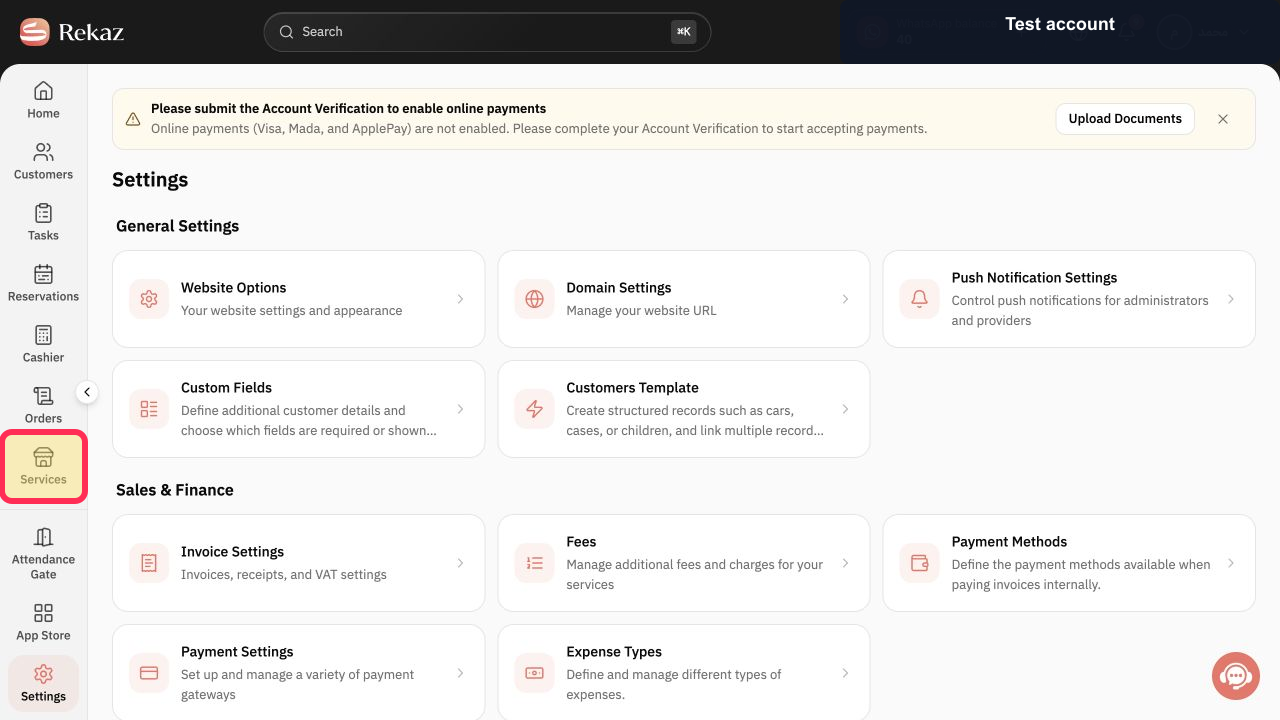
From the sidebar, open Services and start a service that represents the home or mobile service you offer.
The Services page is open and you can begin setting up the service.
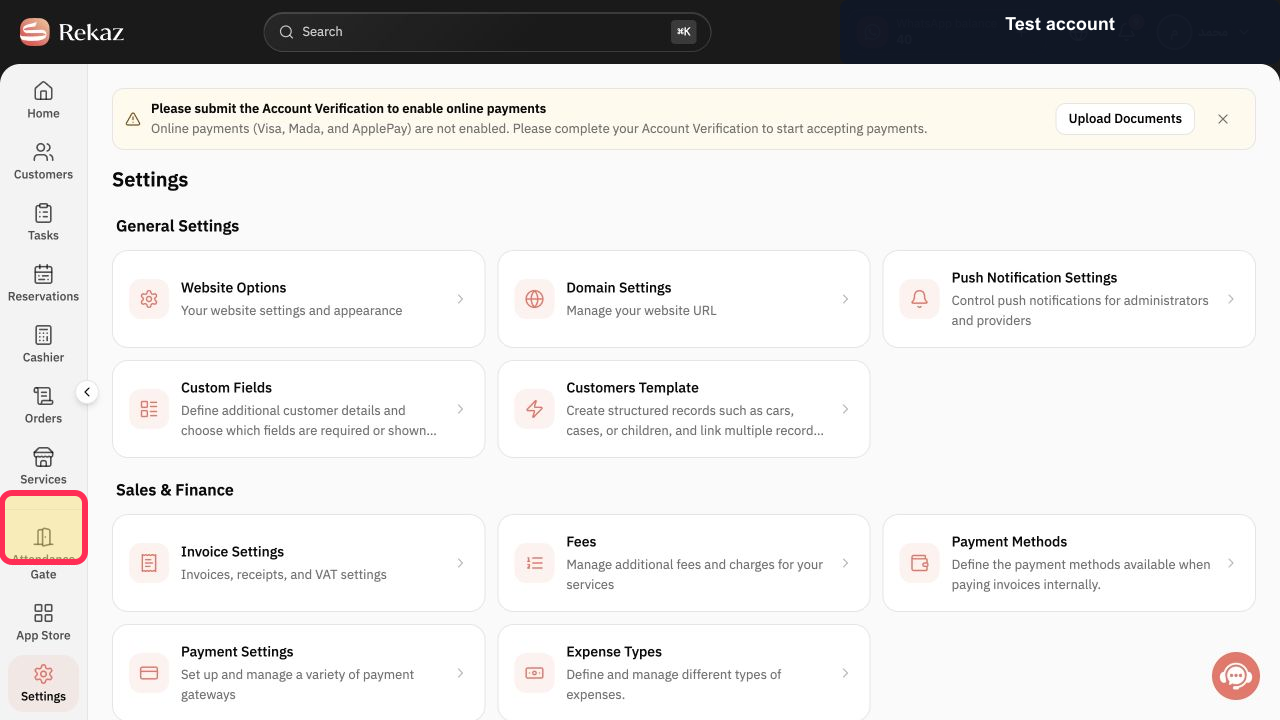
Select the service provider who will deliver appointments for the home or mobile service and associate the provider with their schedule.
The provider responsible for delivering the service is selected and linked to a schedule.
Open the specialists’ schedule and set the team’s actual availability for home or mobile services.
The availability for the home or mobile service team is set in the schedule.
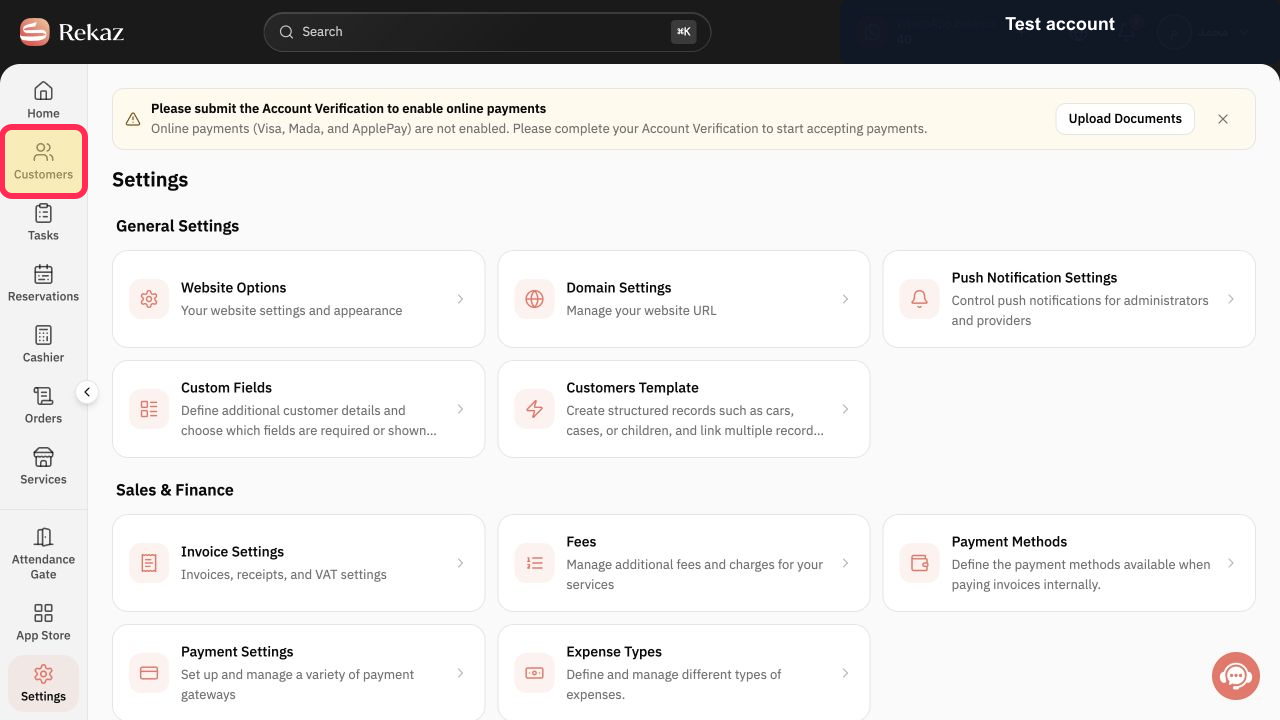
From the sidebar, open Customers and create or maintain the customer record needed for operations and follow-up.
A customer record is available for operational use and follow-up.
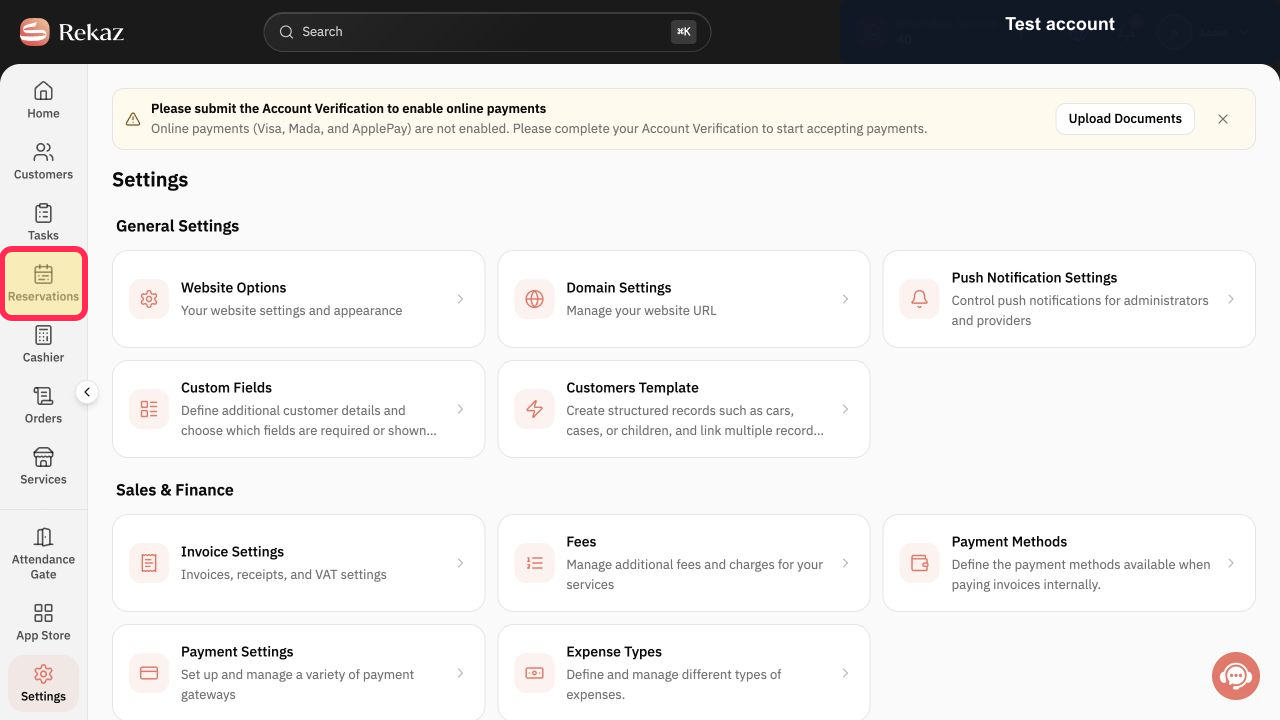
From the sidebar, open Reservations and create a complete booking for one of your home or mobile services before accepting live bookings. A complete booking has been created for the selected service.
Record a payment on an order as part of the home or mobile service flow. The payment has been recorded on the order.
Illustrated guide
Step 1: Start with a service that represents your home or mobile offering in Rekaz.
Step 2: Select the service provider who delivers home or mobile appointments.
Step 3: Set the actual availability for your home or mobile service team.
Step 4: Use Customers to maintain the customer record needed for operations and follow-up.
Step 5: Create a complete booking before accepting real home or mobile service bookings.
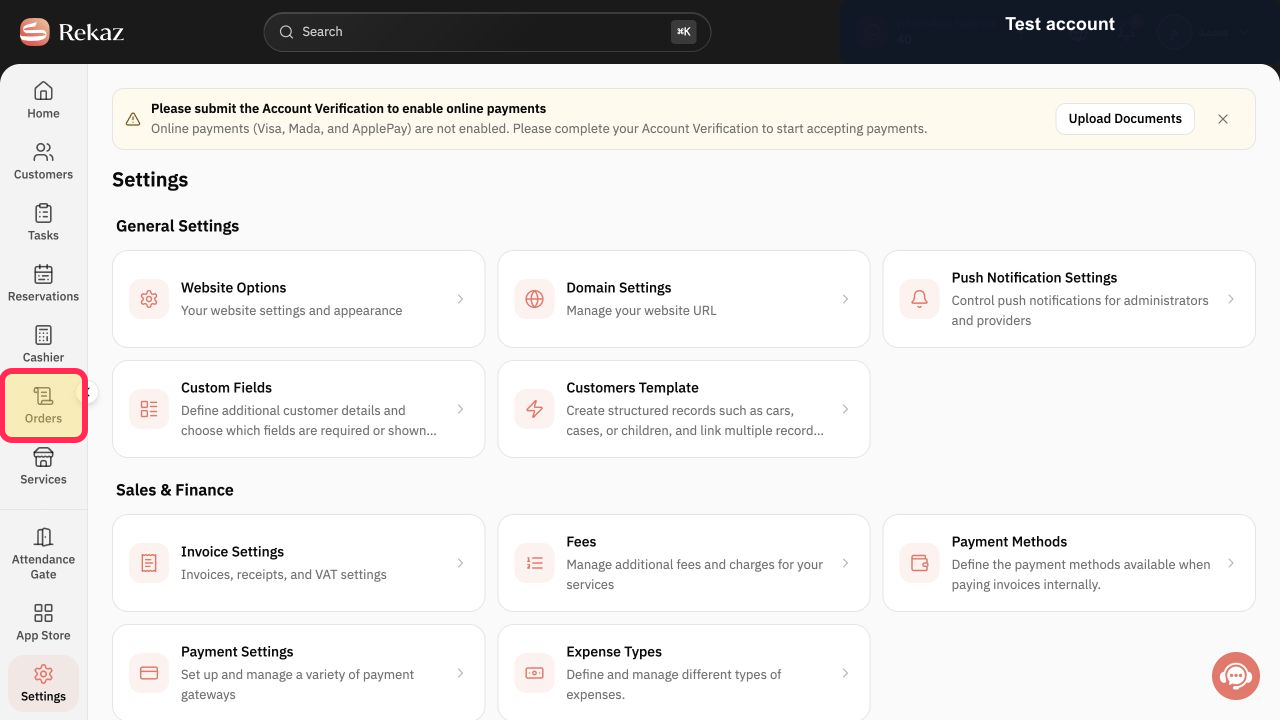
Step 6: Record payment on an order.
Important notes and limits
Start with a small setup: one service and one service provider. Expand the setup only after you have tested the flow.
Review each related detailed guide before changing settings or opening bookings to customers.
Home and mobile services use existing Rekaz service, scheduling, customer, booking, and payment workflows rather than a separate feature.
Related questions
How do I manage a mobile service in Rekaz?
How do I organise home-service bookings in Rekaz?
How do I set up a team that visits customers in Rekaz?


