How do I set up and manage a gym in Rekaz?
Rekaz’s current interface does not show a dedicated gym feature. You can organise gym offerings using Services and package settings, then manage customer records, orders, subscriptions, and reporting in the available Rekaz areas.
Steps
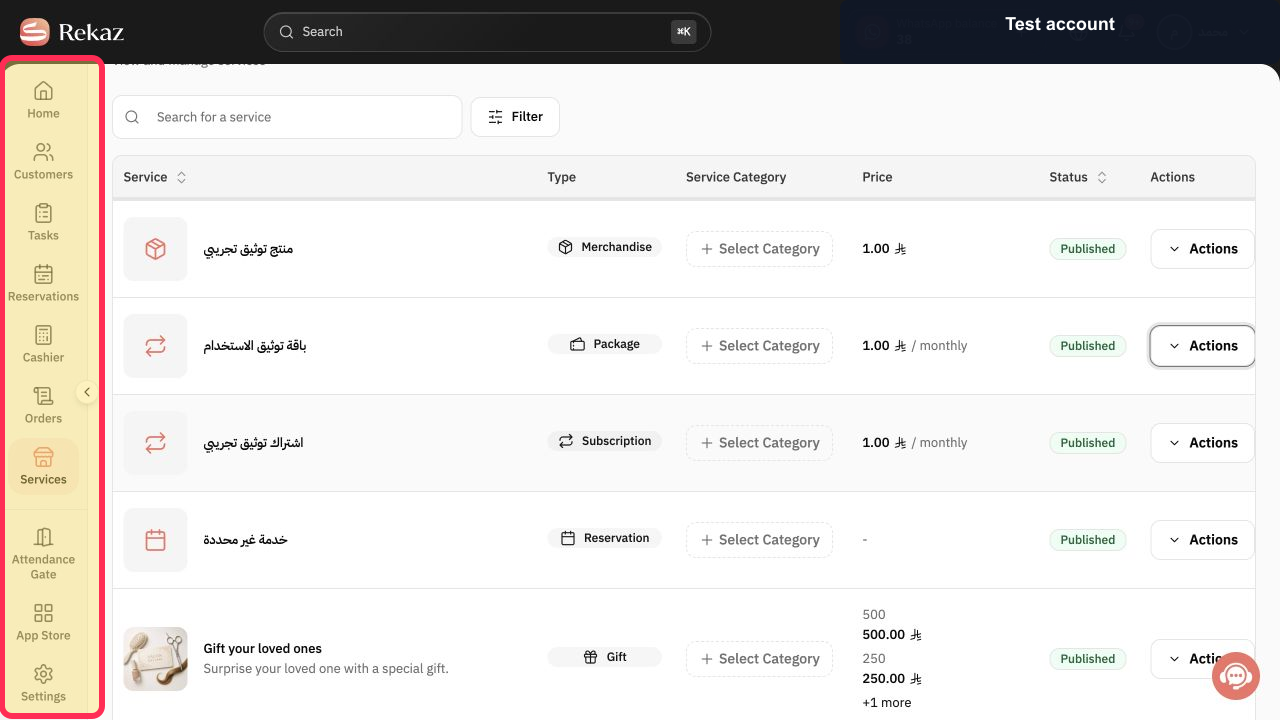
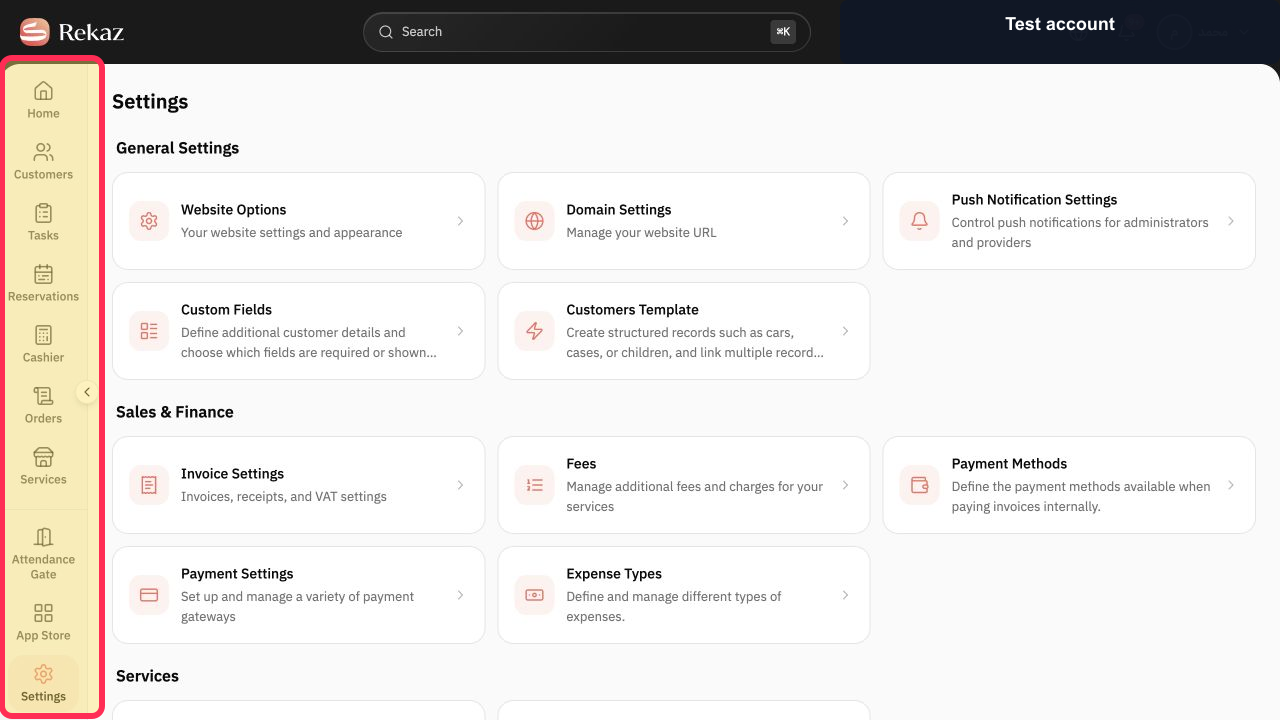
From the Rekaz sidebar, select Services.
The Services area opens.
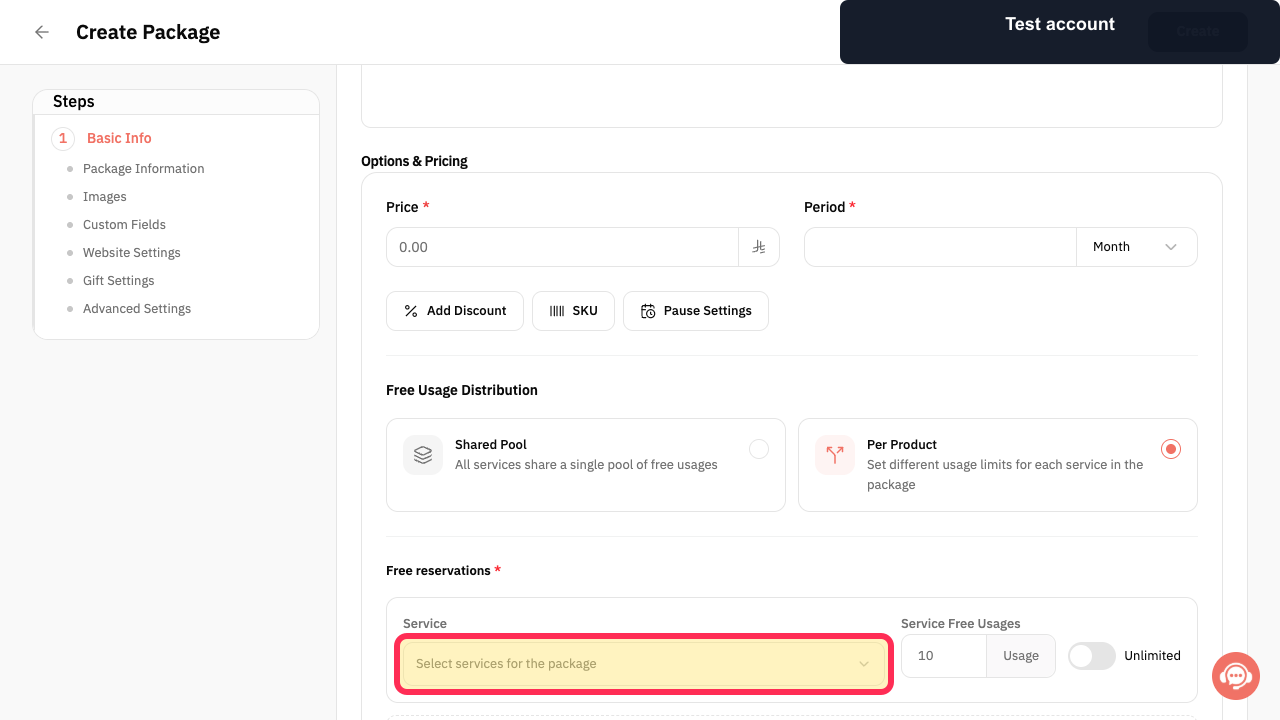
If you are already on the package setup form, select Select services for the package to choose the gym offerings included in the package.
The control for choosing services for the package is available.
For a package that needs separate allowances for each included offering, select Per Product Set different usage limits for each service in the package.
The per-product usage-limit option is selected for the package.
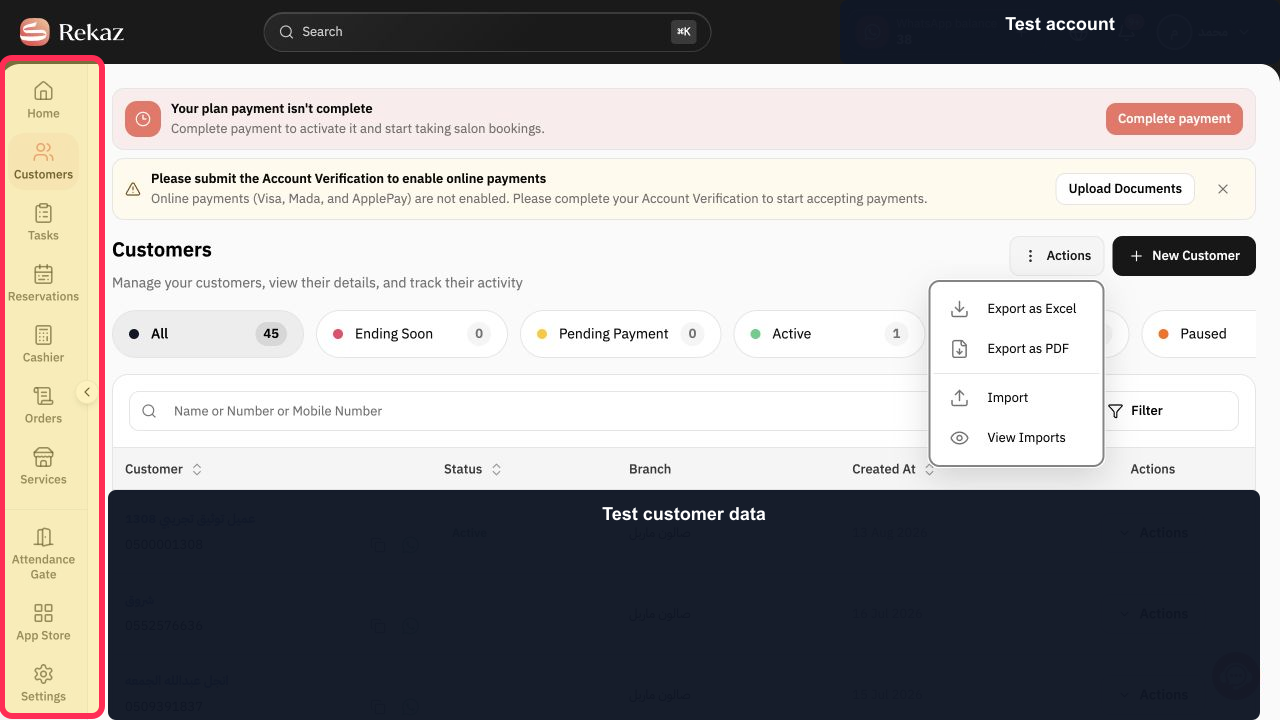
From the Rekaz sidebar, select Customers.
The Customers page opens.
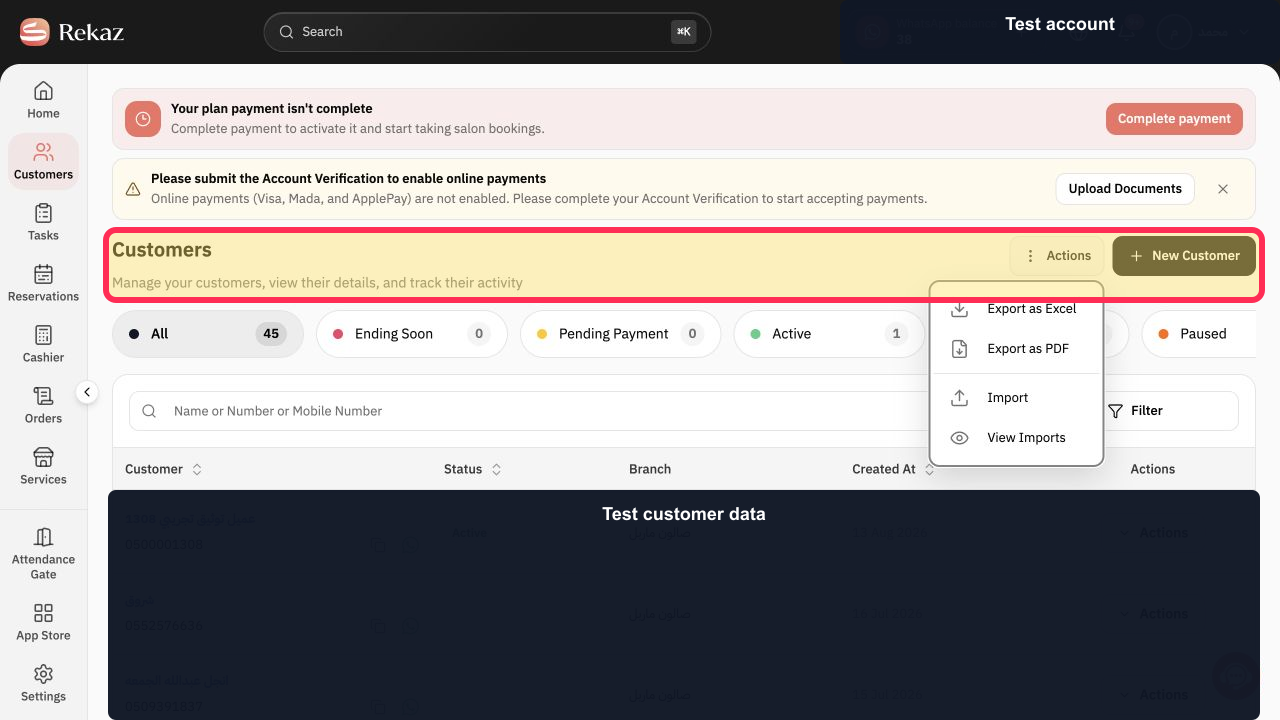
On the Customers page, select New Customer to begin creating a customer record.
The customer-creation flow opens.
From the Rekaz sidebar, select Orders.
The Orders area opens.
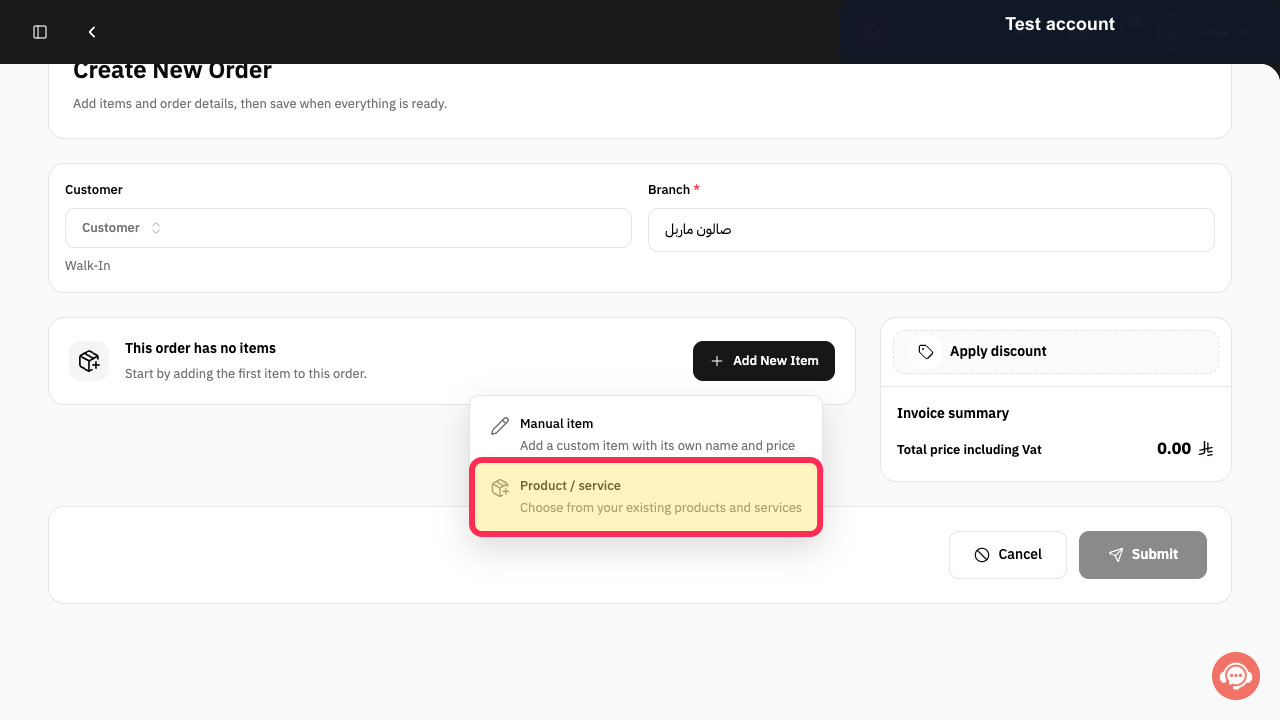
When adding an item to an order, select Product / service to choose from your existing products and services.
You can choose an existing product or service for the order.
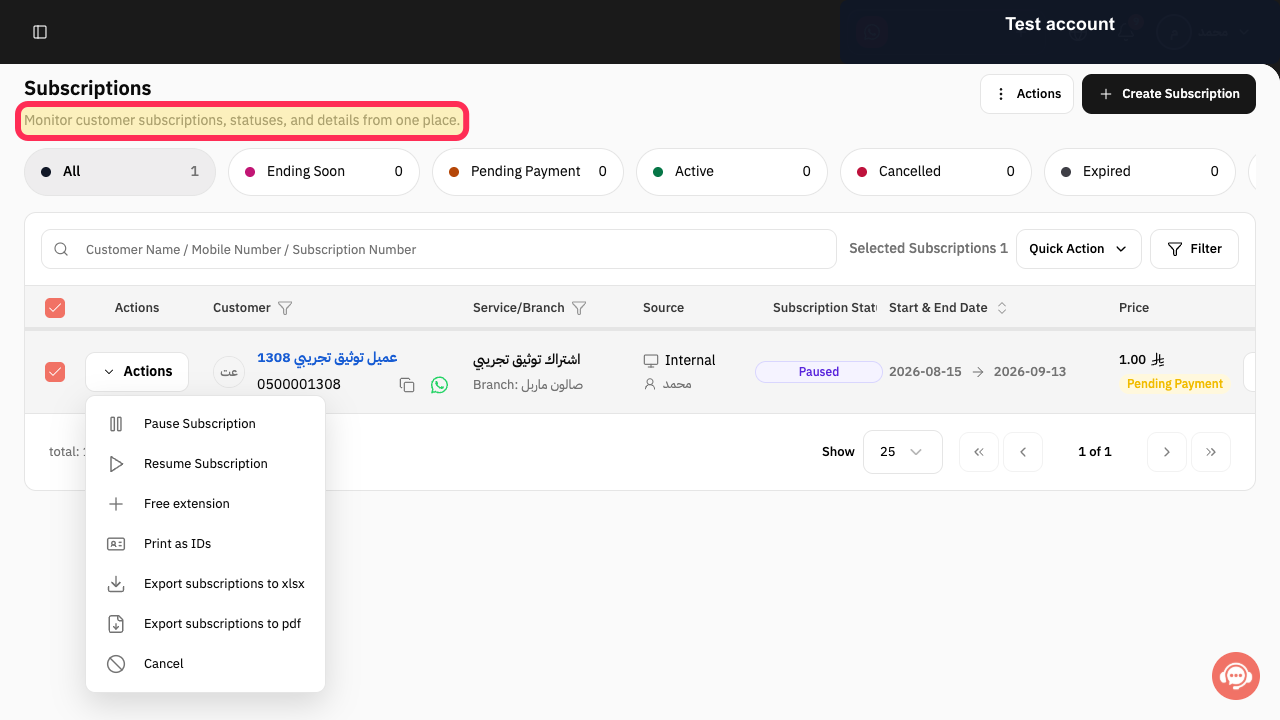
When managing memberships, use the Subscriptions page to monitor customer subscriptions, statuses, and details from one place.
Customer subscription statuses and details are available to review in one place.
From the Rekaz sidebar, select Reports to open the reporting area.
The Reports area opens.
Illustrated guide
Step 1: Select Services from the Rekaz sidebar.
Step 2: Choose the services included in a package.
Step 3: Set separate usage limits for services in a package.
Step 4: Open Customers to manage gym customer records.
Step 5: Start a new customer record from the Customers page.
Step 6: Open Orders to create an order for an existing offering.
Step 7: Add an existing product or service to an order.
Step 8: Review customer subscription information in Rekaz.
Step 9: Open Reports from the Rekaz sidebar.
Important notes and limitations
Rekaz does not show a gym-specific feature. Use Services and package settings to organise gym offerings, then manage customers, orders, subscriptions, and reports in their respective areas.
Review each related detailed guide before changing settings or making bookings available to customers.
Begin with one service and one Service Provider, then expand the setup after testing.
Test payment recording on a sample order before relying on the workflow for daily operations.
Related questions
How do I manage gym subscriptions in Rekaz?
How do I set up a gym system in Rekaz?
What should I configure for a gym in Rekaz?


