How do I use Rekaz to manage a nursery?
Rekaz does not currently show a nursery-specific management area. You can use its standard customer records, reservation scheduling, package configuration, and payment features for parts of a nursery operation.
The current interface does not show an end-to-end nursery setup, publishing flow, payment test journey, or nursery-specific reporting workflow. Use the available settings below where they fit your operating model, rather than assuming unsupported nursery features are available.
Steps
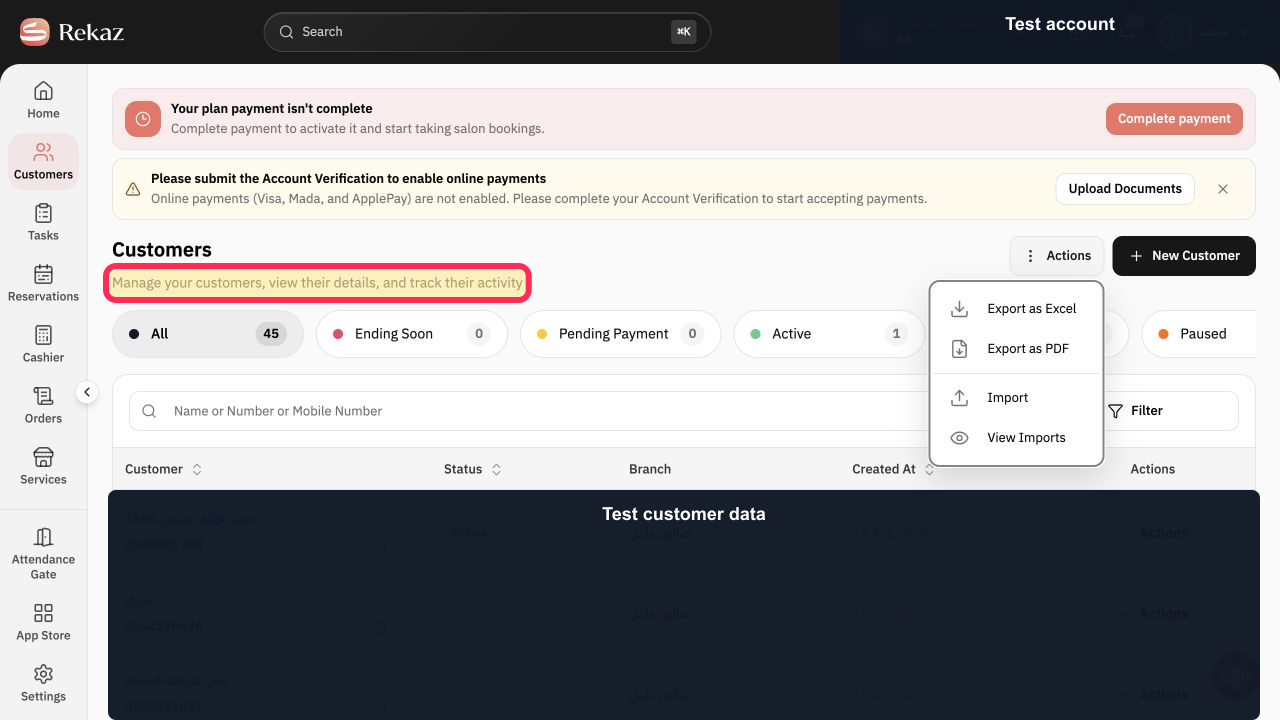
Open Customers to maintain customer records and review their activity for your nursery operation.
The Customers page states that you can manage customers, view their details, and track their activity.
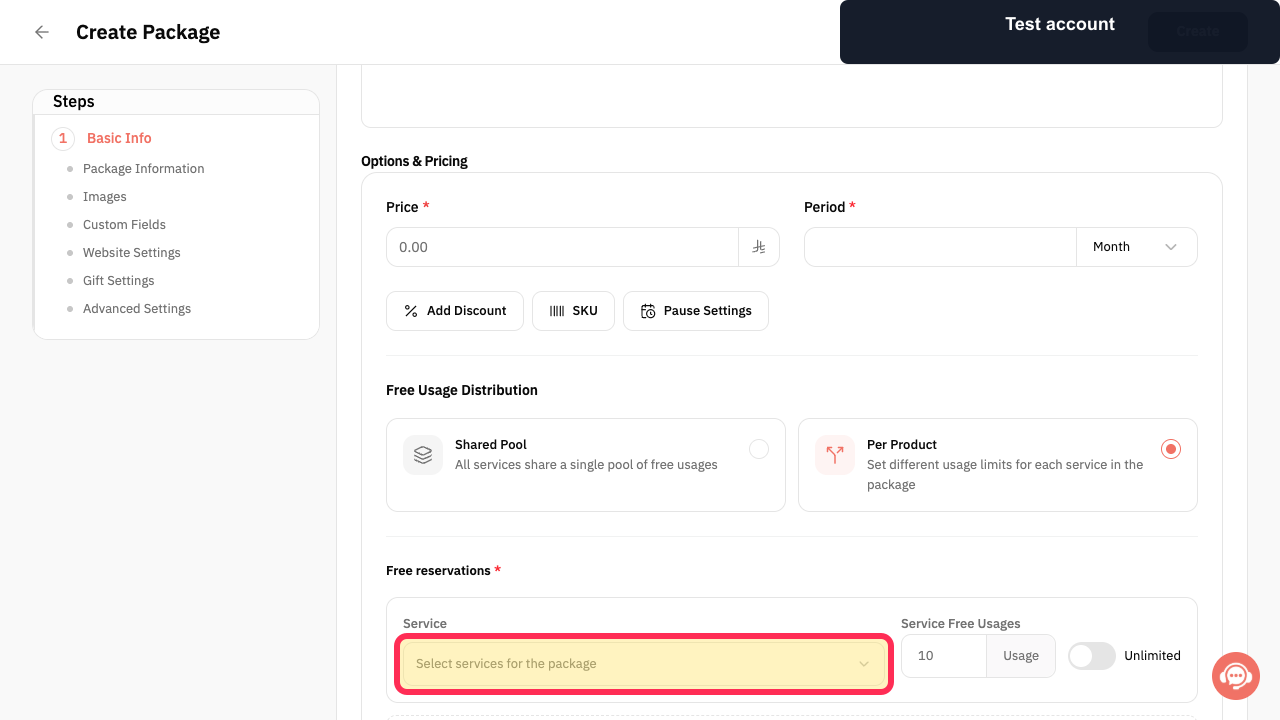
When creating a package for a multi-service nursery offering, select Select services for the package.
The package configuration is ready for you to choose the services included in that package.
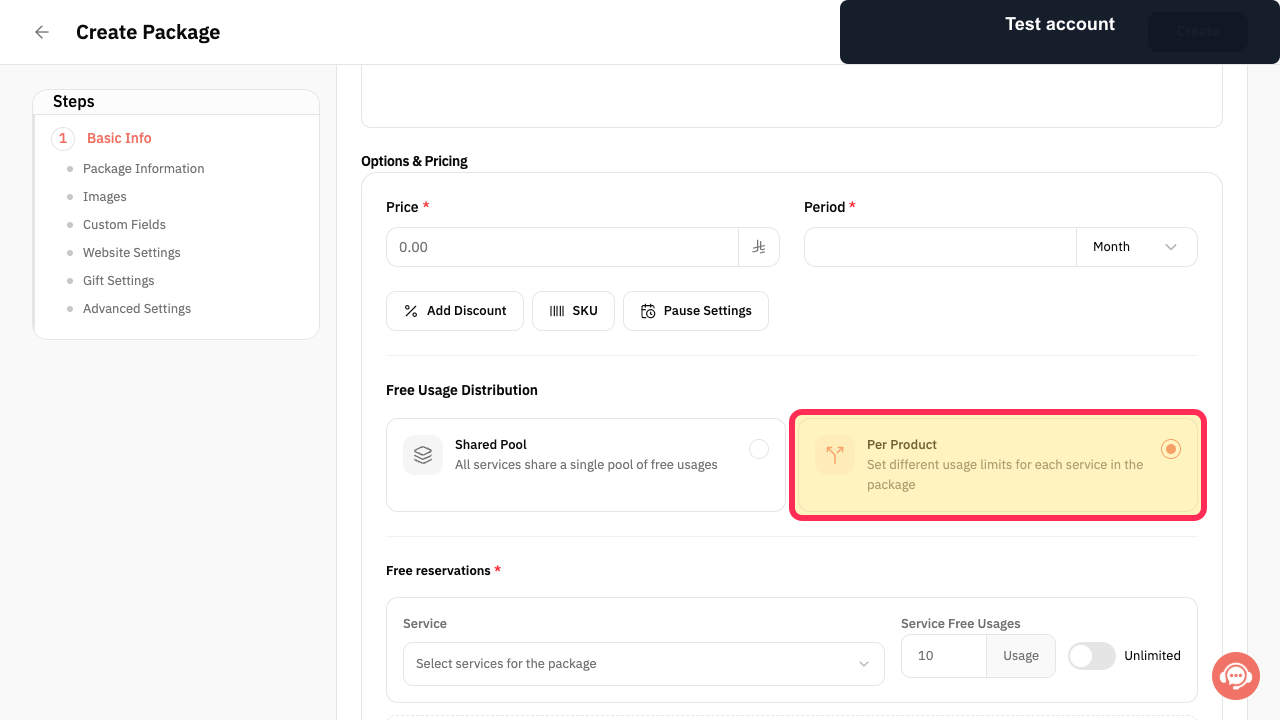
For a package that needs a separate allowance for each included service, choose Per Product.
The selected package approach is described as setting different usage limits for each service in the package.
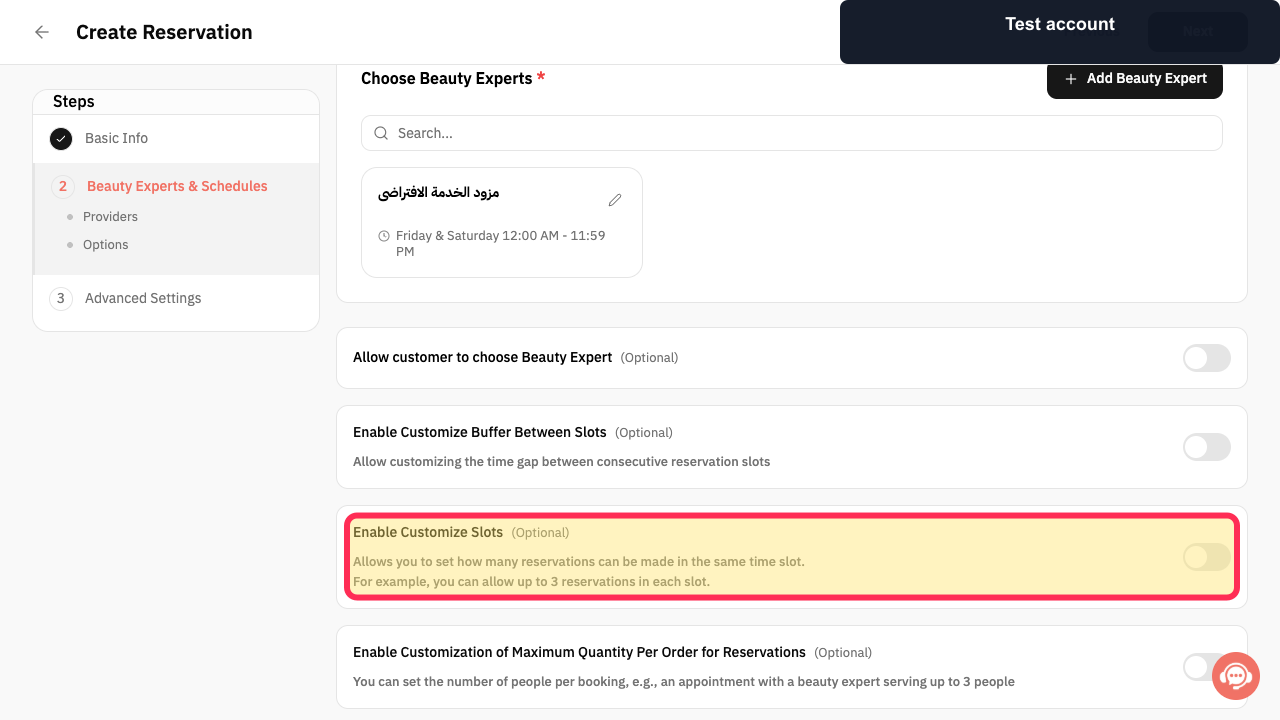
When configuring a reservation service, select Enable Customize Slots(Optional) if you need to set how many reservations can be made in the same time slot.
The setting indicates that you can define the number of reservations allowed in one time slot.
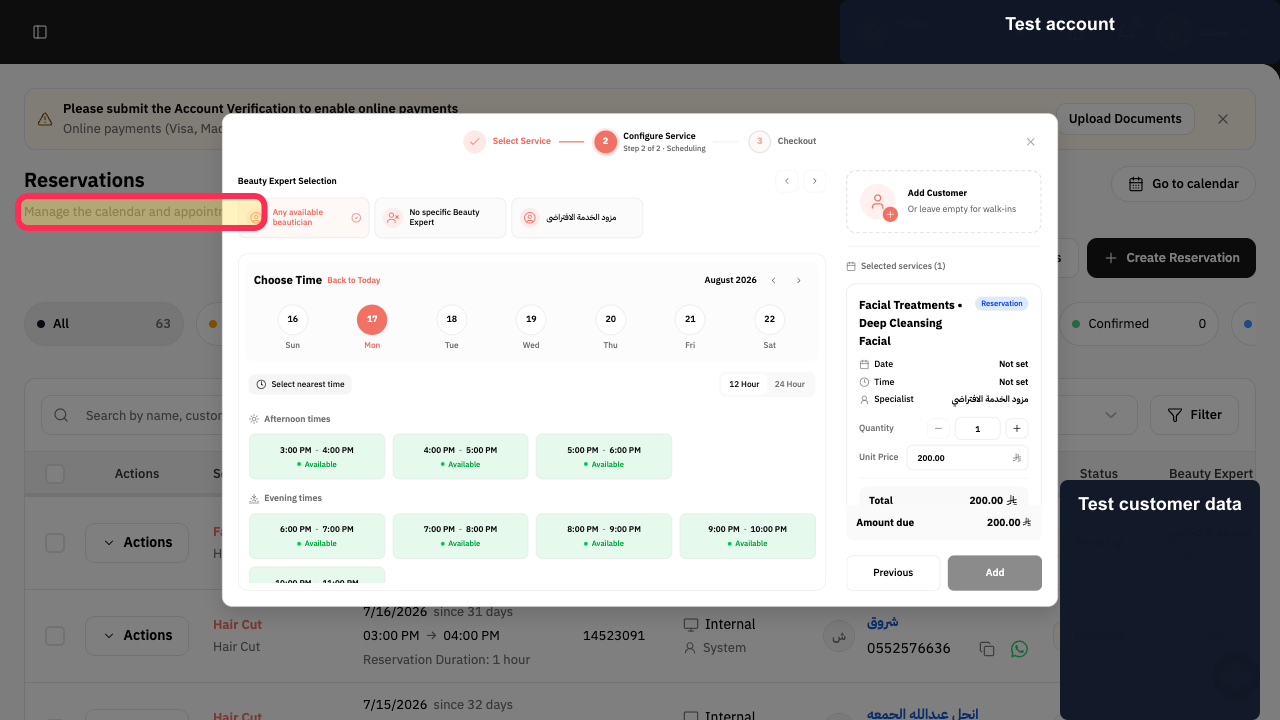
Open Reservations to manage the nursery calendar and appointments.
The Reservations area identifies its purpose as managing the calendar and appointments.
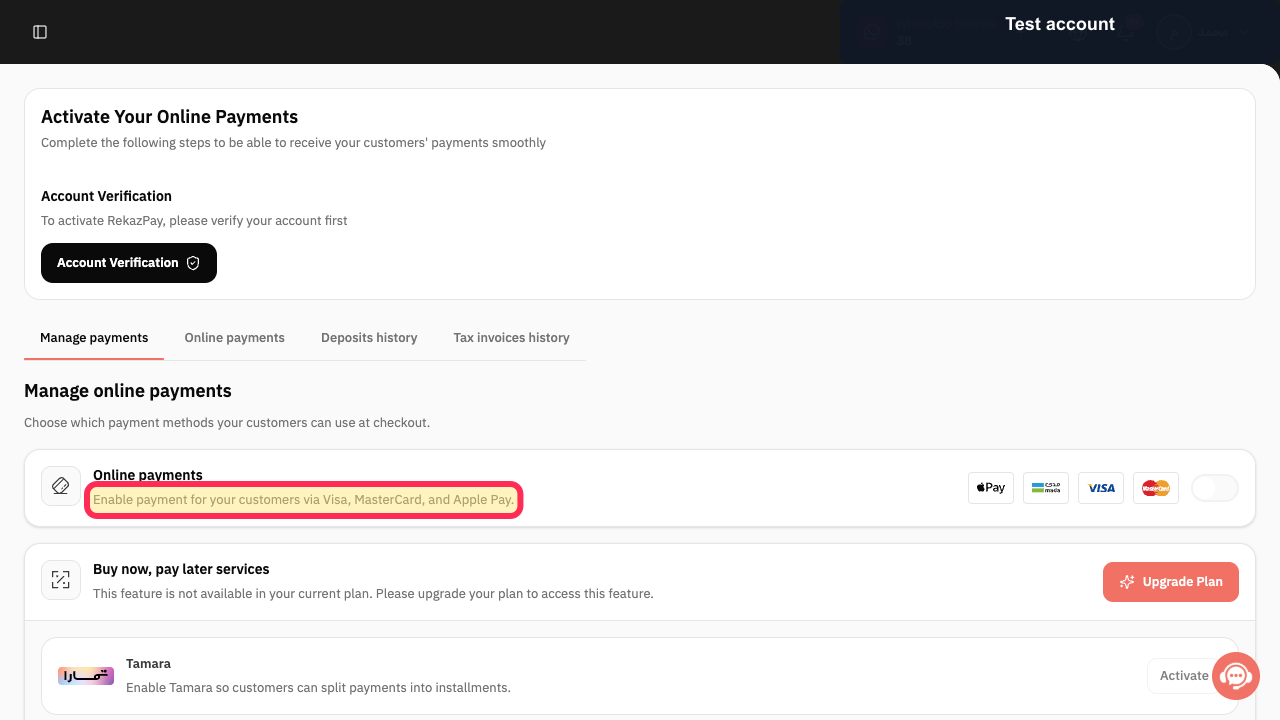
Review Rekaz Pay before relying on online card payments in your nursery workflow.
The Rekaz Pay management page states that payment can be enabled through Visa, MasterCard, and Apple Pay.
Illustrated guide
Step 1: The Customers page description for managing customer records and activity.
Step 2: The package service-selection control.
Step 3: The Per Product package usage option.
Step 4: The reservation capacity setting for customised slots.
Step 5: The Reservations area description.
Step 6: The payment capability described on the Rekaz Pay management page.
Important notes and limitations
This workflow combines documented Rekaz areas in an operational order that may suit a nursery. It does not add a nursery-specific feature that is not shown in Rekaz.
Begin with a small model, such as one service and one service provider, and expand the setup only after testing it.
Test both the booking and payment journey before opening bookings to customers. If the expected payment stage does not appear or you cannot perform a safe test, contact Rekaz Support before launch.
Review the detailed guide for each relevant area before changing settings or opening bookings to customers.
Related questions
How do I prepare my nursery in Rekaz?
How do I manage child registrations in Rekaz?
What are the steps for running a nursery with Rekaz?


