How do I stop a former employee’s access immediately in Rekaz?
For former-employee access, the Rekaz Employees area currently does not provide an immediate action to remove access, reset a password, or terminate a session.
Use the Employees area to review employee administration. The current interface does not provide actions to change a former employee’s password or terminate their sessions.
Steps
Open the employee administration area and verify that the Employees page is displayed.
The Employees heading is visible.
Review the Employees page for an access-removal control before taking any action. It does not provide a control to deactivate or remove a former employee, reset their password, or end active sessions.
Illustrated guide
Step 1: The Employees page in Rekaz.
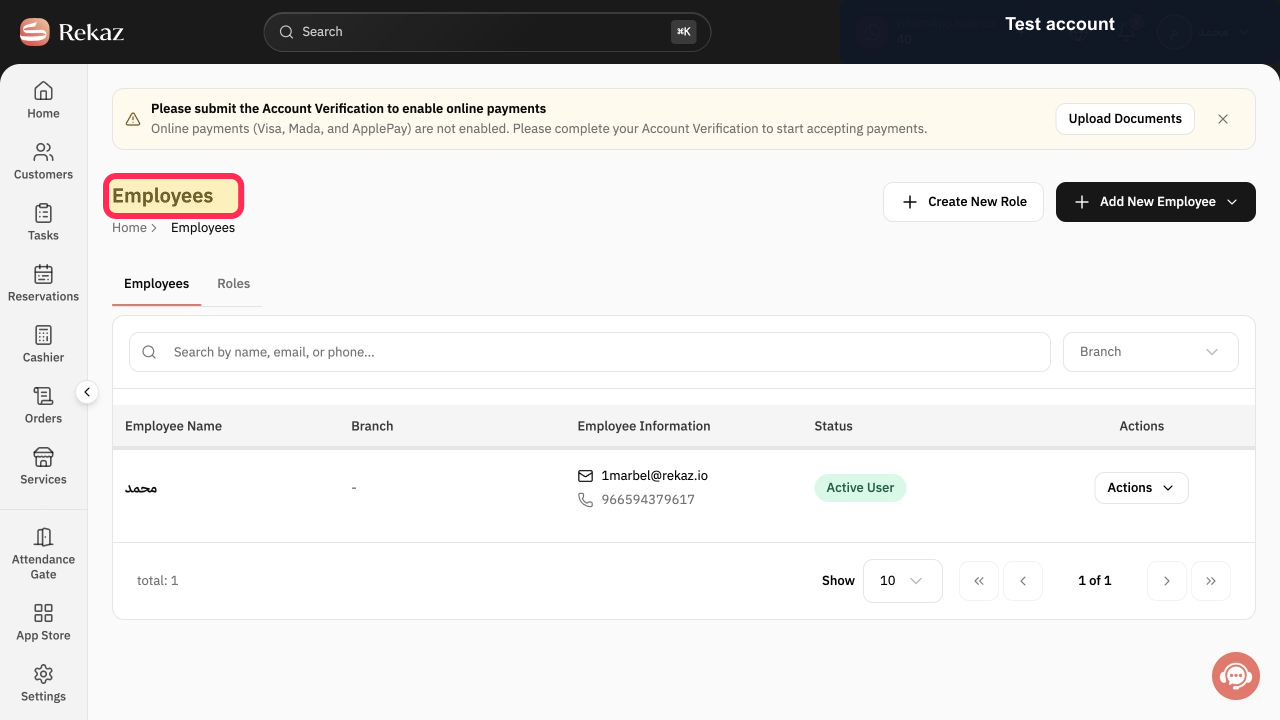
Step 2: Employees page—no immediate access-removal control is available.
Important security guidance
Treat this as an urgent security action when the former employee may still be able to access the account.
Check account values and data carefully before completing any final or financial action.
Do not share employee usernames, passwords, or other sign-in details in a public ticket.
The exact user-management navigation path and the English labels for the password-change controls are not available.
Related questions
How can I remove a former employee’s access in Rekaz?
What should I do if an employee who left still has access to Rekaz?
How do I end a staff member’s active sessions in Rekaz?


