How do I fix a website design that is missing or not appearing in Rekaz?
A design shown in the Rekaz editor is not necessarily saved. To identify whether the issue is with saving or display, review the Preview, save the design, then open the published website in a private browser window.
Following this order can help you avoid rebuilding the design before confirming whether the saved version is being displayed.
Steps
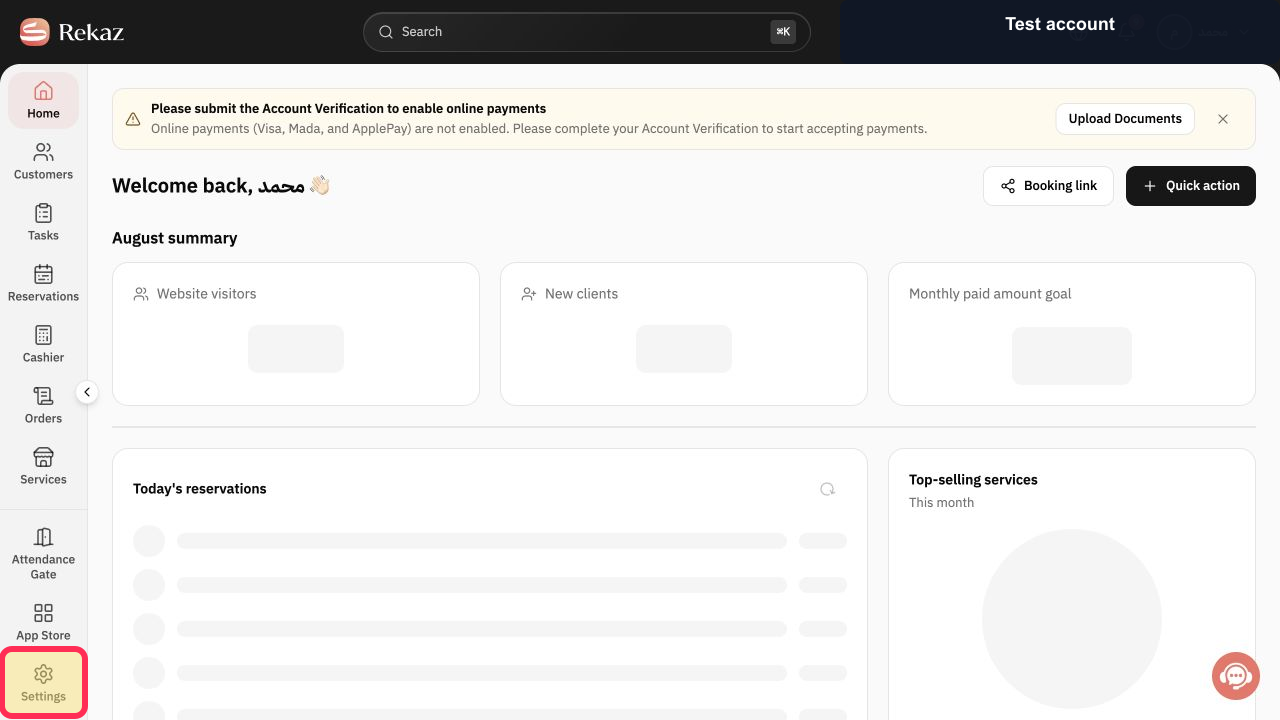
From Home, select Settings in the sidebar.
The Settings area opens.
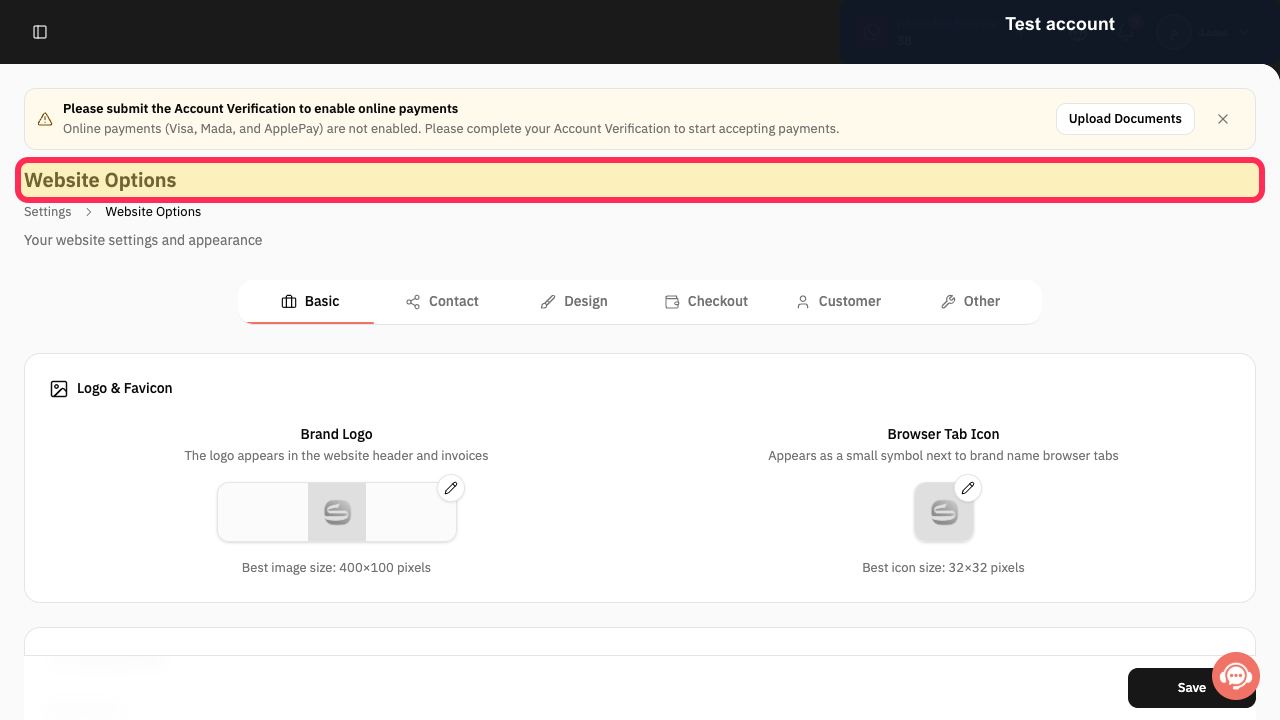
Open Website Options.
The Website Options screen opens.
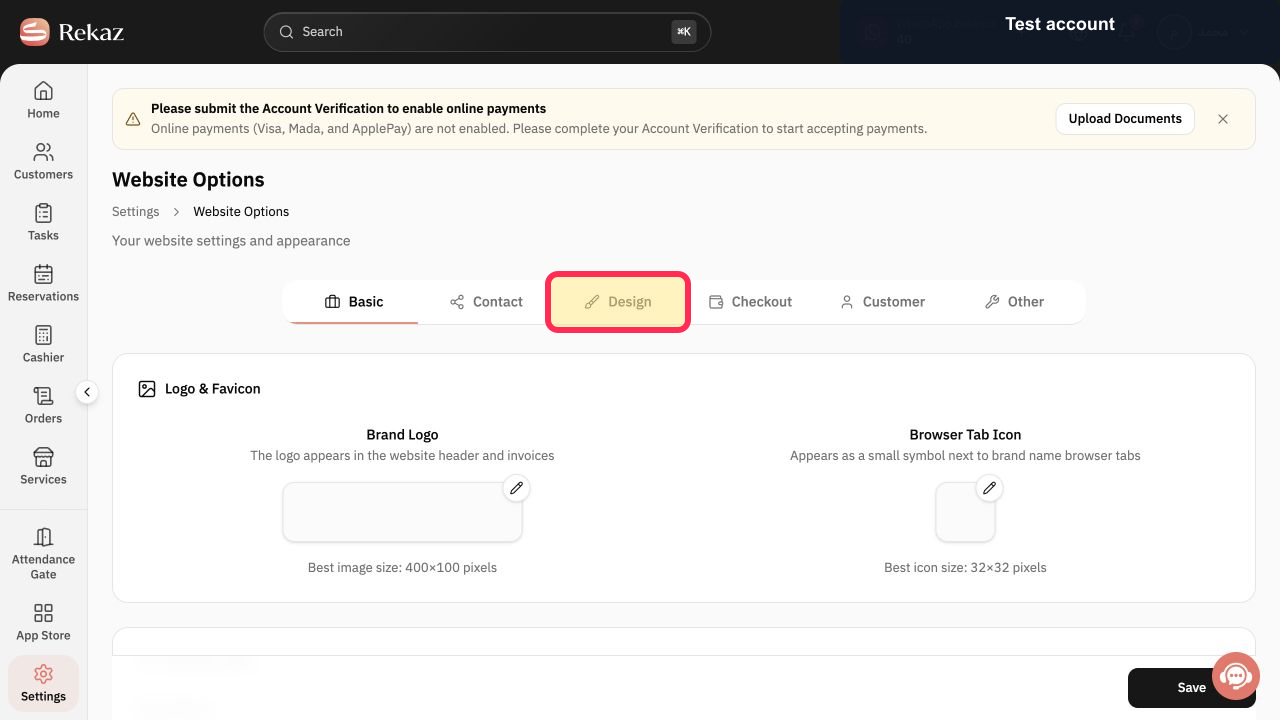
Select Design.
The website design editor opens.
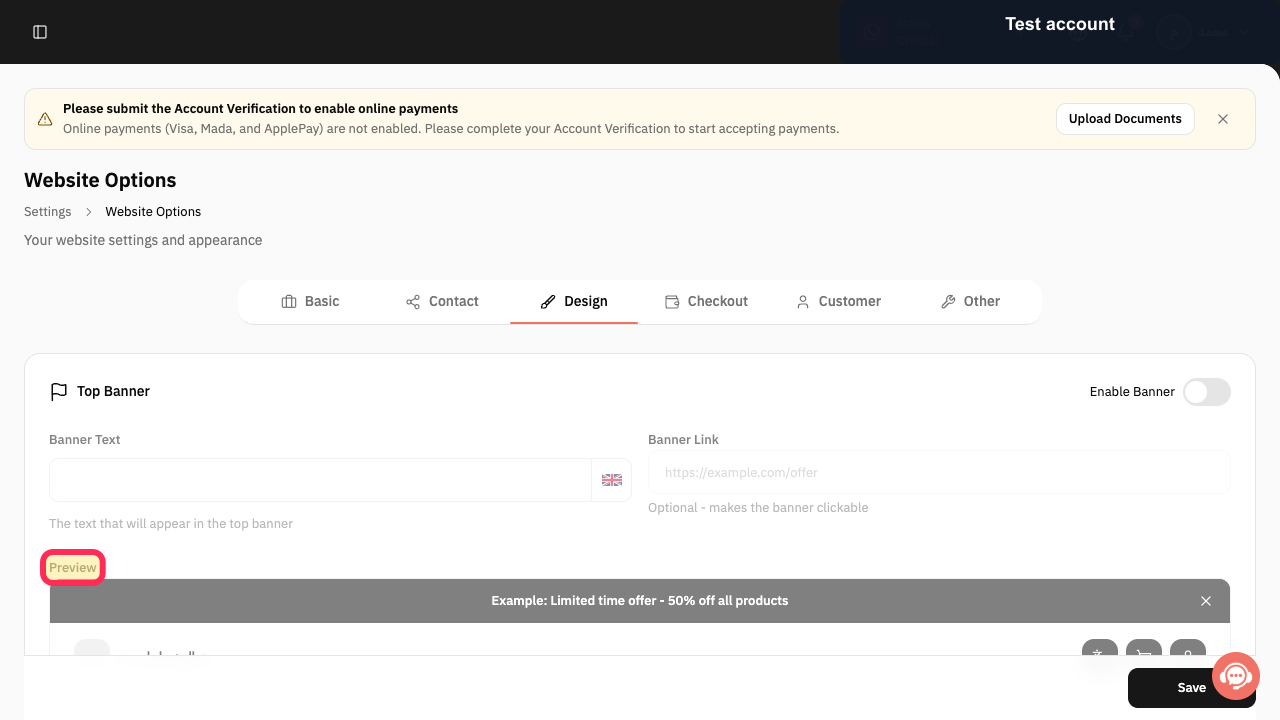
Open Preview and review the design before saving.
A preview of the current website design is displayed.
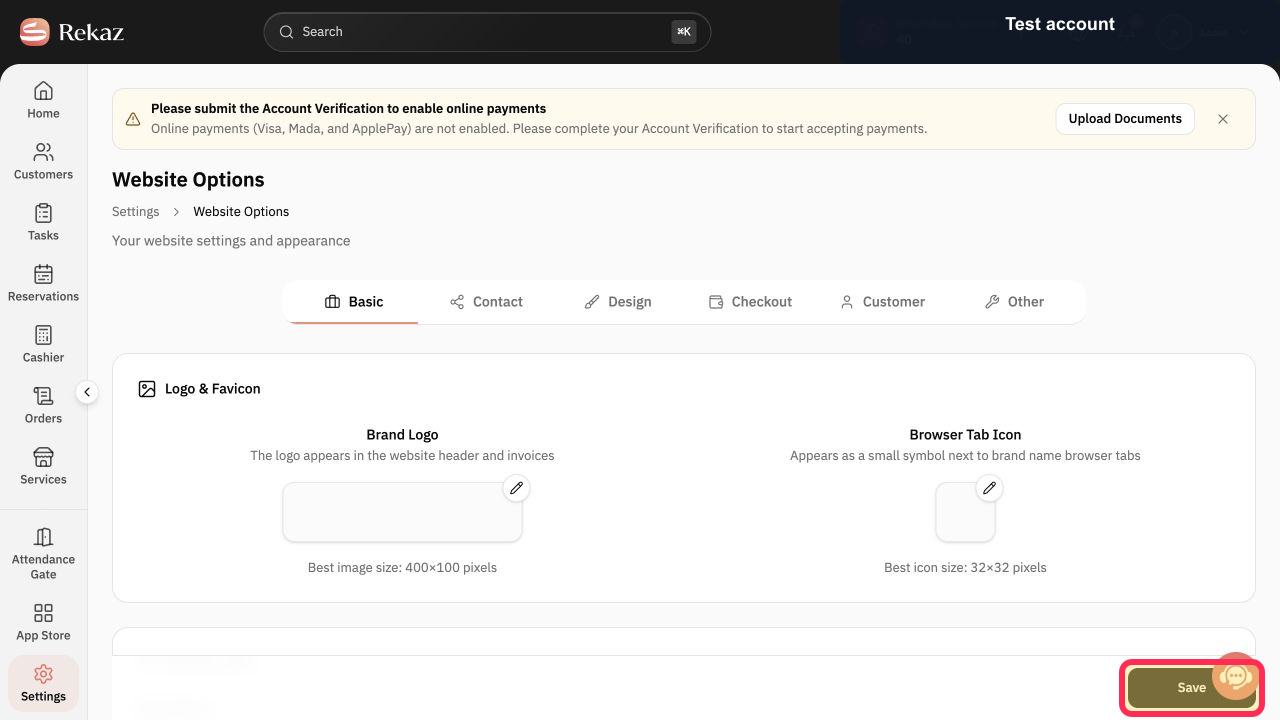
Select Save to save the design.
The current design changes are saved.
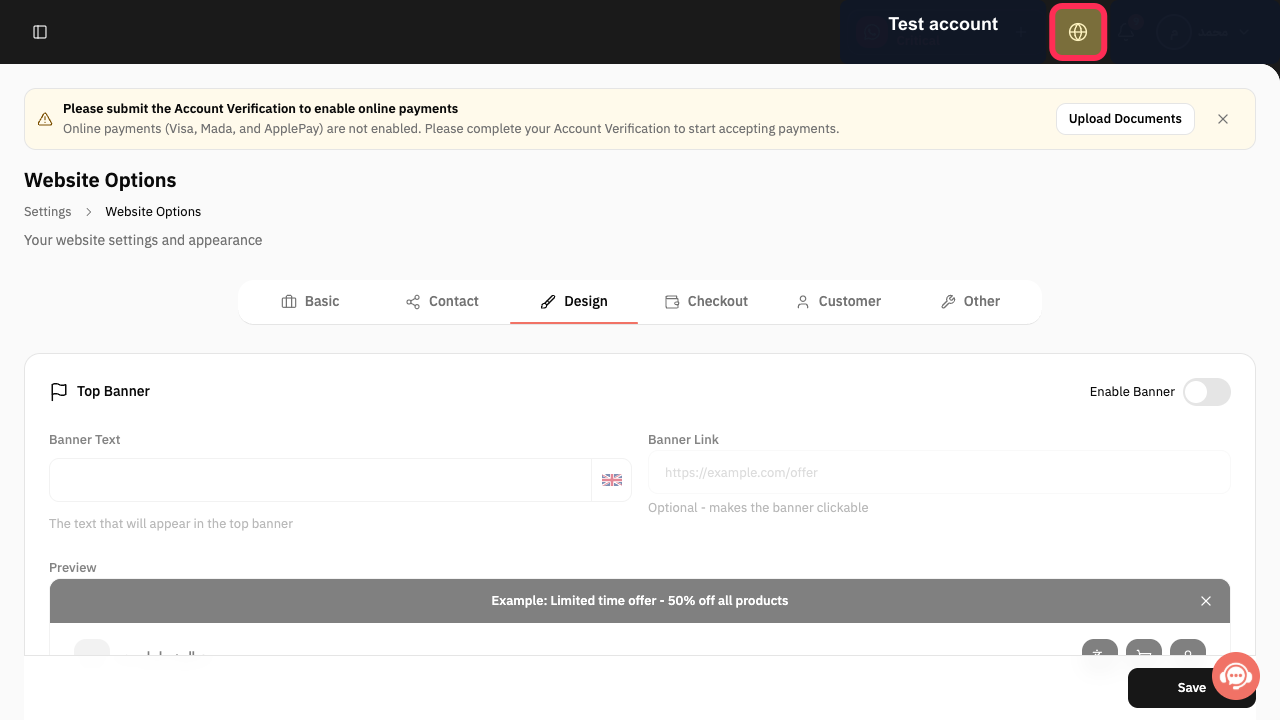
Select Visit Website to open the published site, then repeat the check in a private browser window outside the Rekaz admin session.
The published website opens for an independent design check.
Illustrated guide
Step 1: Select Settings in the Rekaz sidebar.
Step 2: Select Website Options from Settings.
Step 3: Select the Design tab in Website Options.
Step 4: Review the website design in Preview before saving.
Step 5: Select Save in the website design editor.
Step 6: Open the published Rekaz website for a private-window check.
Important notes
Take a screenshot of the Preview before making further changes.
Use a private browser window after saving to reduce the effect of cached website content.
Related questions
Why are my website colours not appearing in Rekaz?
Why has my booking page design reverted to an older version in Rekaz?
Why are my website changes not saving in Rekaz?


