Why is a Rekaz page slow or stuck, and what should I do?
If a Rekaz page is slow or stuck, first refresh the page and check whether other Rekaz sections are working before repeating the action. If the option does not appear in your account or the status is different, use Contact support and share only the record number.
Before saving or taking a final action, review the displayed name, status, amount, or date.
Steps
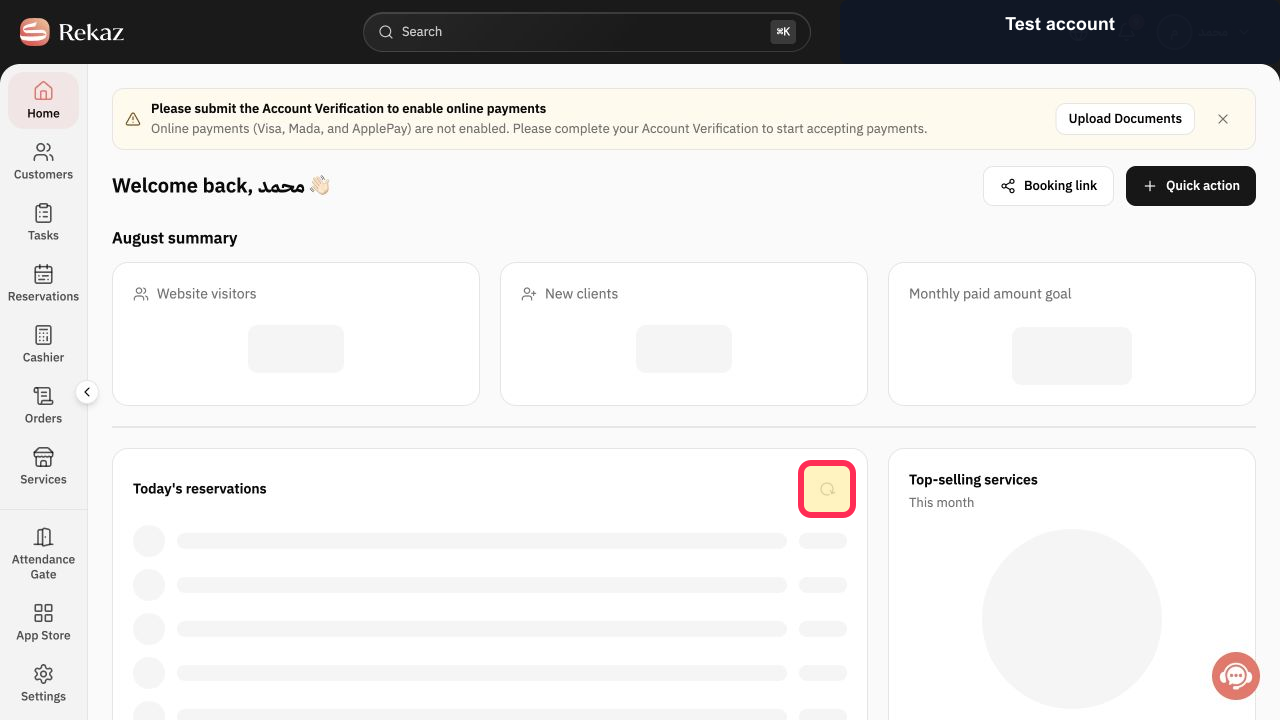
While signed in to Rekaz, stay on the affected page and refresh it. Then check whether other Rekaz sections are working before you repeat the action.
The affected page reloads if it is available, allowing you to check whether the issue also affects other Rekaz sections.
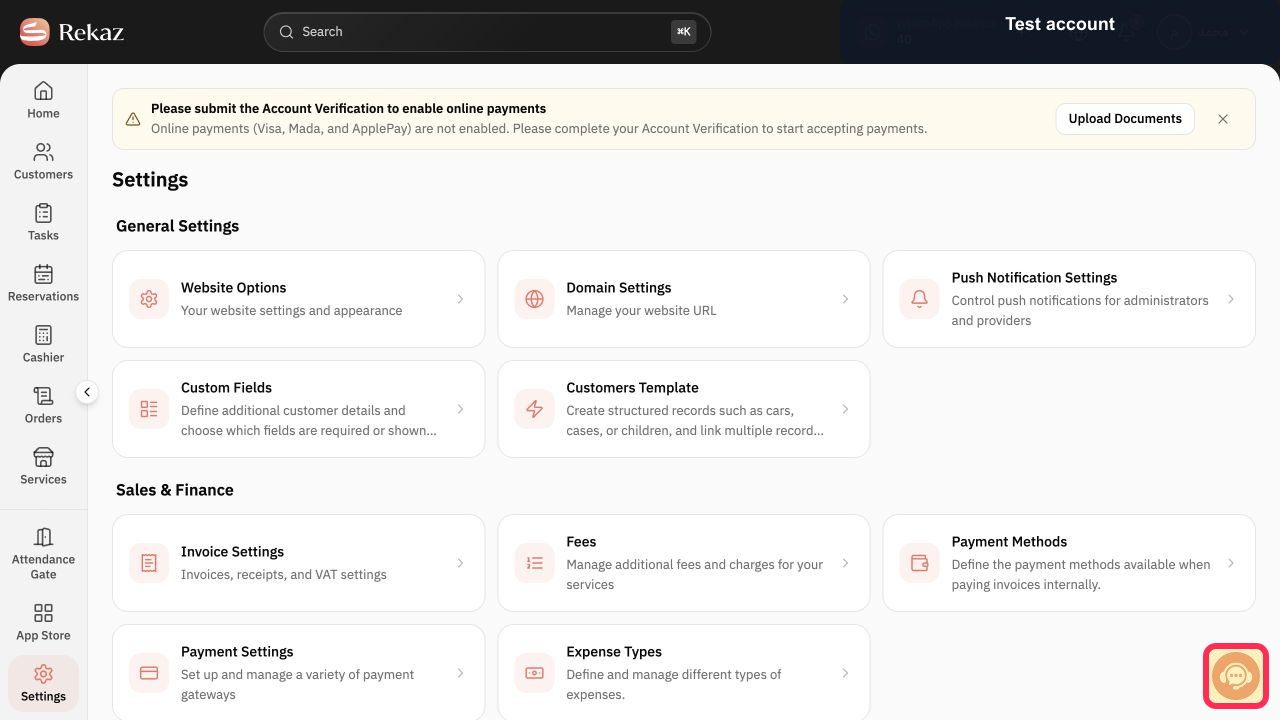
If the option is not shown in your account or the displayed status is different, select Contact support. Send only the record number; do not share sign-in details or sensitive customer information.
The Contact support option opens so you can send the record number.
Illustrated guide
Step 1: Refresh the affected Rekaz page and check whether other sections are working before repeating the action.
Step 2: If the option is not shown or the status is different, open Contact support and send only the record number.
Important notes
Options that are not visible in your account may be a limitation of the current interface, rather than a step to complete.
Do not share login credentials or sensitive customer information when contacting support.
Related questions
What should I do if a page in Rekaz is slow or stuck?
What should I check before repeating an action in Rekaz?
How do I contact Rekaz support when an option is missing or the status is different?


