Why does Rekaz say my mobile number is incorrect?
If Rekaz says that a mobile number is incorrect, select the correct country first and enter the user’s own mobile number without repeating the country code. If the option is unavailable in your account or the status differs, contact support and share only the record number.
Steps
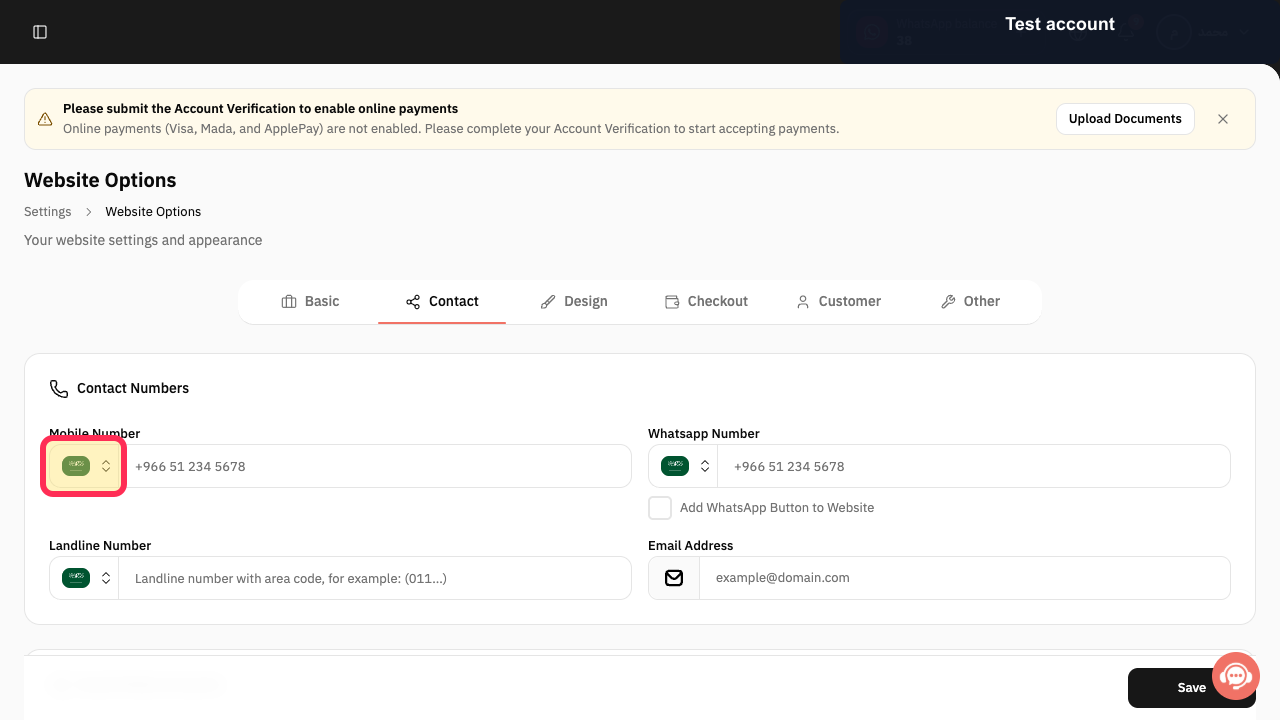
In the phone-number field, choose the correct country, then enter the user’s own mobile number without repeating the country code.
The correct country is selected, and the user’s own mobile number is entered without a duplicate country code.
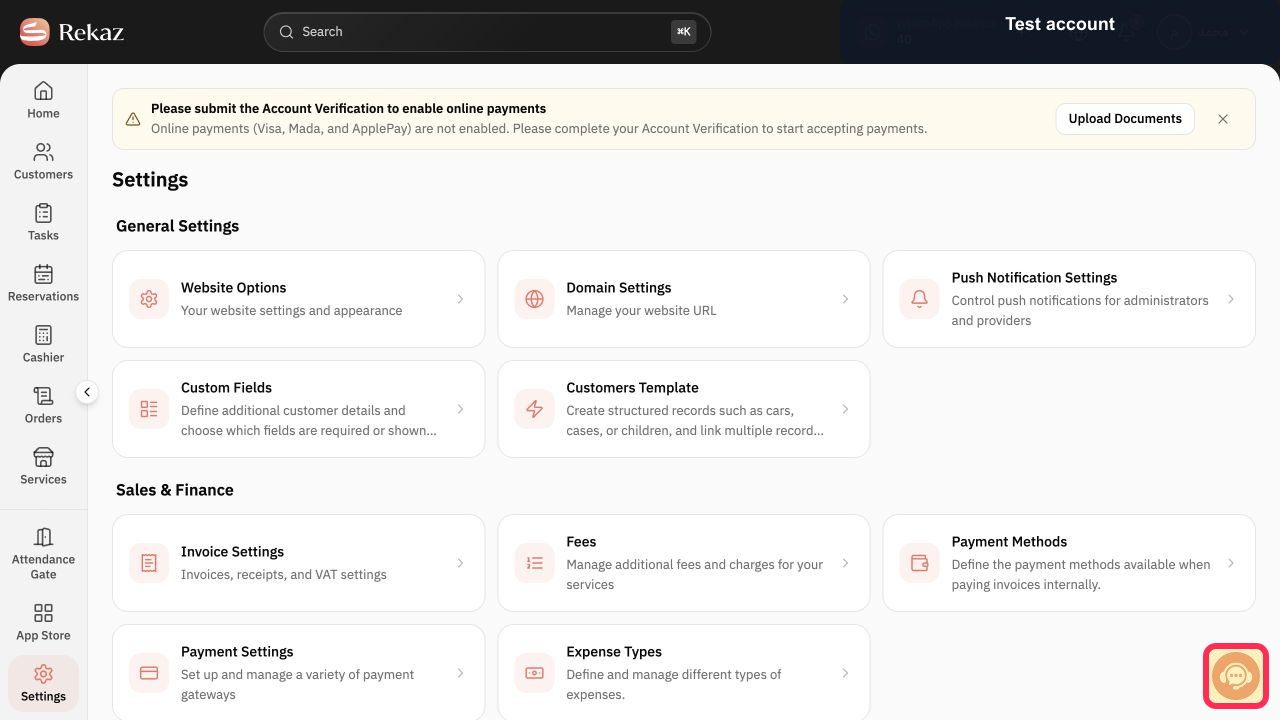
If the option is not available in your account or the status is different, select Contact support and send only the record number. Do not include sign-in details or sensitive customer information.
The support contact option is open, ready for you to send the record number.
Illustrated guide
Step 1: Select the correct country and enter the user’s own mobile number without repeating the country code.
Step 2: Select Contact support if the option is unavailable or the status differs, then share only the record number.
Important notes
Before saving or taking any final action, review the name, status, amount, or date shown on the screen.
Options that are not visible in your account may be interface limitations and are not alternative steps.
Related questions
How do I format a mobile number correctly in Rekaz?
Why is my mobile number rejected in Rekaz?
How do I contact Rekaz support about an incorrect mobile number message?


