How do I add an internal note to a customer in Rekaz?
Customer notes are internal operational context. Write only information that staff need and do not include passwords, payment-card data, or unrelated personal details.
The verified Add Note dialog uses Notes and Submit.
Steps
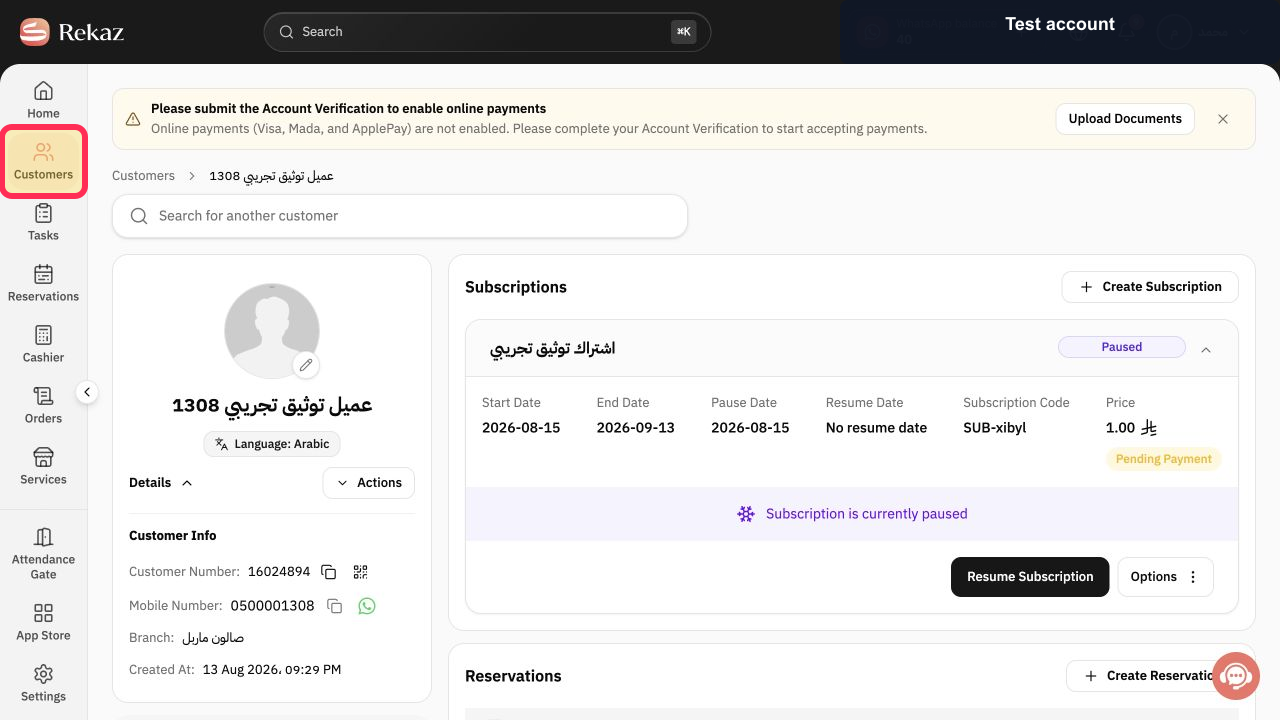
From the Rekaz navigation, select Customers.
The Customers page opens.
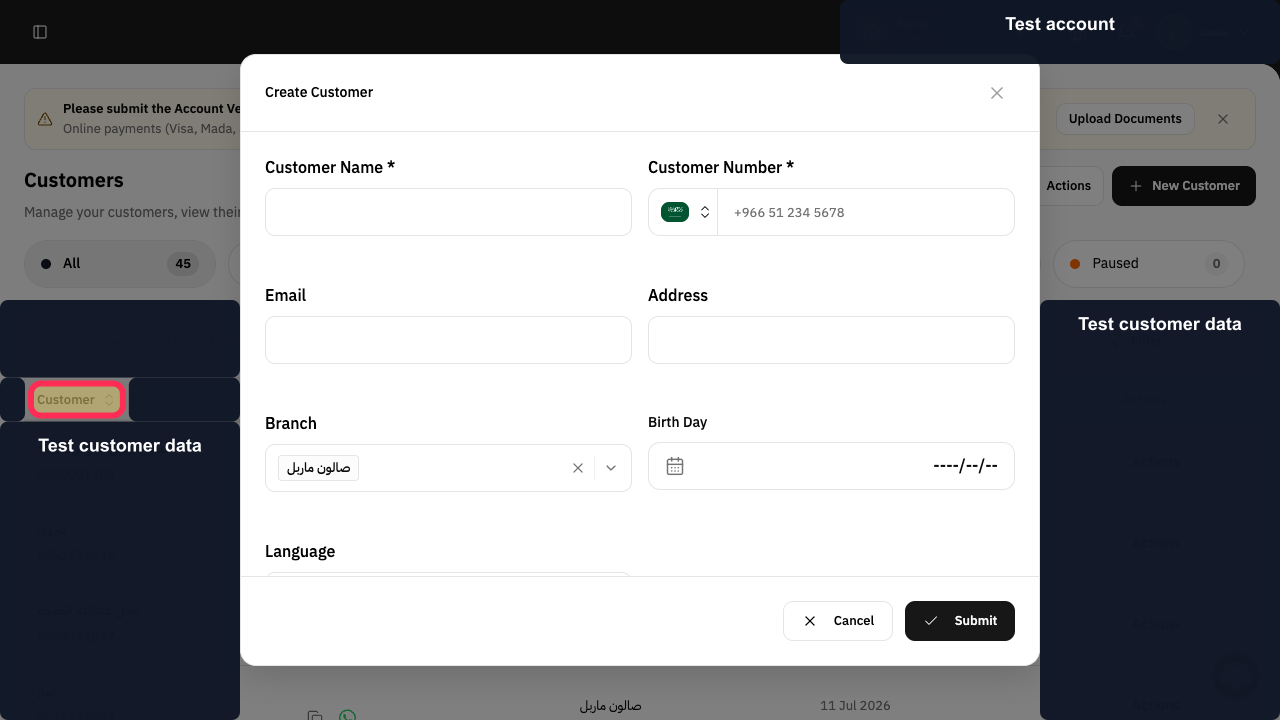
Locate and open the required customer record. Use a test customer when following this guide.
The customer profile opens.
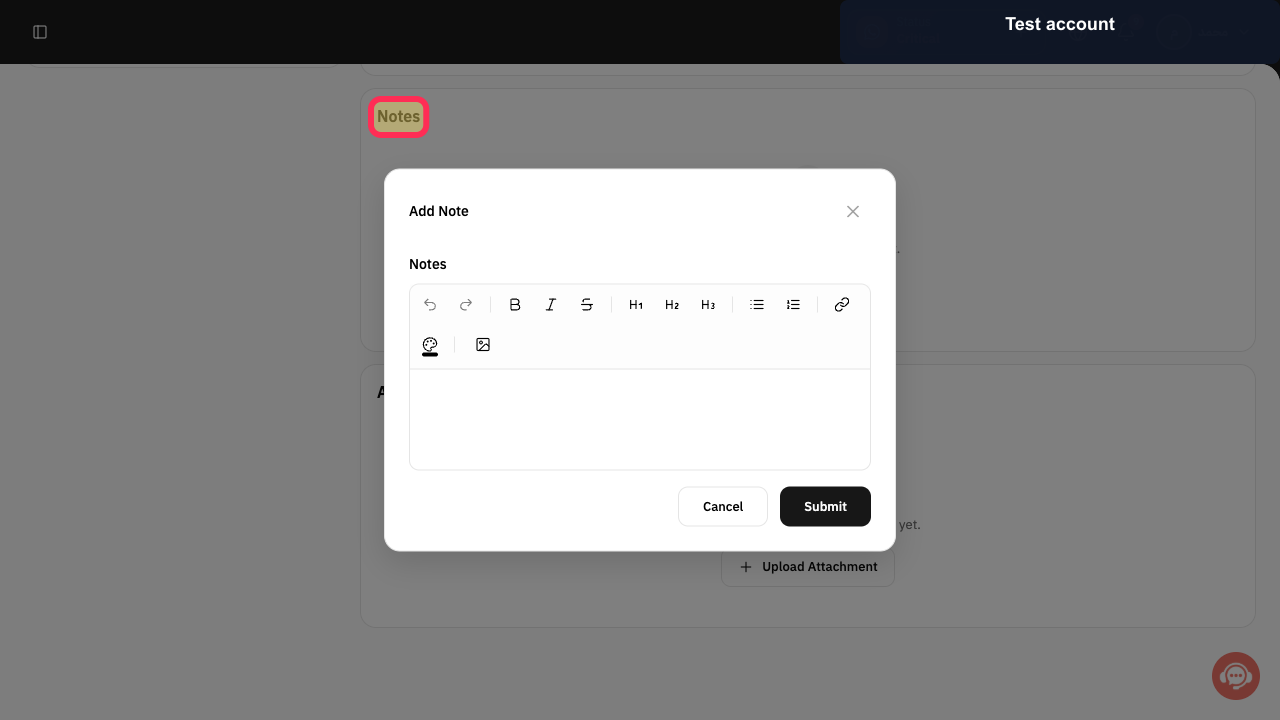
Select Notes in the customer profile.
The customer's Notes area opens.
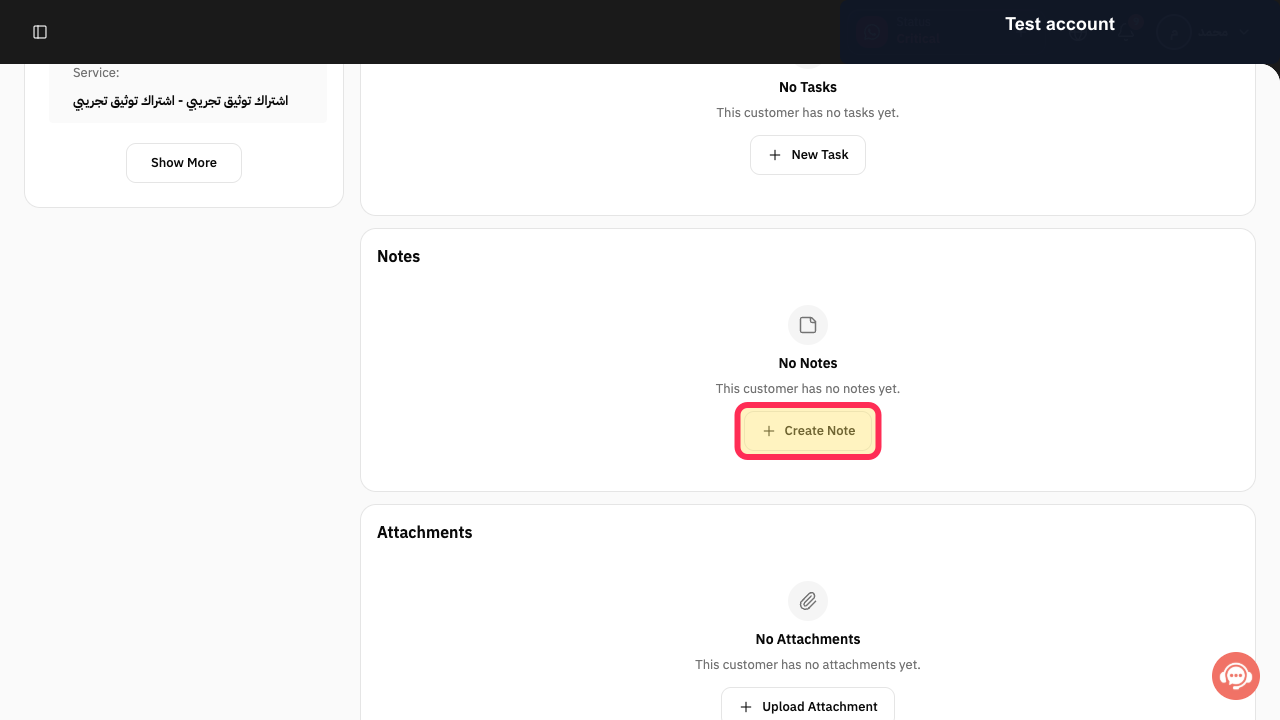
Select Create Note.
The Add Note dialog opens.
Enter the internal note under Notes.
The note is ready for review.
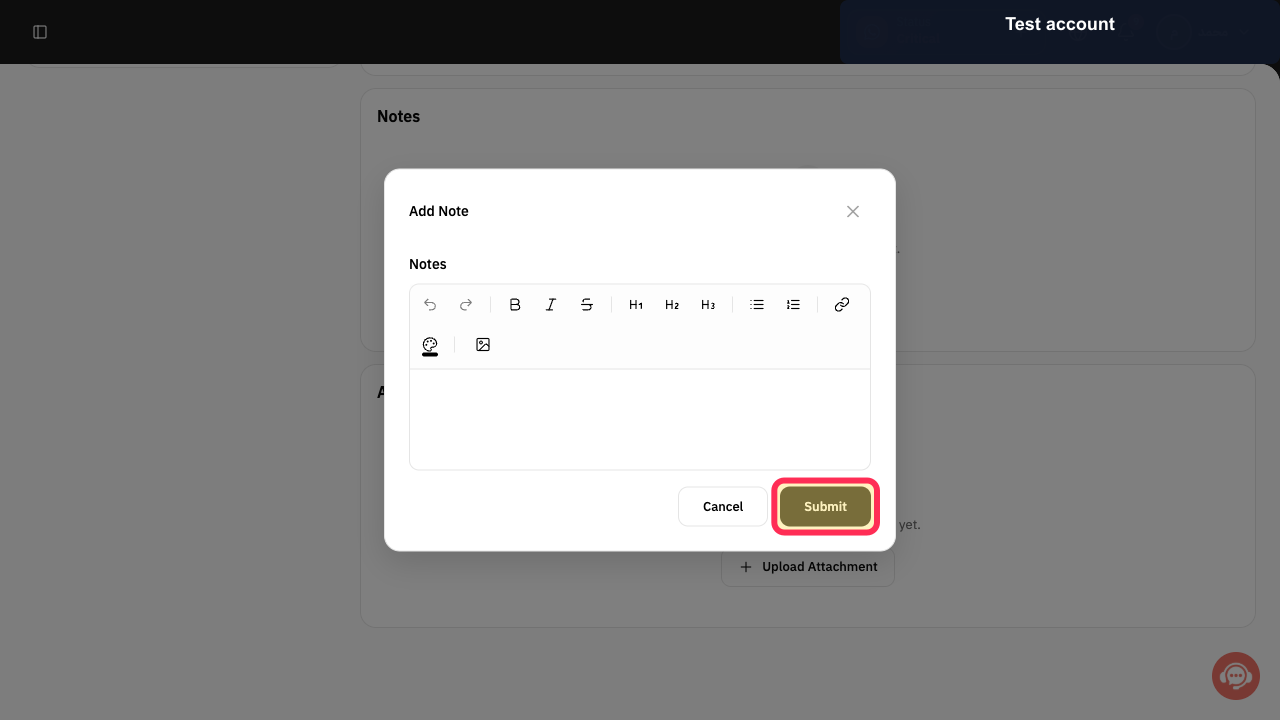
Review the note and select Submit.
The note is submitted for creation.
Illustrated guide
Step 1: Open Customers in Rekaz.
Step 2: Locate the required customer profile.
Step 3: Open the customer Notes area.
Step 4: Start a new internal customer note.
Step 5: Enter the internal customer note.
Step 6: Submit the internal customer note.
Important notes
Internal notes can help your team record short follow-ups in a customer record, such as a key preference or an action that needs follow-up.
The test note used in the demonstration was not saved.
Do not add unnecessary sensitive information to an internal note.
Related questions
How do I add a reminder to a customer account in Rekaz?
Where can I leave a note for my team about a customer in Rekaz?
How do I add an internal note for a customer in Rekaz?


