How do I view Cash Drawer Closing Reports in Rekaz?
To view cash drawer closing information in Rekaz, open Reports and select the Cash Drawer Closing Reports card under Financial Reports. This is separate from the Sales & Revenue report.
Steps
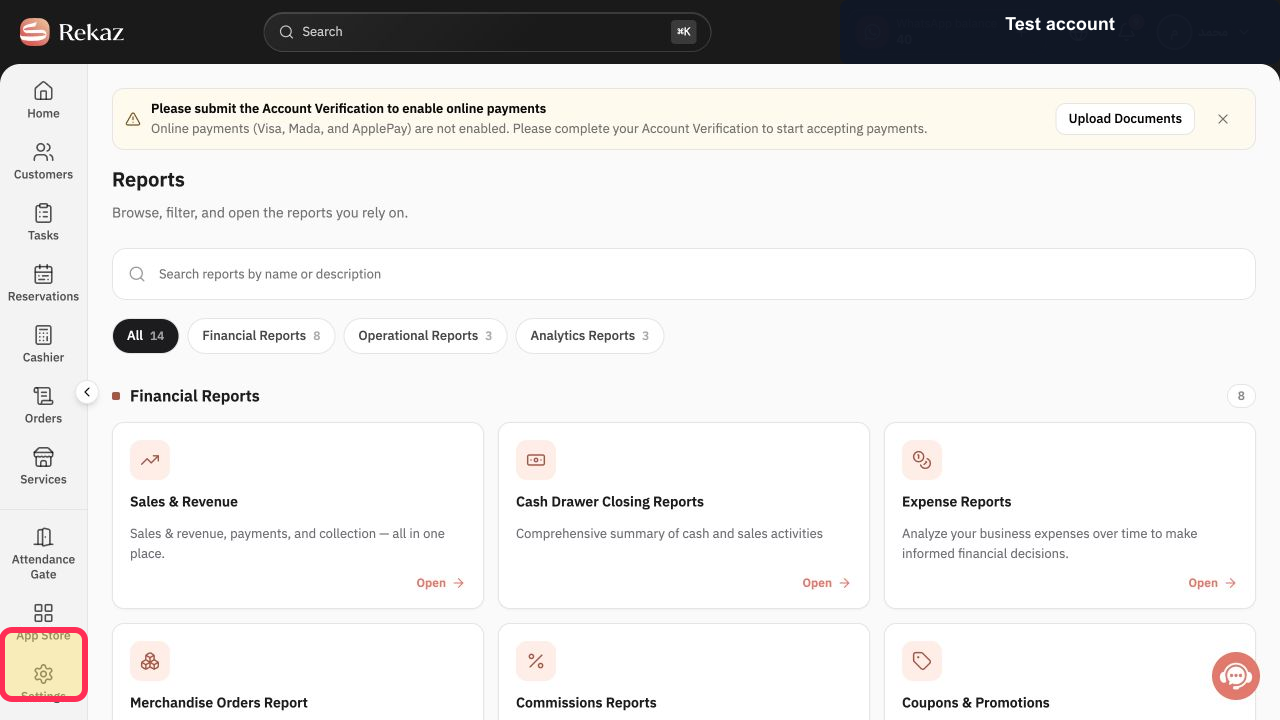
From the sidebar, select Reports.
The Reports page opens.
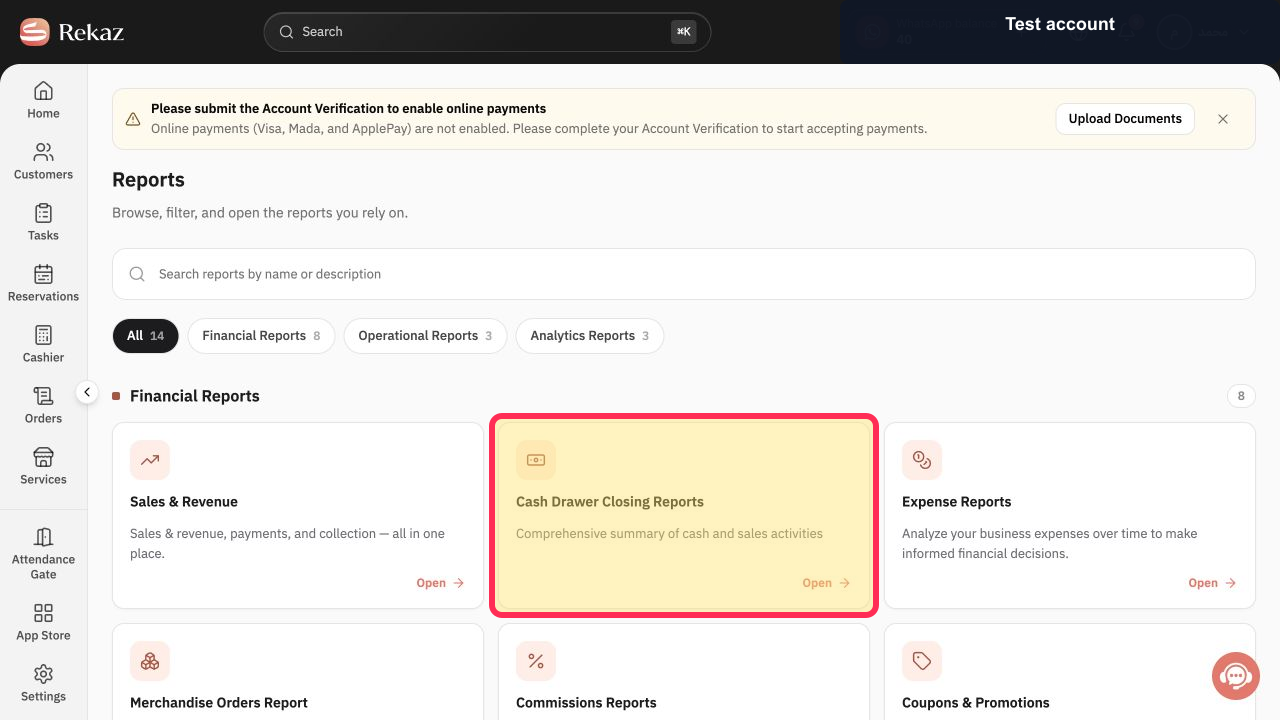
Under Financial Reports, select the Cash Drawer Closing Reports card.
The Cash Drawer Closing Reports page opens.
Illustrated guide
Step 1: Select Reports from the sidebar.
Step 2: Open Cash Drawer Closing Reports under Financial Reports.
Before you review the report
After opening the report, check that you are viewing the required period or shift.
Do not confuse Cash Drawer Closing Reports with the Sales & Revenue report.
Related questions
Where can I find the cashier closing report in Rekaz?
How do I review a cash drawer closing in Rekaz?
Where do I open a shift closing report in Rekaz?


