How do I find peak booking times in Rekaz?
Peak Times in Reservations visualises reservation activity by day and hour so you can identify busy and quiet periods.
Confirm the filters, view interval, and displayed date before using the heatmap for staffing or availability decisions.
Steps
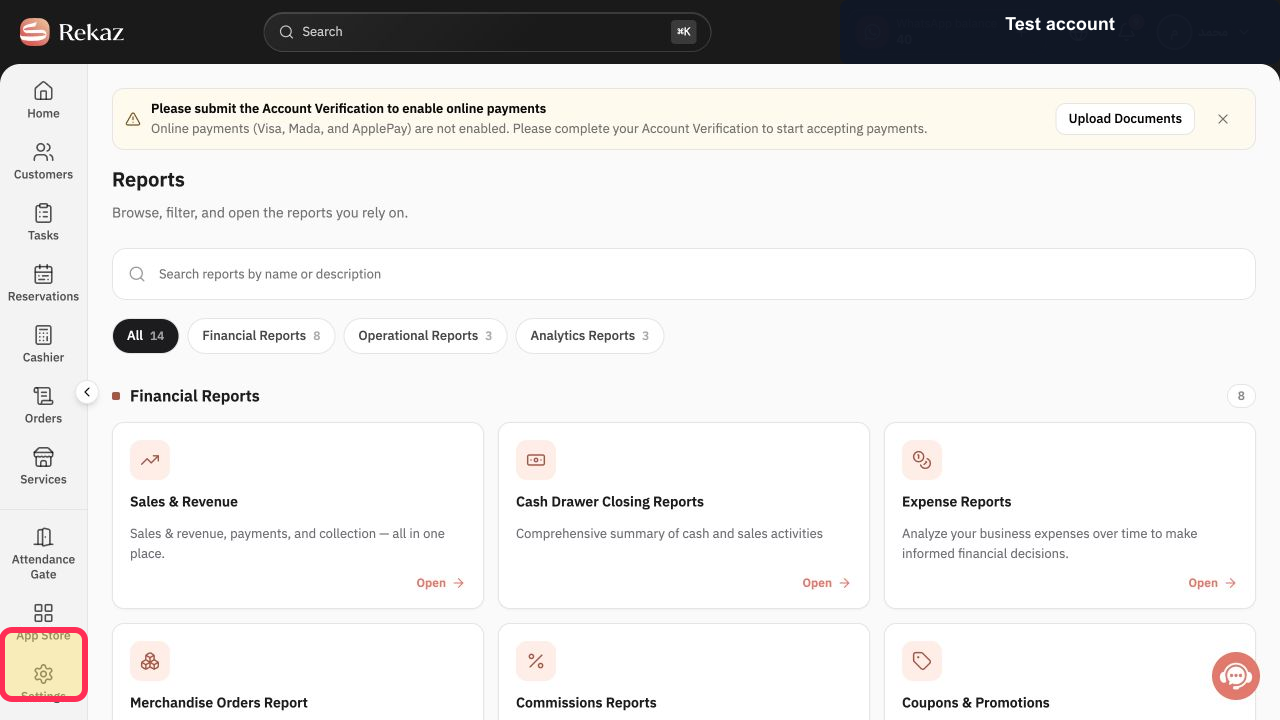
Open Reports from the Rekaz navigation.
The Reports catalog opens.
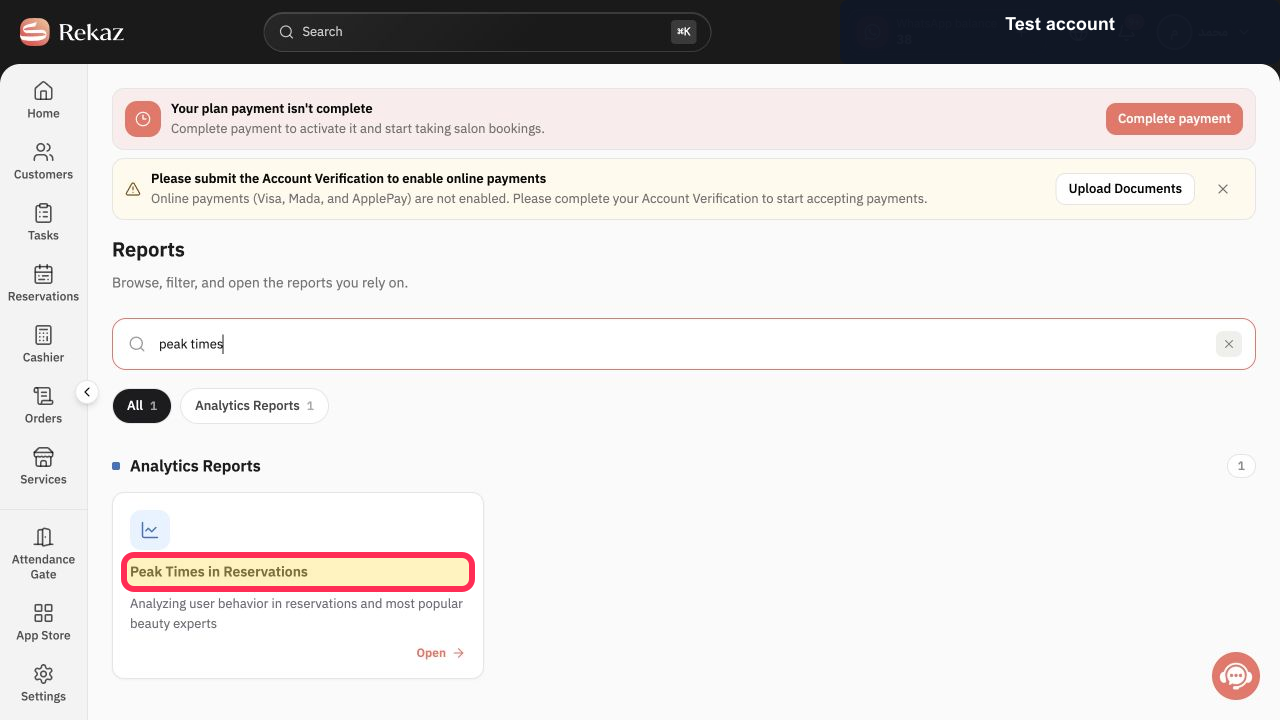
Select Peak Times in Reservations.
The reservations analytics report opens.
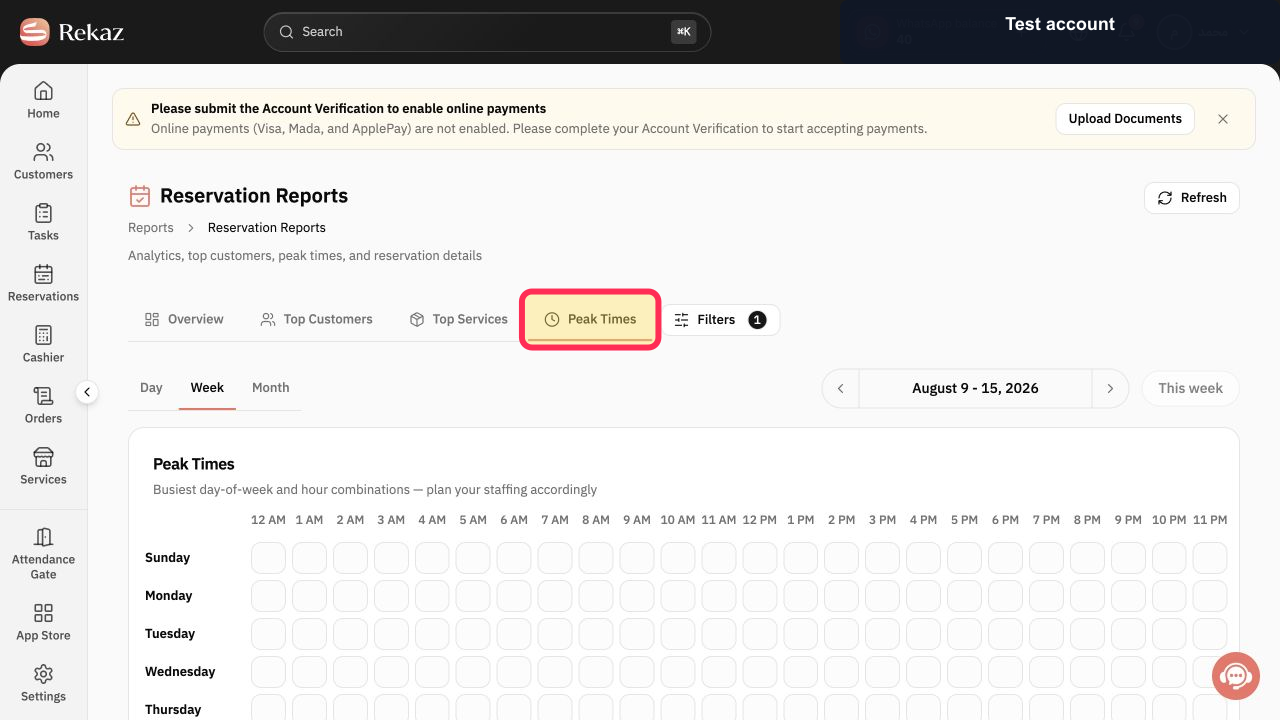
Select Peak Times.
The Peak Times heatmap tab opens.
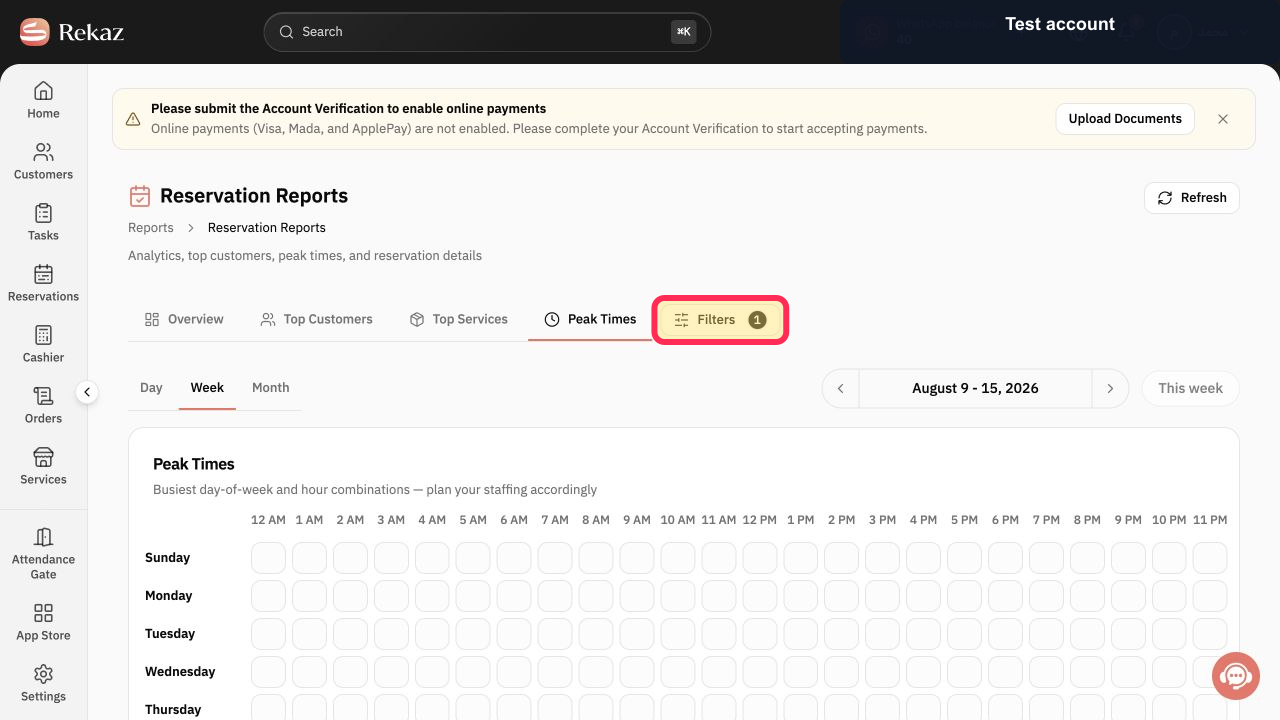
Select Filters 1 and set the branch, provider, service, or other available scope you need.
The report uses the intended filter scope.
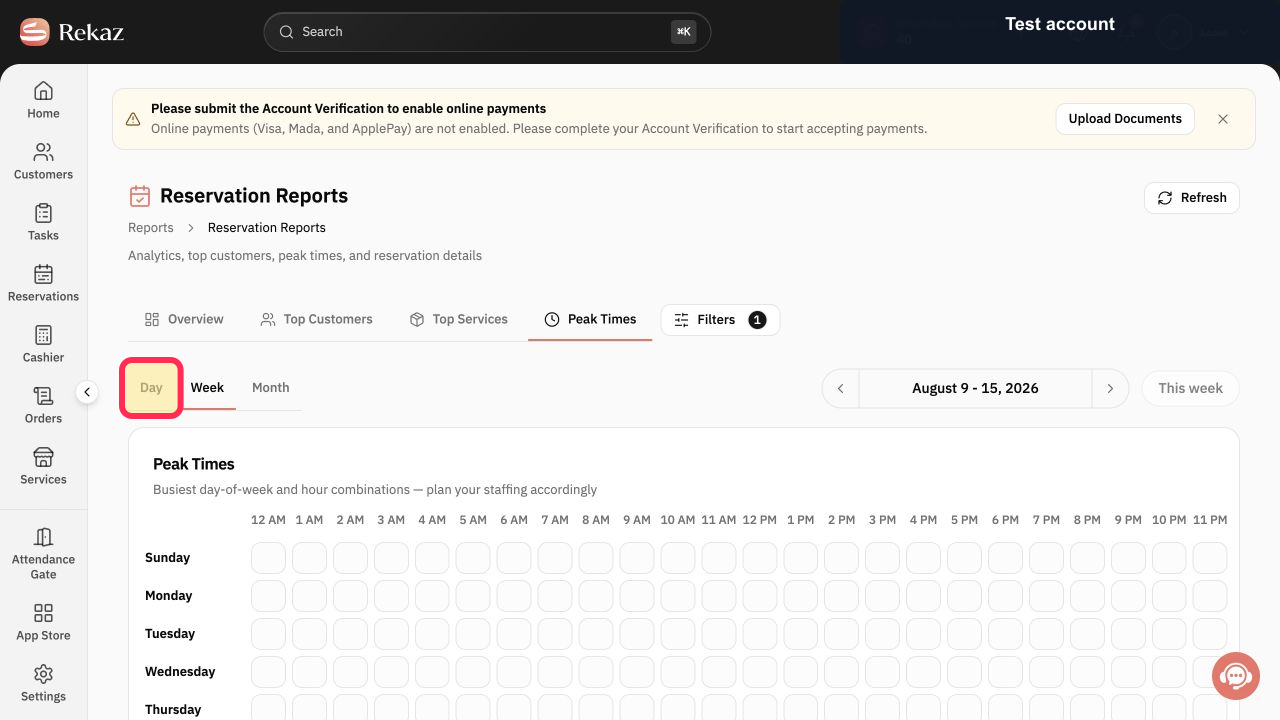
Choose Day, Week, or Month. Select Day when you need the most detailed time-slot view.
The heatmap uses the selected time interval.
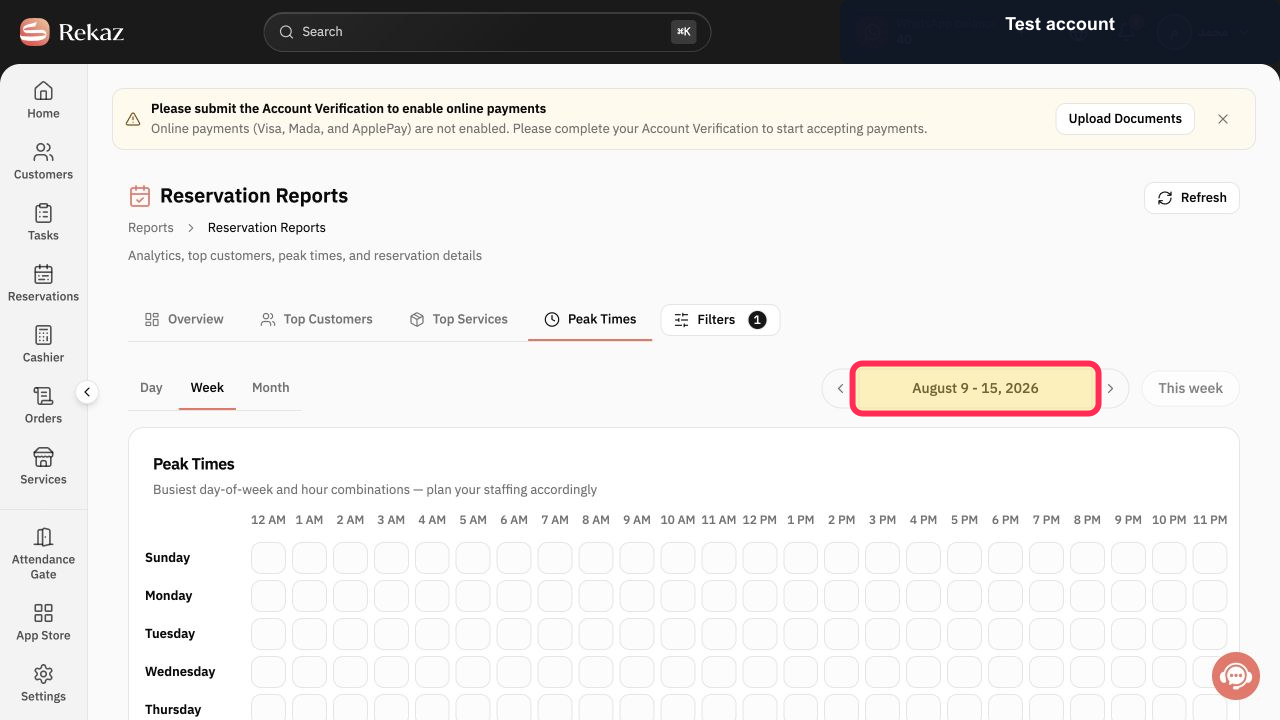
Use the date-period control, such as August 9 - 15, 2026, to move to the period you want to analyse.
The intended reporting period is displayed.
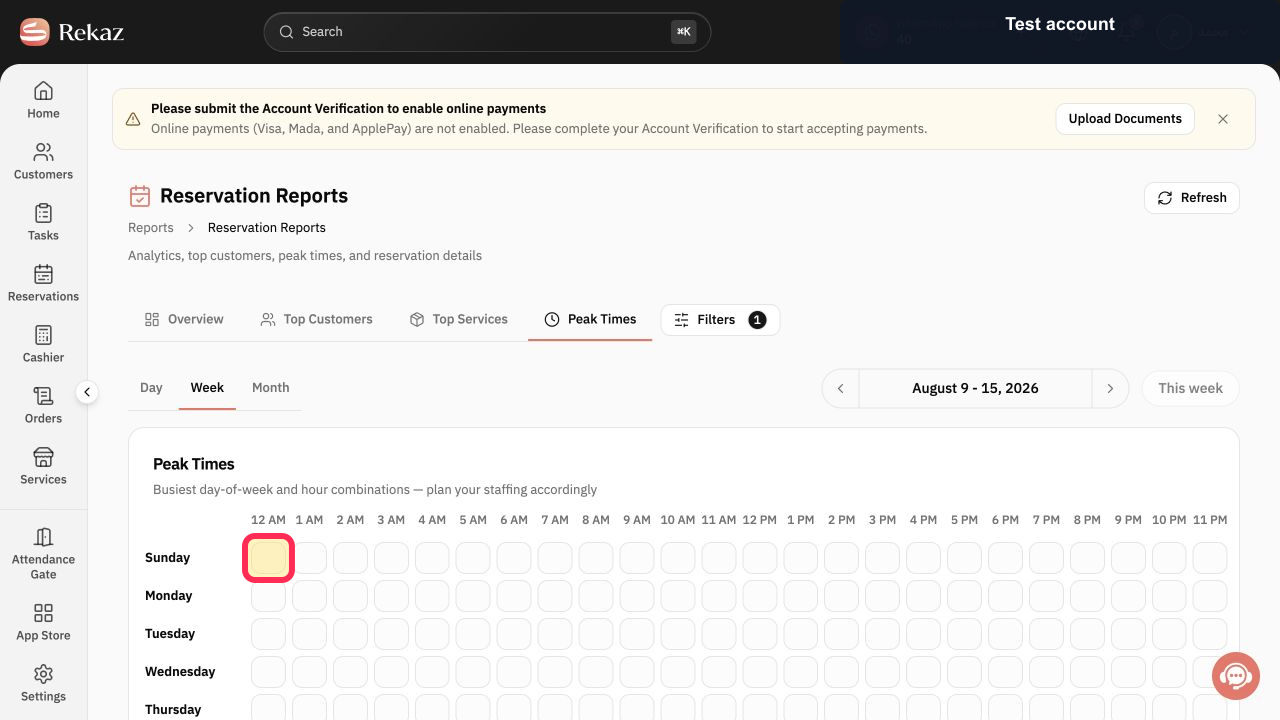
Read the day-and-hour heatmap. Select or hover over a slot when you need its reservation detail.
Each slot indicates the reservation level for its day and hour.
Illustrated guide
Step 1: Open the Rekaz Reports catalog.
Step 2: Open Peak Times in Reservations from the catalog.
Step 3: Open the Peak Times tab.
Step 4: Open the Peak Times filters.
Step 5: Choose the Peak Times view interval.
Step 6: Choose the Peak Times reporting period.
Step 7: Read a day-and-hour slot in the Peak Times heatmap.
Important notes
The displayed heatmap changes whenever you change the period or Filters.
Read the days and hours together to identify busy booking times accurately.
Related questions
How do I find the times with the most bookings in Rekaz?
Where can I see busy hours in Rekaz?
How do I use the Peak Times heatmap in Rekaz?


