How do I view the Coupons & Promotions Report in Rekaz?
Coupons & Promotions separates coupon usage, discounts, and Last-Minute Deals into report tabs.
Choose the tab and date range before exporting so the file reflects the promotion type and period you intend to analyse.
Steps
Open Reports from the Rekaz navigation.
The Reports catalog opens.
Select Coupons & Promotions. The report opens on Coupons.
The Coupons & Promotions report opens with the Coupons tab available.
Select Coupons to review coupon usage.
Coupon records and their usage columns are shown.
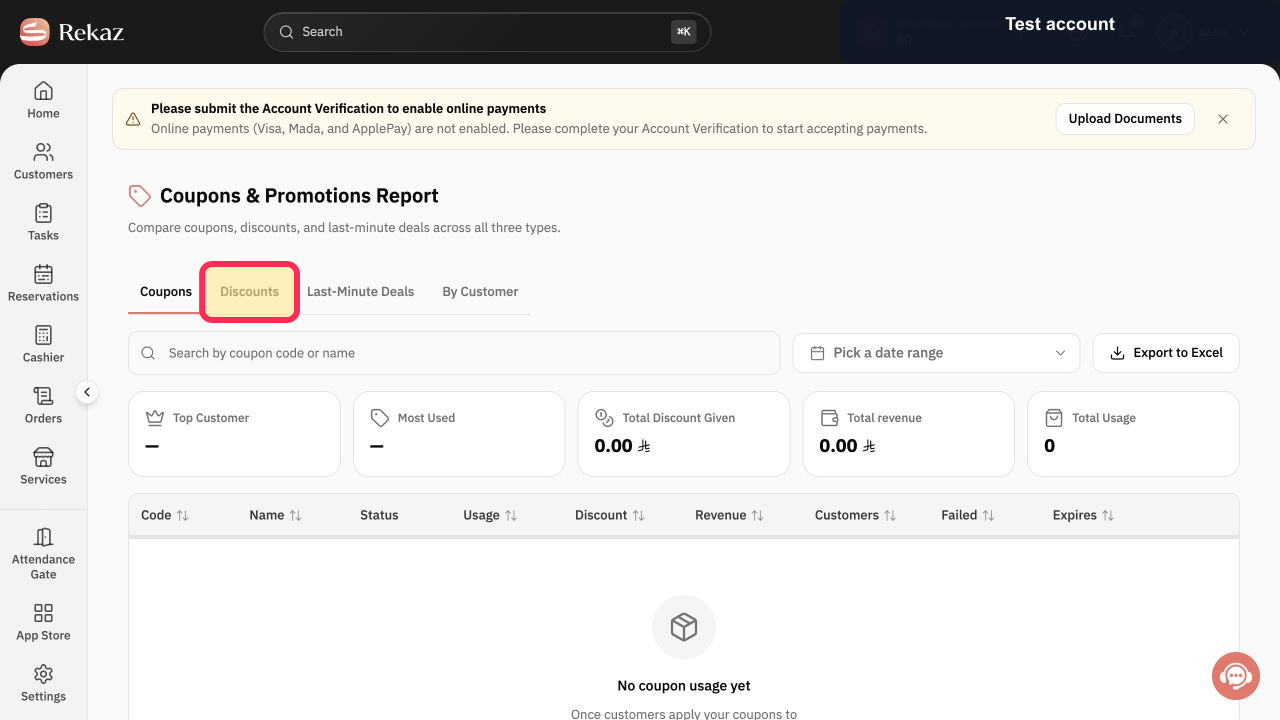
Select Discounts to review discount activity.
The report switches to discount records.
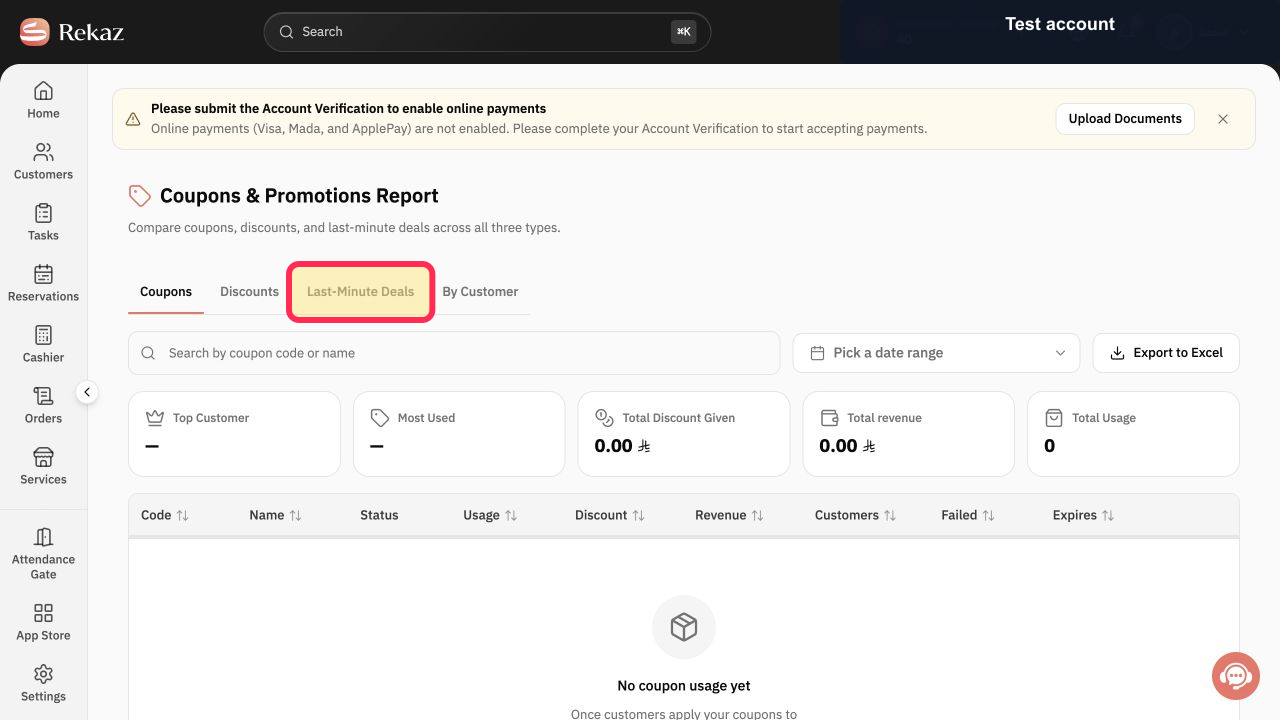
Select Last-Minute Deals to review that promotion type.
The report switches to Last-Minute Deals.
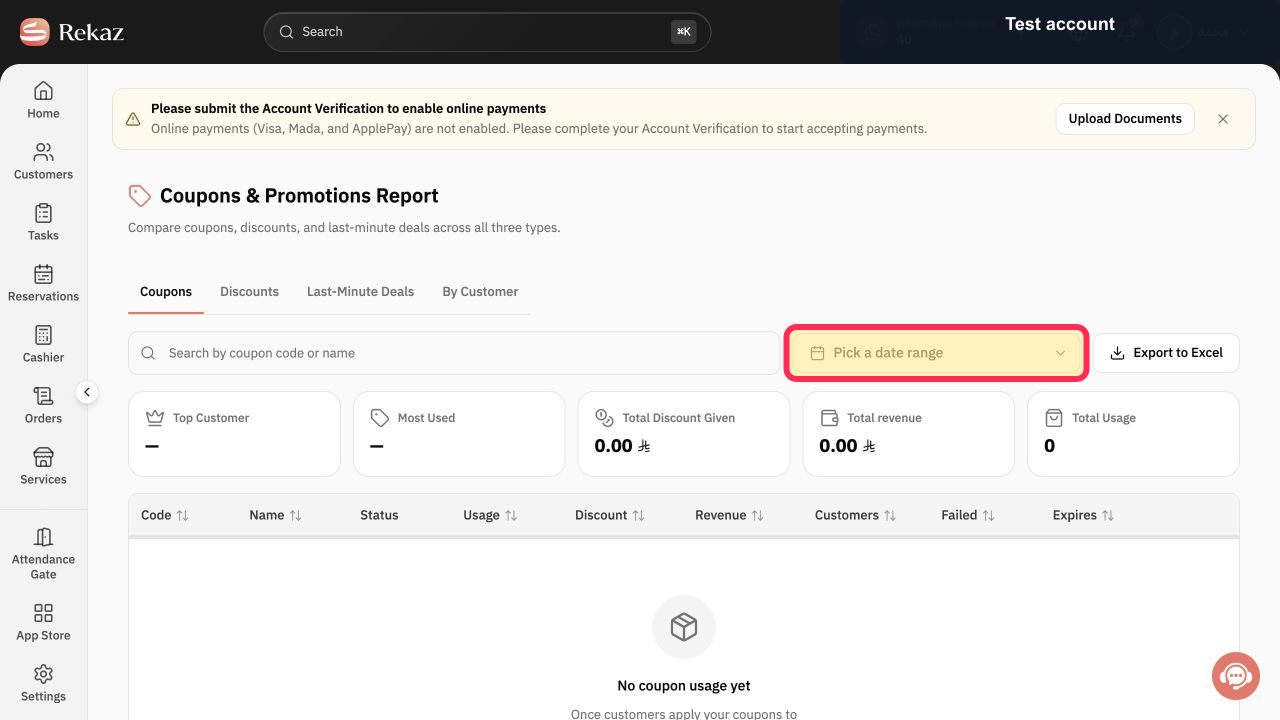
Select Pick a date range and choose the period to analyse.
The promotion report uses the selected period.
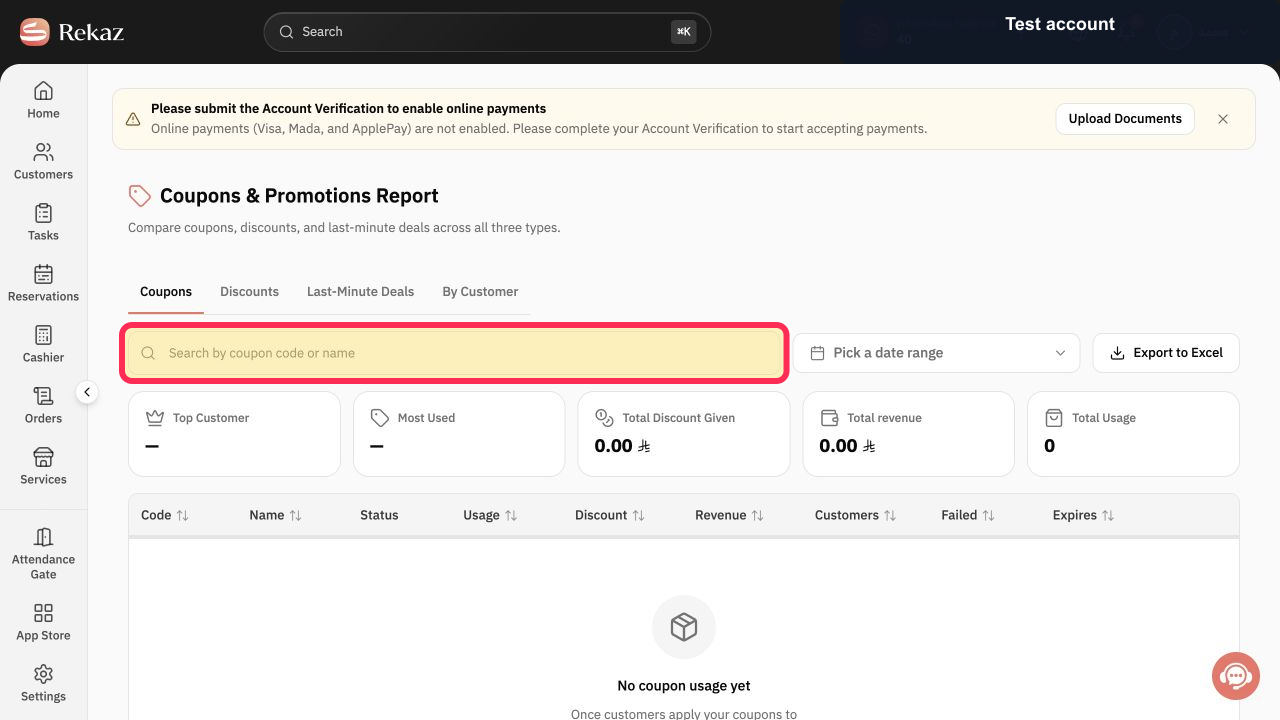
Enter a code or name under Search by coupon code or name when you need a narrower result.
The report is narrowed by the entered code or name.
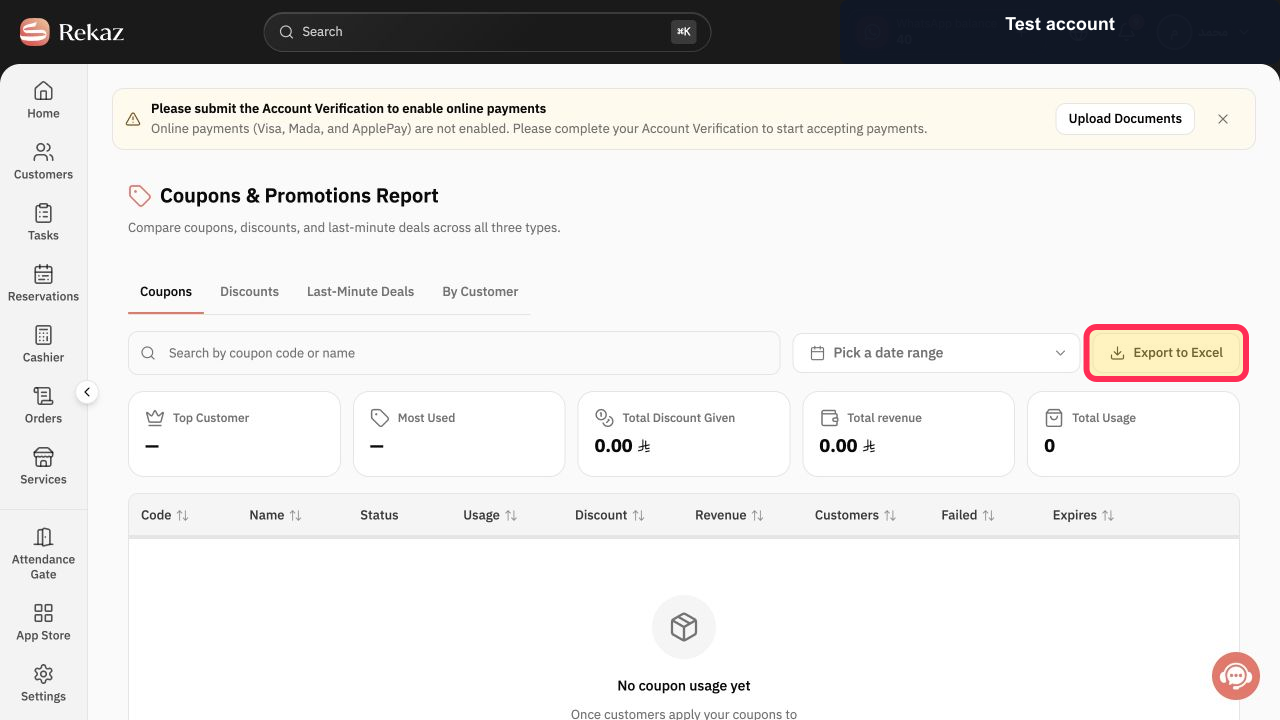
Review the selected tab, date, and search scope, then select Export to Excel.
The current Coupons & Promotions results are prepared for download.
Illustrated guide
Step 1: Open the Rekaz Reports catalog.
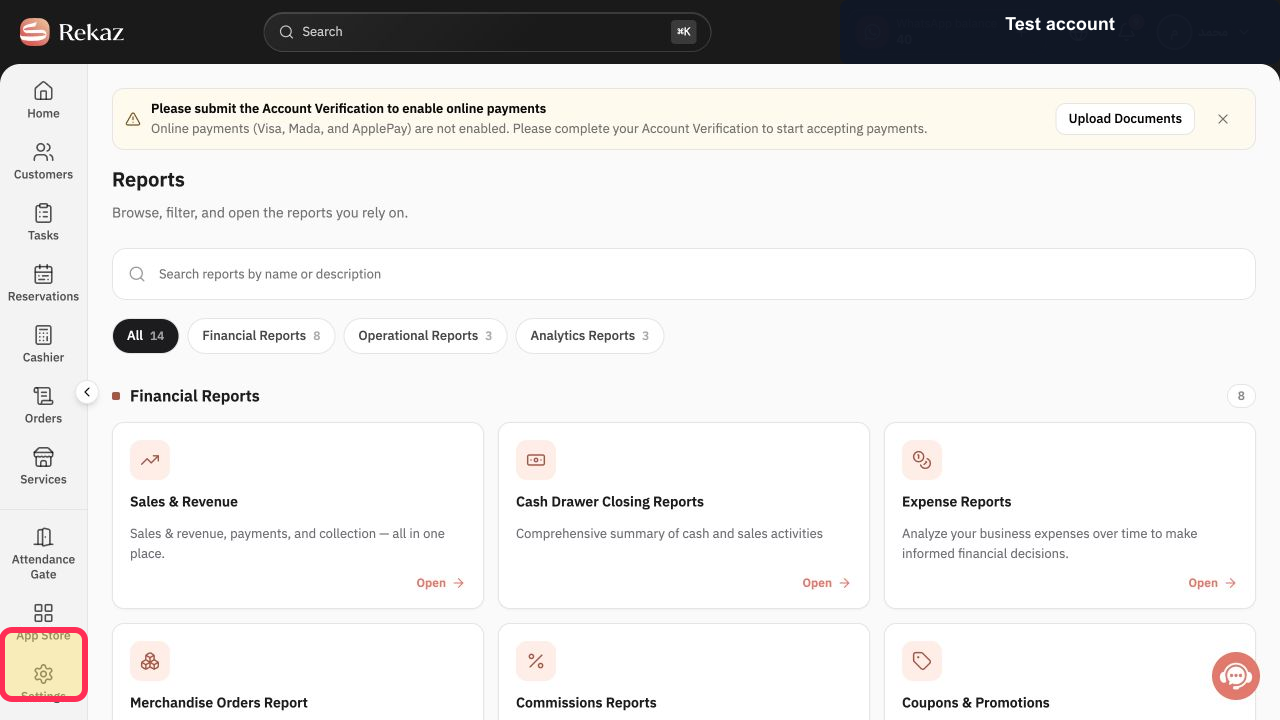
Step 2: Open Coupons & Promotions in Rekaz.
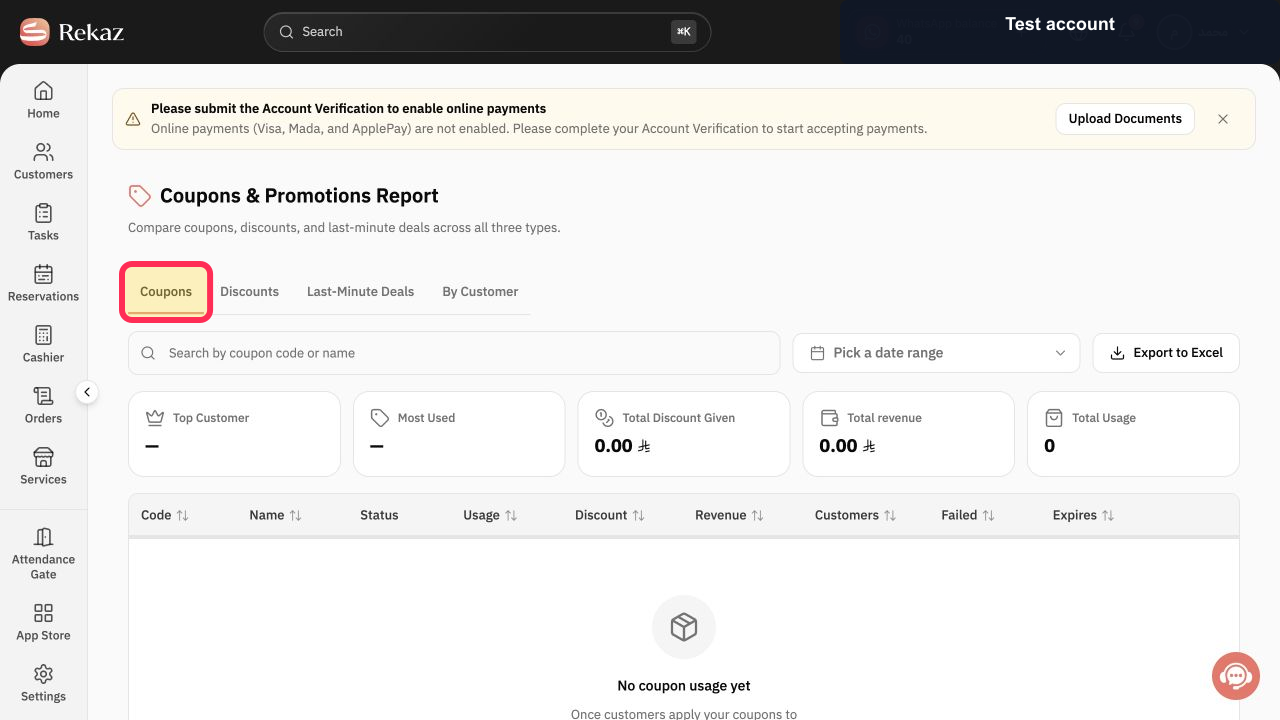
Step 3: Review the Coupons tab.
Step 4: Review the Discounts tab.
Step 5: Review Last-Minute Deals.
Step 6: Set the Coupons & Promotions date range.
Step 7: Search Coupons & Promotions by code or name.
Step 8: Export Coupons & Promotions to Excel.
Important notes
Select the relevant tab before reading the report figures, because Coupons, Discounts, and Last-Minute Deals are shown separately.
After changing the date range, run the search before exporting the report.
Related questions
How can I check coupon usage in Rekaz?
Where can I find the discounts and promotions report in Rekaz?
How do I export coupon performance to Excel in Rekaz?


