How do I view Expense Reports in Rekaz?
To view Expense Reports in Rekaz, open Reports from the sidebar, then select Expense Reports under Financial Reports. Use the report’s available period and filters to review the expenses you need.
Steps
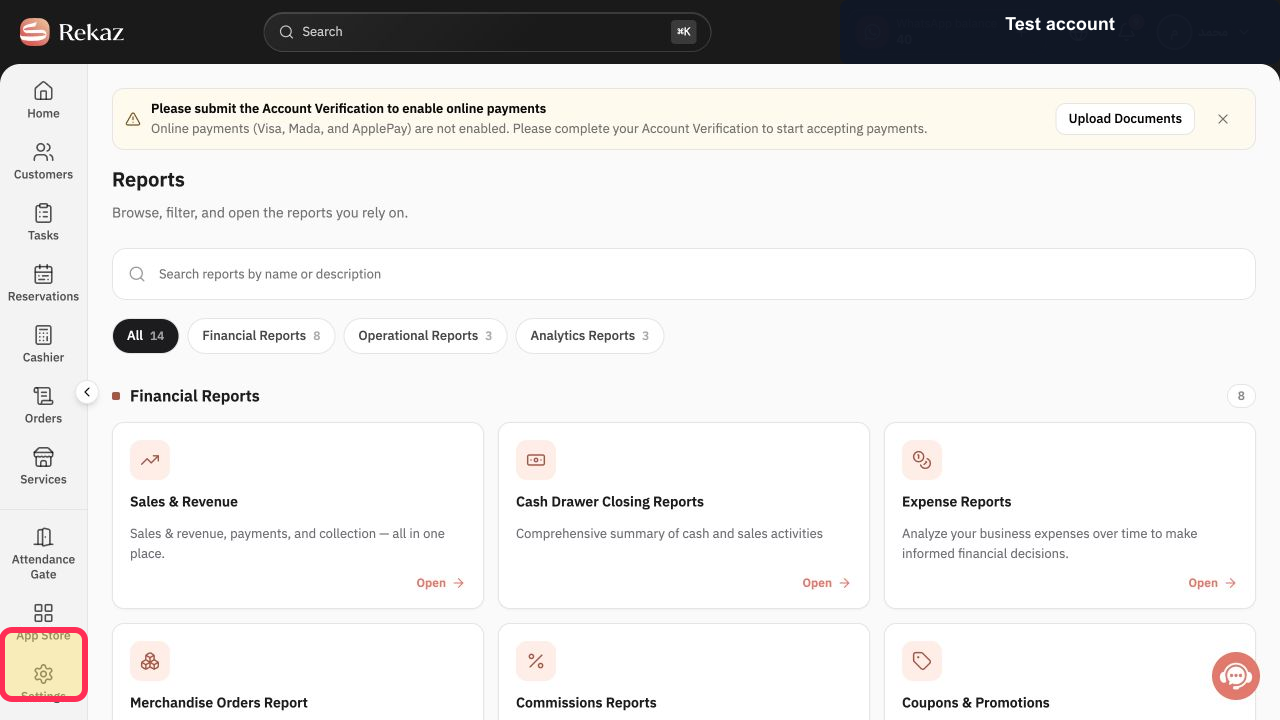
From the sidebar, click Reports.
The Reports page opens.
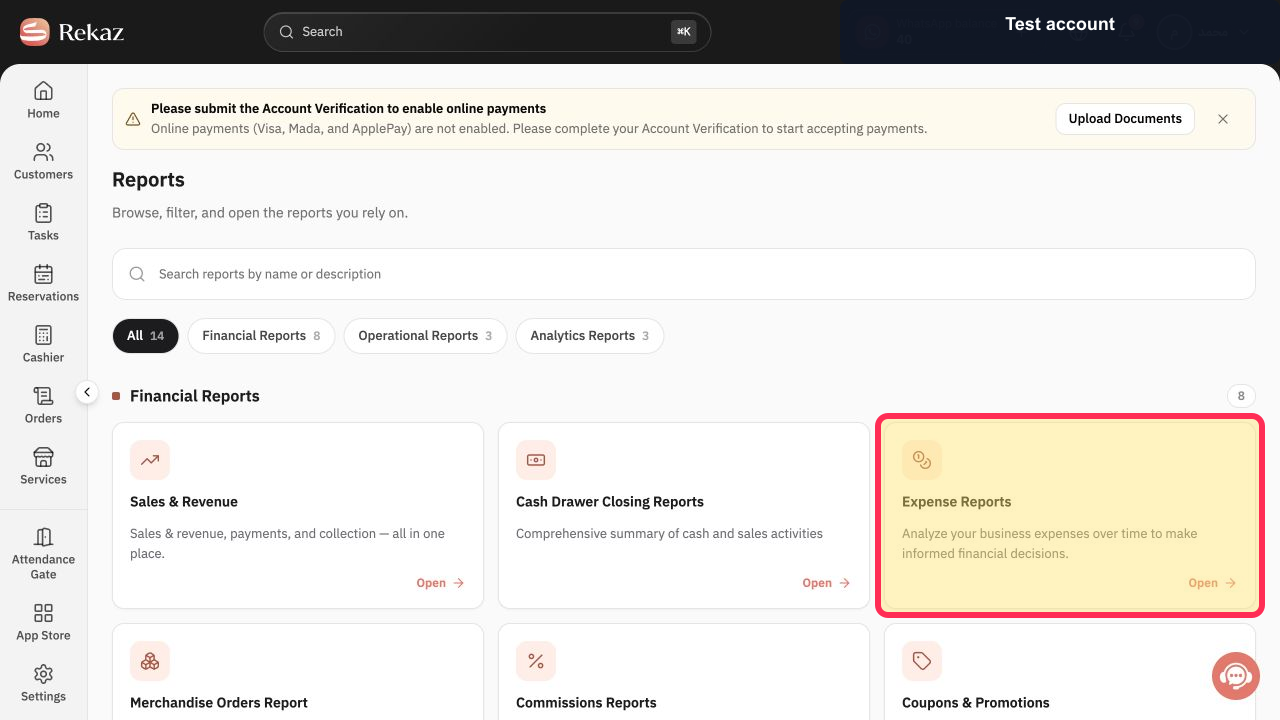
Under Financial Reports, click the Expense Reports card.
The Expense Reports page opens.
Illustrated guide
Step 1: Click Reports in the sidebar.
Step 2: Open the Expense Reports card under Financial Reports.
Review expense data
After opening the report, select the appropriate period and any available filters.
Compare expenses using the same period you use when reviewing sales.
Related questions
Where can I find the expense report in Rekaz?
How do I open my business expense report in Rekaz?
Where can I review Expense Reports in Rekaz?


