How do I view the Merchandise Orders Report in Rekaz?
The Merchandise Orders Report shows order totals, revenue, status breakdowns, top products, and customer summaries for physical-goods sales.
Search before exporting when you only need a specific subset of the report.
Steps
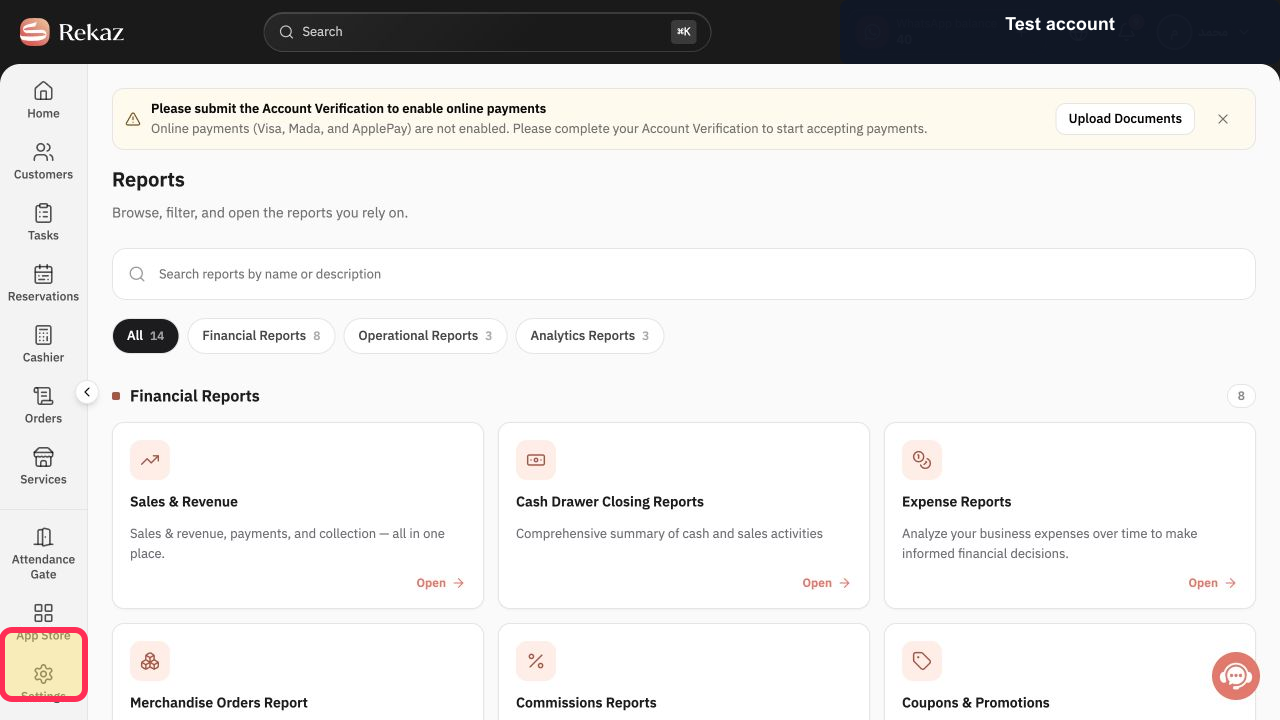
Open Reports from the Rekaz navigation.
The Reports catalog opens.
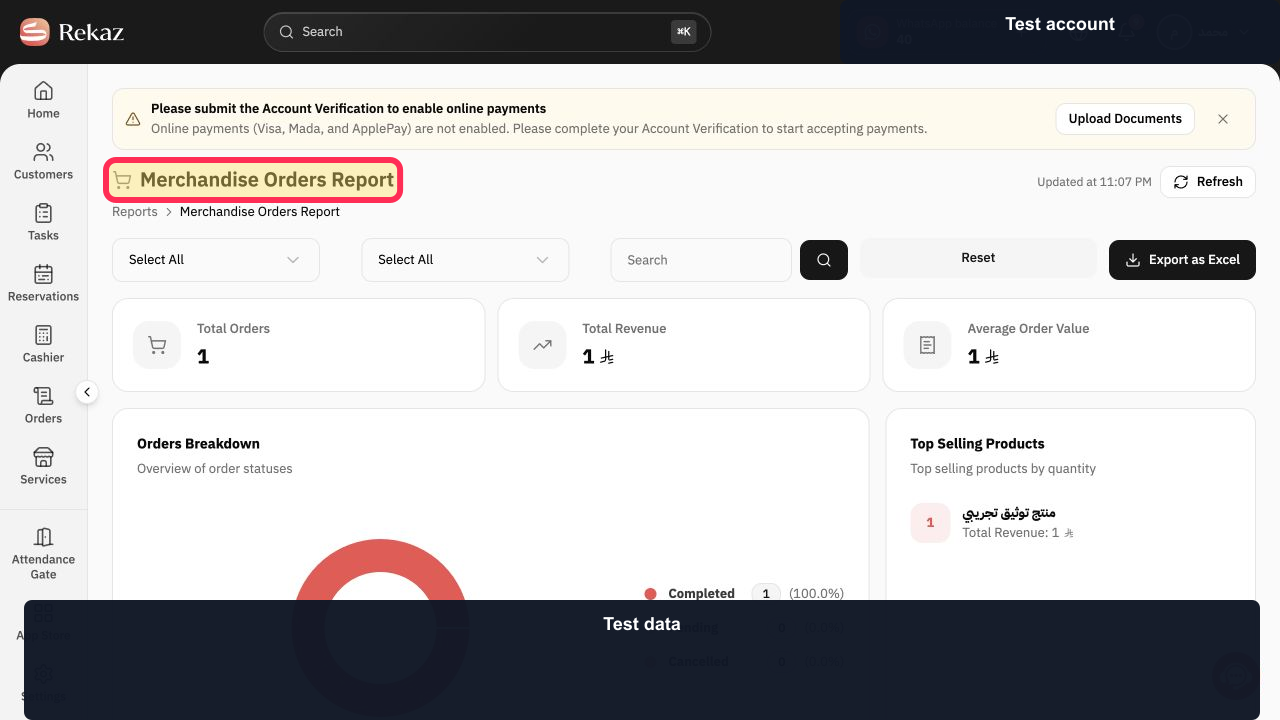
Select Merchandise Orders Report.
The merchandise sales report opens.
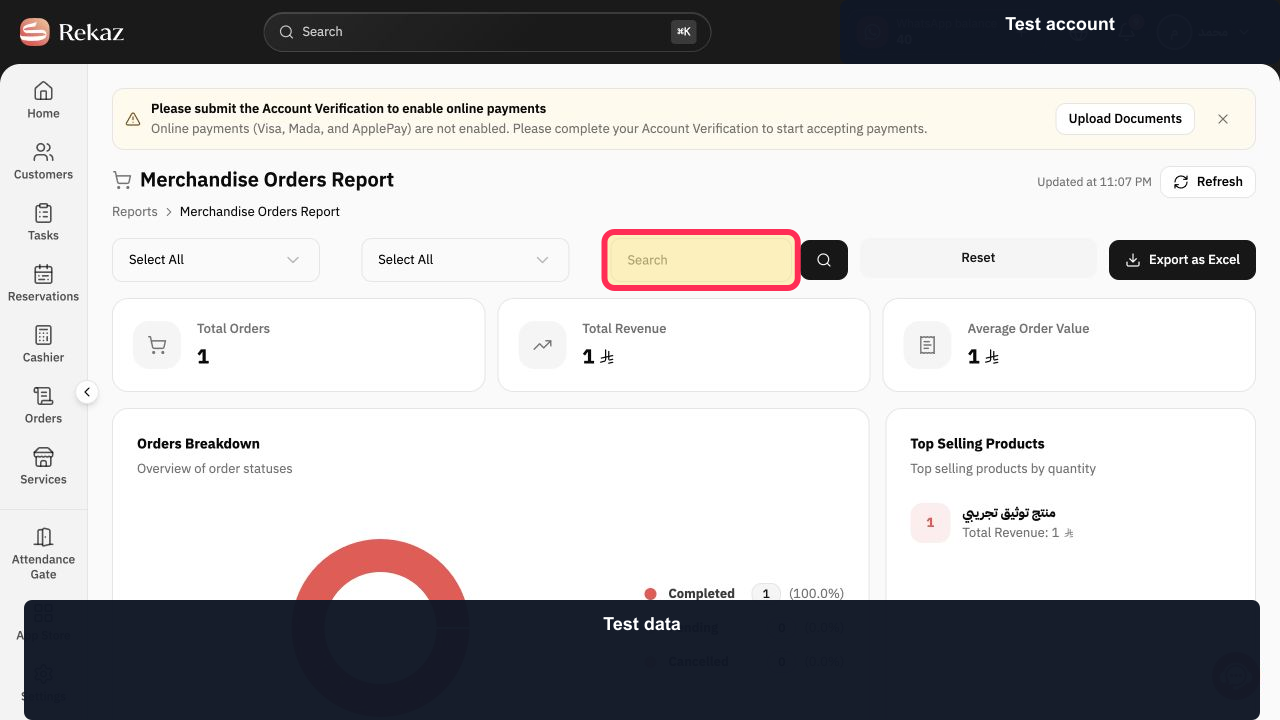
Enter the product, order, or customer term you need in Search.
The search term is entered in the report.
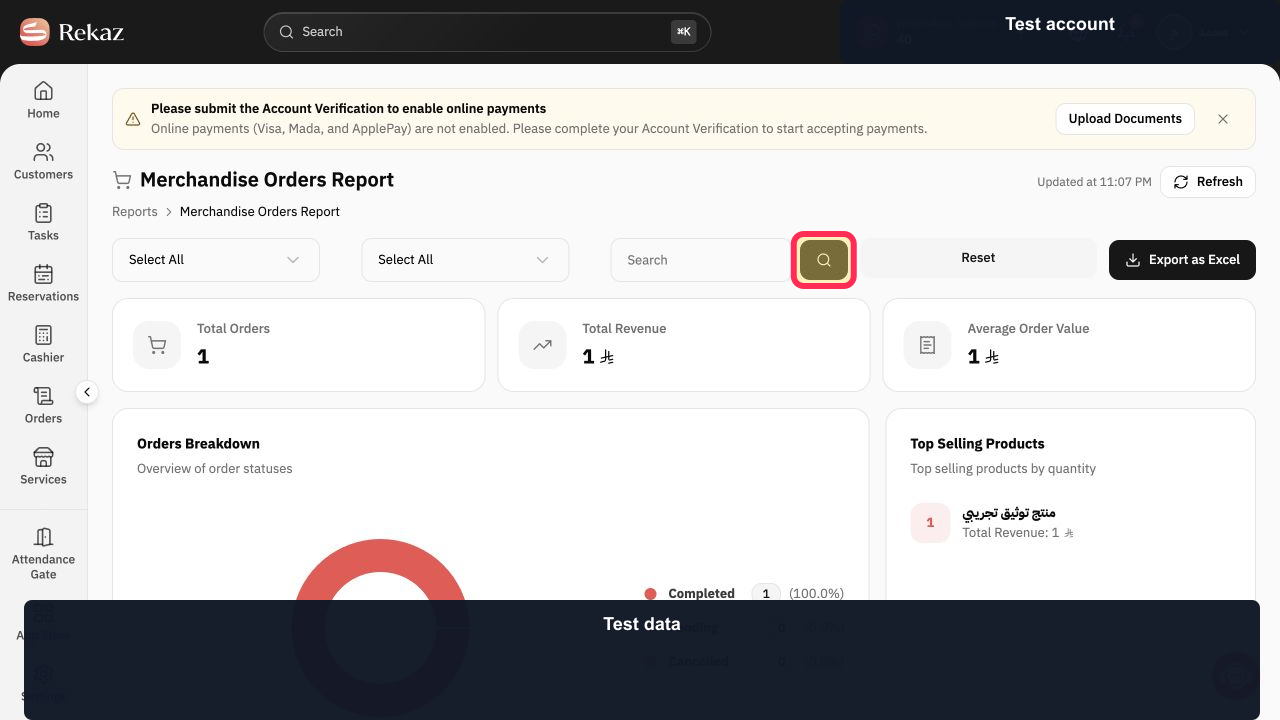
Select Search to apply the entered term.
The report refreshes using the search term.
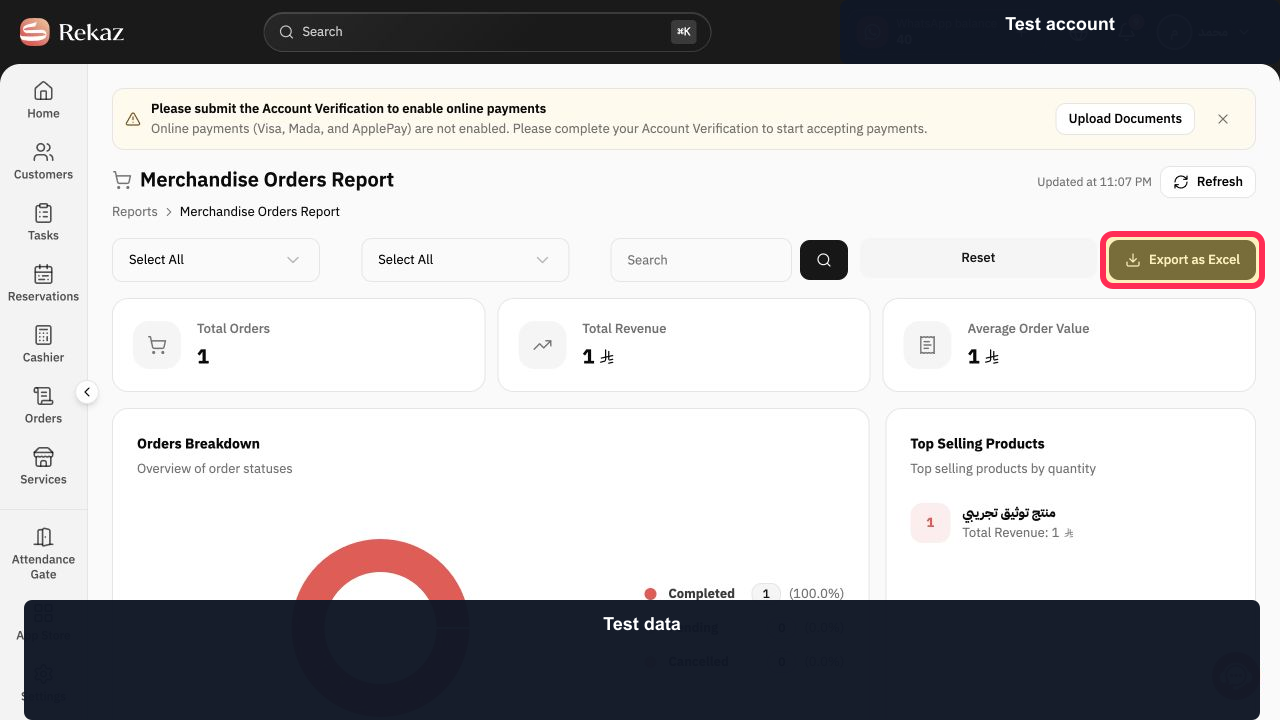
Select Export as Excel after reviewing the report scope.
The current Merchandise Orders Report is prepared as an Excel file.
Illustrated guide
Step 1: Open the Rekaz Reports catalog.
Step 2: Open the Merchandise Orders Report.
Step 3: Enter a term in the Merchandise Orders Report search field.
Step 4: Apply the merchandise report search.
Step 5: Export the Merchandise Orders Report to Excel.
Important limitations
The Merchandise Orders Report is for product-order analysis and does not confirm the current quantity available in stock.
Apply your filters and search before reviewing metrics or exporting the report.
Related questions
Where can I find the merchandise sales report in Rekaz?
How do I find the top-selling products in Rekaz?
How do I export merchandise orders to Excel in Rekaz?


