How do I view subscription attendance reports in Rekaz?
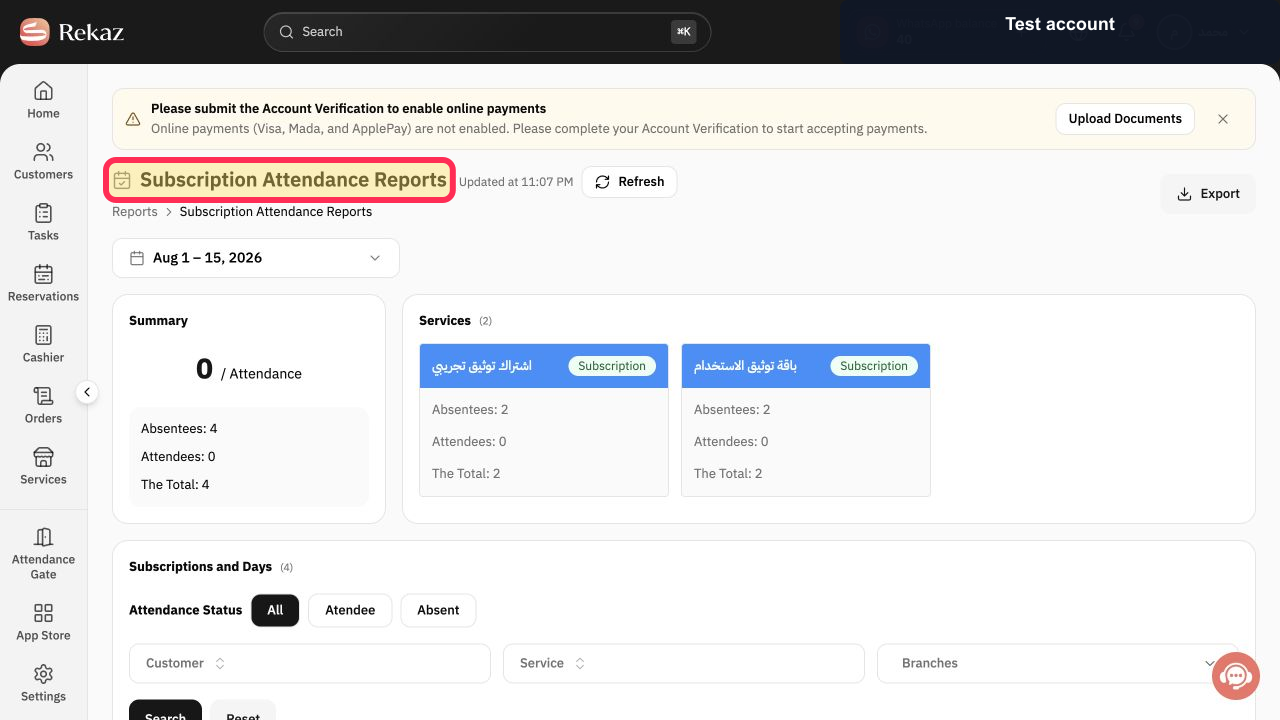
Subscription Attendance Reports shows attendance and absence records generated for customer subscriptions. The current report includes a summary, service totals, status filters, and a detailed Subscriptions and Days table.
Use the Customer, Service, and Branches filters only when you need to narrow the report. The table may contain customer information, so exported files should be handled according to your privacy policy.
Steps
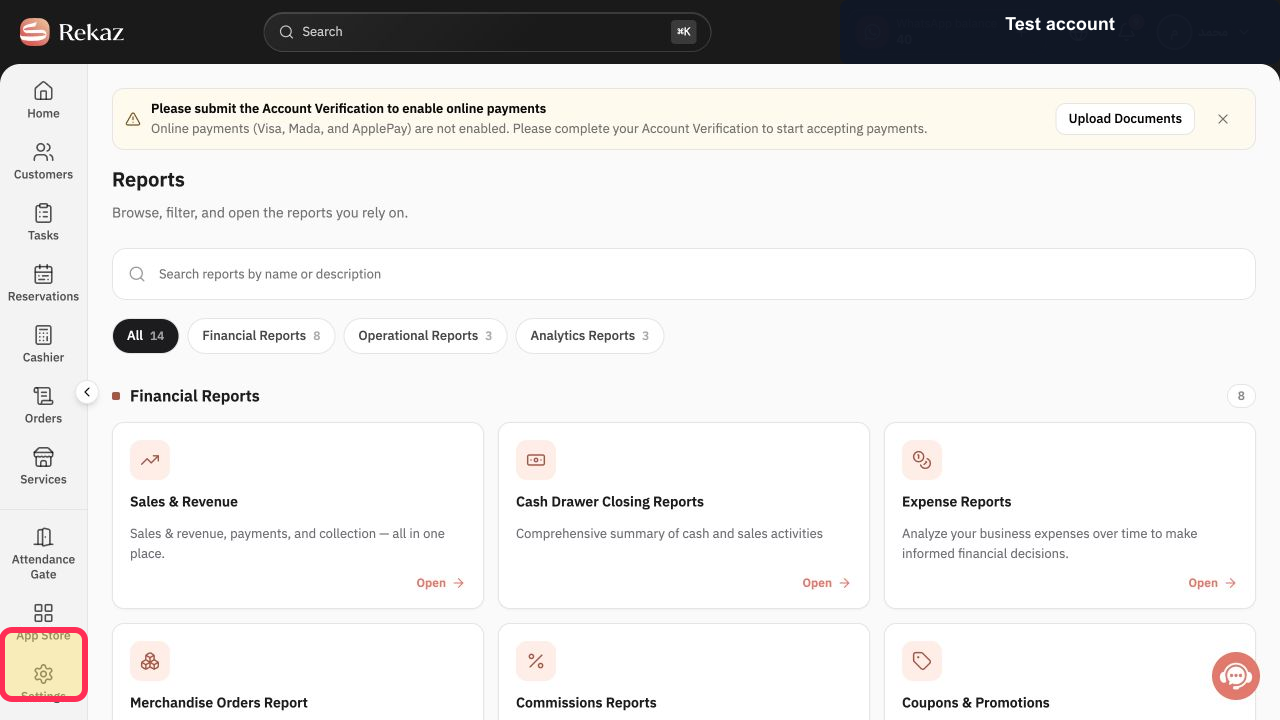
Select Reports in the Rekaz sidebar.
The Reports area opens.
Open Subscription Attendance Reports.
The Subscription Attendance Reports page opens.
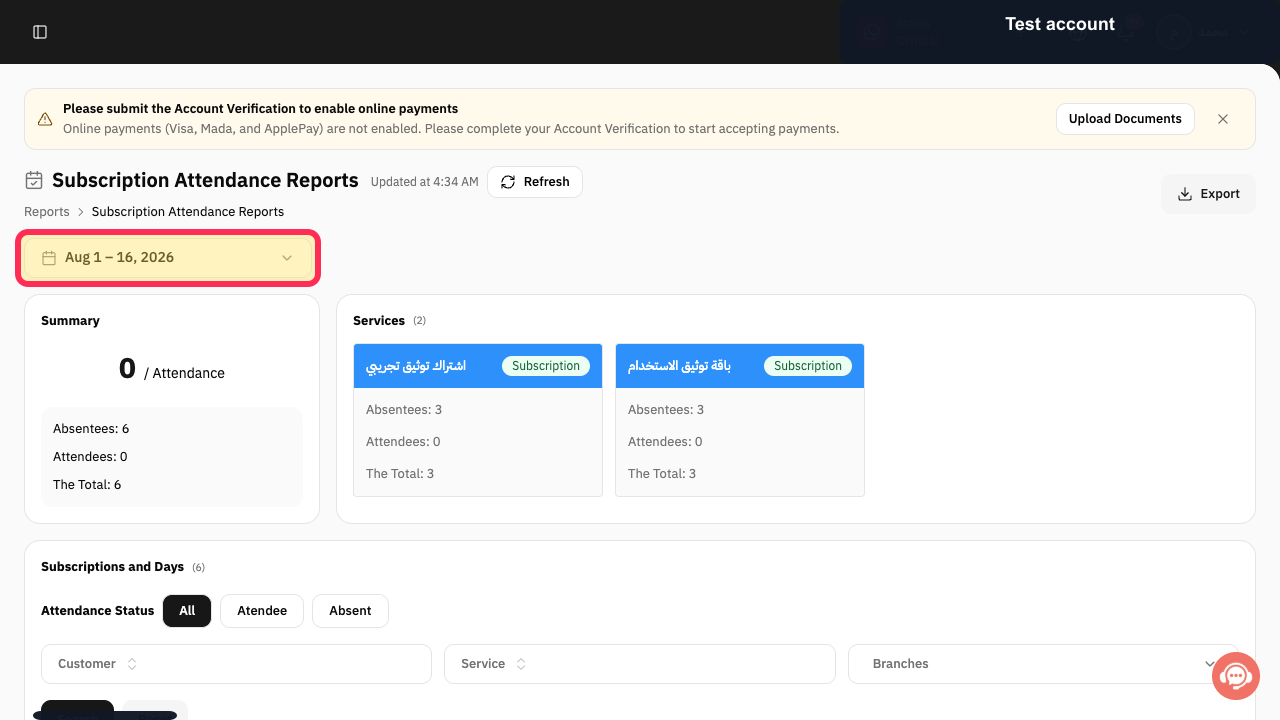
Select the displayed date range and choose the period to review.
The report uses the selected date range.
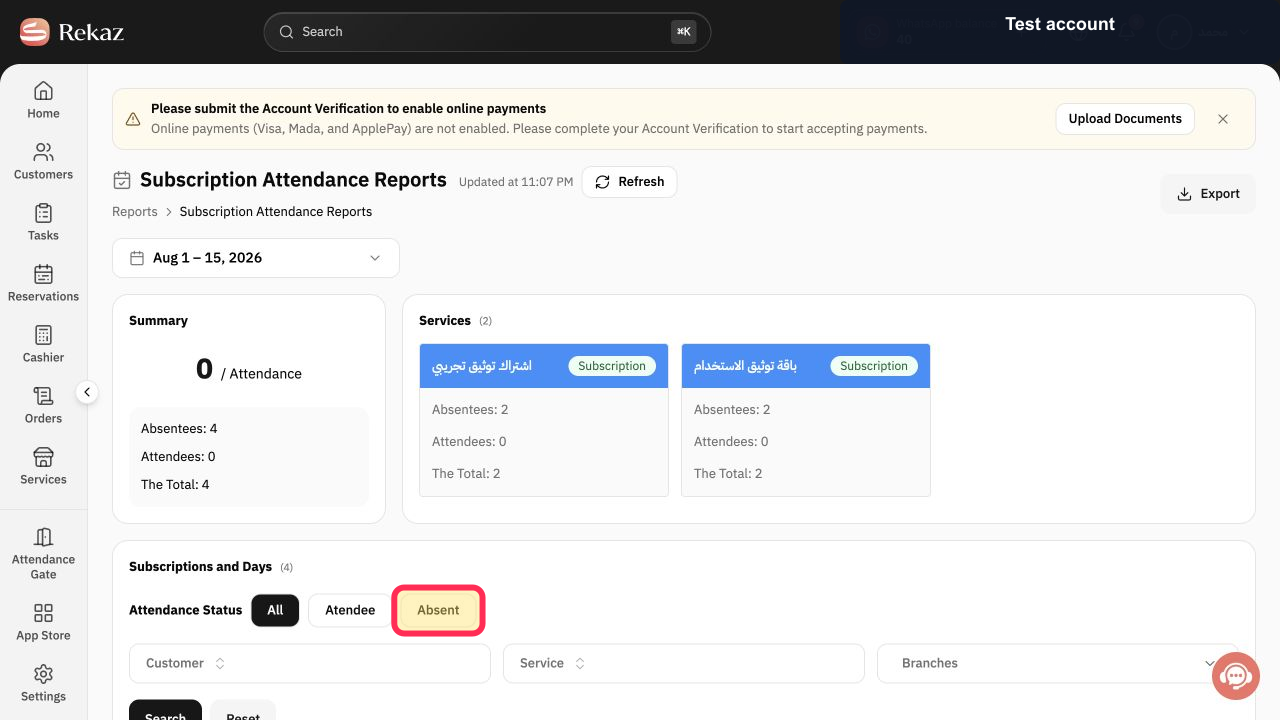
Under Attendance Status, choose All, Atendee, or Absent. Select Absent when you only need missed attendance.
The report uses the selected attendance-status filter.
Optional: select Customer and choose one customer.
The selected customer is added to the report filters.
Optional: select Service and choose one subscription service.
The selected service is added to the report filters.
Optional: select Branches and choose the branches to include.
The selected branches are added to the report filters.
Select Search to apply the filters. Use Reset when you need to clear them.
The Subscriptions and Days table updates to the selected filters.
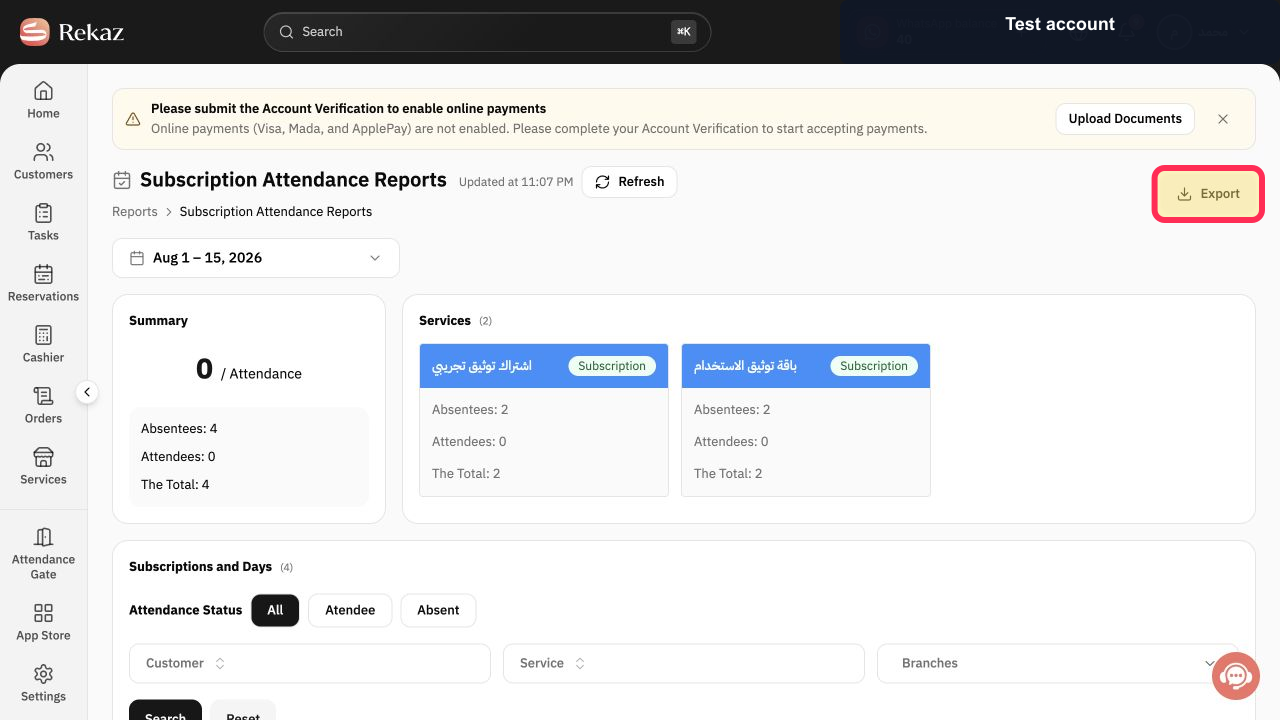
Select Export to download the current report results.
The subscription attendance export is prepared for download.
Illustrated guide
Step 1: Open Reports from the Rekaz sidebar.
Step 2: Open Subscription Attendance Reports.
Step 3: Choose the subscription attendance date range.
Step 4: Choose the required Attendance Status.
Step 5: Filter subscription attendance by Customer.
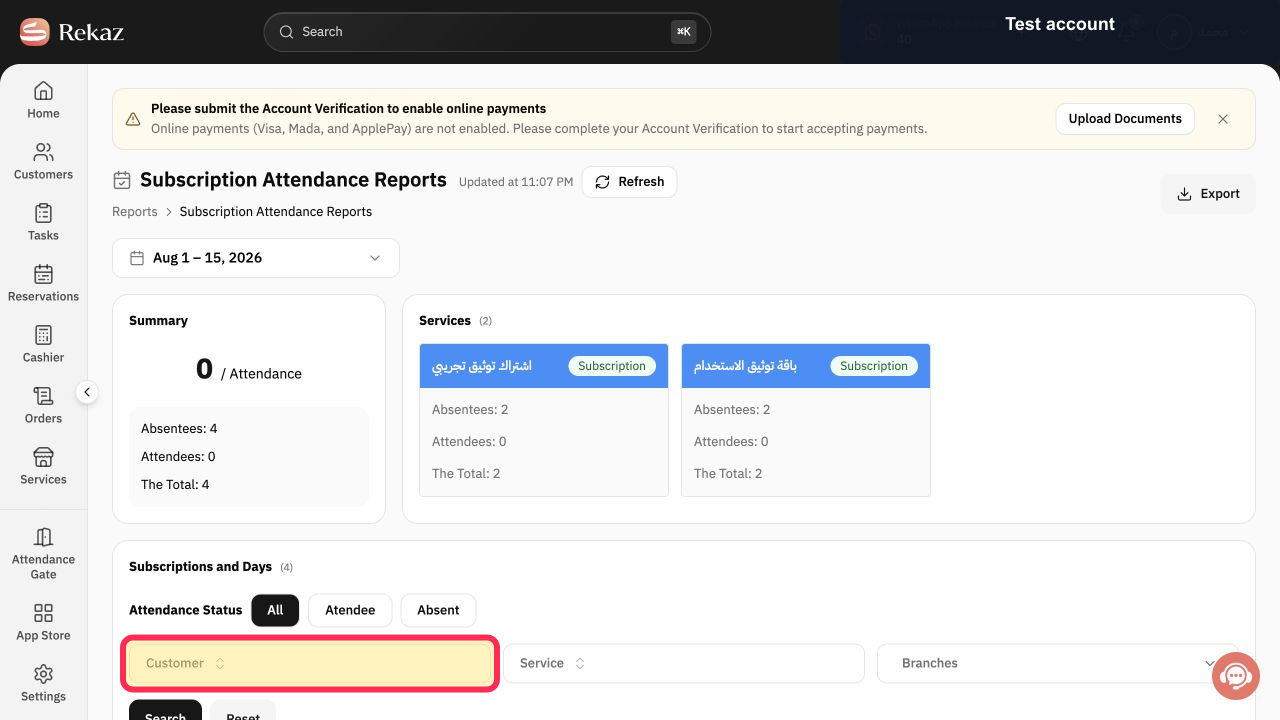
Step 6: Filter subscription attendance by Service.
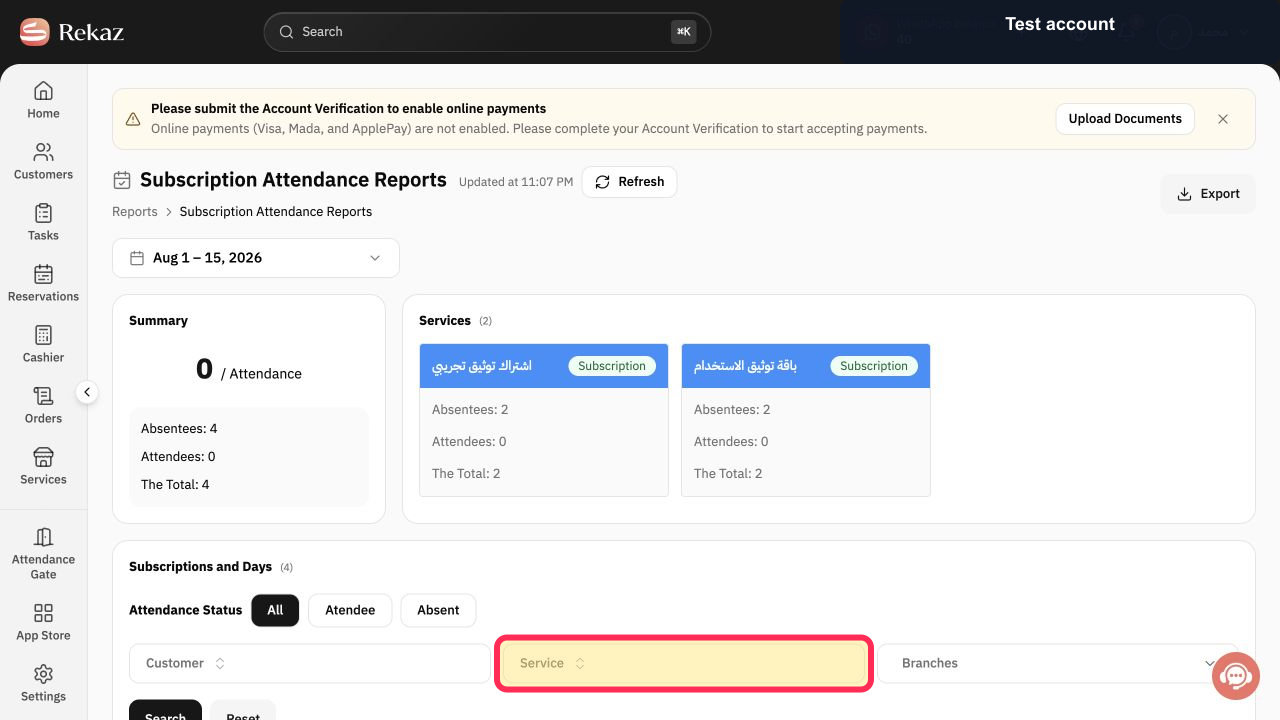
Step 7: Filter subscription attendance by Branches.
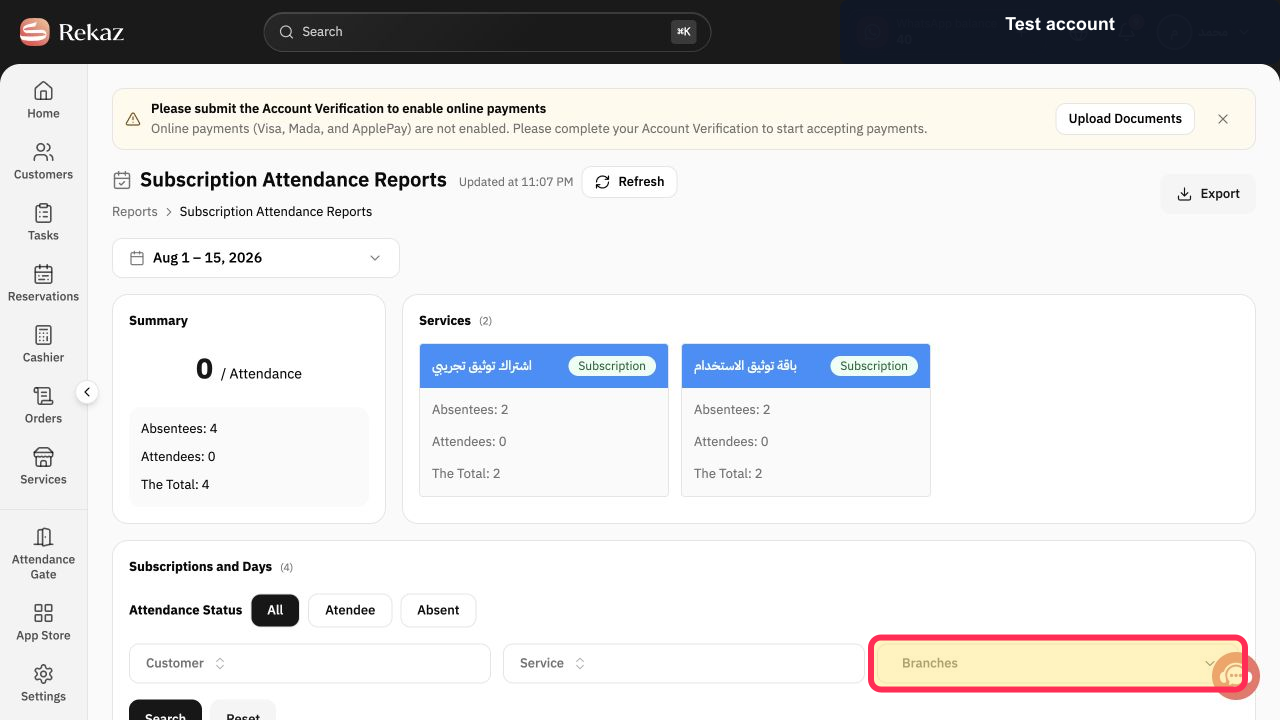
Step 8: Search the subscription attendance records.
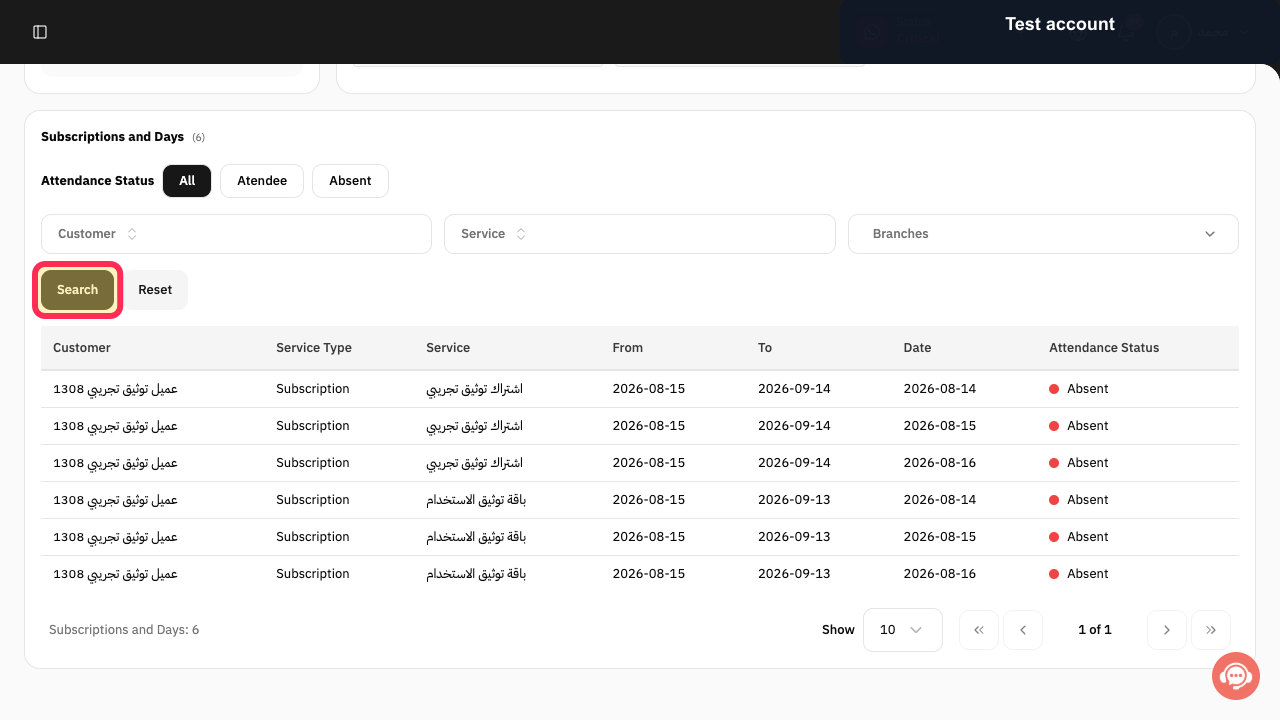
Step 9: Export the current subscription attendance report.
Important notes
Confirm the Period and Branch before exporting the report.
Select the required Attendance Status before selecting Search.
Use Absent to review subscribers who did not attend.
Related questions
How can I check attendance for customers with subscriptions in Rekaz?
Where can I find absent subscribers in Rekaz?
How do I export subscription attendance records in Rekaz?


