What is the difference between Total Sales and Net Sales in Rekaz?
In Rekaz, the Sales & Revenue report shows Total Sales and Net Sales as separate cards. To compare them accurately, use the same date range and filters for both.
Do not confuse Net Sales with Net Paid Amount or VAT, which are different metrics.
Steps
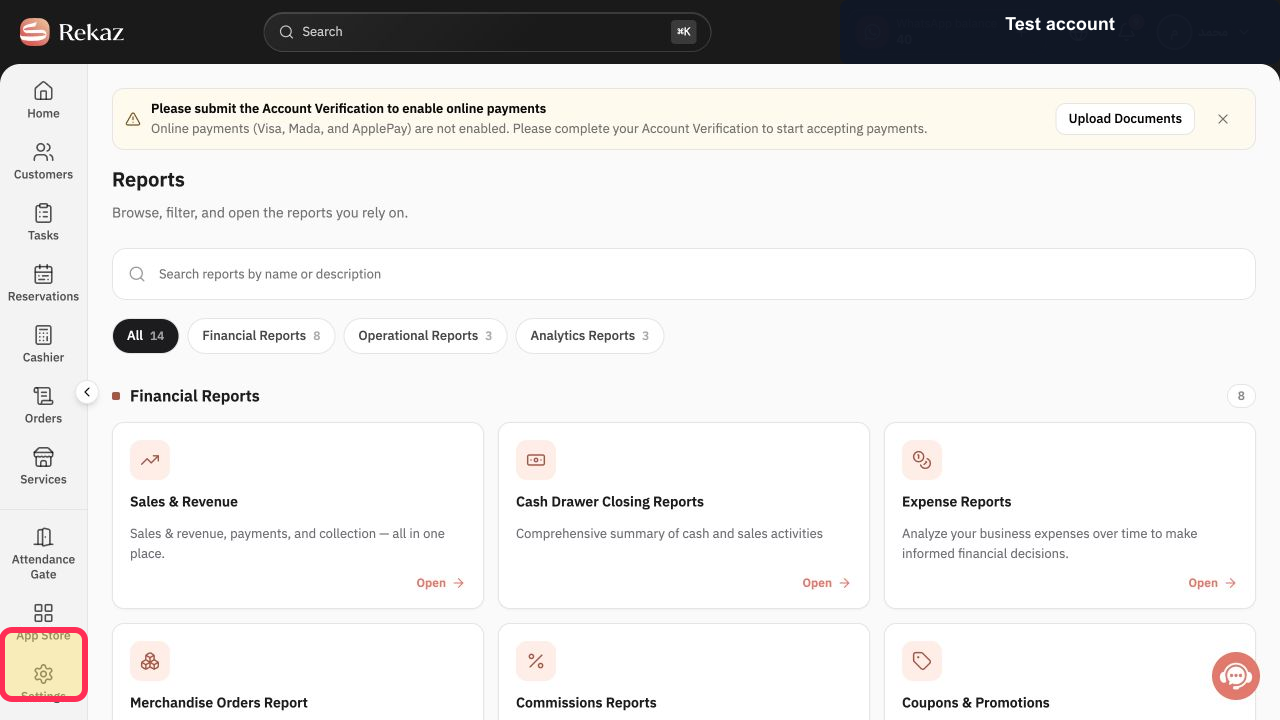
From the sidebar, select Reports.
The Reports area opens.
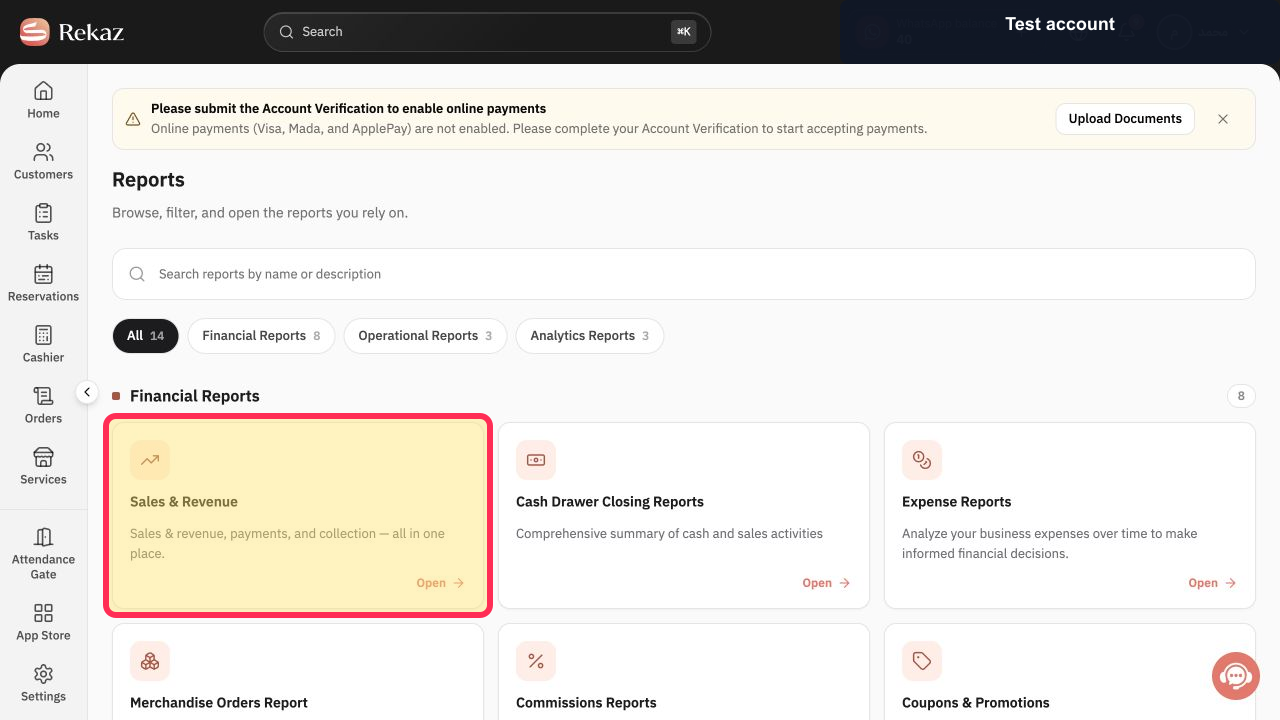
Open the Sales & Revenue report.
The Sales & Revenue report opens.
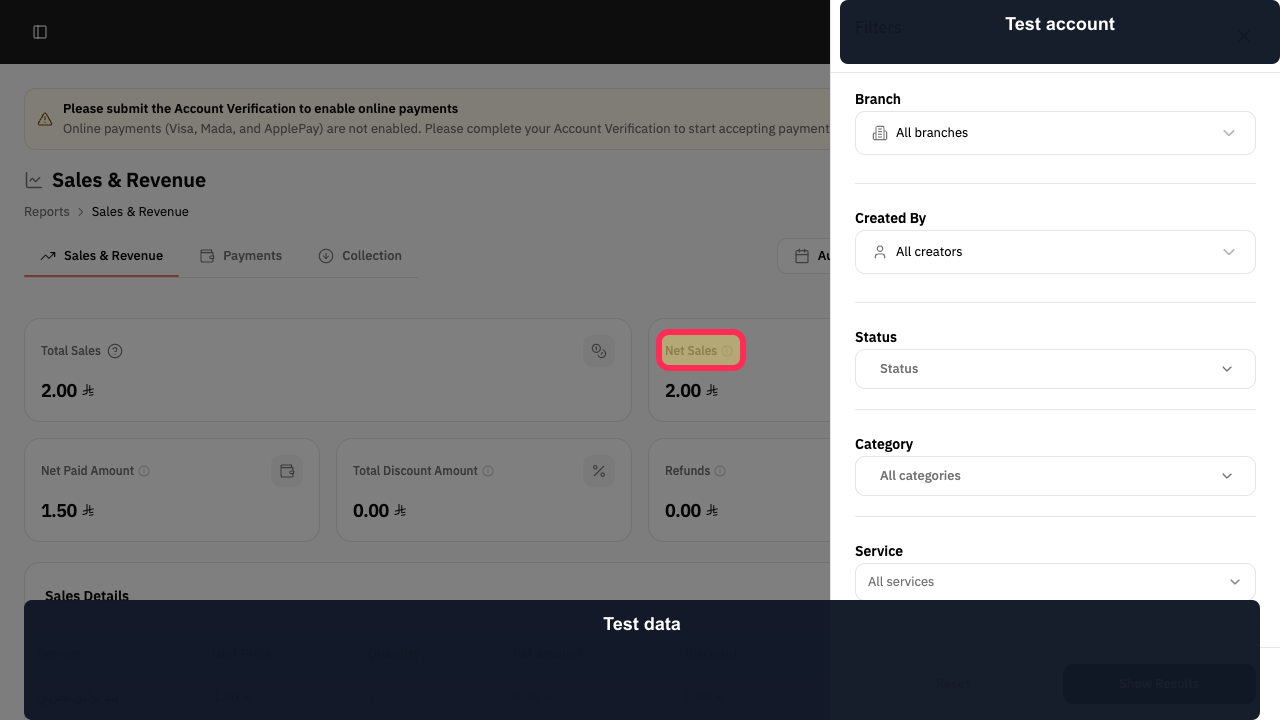
For the same period and filters, compare the Total Sales card with the Net Sales card.
You can view the separate Total Sales and Net Sales metrics for the selected reporting period.
Illustrated guide
Step 1: Select Reports from the sidebar.
Step 2: Open Sales & Revenue.
Step 3: Compare Total Sales and Net Sales using the same period and filters.
Important notes
Compare Total Sales and Net Sales only when the same period and filters are applied.
Net Paid Amount is a different metric from Net Sales.
VAT is also separate from Net Sales.
Related questions
Why are Total Sales and Net Sales different in Rekaz?
Which should I review in Rekaz: Total Sales or Net Sales?
Where can I find Net Sales in Rekaz?


