What reports are available in Rekaz?
Rekaz brings available reports together on the Reports page. You can browse report groups or use Search to find a report by name, then open its card.
Reports may cover sales, expenses, cash, commissions, reservations, subscriptions, customers, merchandise, coupons, refunds, and website visitors. Available report cards can vary based on your account plan, permissions, and enabled features.
Steps
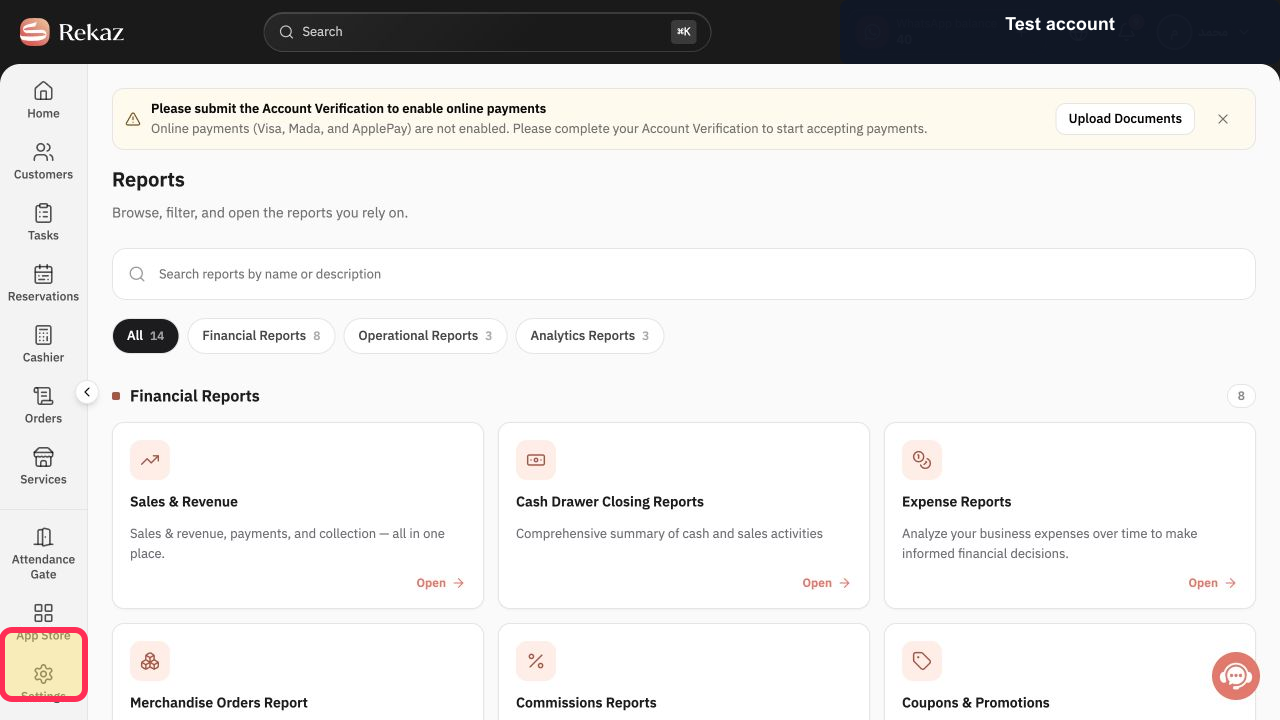
From the signed-in Rekaz sidebar, select Reports.
The Reports page opens, showing report cards arranged in groups.
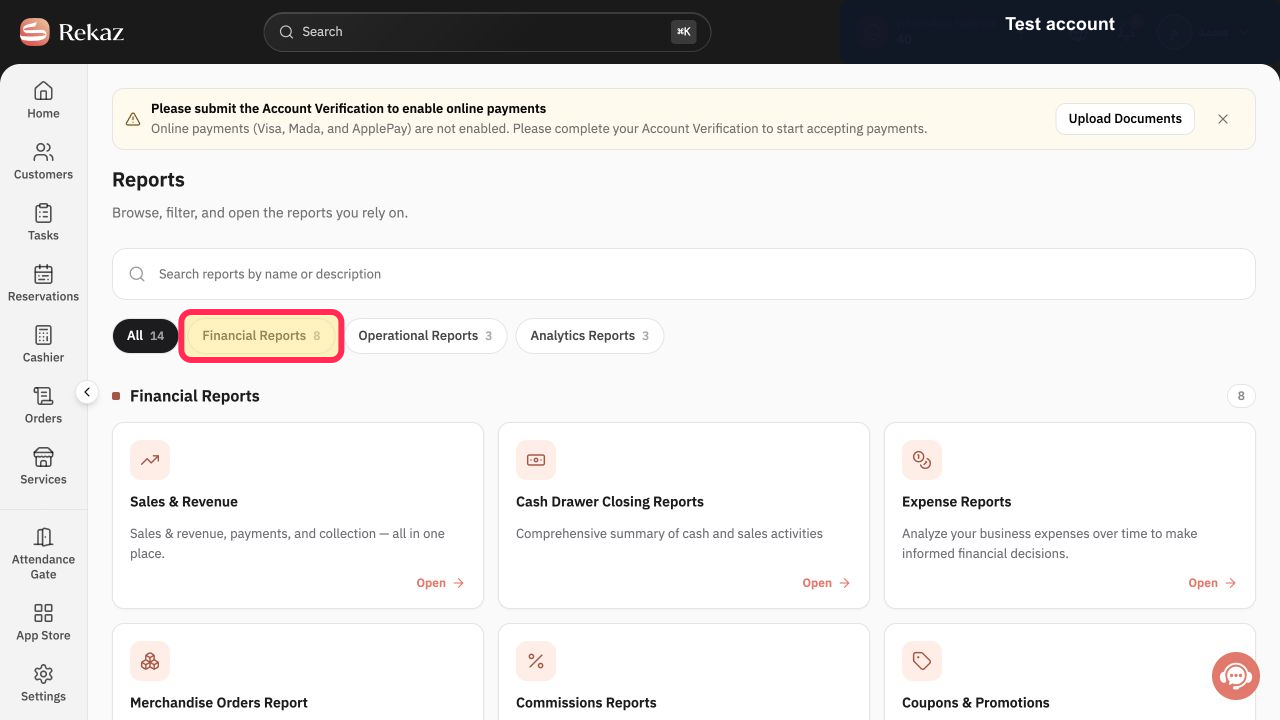
Reports are arranged in groups. Browse the group that best matches your question.
The relevant report group and its report cards are visible.
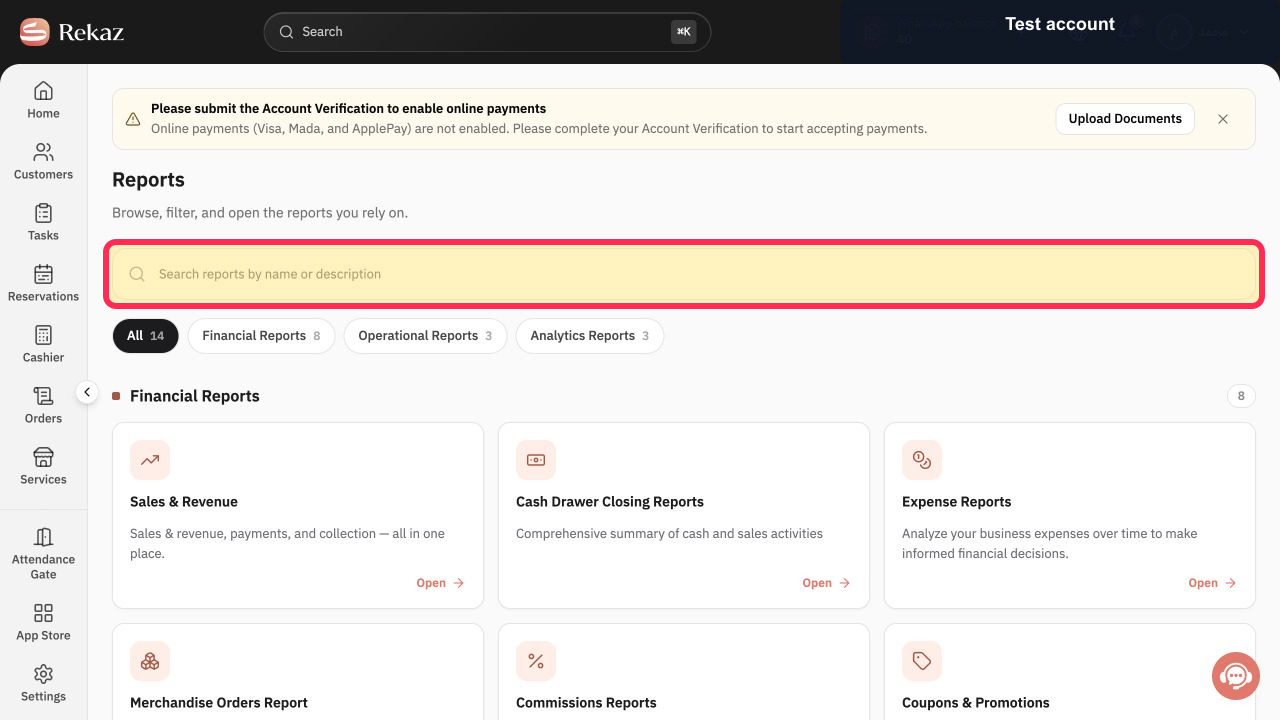
To narrow the displayed cards, enter the report name in Search.
The visible report cards are filtered based on the name you entered.
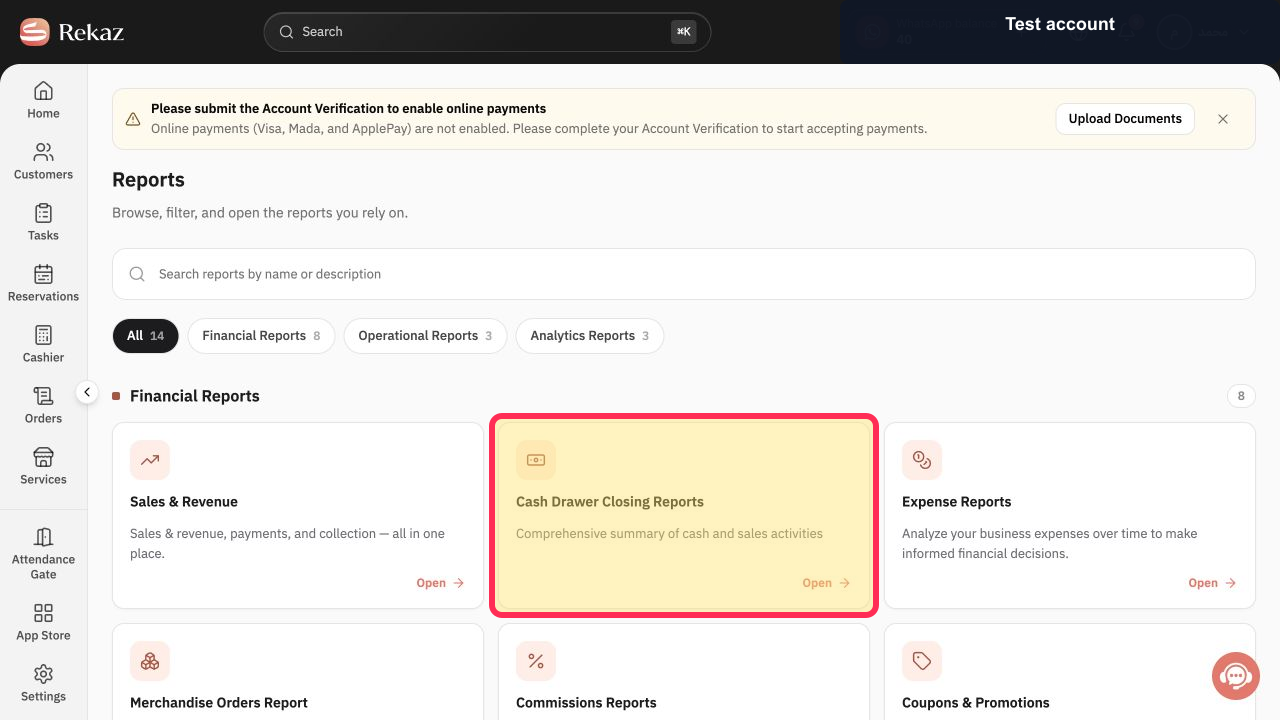
On the required report card, select Open.
The selected report opens.
Illustrated guide
Step 1: The Reports option in the signed-in Rekaz sidebar.
Step 2: Locate the report group that best matches your question.
Step 3: The Search field used to find a report by name.
Step 4: The Open control on the required report card.
Tips and limitations
Use Search when you already know the report name.
The reports available to you may differ depending on your plan, permissions, and the features enabled for your account.
Related questions
Where can I find reports in Rekaz?
What types of reports are available in Rekaz?
How do I search for a specific report in Rekaz?


