Which biometric devices are compatible with Rekaz?
The current Rekaz Attendance Gate does not name supported fingerprint or facial-recognition device models. It exposes QR Code Scanner, Camera, and Manual Checklist methods.
Do not purchase a ZKTeco or other biometric model based only on an old model list. Ask Rekaz support to confirm the exact model and integration version in writing first.
Steps
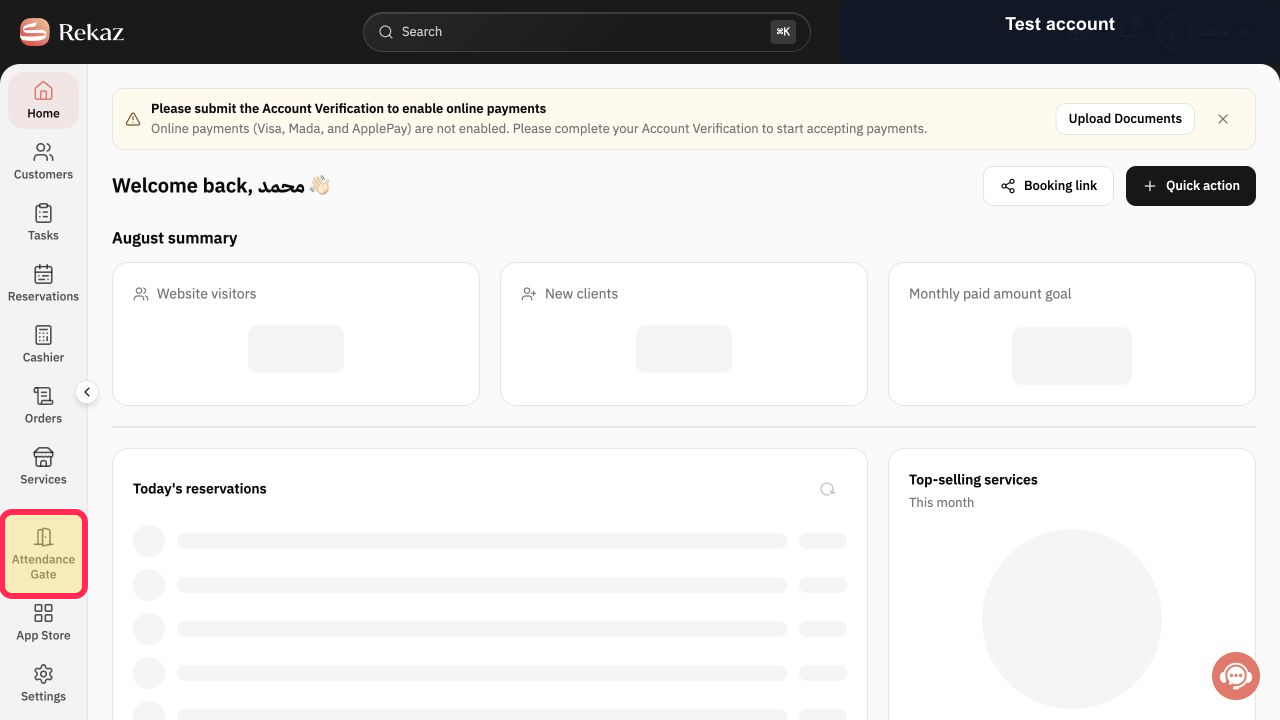
Open Attendance Gate from the Rekaz navigation.
The Attendance Gate opens for the business.
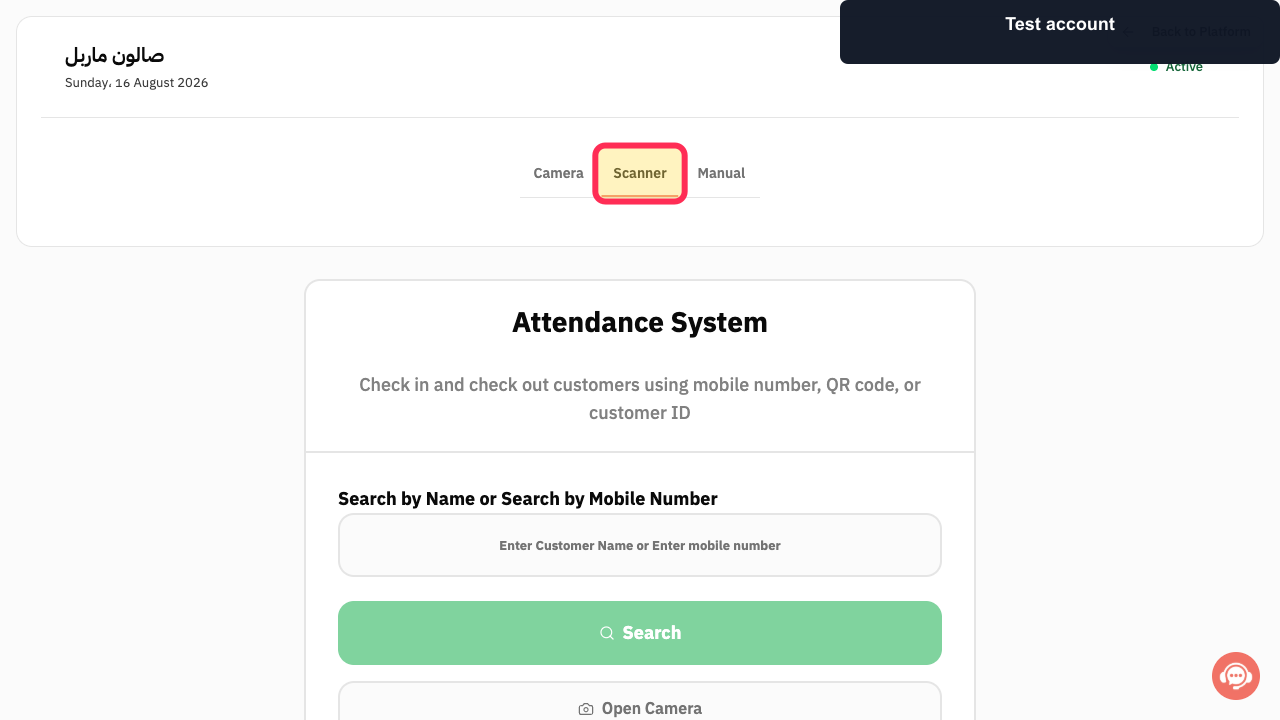
Select Scanner to review the dedicated QR scanner method.
Rekaz shows that a QR scanner can scan customer codes and search automatically.
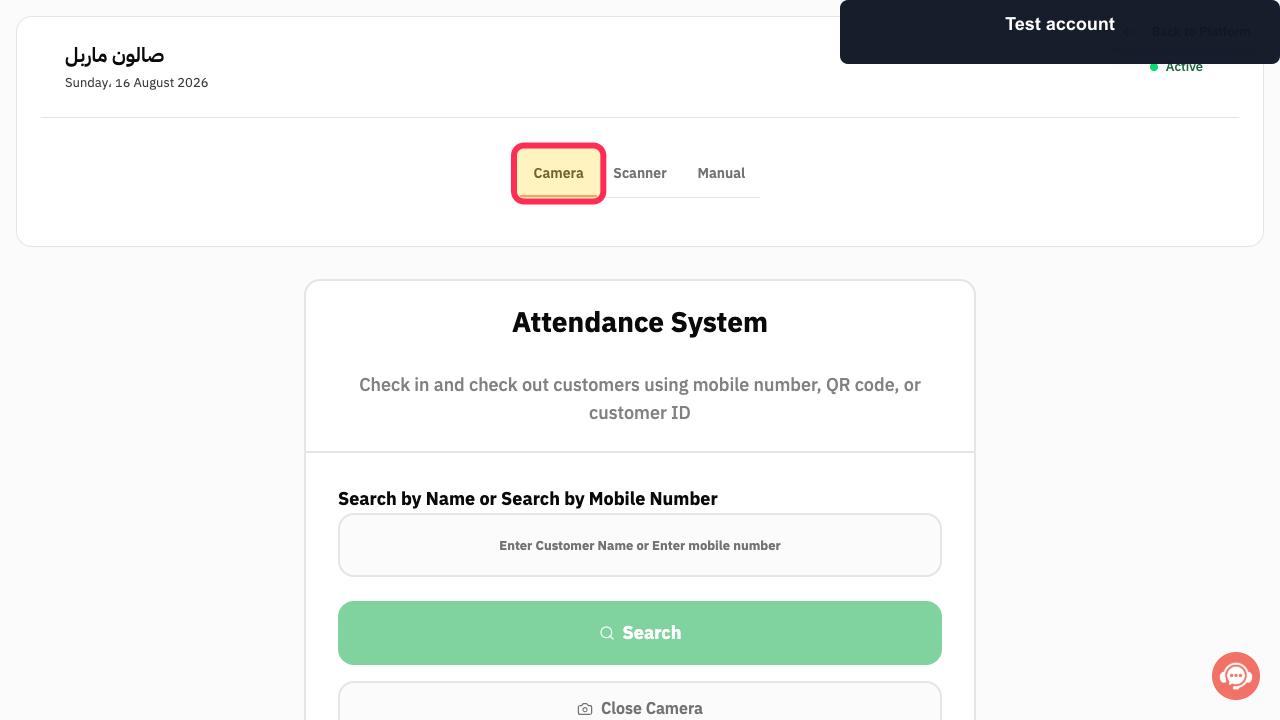
Select Camera when you want to scan a QR code with the device camera.
The camera-based attendance method opens and requests camera access when needed.
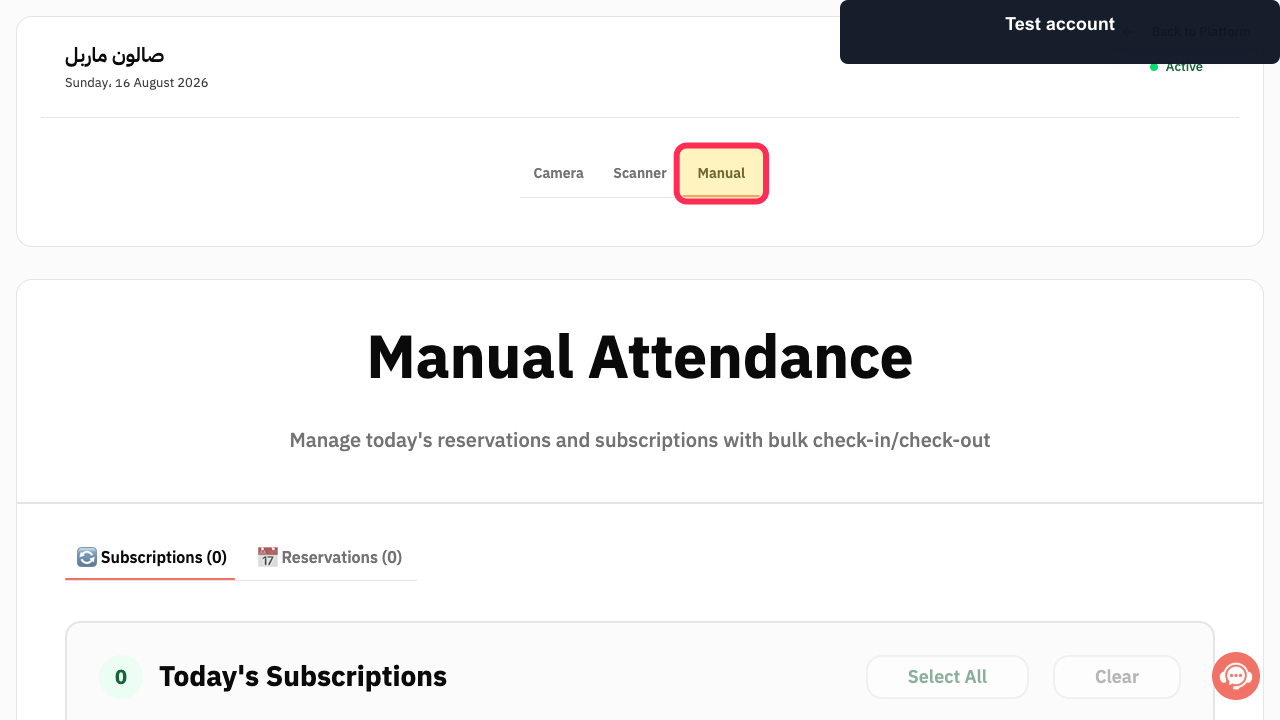
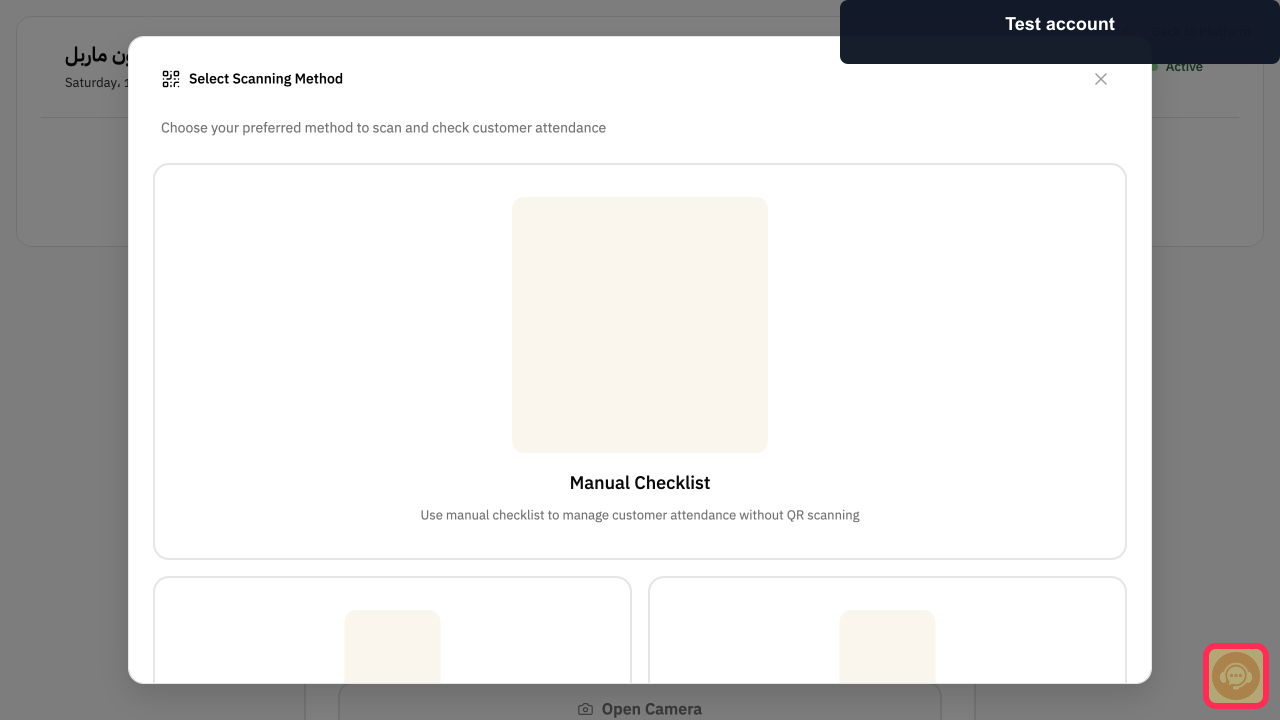
Select Manual to review attendance without a scanner.
The Manual Attendance checklist opens for today's reservations and subscriptions.
Select Contact support and provide the exact manufacturer, model number, firmware version, and intended connection method before buying biometric hardware.
Rekaz can confirm model-specific compatibility without relying on an unverified list.
Illustrated guide
Step 1: Open the Rekaz Attendance Gate.
Step 2: Review the QR Code Scanner attendance method.
Step 3: Review the Camera attendance method.
Step 4: Review Manual Attendance in Rekaz.
Step 5: Ask Rekaz support to confirm a biometric model.
Supported ZKTeco devices
The following ZKTeco devices are listed as compatible with Rekaz:
F22 — review its available verification and connectivity methods.
SpeedFace-V5L — review its face and fingerprint capacity.
ProFace X — consider this model for higher-capacity requirements.
UFace800 — review its available connectivity options.
F18 — supports Biometric, Card, and Code verification.
Important notes
Device labels or the position of interface elements may vary slightly if the interface has changed since the source was updated.
Related questions
What biometric devices are compatible with Rekaz?
Which ZKTeco devices can I use with Rekaz?
Does Rekaz support the ZKTeco F22 device?
Does Rekaz support facial-recognition attendance devices?


