How do I choose cash register devices and printers for Rekaz?
The verified Rekaz dashboard does not publish approved Windows, Android, or printer model lists. A reliable setup must support a modern browser, the Rekaz Cashier workflow, the printer driver, the required paper size, and the selected USB, LAN, Bluetooth, or Wi-Fi connection.
Test one complete setup before rolling it out to every branch.
Steps
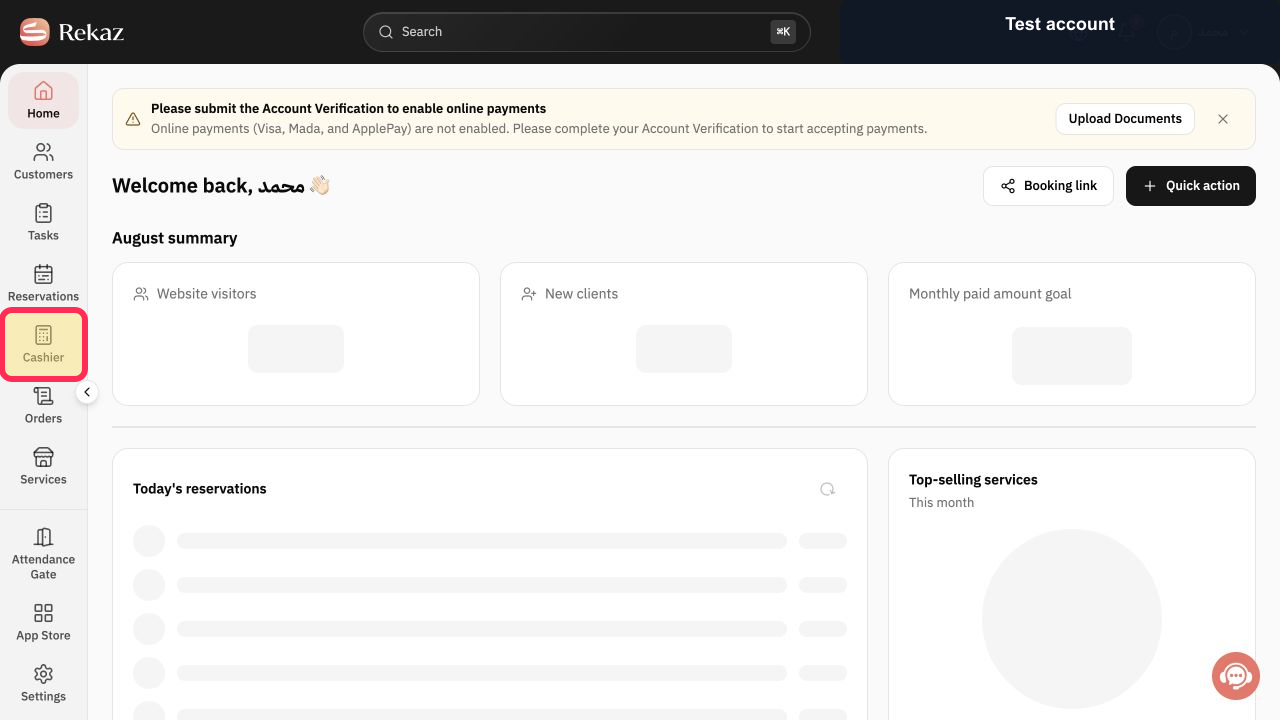
On the intended Windows or Android cashier device, open Rekaz and select Cashier.
The Rekaz Cashier opens in the device's browser.
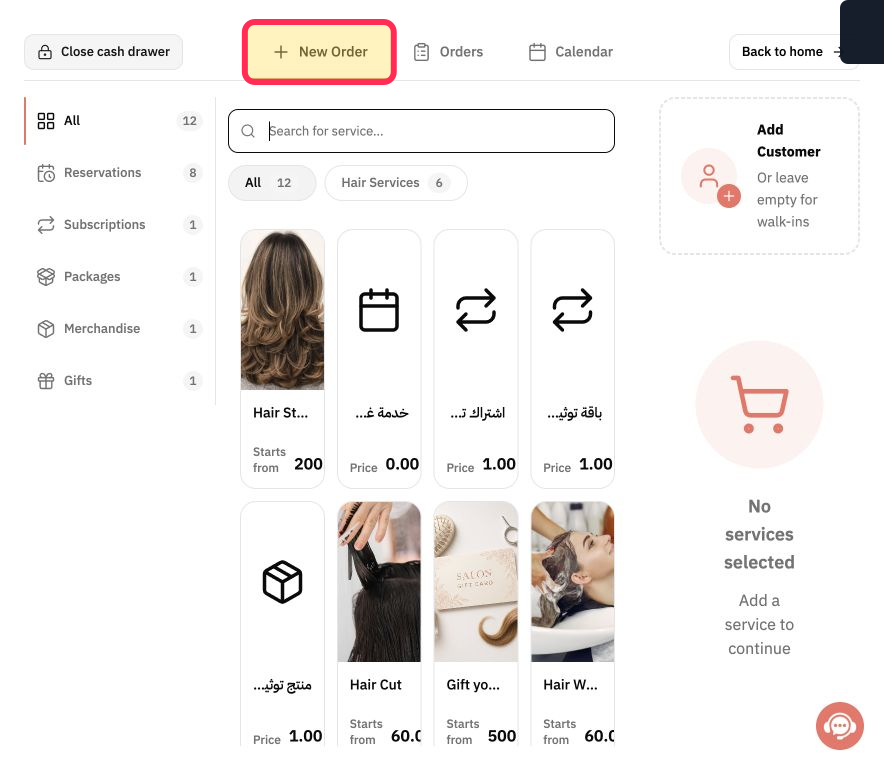
Select New Order and complete a reversible test-order workflow to confirm that the screen, browser, and input devices work smoothly.
The device can operate the main Cashier workflow.
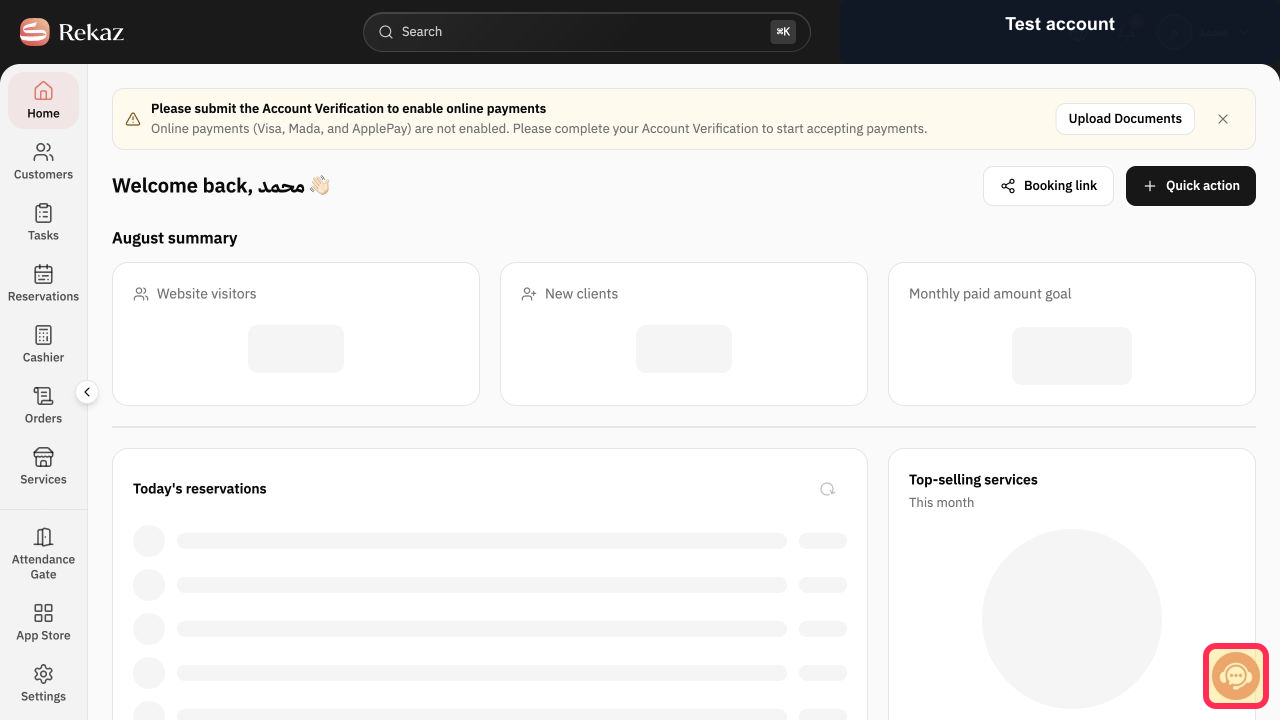
Select Contact support before buying the printer and provide its exact model, paper width, driver, connection type, operating system, and browser. Do not include device passwords.
Rekaz can confirm the specific proposed setup.
Illustrated guide
Step 1: Open Rekaz Cashier on the intended device.
Step 2: Test the New Order workspace.
Step 3: Confirm the exact printer and cashier combination with Rekaz support.
Important notes
This guidance is for selecting compatible cash register hardware and printers; it does not describe an in-product Rekaz setup path.
The supplied source text does not include the full Android device specifications or the complete Windows RAM requirement. Confirm these details before purchasing hardware.
Interface labels or locations may change after the source was last updated.
Use a native Windows operating system, not an unspecified alternative Windows environment.
Windows 10 or later is required; 64-bit is preferred for better performance.
Select an 80 mm thermal printer whose connection works with your cash register device.
Related questions
What Windows specifications should my cash register device have for Rekaz?
What Android cash register specifications are recommended for Rekaz?
Which receipt printer size should I use with Rekaz?
How do I choose a compatible thermal printer for my Rekaz cash register device?


