How do I check whether a plan supports API Keys in Rekaz?
To check plan features in Rekaz, open the current plan comparison from the Manage plan page and review the comparison section before subscribing.
The current interface does not show the action of checking an API Keys inclusion indicator on a plan card. Although Rekaz has an Api Keys area, the supplied plan comparison does not display API Keys as a plan feature, so plan support cannot be confirmed from this screen.
Steps
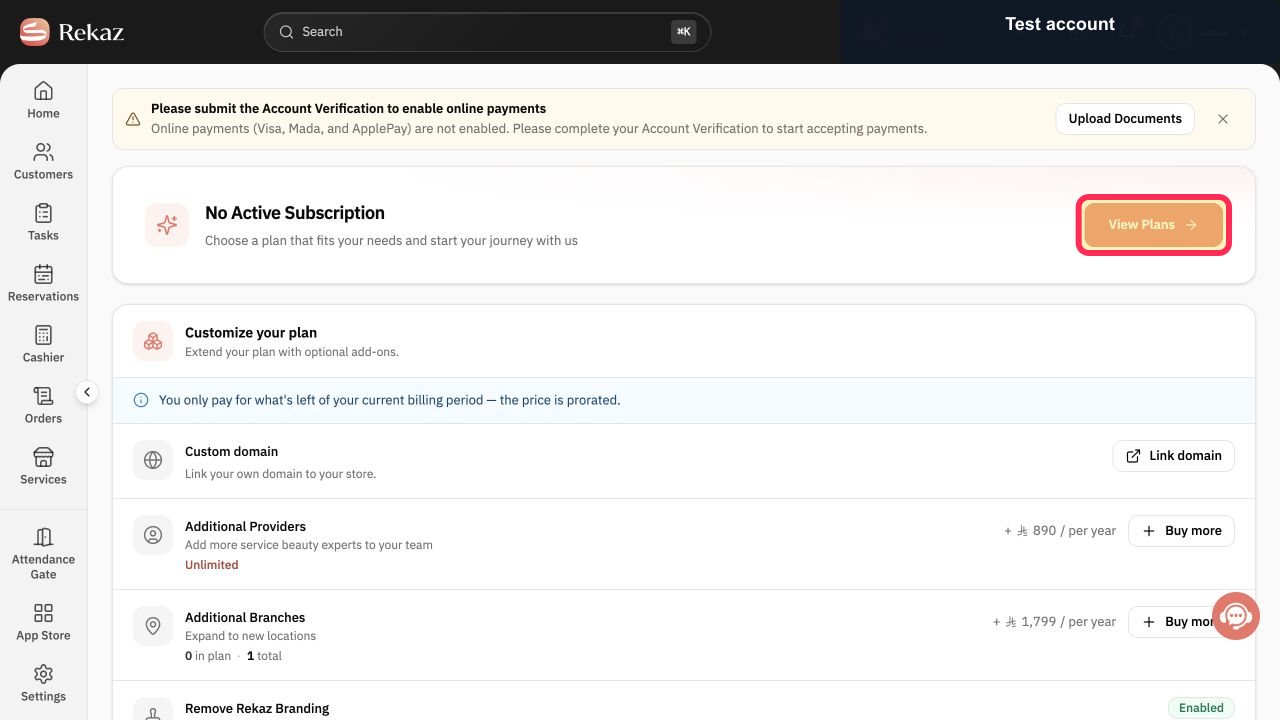
On the Manage plan page, select View Plans.
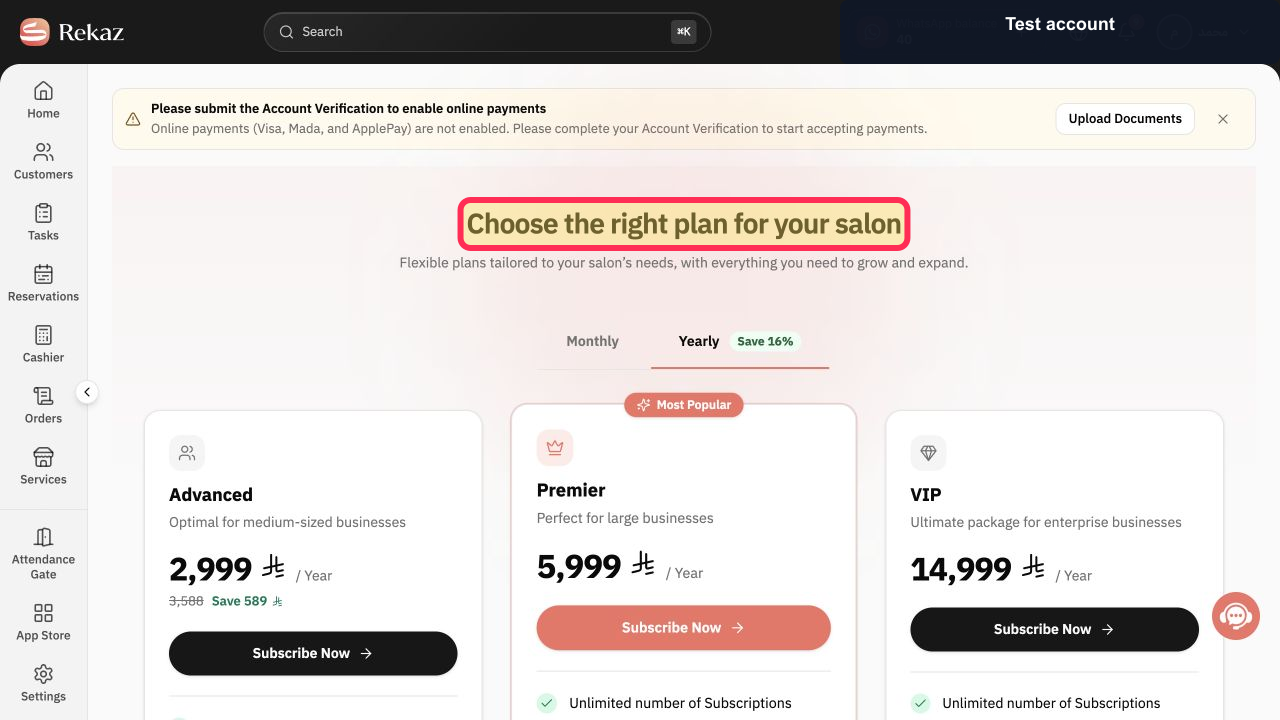
The plan-selection page opens.
Confirm that the plan-selection page is open.
The heading “Choose the right plan for your salon” is visible.
Scroll to the comparison section and review the listed plan features. The current interface does not display an API Keys row or inclusion indicator here, so it cannot confirm API Keys support for a plan.
The “Compare plans side by side” section is visible; no API Keys feature indicator is shown in the current view.
Illustrated guide
Step 1: Select View Plans on the Manage plan page.
Step 2: Plan-selection page in Rekaz.
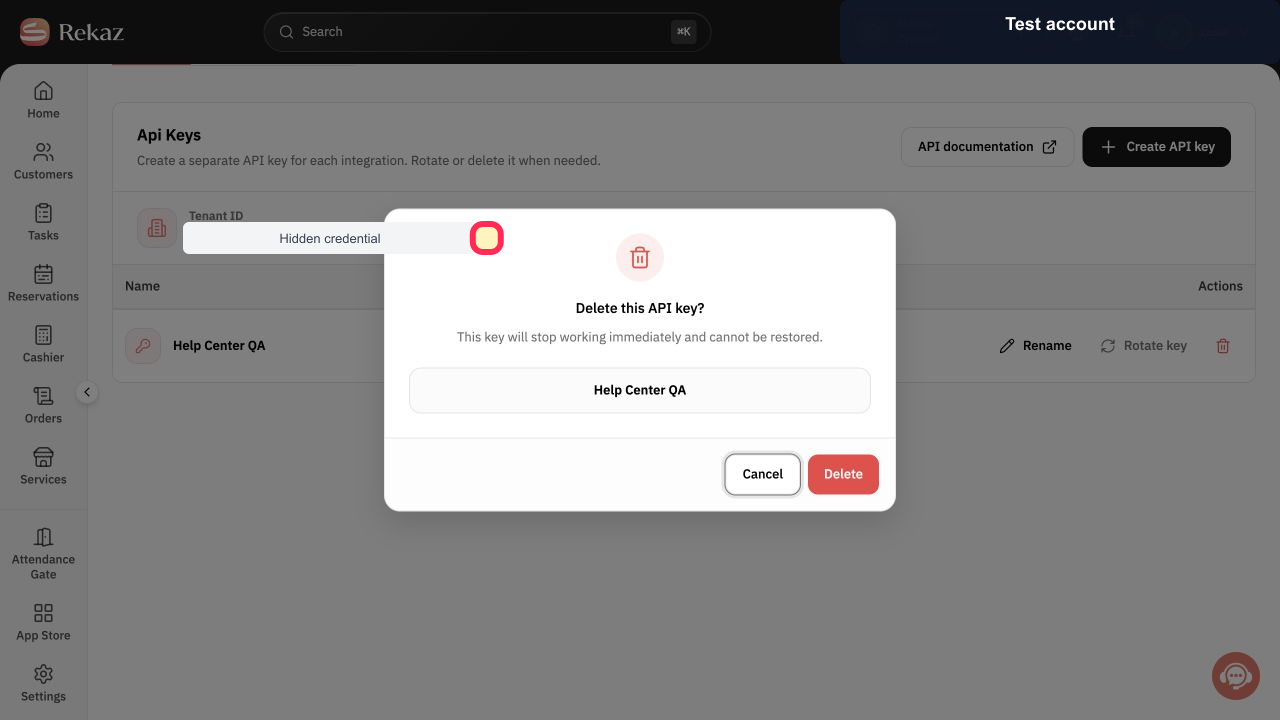
Step 3: Compare the currently listed plan features side by side.
Important notes
The API Keys page alone does not confirm that your current plan allows API Keys use.
Before building an integration, also review the API documentation and the integration terms.
Related questions
Which Rekaz plan currently includes API Keys?
Does my current Rekaz plan support API Keys?
Where can I see API Keys in the Rekaz plan comparison?


