How do I split a subscription payment into multiple instalments in Rekaz?
A customer subscription created with Pay Later has an order and Remaining Amount. Record only the amount actually received; repeat the same process later for each instalment until the balance is cleared.
Use the Partial Payment link when the customer will pay remotely. Generating a link does not mean the payment has been received.
Steps
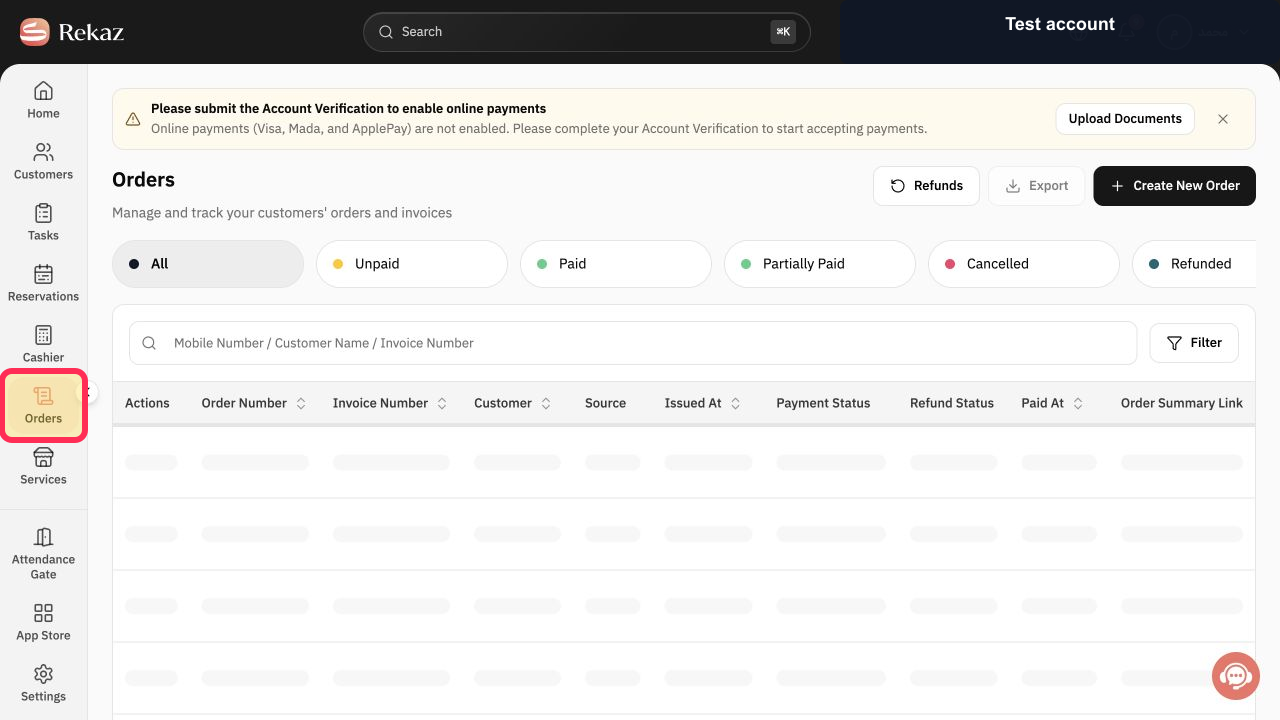
Open Orders and select the pending-payment order linked to the customer subscription.
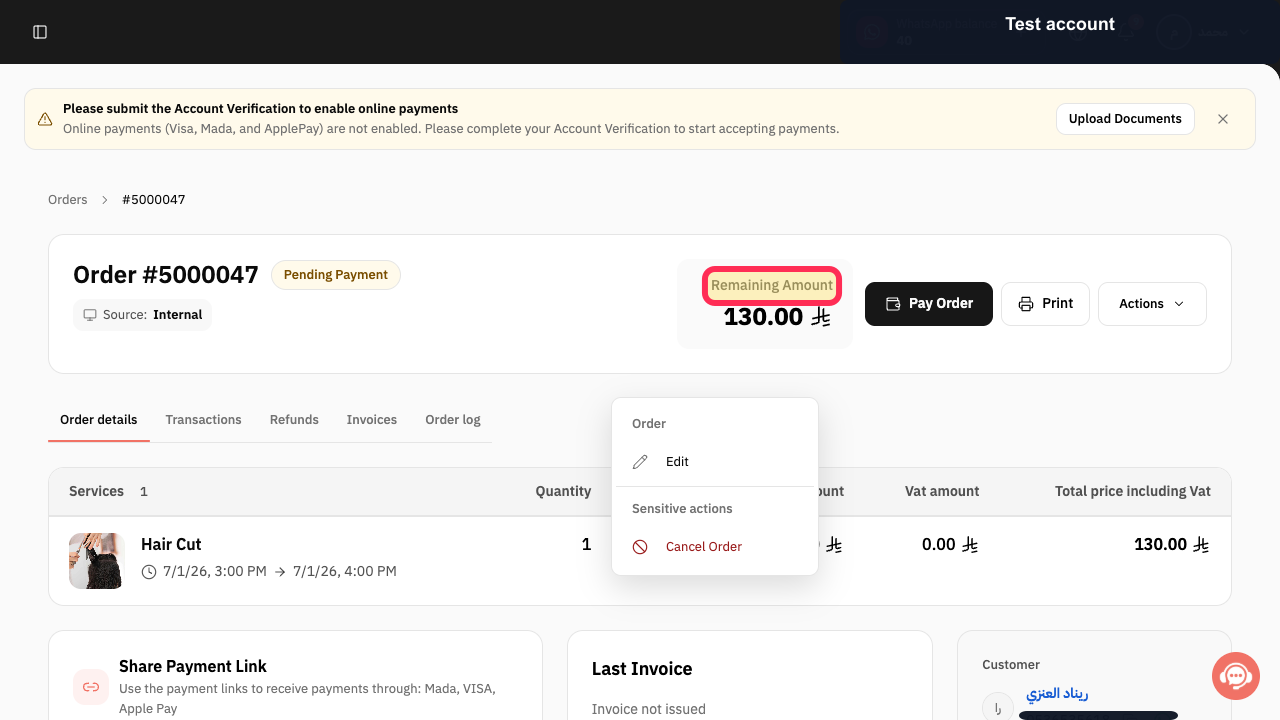
The subscription order detail page opens.
Verify Pending Payment and Remaining Amount.
The correct subscription balance is confirmed.
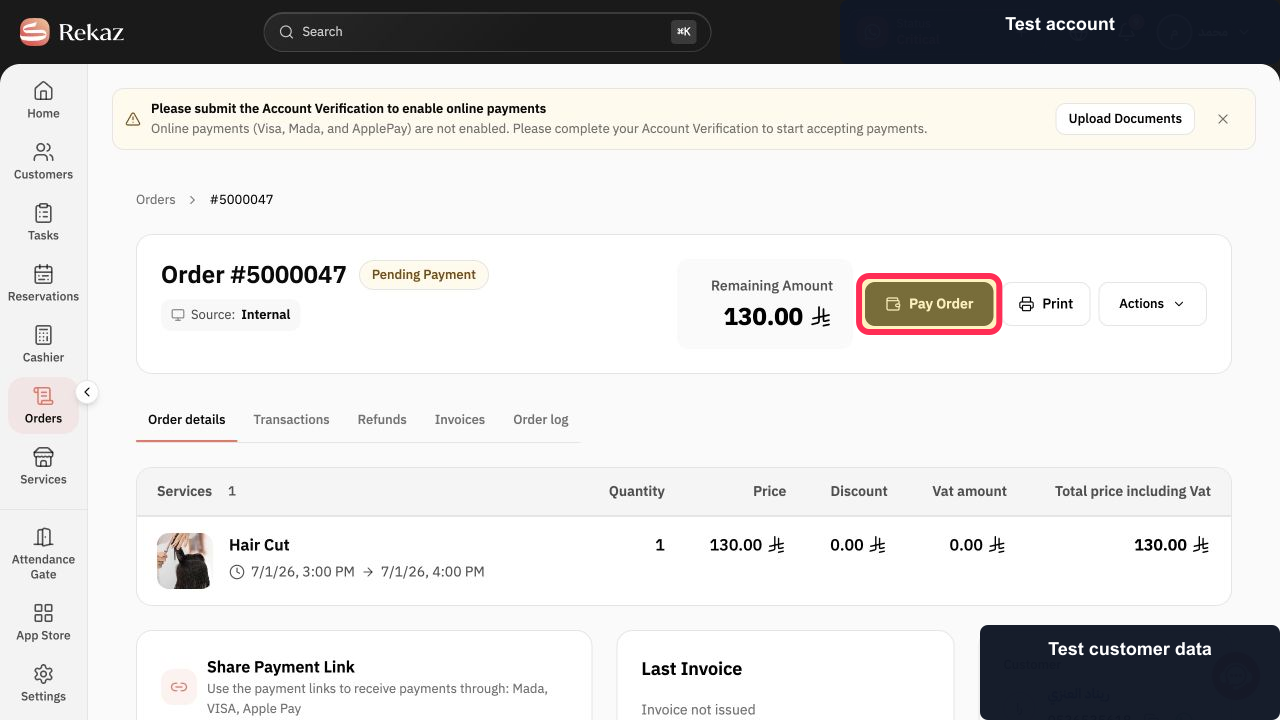
Select Pay Order.
The Pay order dialog opens.
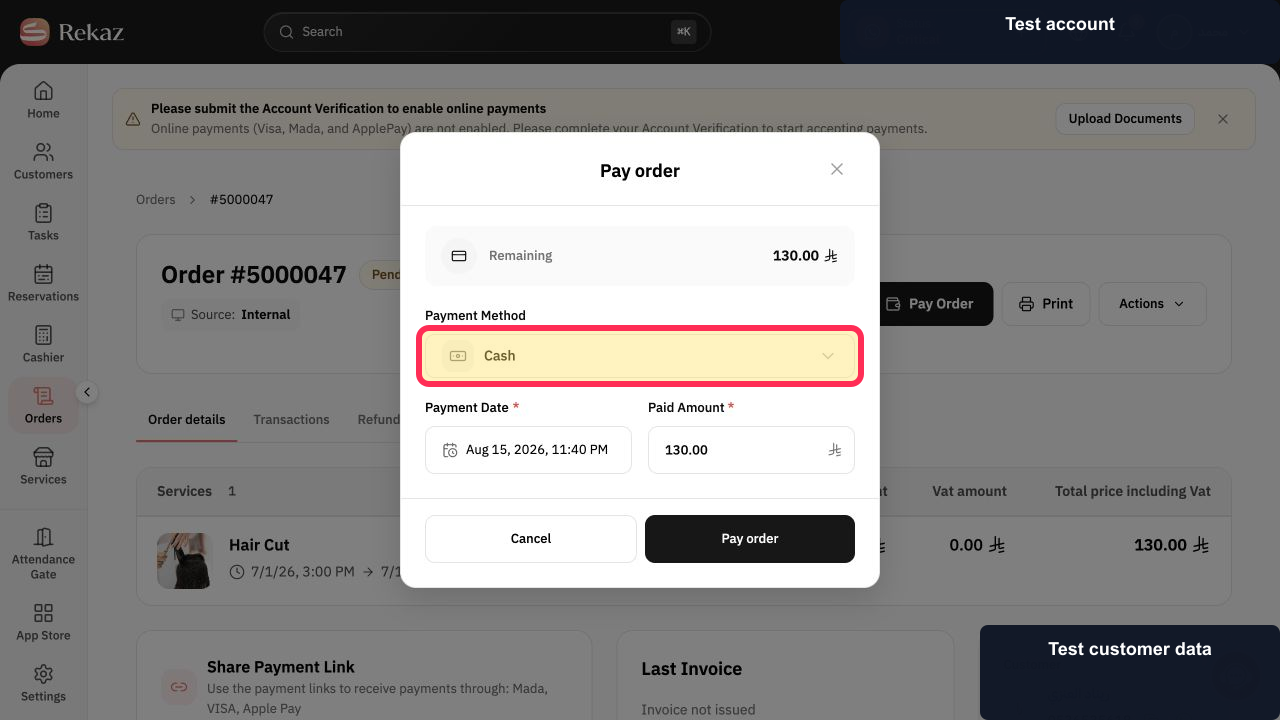
Open Payment Method and choose the method actually received, such as Cash.
The instalment uses the correct payment method.
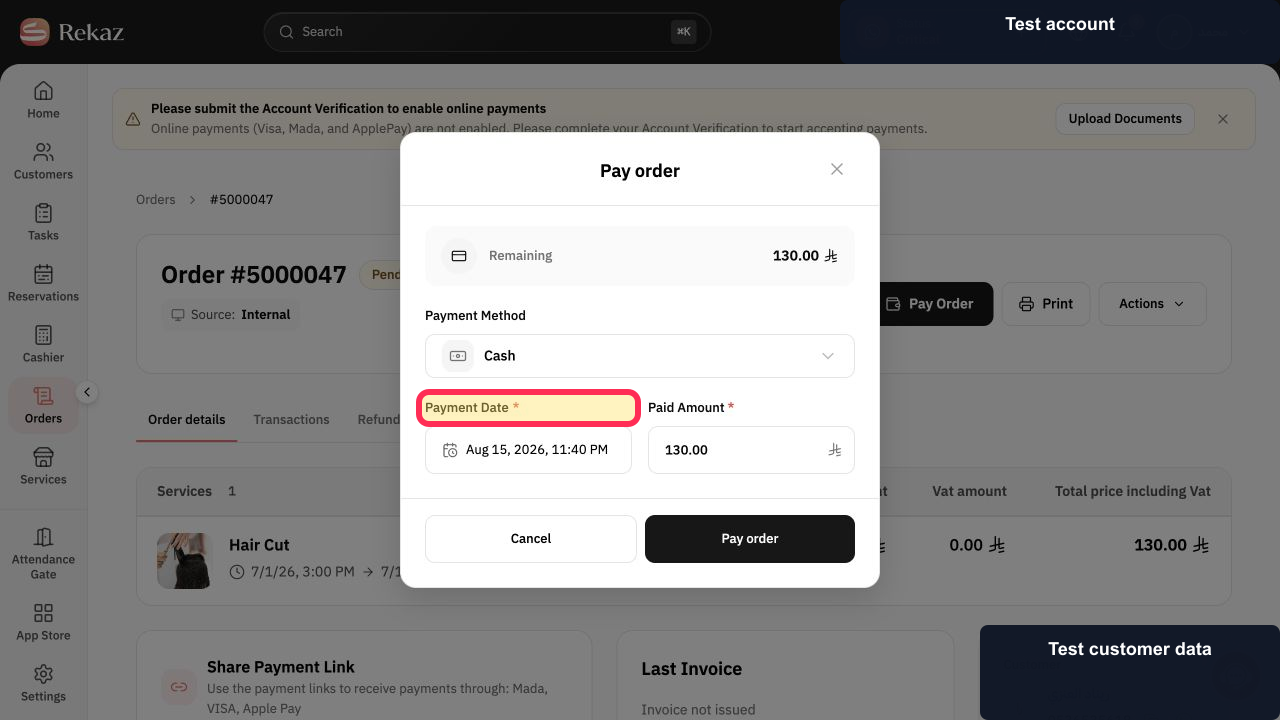
Set Payment Date.
The instalment uses the date and time it was received.
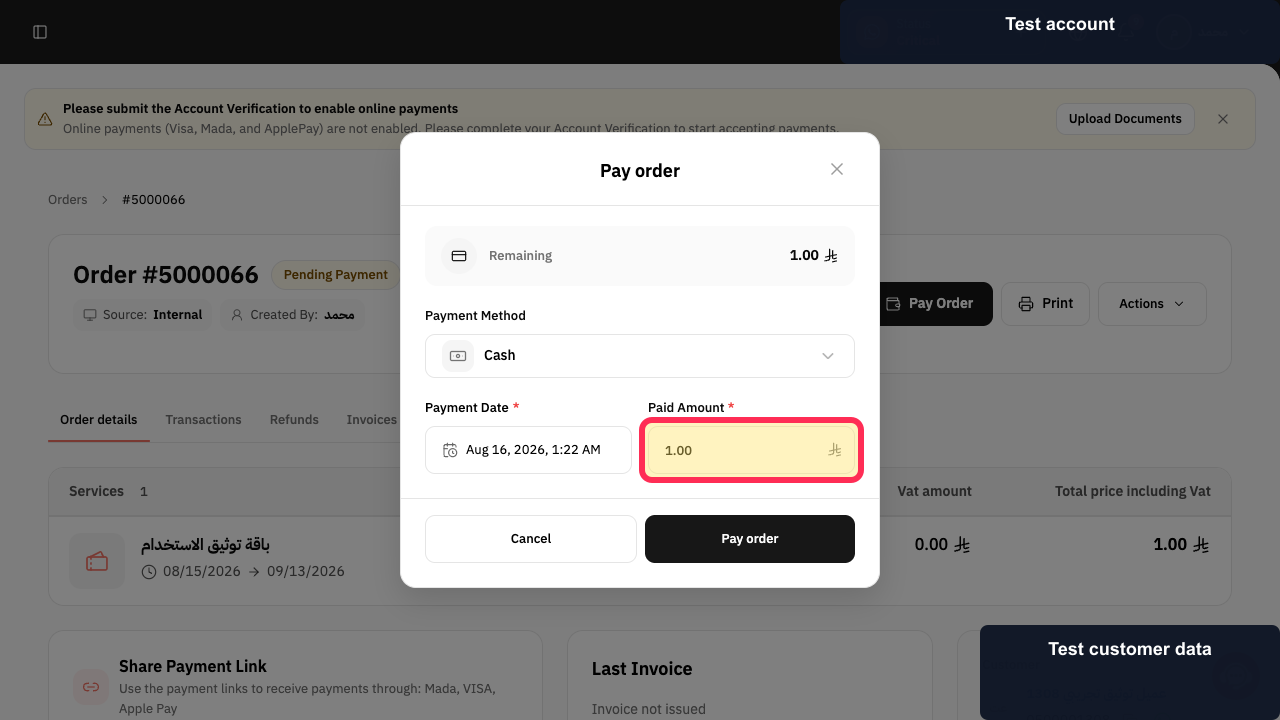
Enter a Paid Amount below the Remaining Amount.
Only the intended instalment amount is entered.
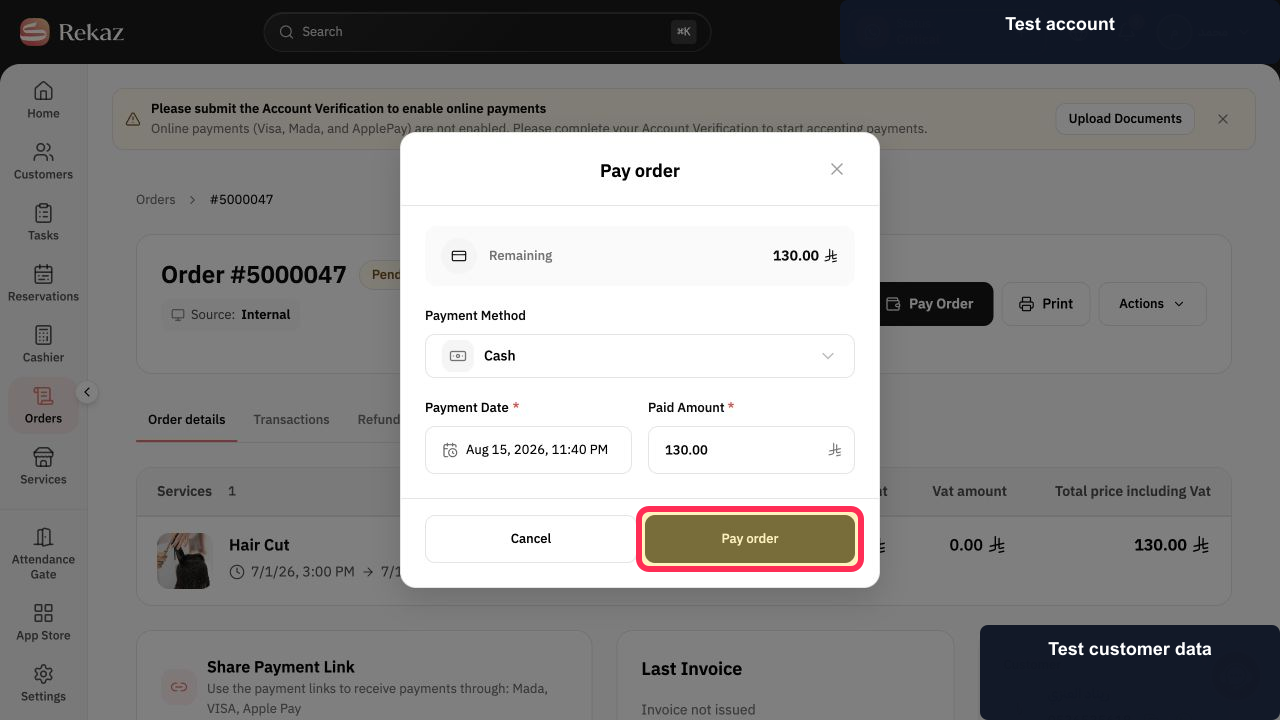
Review the values and select Pay order.
The subscription instalment is submitted.
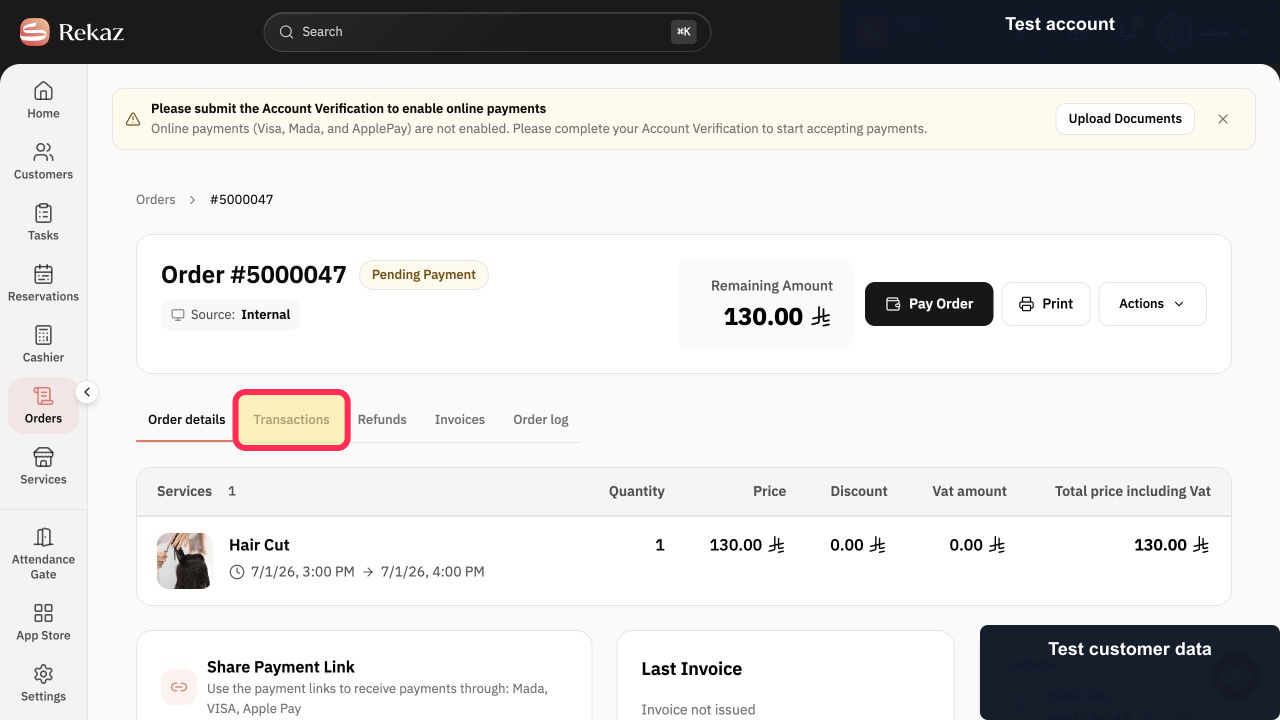
Review Transactions and the new remaining balance before recording another instalment.
The transaction history and remaining balance reflect the payment.
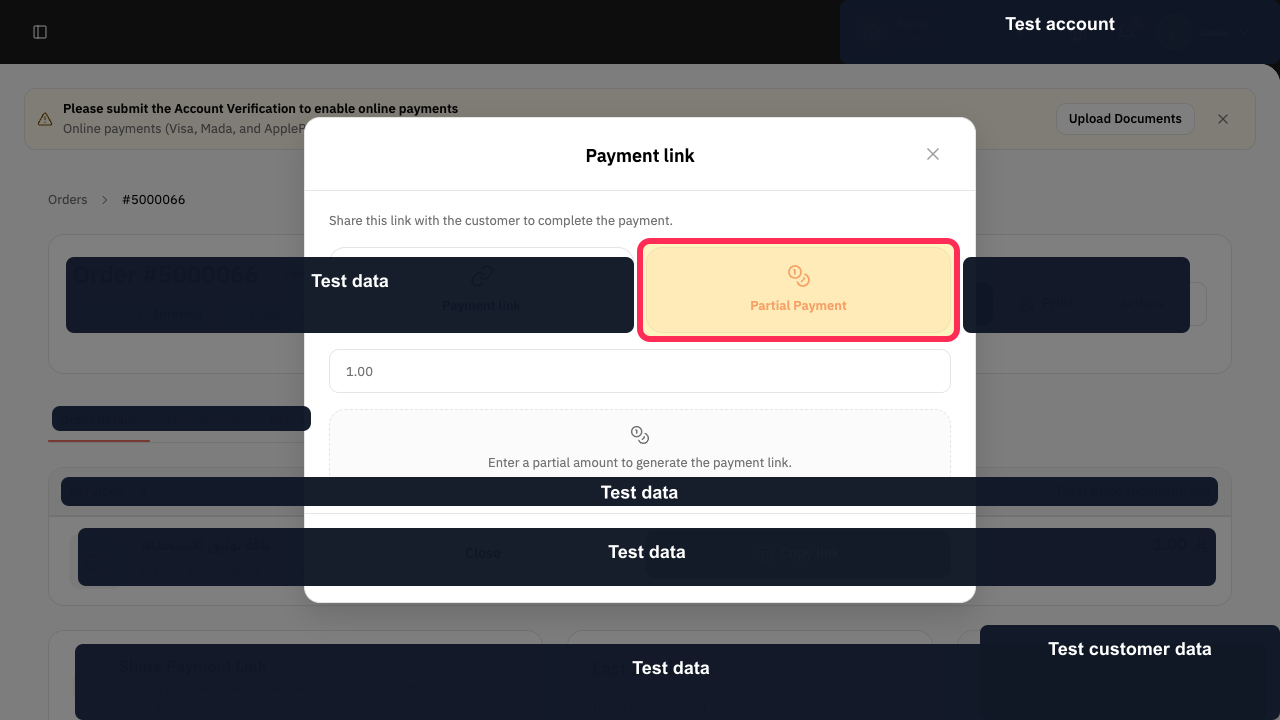
For remote payment, open the Payment link dialog and choose Partial Payment.
The amount field for a partial link is available.
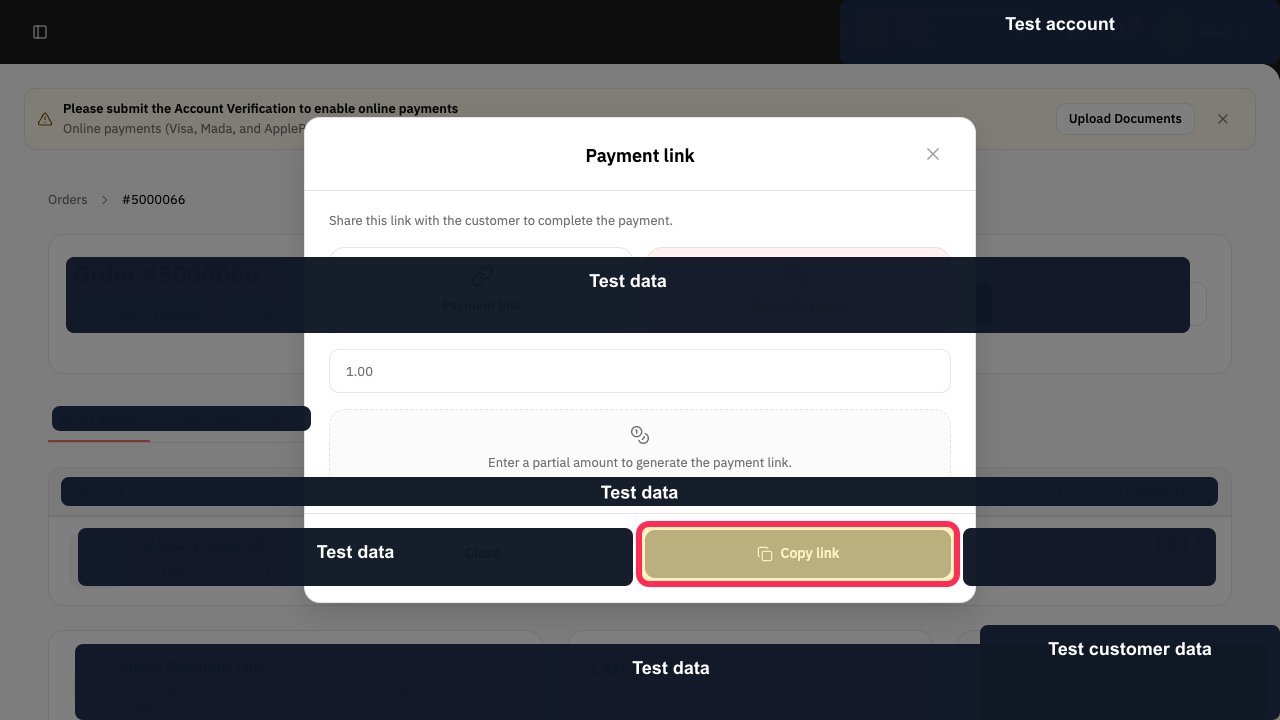
Enter the requested instalment amount and select Copy link, then share it with the customer.
The amount-specific link is copied without recording an unreceived payment.
Illustrated guide
Step 1: Open the customer subscription order.
Step 2: Review the subscription order Remaining Amount.
Step 3: Open Pay Order for the subscription instalment.
Step 4: Choose the instalment payment method.
Step 5: Set the instalment Payment Date.
Step 6: Enter the subscription instalment Paid Amount.
Step 7: Record the subscription instalment.
Step 8: Verify the recorded subscription instalment.
Step 9: Choose a Partial Payment link.
Step 10: Copy the subscription instalment payment link.
Collect the remaining instalments
Repeat the payment process whenever you receive another instalment. Continue until the Remaining balance is zero.
Important notes
Use the same partial-payment flow each time you collect part of the subscription amount.
If the Rekaz interface or visible control names have changed, pause and check the current label before completing a financial or final action. Contact Rekaz support if you cannot locate the relevant order or payment control.
Enter an amount below the Remaining balance to keep the order Partially Paid.
Review the amount carefully before selecting Pay.
Use Partial Payment when you want to send the customer a link for a specific partial amount.
Related questions
Where can I find the option to split a subscription payment into multiple instalments in Rekaz?
What are the correct steps for splitting a subscription payment in Rekaz?
How do I let a customer pay only part of an amount in Rekaz?
How do I record a partial payment for an order in Rekaz?
Why does my order show as Partially Paid in Rekaz?


