How do I deduct a session from a customer's package in Rekaz?
To deduct a session from a customer’s package in Rekaz, use the package reservation flow and confirm that the total is zero before the reservation is created without payment.
Steps
Use the Packages area to manage customer packages, usage, reservations, and package lifecycle actions.
When the reservation reaches confirmation, verify that the total is zero and that Rekaz will create the reservation without taking payment.
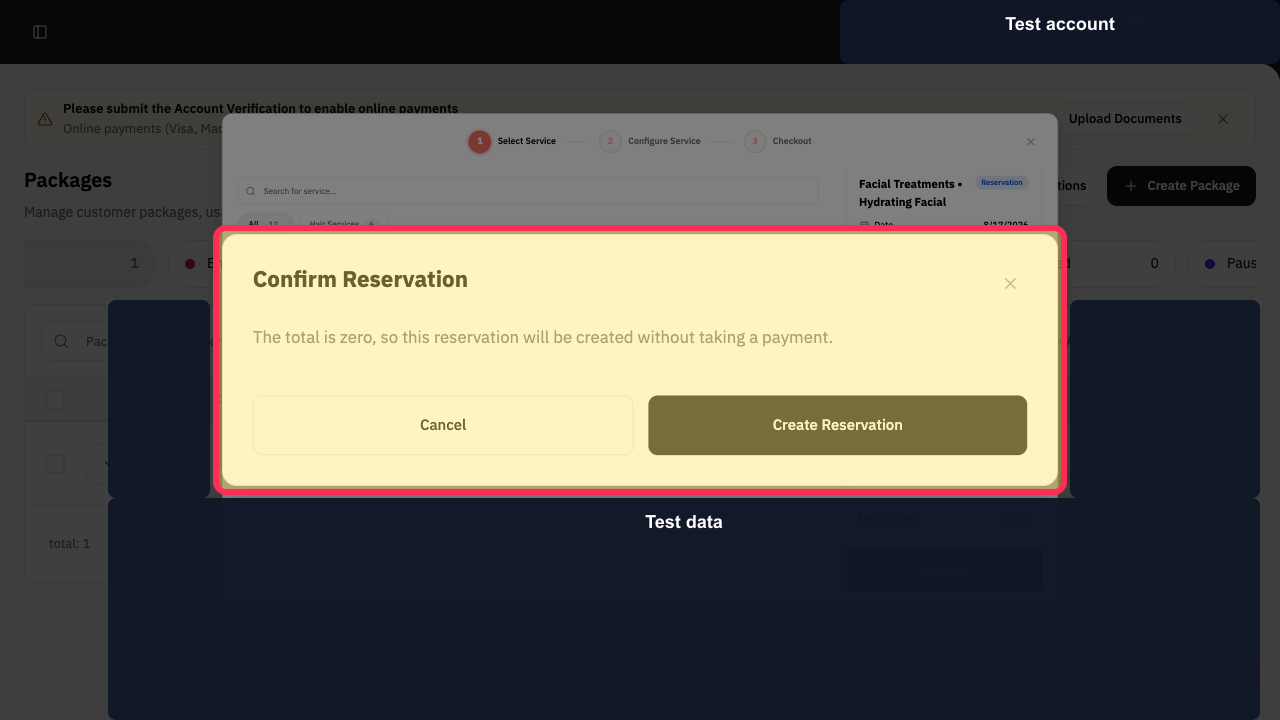
Review the Confirm Reservation dialog before completing the reservation. The dialog shows that a zero-total reservation can be created without payment and includes the Create Reservation option.
Illustrated guide
Step 1: Packages is the area for managing customer packages, usage, and reservations.
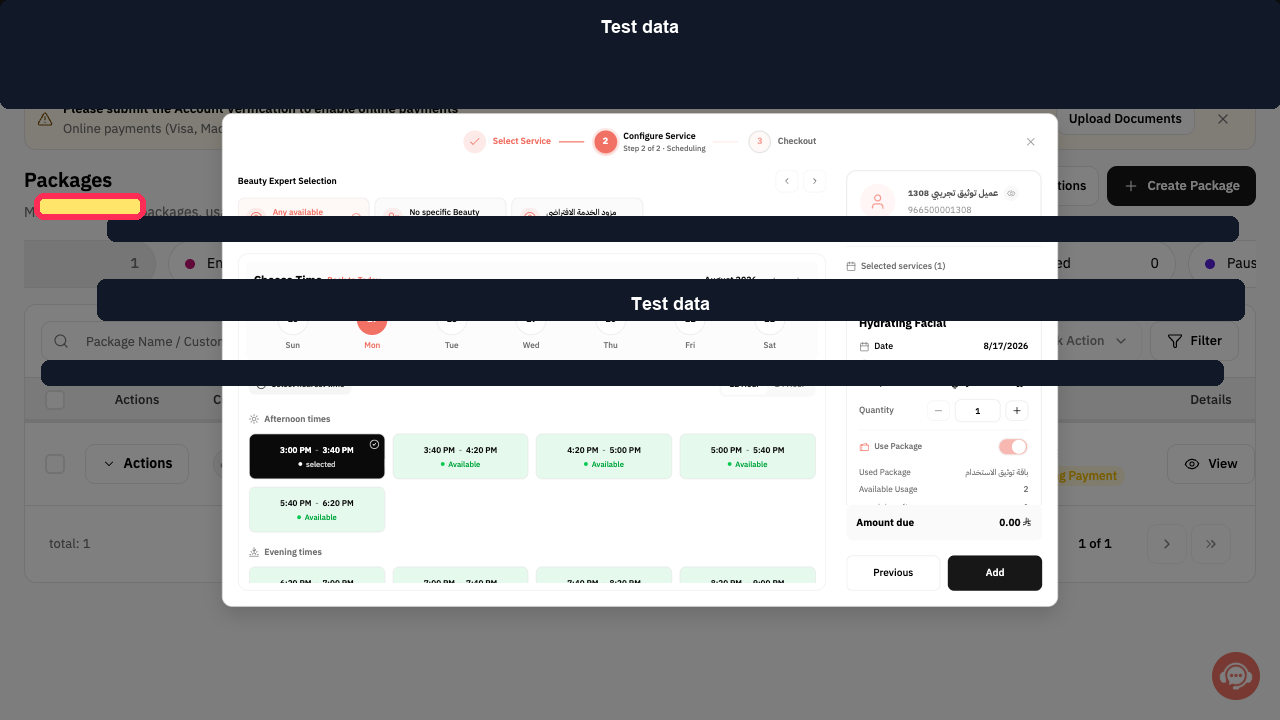
Step 2: Verify that the package reservation has a zero total before confirming it.
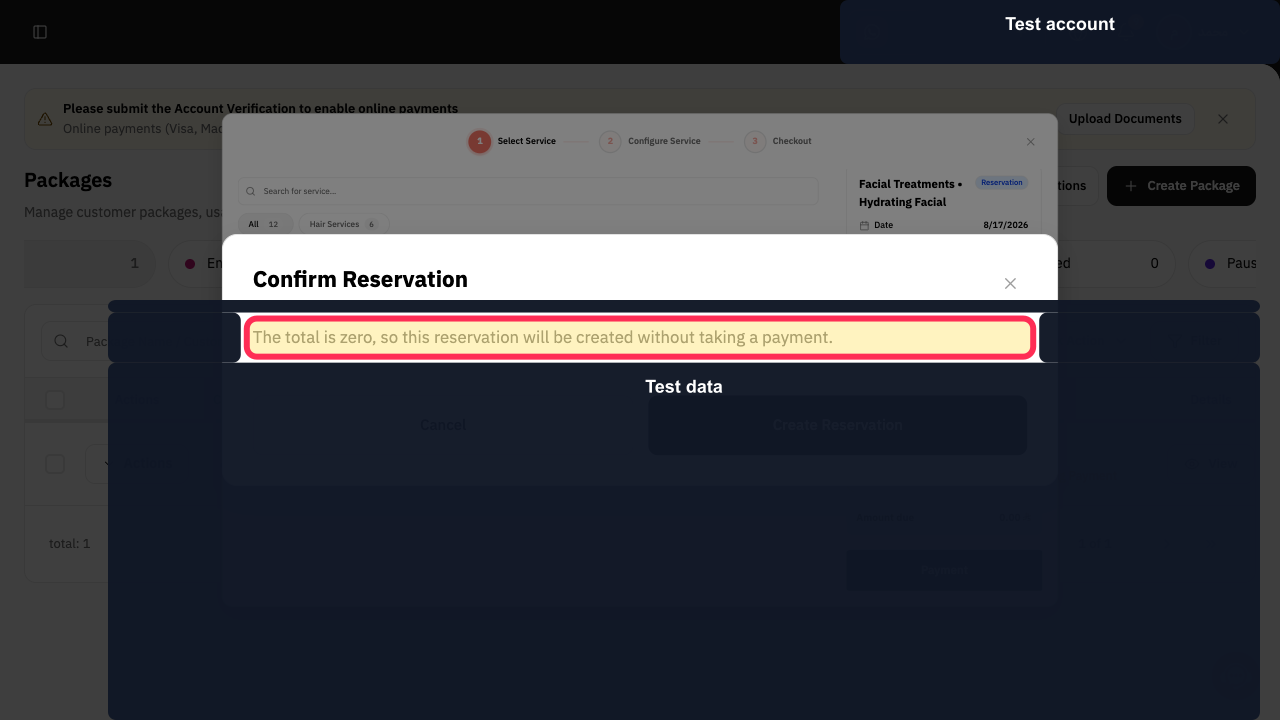
Step 3: Review the zero-total reservation confirmation dialog.
Important notes
Rekaz displays the available sessions and the remaining sessions after this usage before you confirm the reservation.
Only complete the reservation after verifying that the Amount due is zero.
Do not manually deduct a number in a general field.
Do not use an order that is not linked to the customer’s package.
Related questions
Where can I find Add usage for a customer package in Rekaz?
What are the correct steps to use one session from a customer’s package in Rekaz?
Why does the package reservation need to have an Amount due of zero in Rekaz?


