How do I set a package validity period in Rekaz?
The older Period action is not shown in the current Rekaz interface, and no value, unit, or save action for package validity is shown.
Use the steps below to reach the available package screen. Do not assume that a package start date or a Period value can be configured from the controls shown here.
Steps
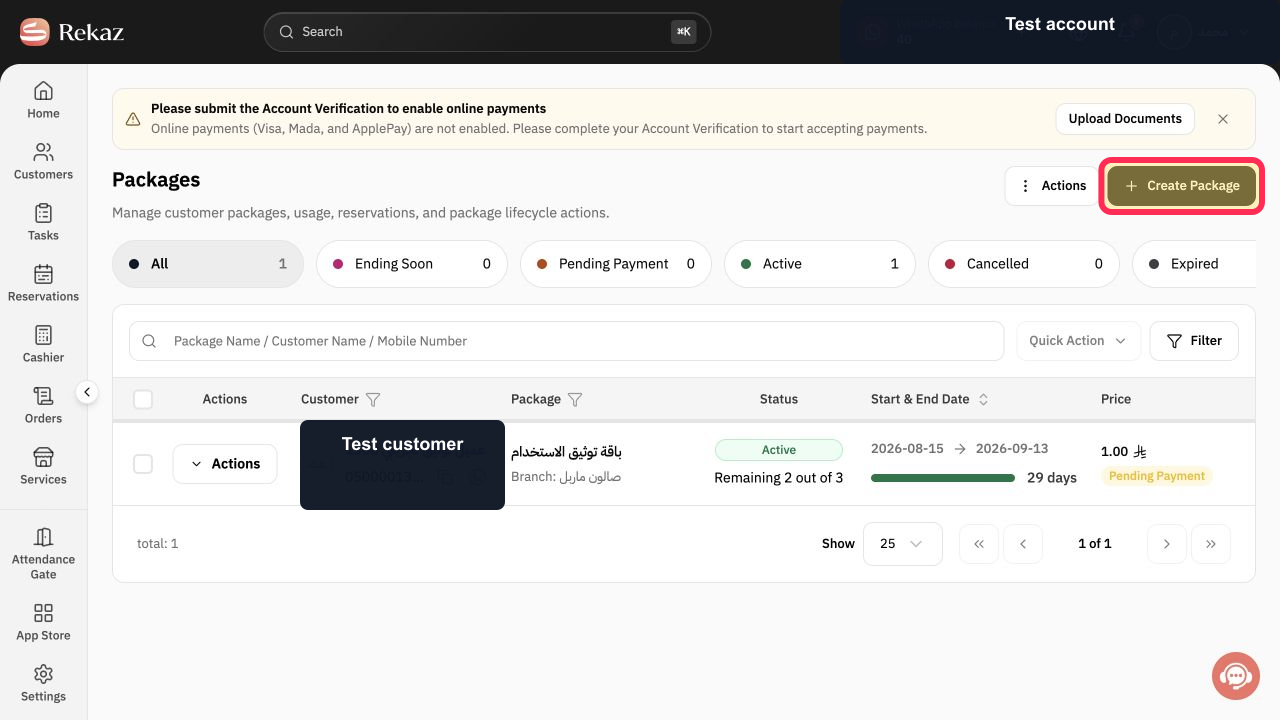
On the Packages page, select Create Package.
The Create Package screen opens.
On the package creation screen, select Package Information.
The Package Information section is displayed.
The Create Package heading is visible, but no control labelled Period or validity-period value and unit are available.
Illustrated guide
Step 1: Select Create Package on the Packages page.
Step 2: Open Package Information in the Create Package workflow.
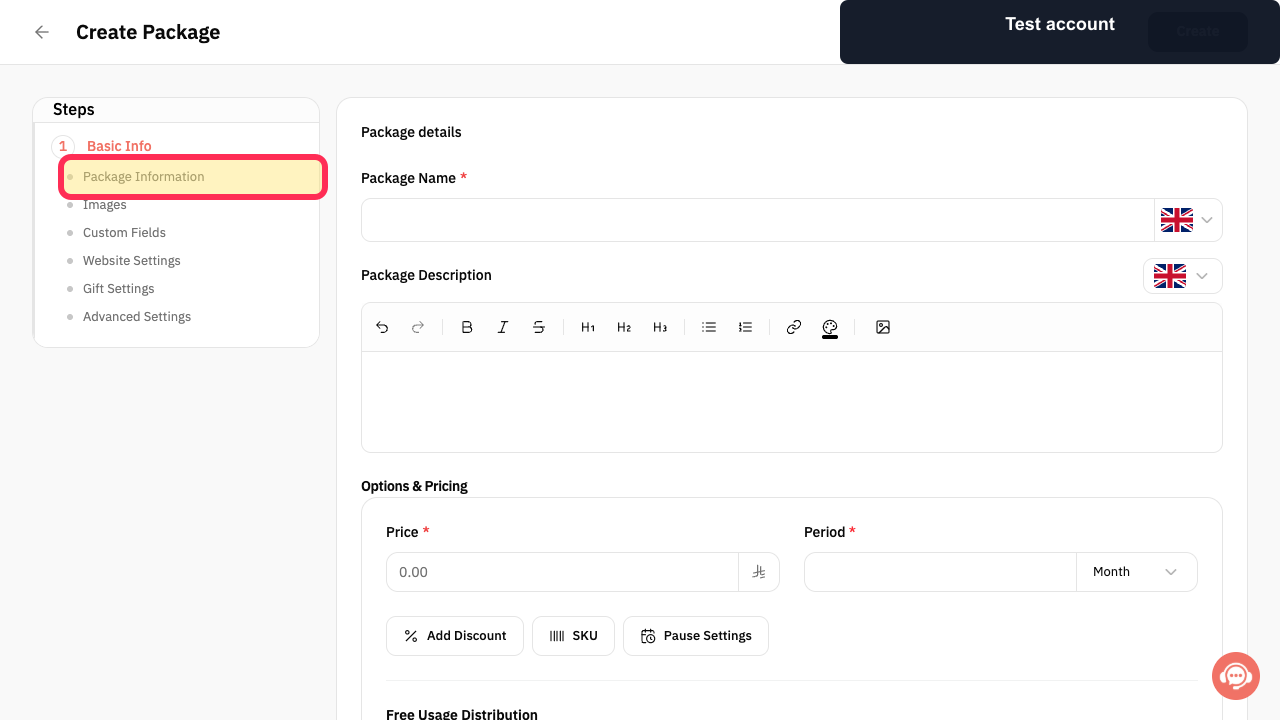
Step 3: The current Create Package screen does not provide an available Period setting.
Important notes
The package start date affects the package’s actual end date.
Before saving, check both the period value and its unit.
Use a package start method that matches how you want the package validity to begin.
Related questions
How do I make a package valid for one month in Rekaz?
Where can I change a package period in Rekaz?
How do I set a package end date in Rekaz?


