How do I delete a package in Rekaz?
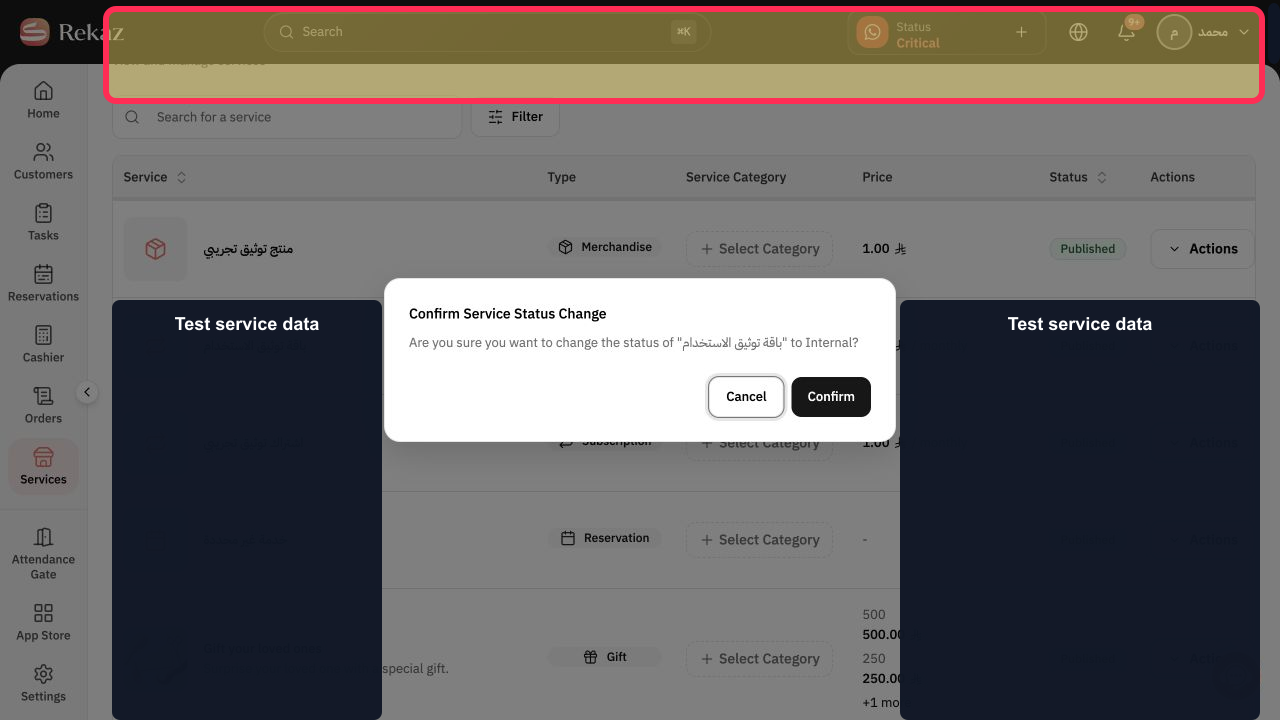
The current authenticated Rekaz interface does not support using Actions to select Delete package.
The Services area does not show a Delete package option, a permanent-deletion warning, or a confirmation control. Do not rely on the older deletion steps.
Steps
In Rekaz, verify that you are in the Services area to view and manage services. The Services header and its description are visible, but there is no package-deletion control.
Do not use the former Actions > Delete package instructions. The current Services page does not include that option or a deletion confirmation.
Illustrated guide
Step 1: Services is the available area for viewing and managing services; no package-deletion control is shown in the current interface.
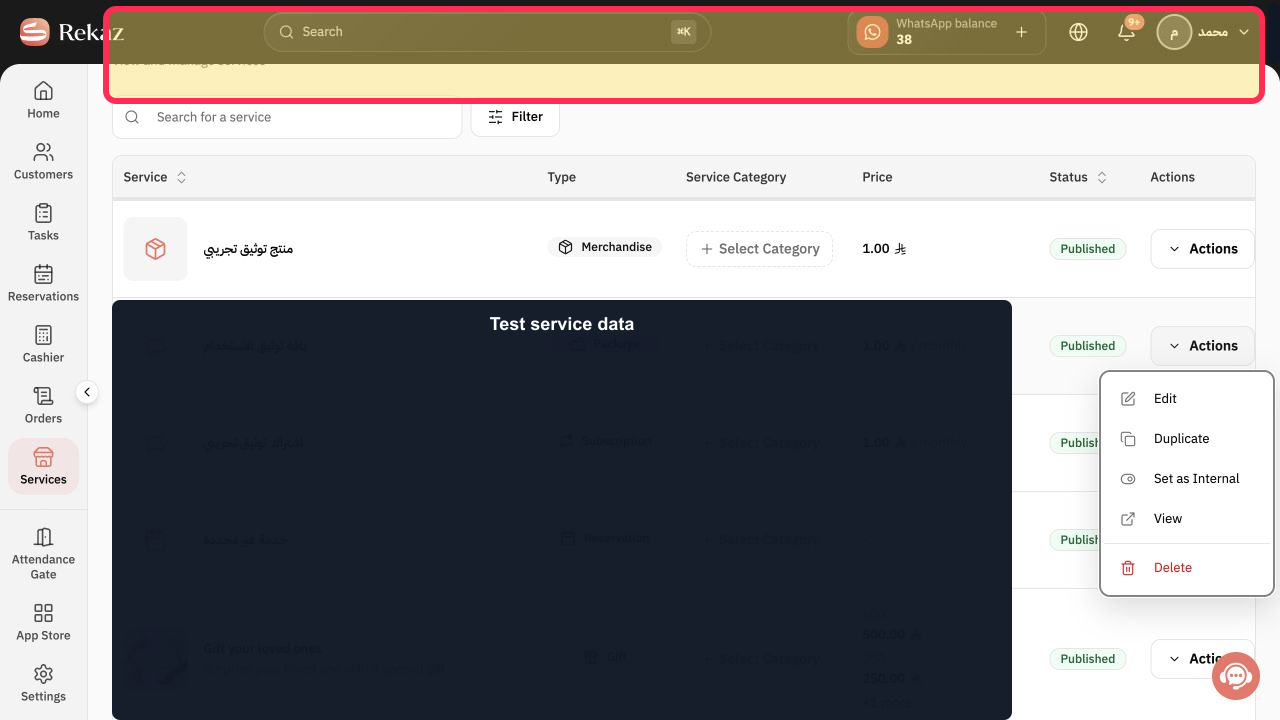
Step 2: The former package-deletion action is not shown.
Before you delete a package
Review the package’s current links before deleting it.
Do not delete the package if you may need it again. Use Hide instead to stop selling it temporarily, if Hide is available.
Related questions
How can I remove a package in Rekaz?
Where can I find the delete option for a package in Rekaz?
Is deleting a package permanent in Rekaz?


