How do I view a customer’s previous reservations in Rekaz?
To view a customer’s previous or current reservations in Rekaz, open the customer’s record from Customers and check the Reservations section. This keeps the customer’s linked reservation history in one place.
If the section is empty, there are no reservations linked to the customer record you are viewing. Make sure you open the correct customer before reviewing their history.
Steps
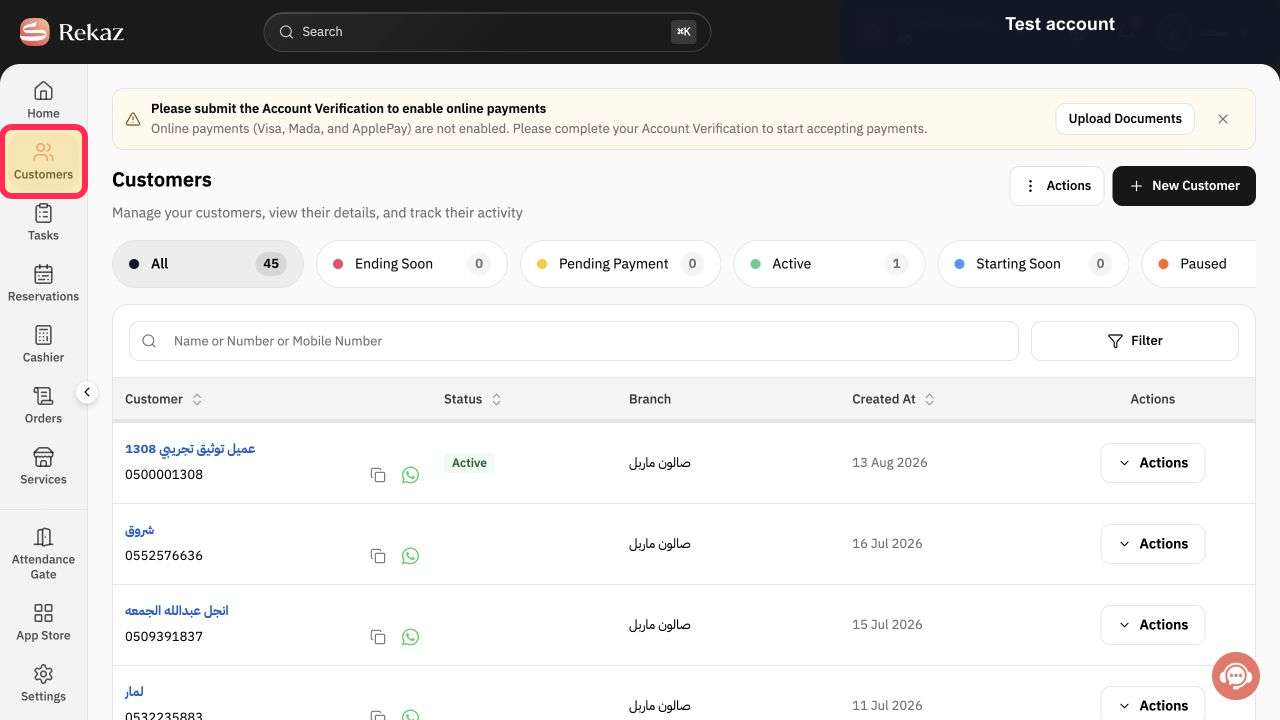
From Home, select Customers in the sidebar.
The Customers list opens.
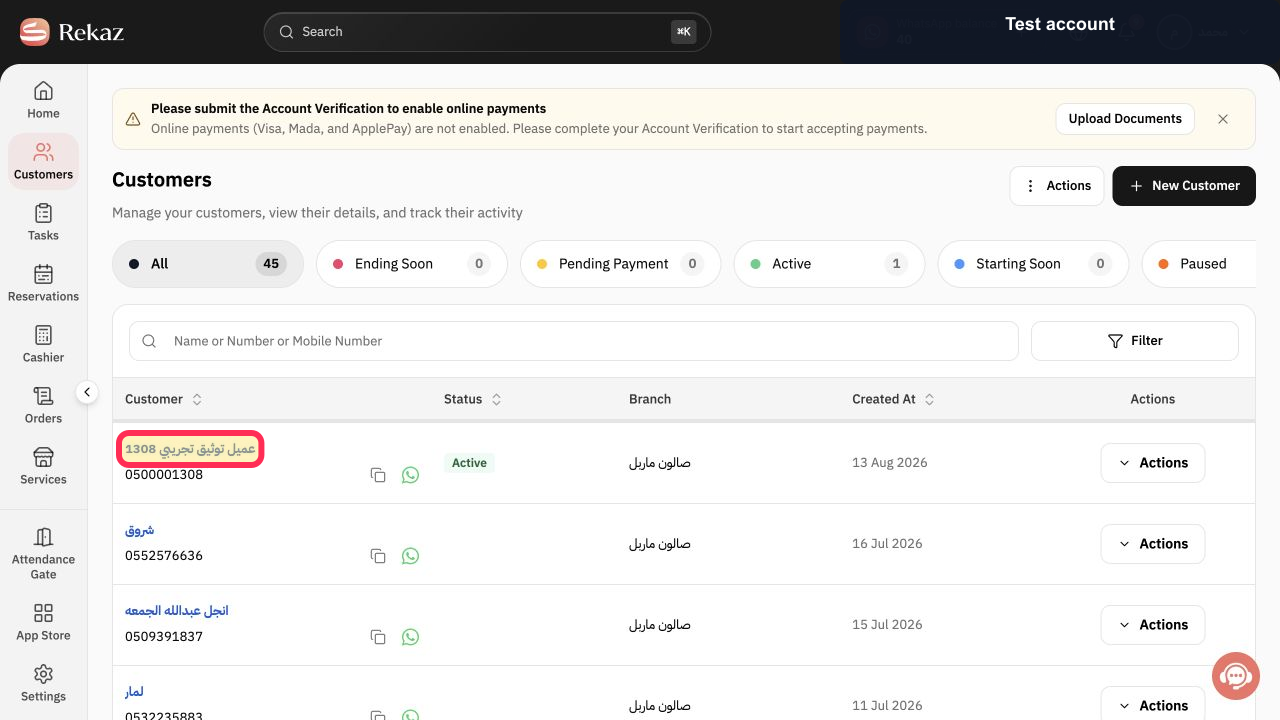
Open the customer whose reservations you want to review. The verified synthetic example is عميل توثيق تجريبي 1308; use the correct customer in your account.
The selected customer profile opens.
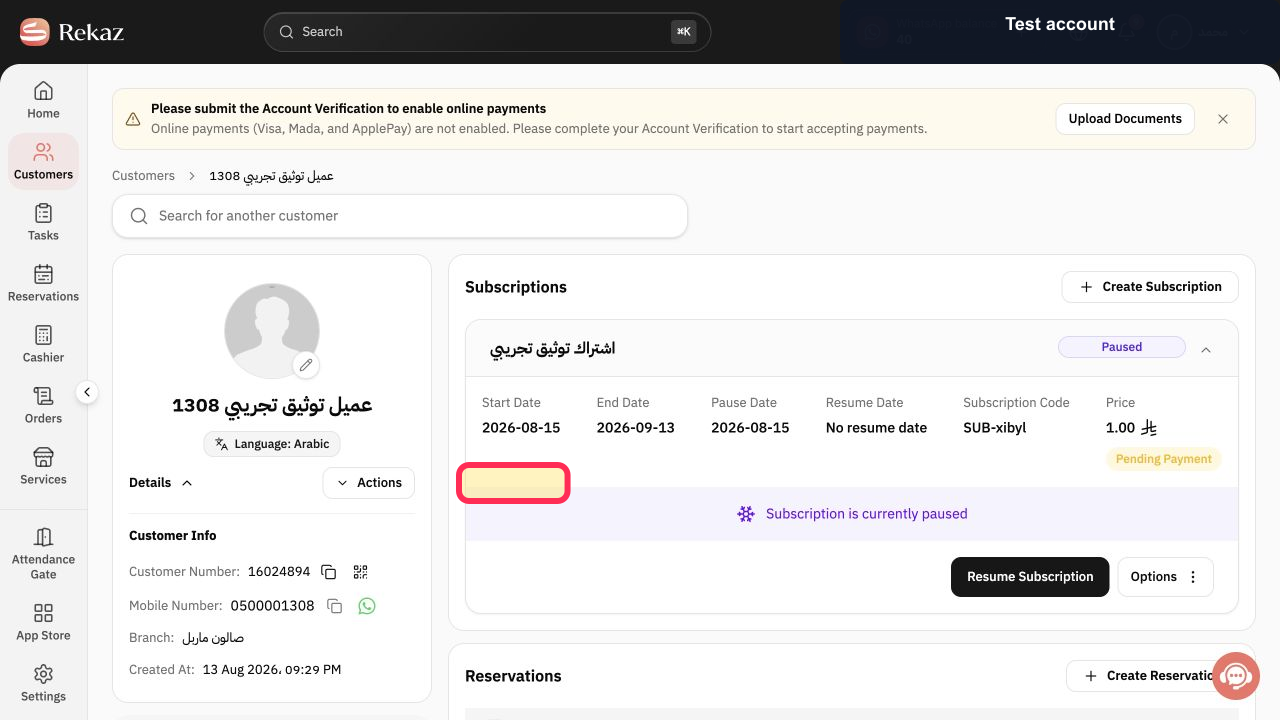
In the customer record, review the Reservations section.
You can see reservations linked to this customer. If the section is empty, no reservations are linked to this record.
Illustrated guide
Step 1: Open the Customers list from the Rekaz sidebar.
Step 2: Open the required customer profile using the synthetic test customer example.
Step 3: Review the customer’s linked reservations in their record.
Important notes
Check that you opened the correct customer record before reviewing the reservation history.
An empty Reservations section means there are no reservations linked to the displayed customer record.
Related questions
Where can I find a customer’s appointment history in Rekaz?
How do I view reservations for a specific customer in Rekaz?
Where can I review a customer’s previous appointments in Rekaz?


