How do I add a new customer in Rekaz?
The current form requires Customer Name and Customer Number and finishes with Submit. Optional fields can be completed to improve the customer profile.
Check for an existing record before creating a customer so that the same mobile number is not stored twice.
Steps
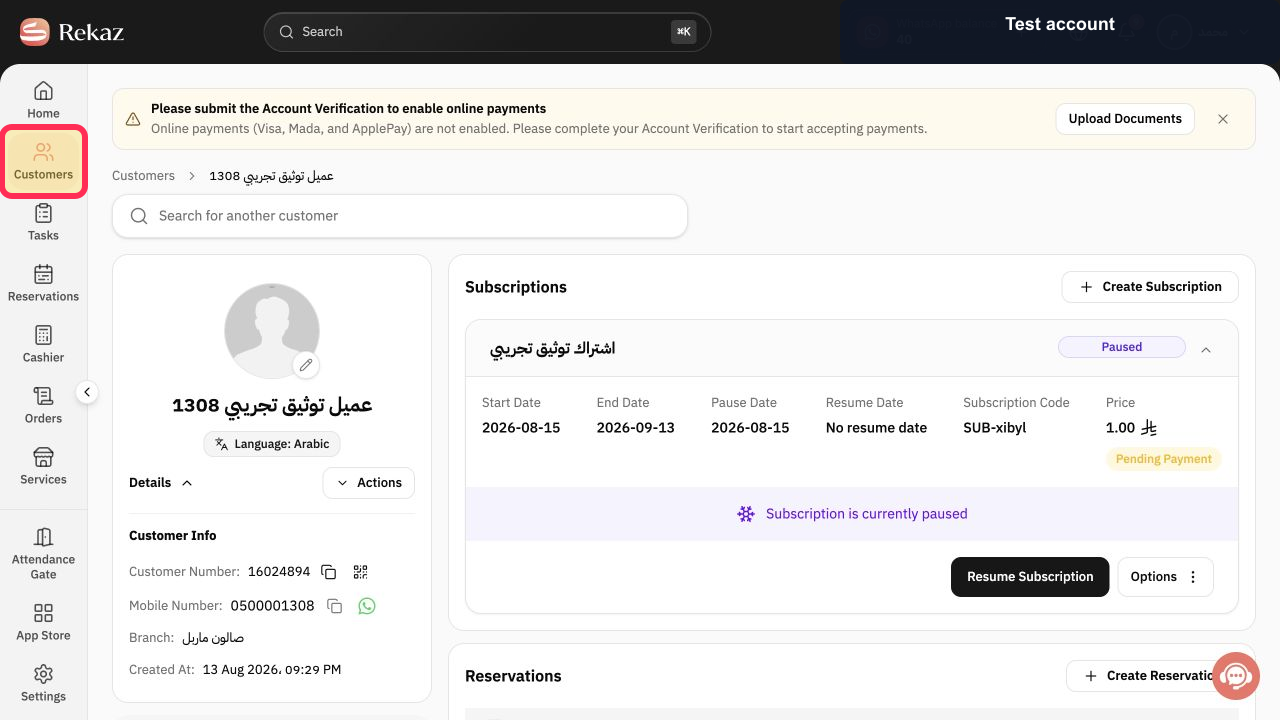
From the Rekaz navigation, select Customers.
The Customers page opens.
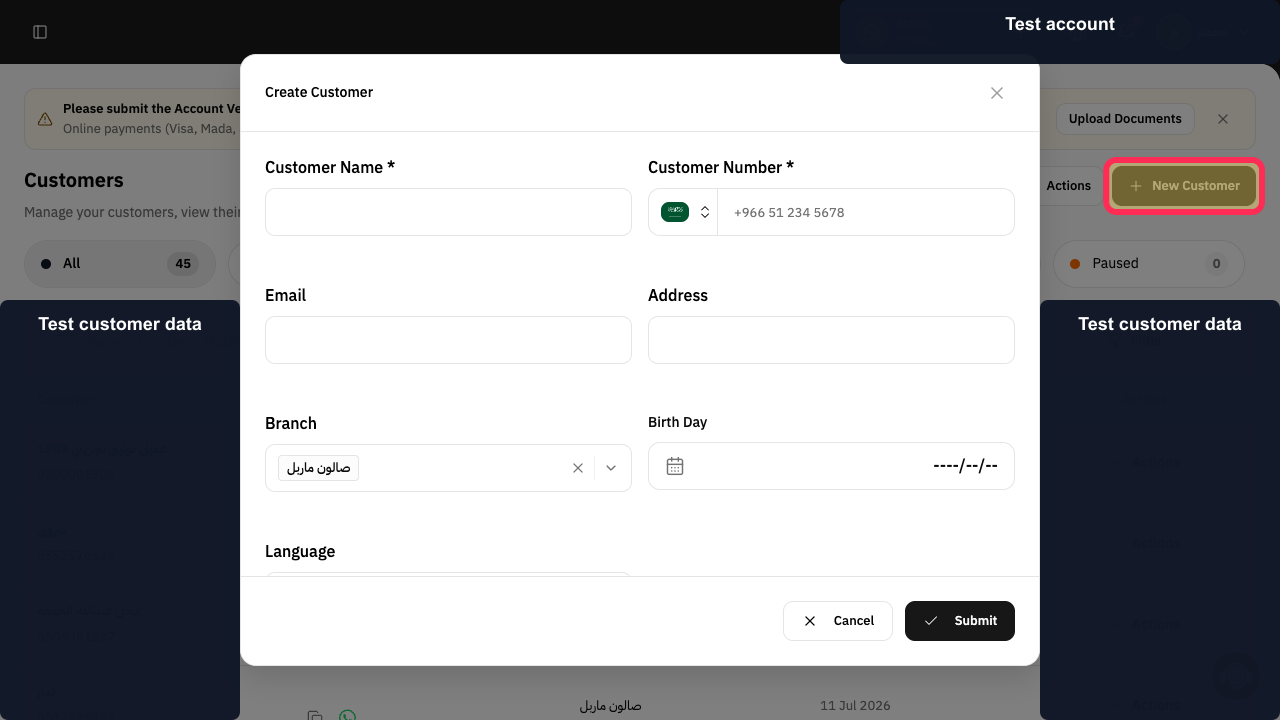
Select New Customer.
The Create Customer form opens.
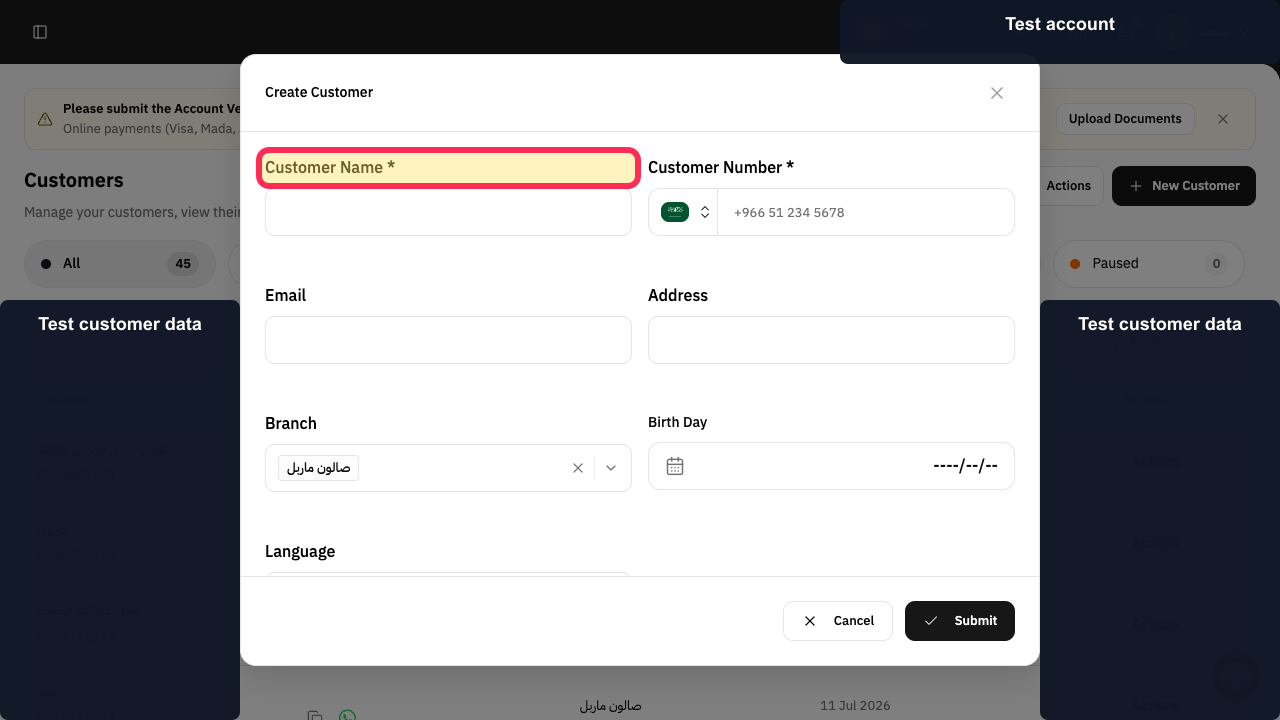
Enter the customer's name under Customer Name *.
The required name is entered.
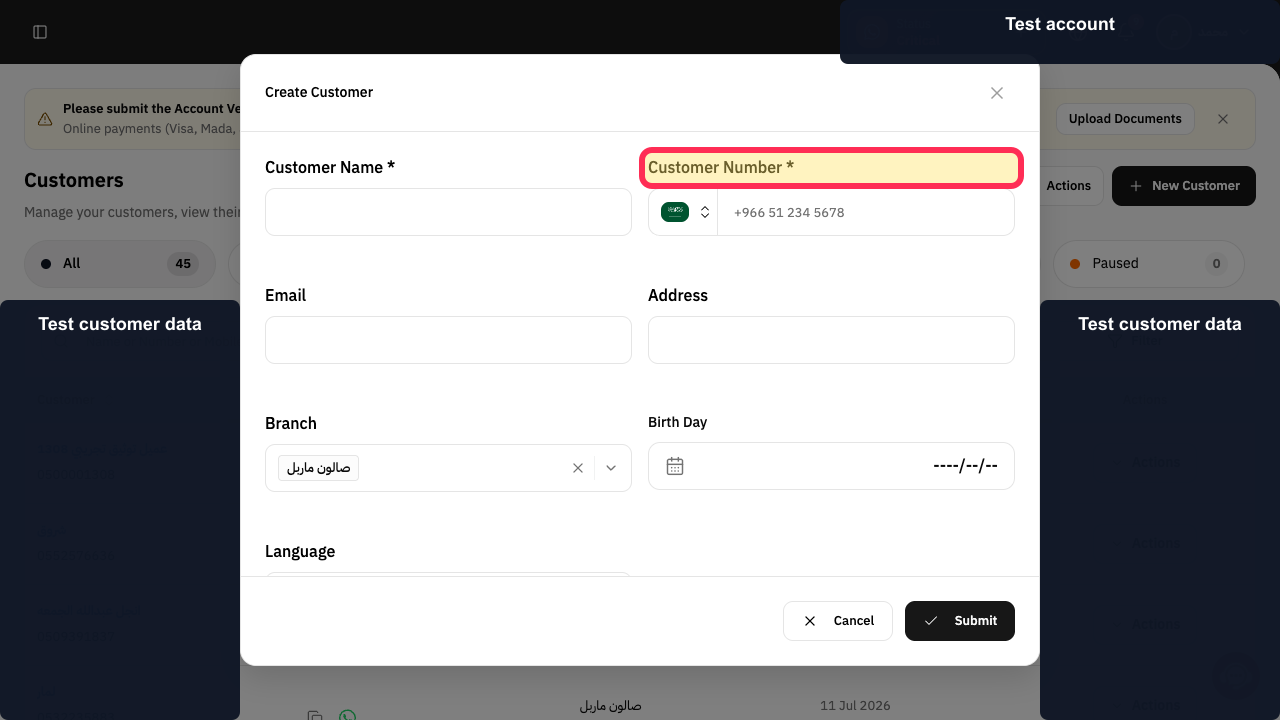
Choose the country code and enter the mobile number under Customer Number *.
The required mobile number is entered.
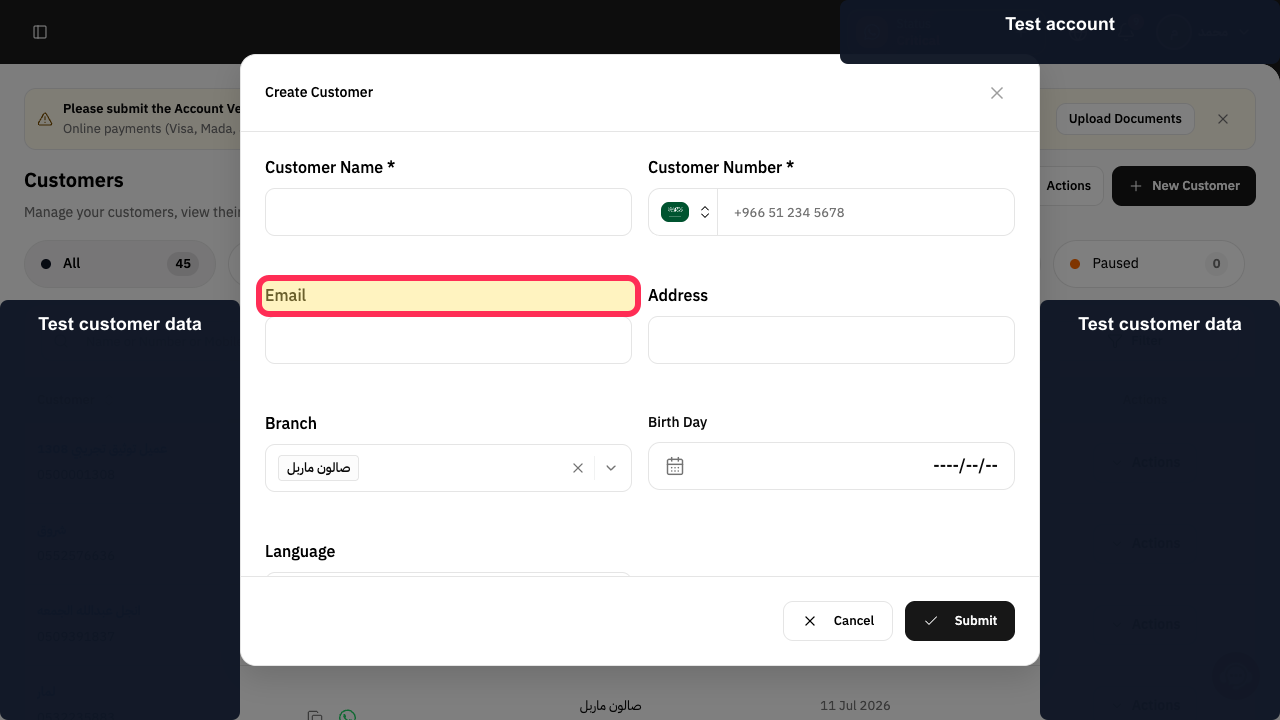
Optional: complete Email, Address, the date field, Branch, and Language when those details are available.
The useful optional profile details are ready.
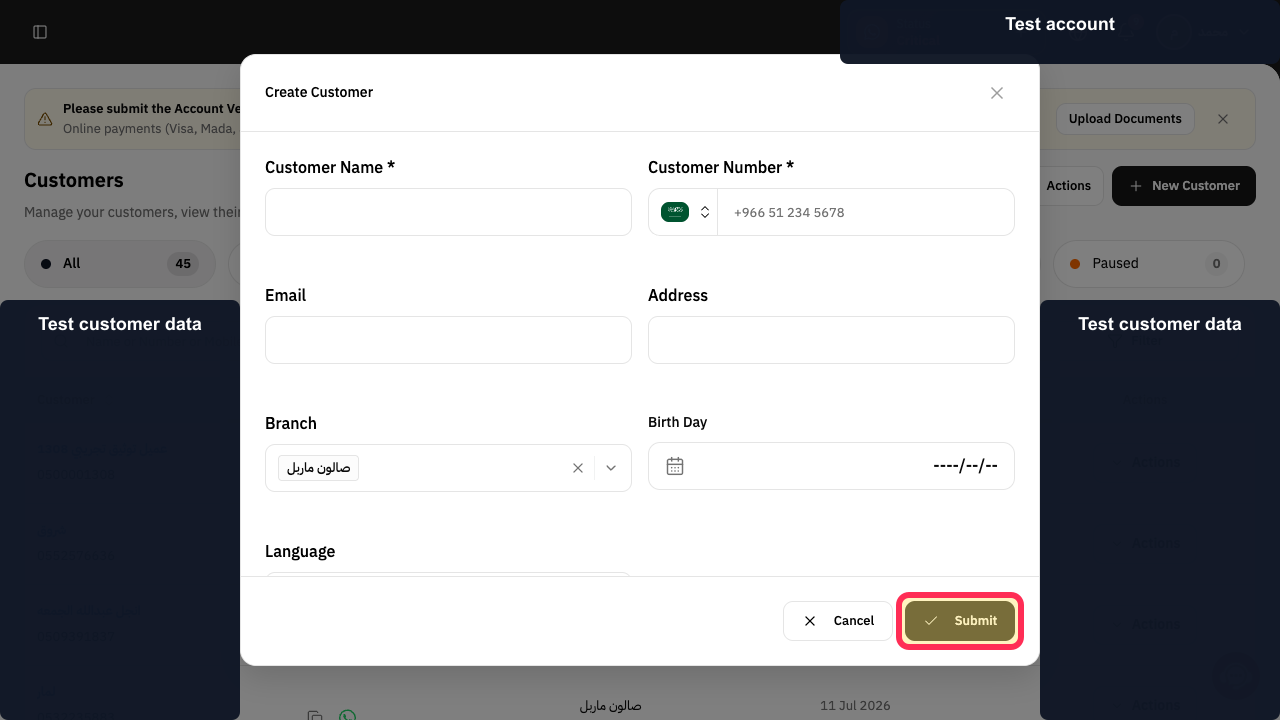
Review the details and select Submit.
The new customer is submitted for creation.
Illustrated guide
Step 1: Open Customers in Rekaz.
Step 2: Open the Create Customer form.
Step 3: Enter the customer name.
Step 4: Enter the customer number and country code.
Step 5: Review the customer's optional profile fields.
Step 6: Submit the new customer.
Required information
In the current interface, Name and Phone Number are required to create a customer record.
Before you begin
You can add a customer before creating a reservation or recording a related follow-up.
Related questions
How do I register a new customer in Rekaz?
Where can I add a new customer phone number in Rekaz?
How do I add customer details before creating a reservation in Rekaz?


