How do I set a Service Provider’s default commission rate in Rekaz?
To manage a Service Provider’s default commission rate, use Commissions Reports and open Commission rates. Rekaz states that changes made there are reflected in the provider’s profile as well.
The older profile-based instructions to enter a value in a Default commission rate field and select Save are not supported by the current interface: the field and save control are not visible. The report also states that a single reservation’s rate can be overridden without changing the provider’s base rate.
Steps
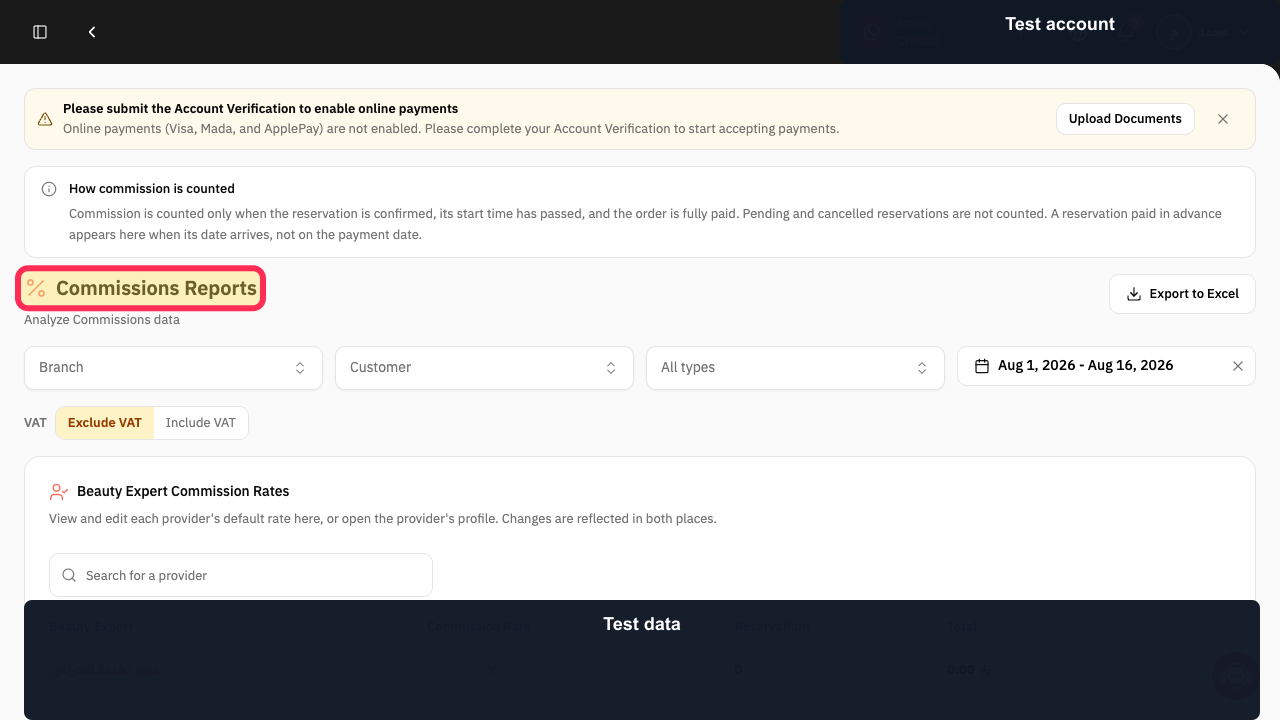
Open Commissions Reports and verify that the Commissions Reports page is displayed.
The page heading reads “Commissions Reports.”
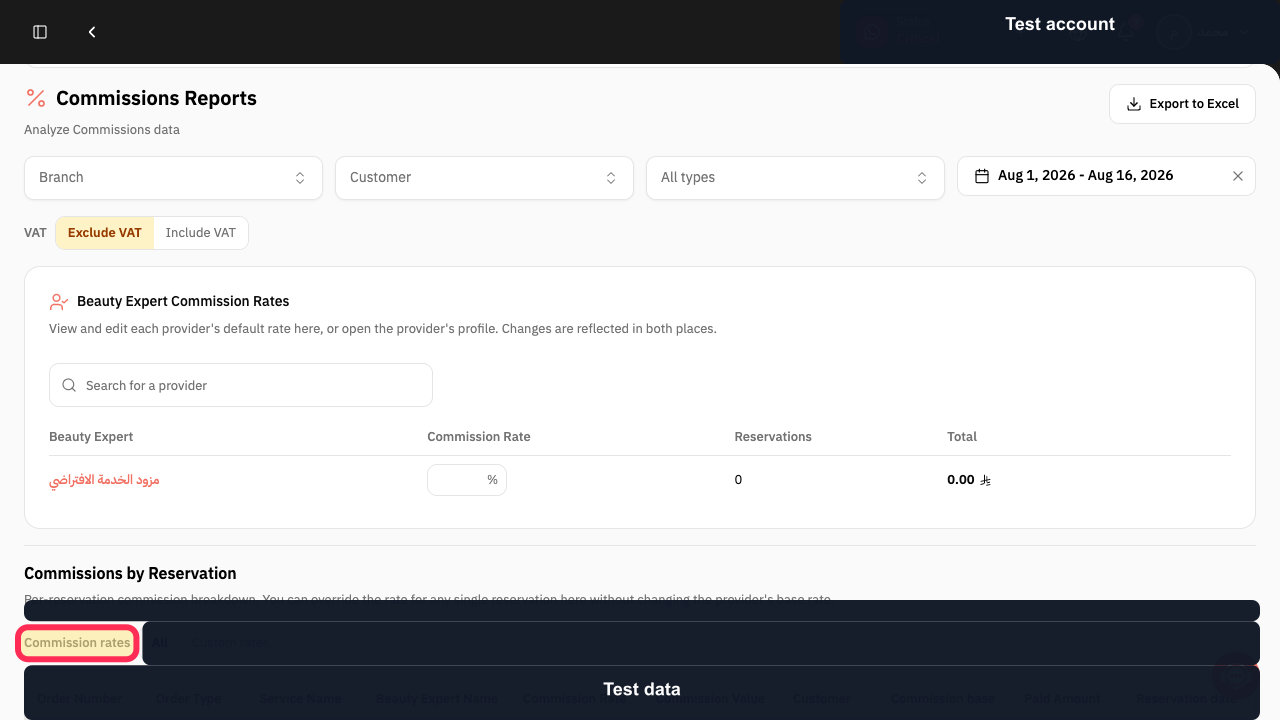
Select Commission rates.
The Commission rates area is displayed.
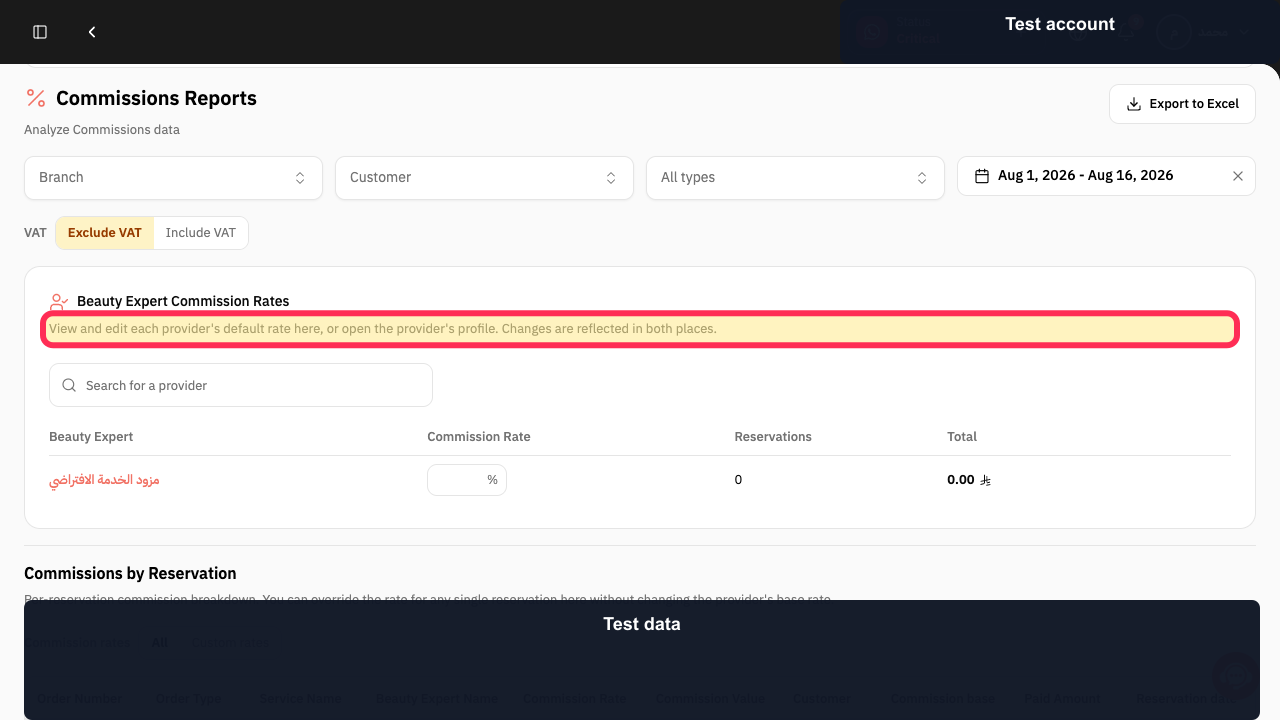
Use the Commission rates area as the place to view or edit each provider’s default rate; Rekaz states that changes are reflected in the provider’s profile.
The page displays guidance that provider default rates can be viewed and edited here or in the provider profile.
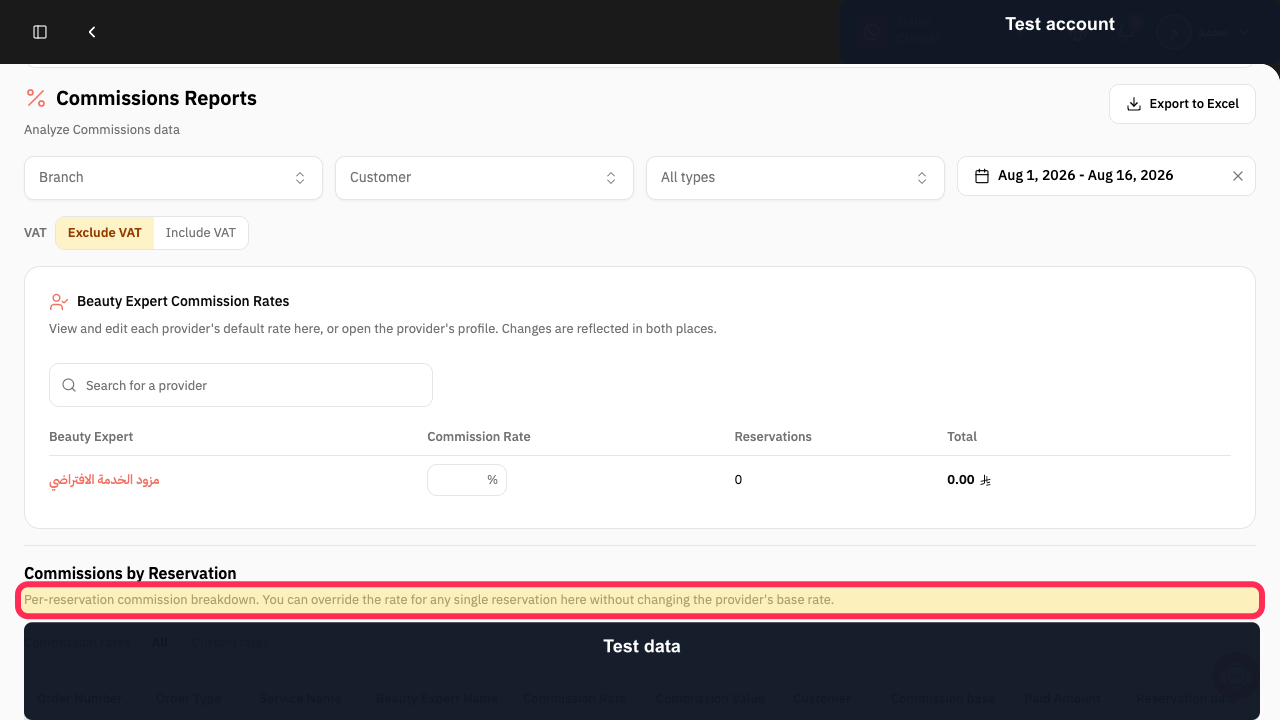
If you need to change the rate for only one reservation, use the per-reservation commission breakdown rather than the provider’s base rate.
The page explains that a single reservation’s rate can be overridden without changing the provider’s base rate.
Illustrated guide
Step 1: Commissions Reports page.
Step 2: Open Commission rates.
Step 3: Provider default-rate guidance in Commissions Reports.
Step 4: Per-reservation commission override guidance.
How the default rate is used
The default commission rate is applied to the Service Provider’s bookings unless a different rate is set for an individual booking in the commissions report.
Related questions
How do I set a commission percentage for a specialist in Rekaz?
Where can I edit a staff member’s commission in Rekaz?
How do I change a Service Provider’s default commission rate in Rekaz?


