How do I enable reservation notifications for a Provider in Rekaz?
The current Beauty Expert profile sends WhatsApp alerts for every new or updated reservation to the numbers listed under WhatsApp Notifications.
This replaces the older event-by-event Provider notification instructions; the current provider profile does not show separate Create, Confirm, and Cancel toggles.
Steps
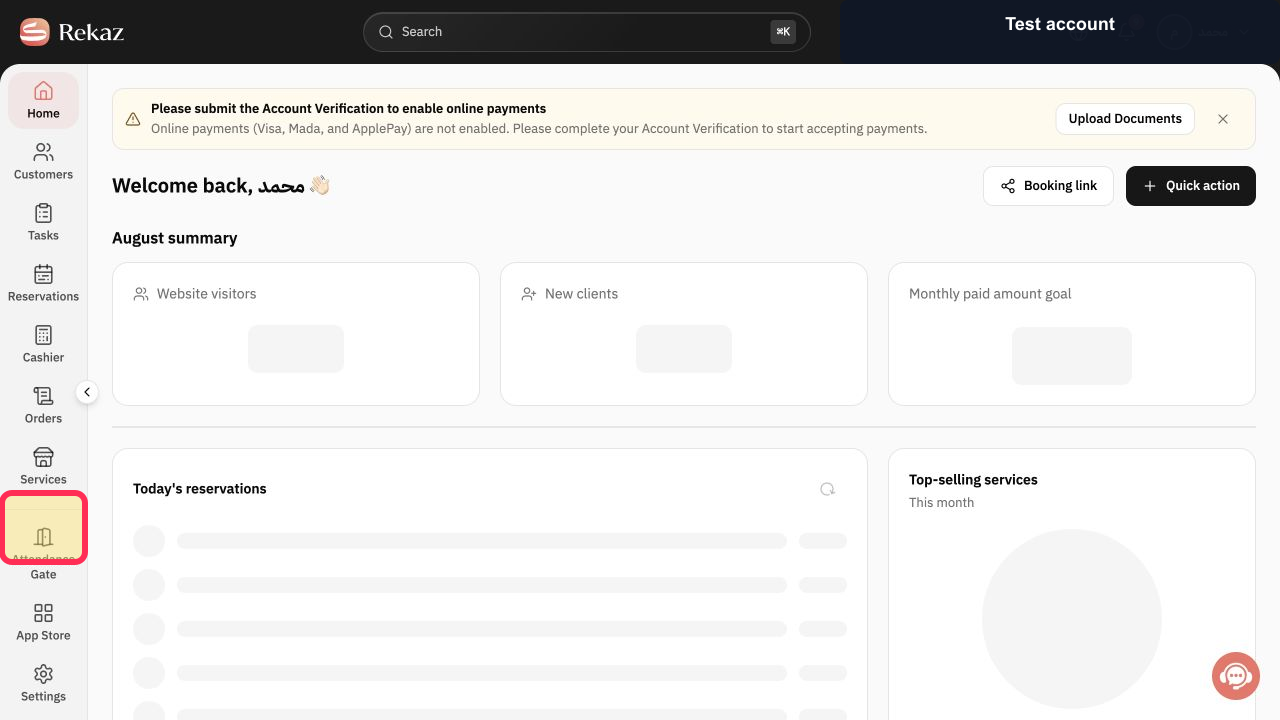
Select Specialists in the Rekaz sidebar.
The Beauty Experts page opens.
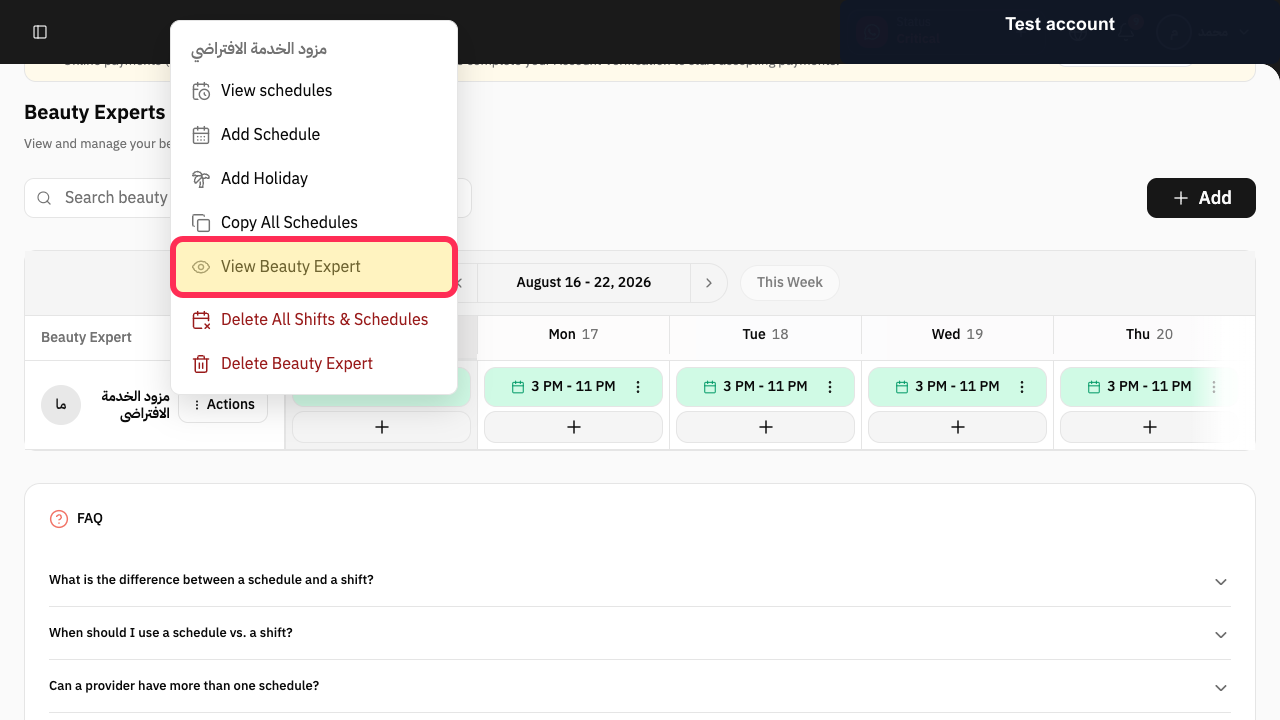
Select Actions for the provider, then choose View Beauty Expert.
The Beauty Expert profile opens.
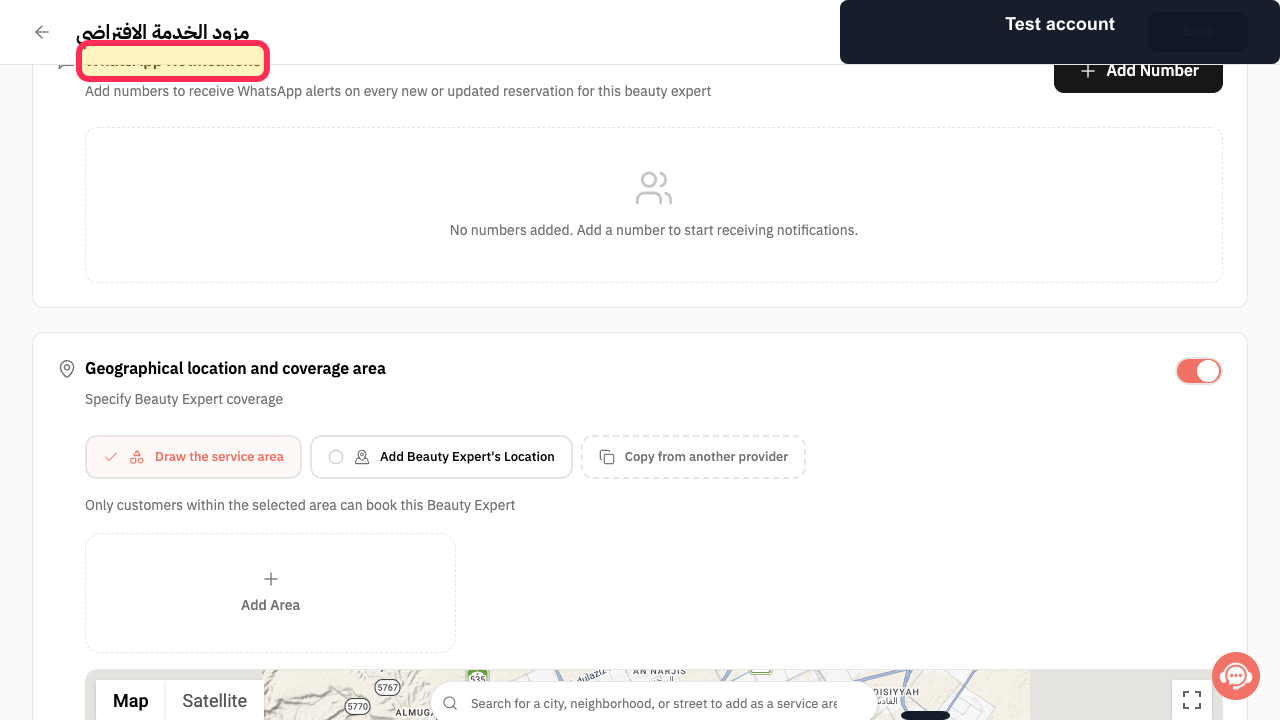
Scroll to WhatsApp Notifications.
The provider alert section shows any saved notification numbers.
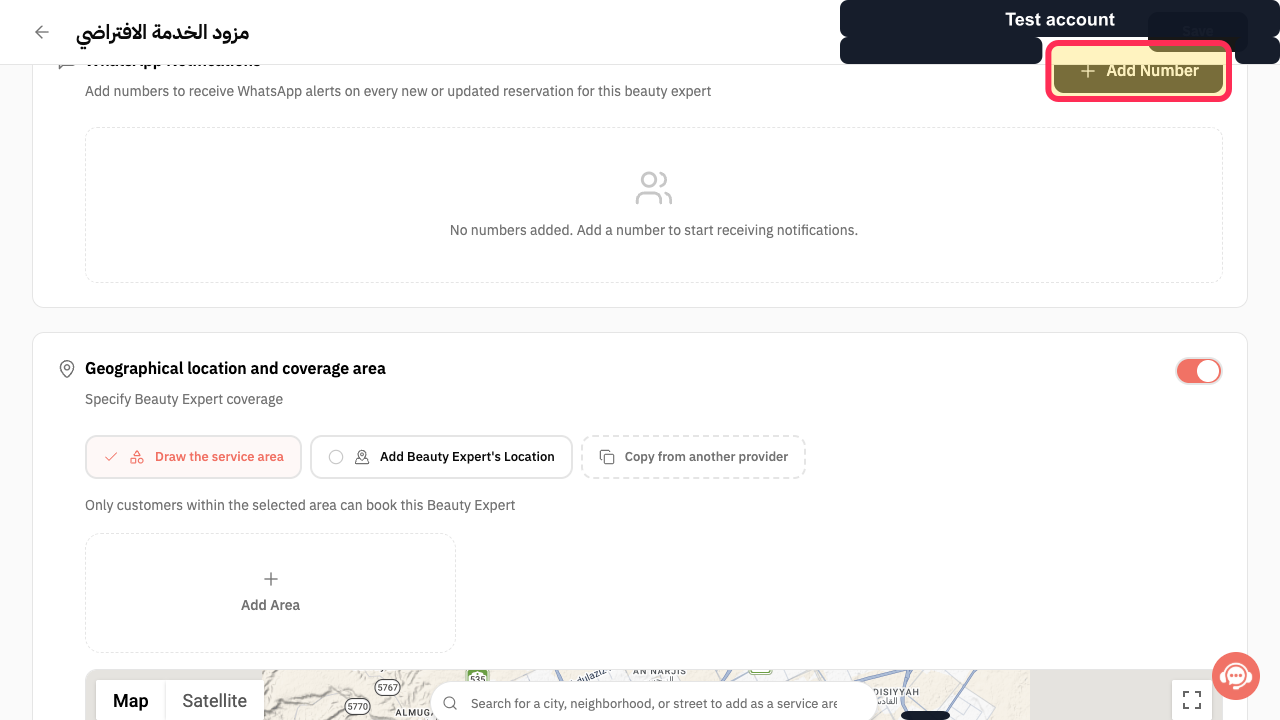
Select Add Number.
The Add Number dialog opens.
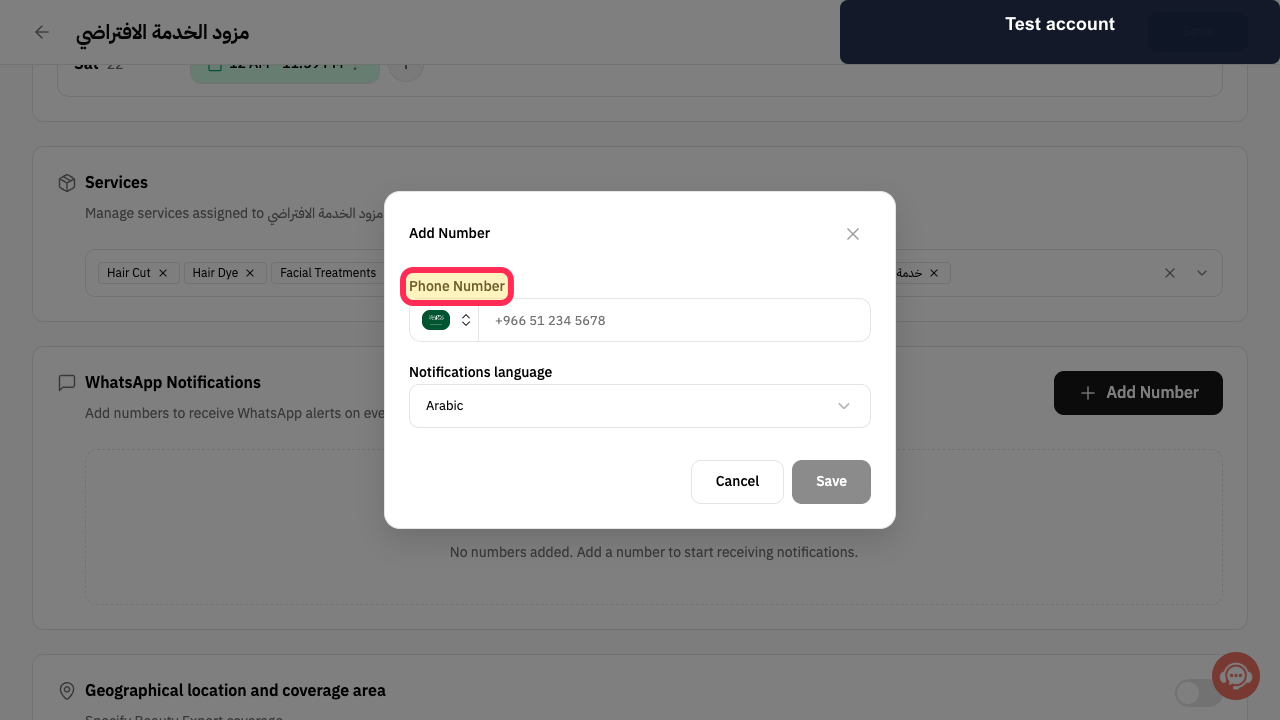
Enter the Phone Number that should receive the provider's reservation alerts.
The notification phone number is entered.
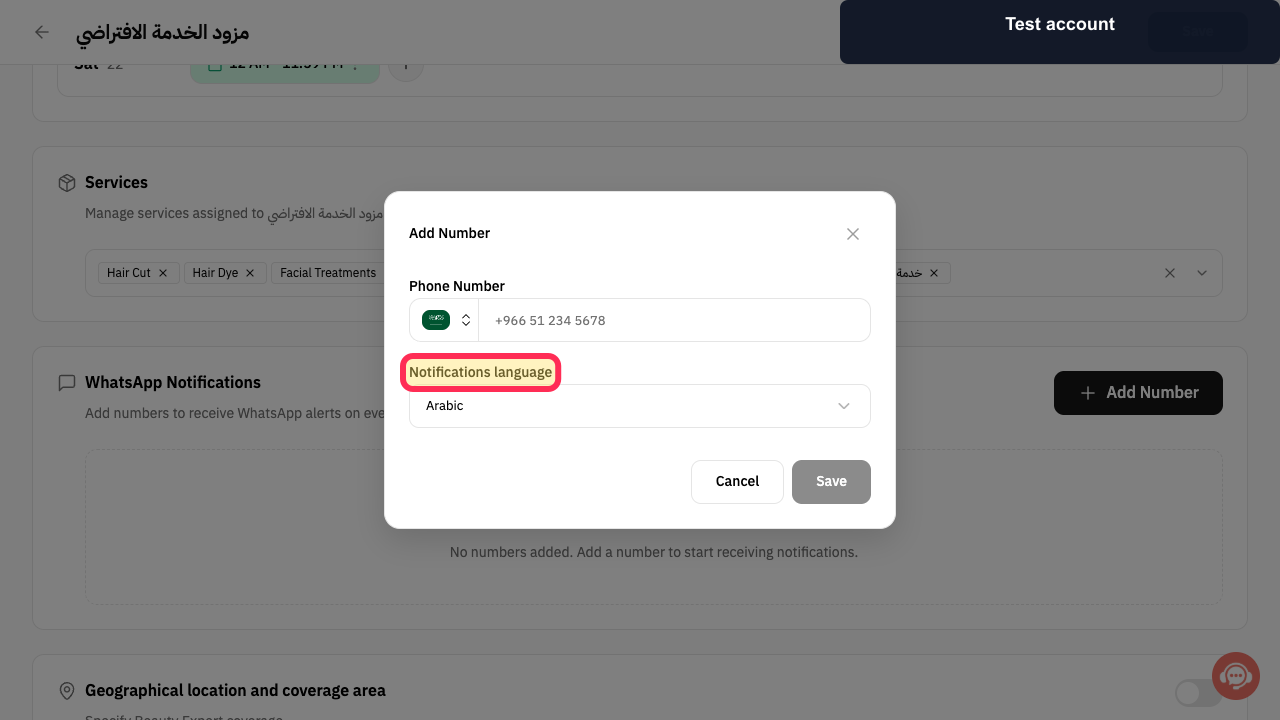
Choose Notifications language.
Provider reservation alerts use the selected language.
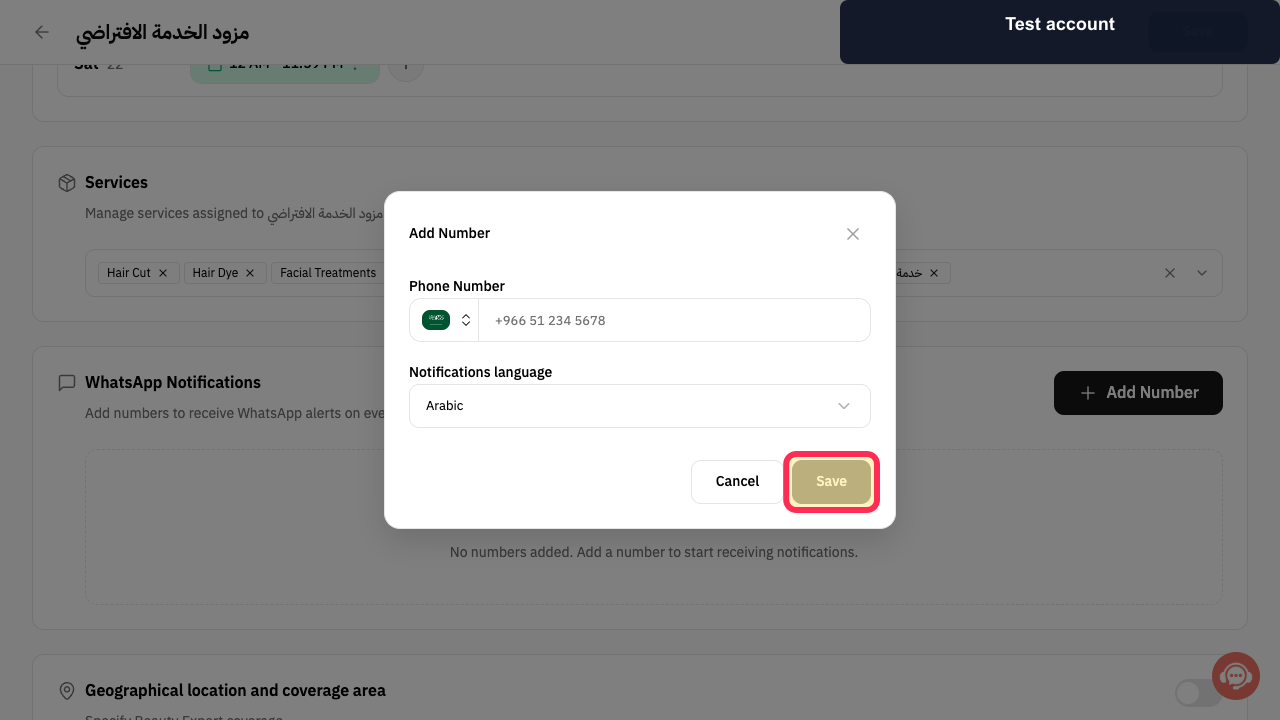
Select Save in the Add Number dialog.
The number is added to WhatsApp Notifications.
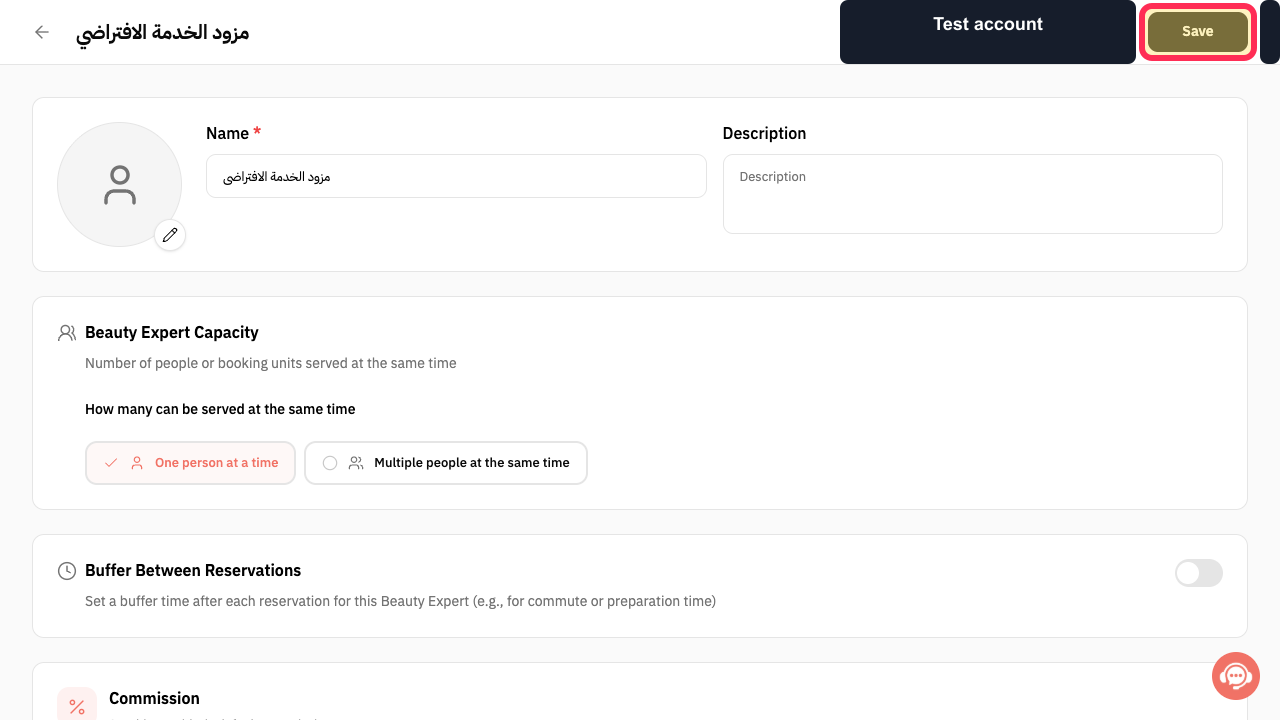
Review the Beauty Expert profile and select Save at the top of the page.
The provider profile changes are submitted.
Illustrated guide
Step 1: Open Beauty Experts from Specialists.
Step 2: Open the Beauty Expert profile.
Step 3: Open the provider WhatsApp Notifications section.
Step 4: Add a provider notification number.
Step 5: Enter the provider alert Phone Number.
Step 6: Choose the provider Notifications language.
Step 7: Save the provider notification number.
Step 8: Save the Beauty Expert profile.
Important notes
Provider notifications are independent of notifications sent to Customers and Admins.
Enable the smallest set of events the Provider needs.
Review the selected values and details before taking any final or financial action.
Related questions
Where can I find Provider reservation notifications in Rekaz?
How do I turn on reservation creation notifications for a Provider in Rekaz?
How do I set notification timing for a Provider in Rekaz?


