How do I let customers choose a service provider in Rekaz?
Customers can choose only from Beauty Experts assigned to the service and available for the selected time.
Review the assigned providers first, then enable the customer-choice option and save the service.
Steps
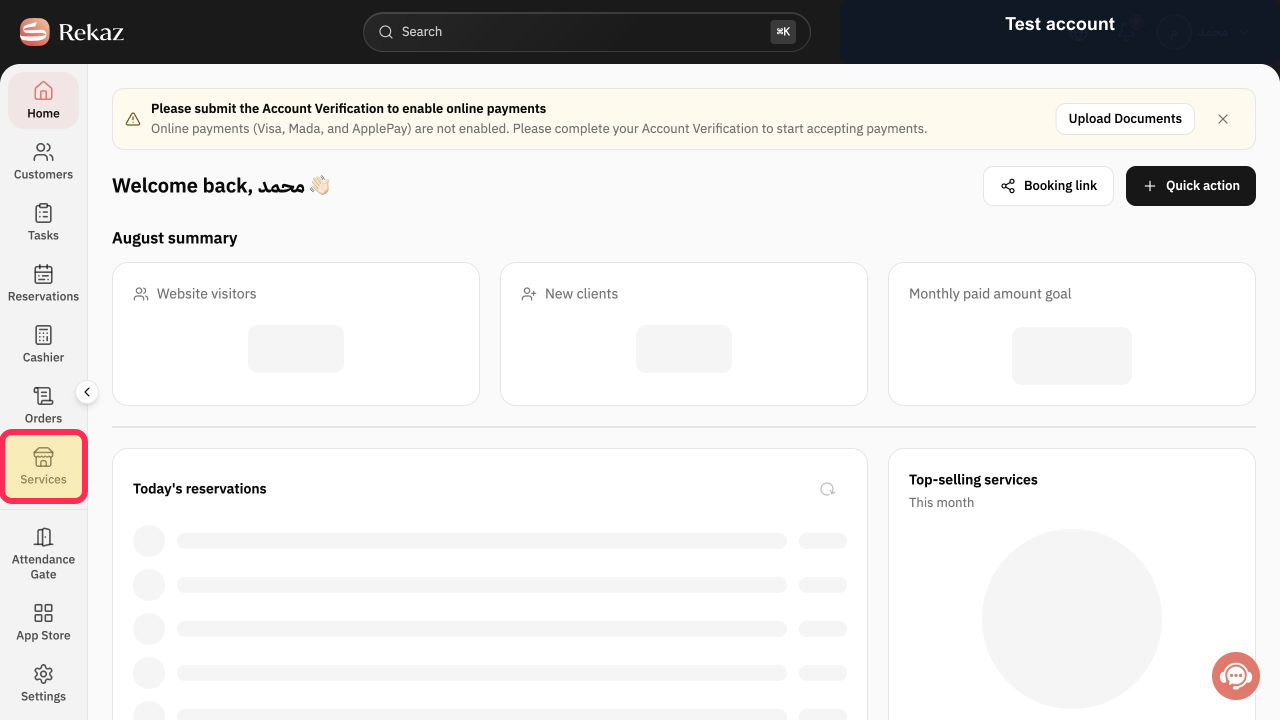
Open Services from the Rekaz navigation.
The service list opens.
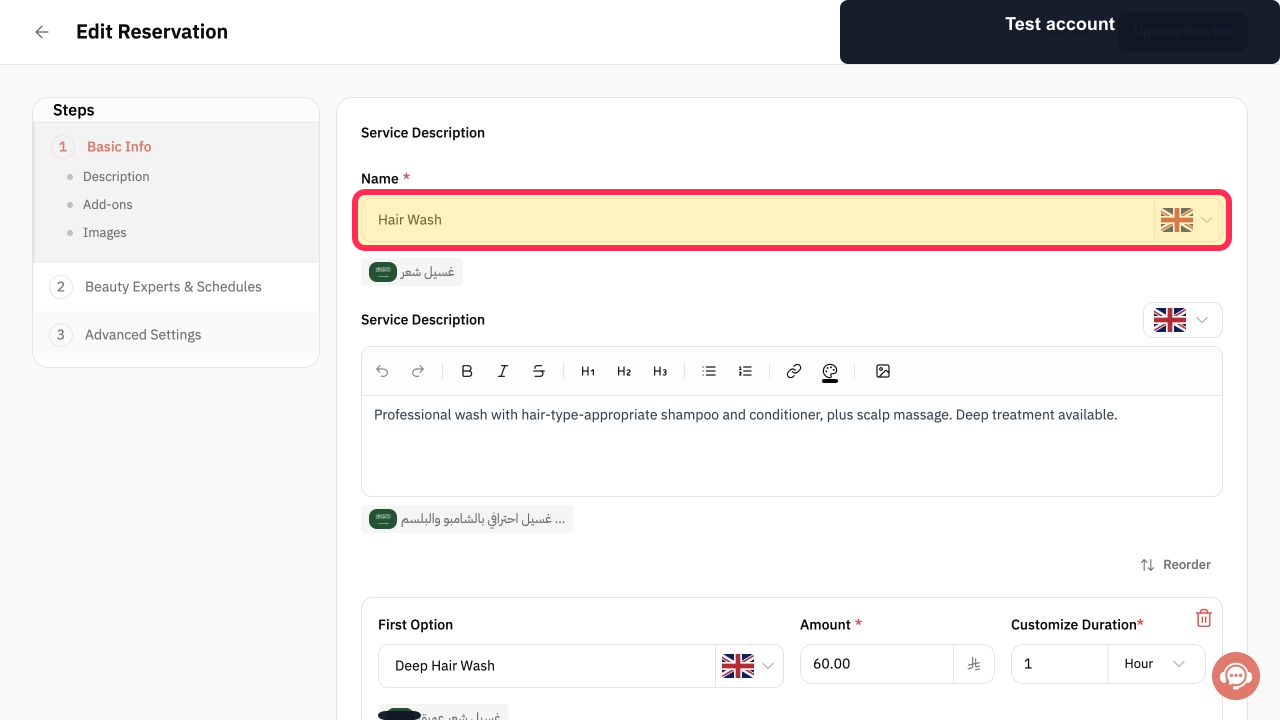
Open the reservation service and verify its Service Name.
The correct service editor is open.
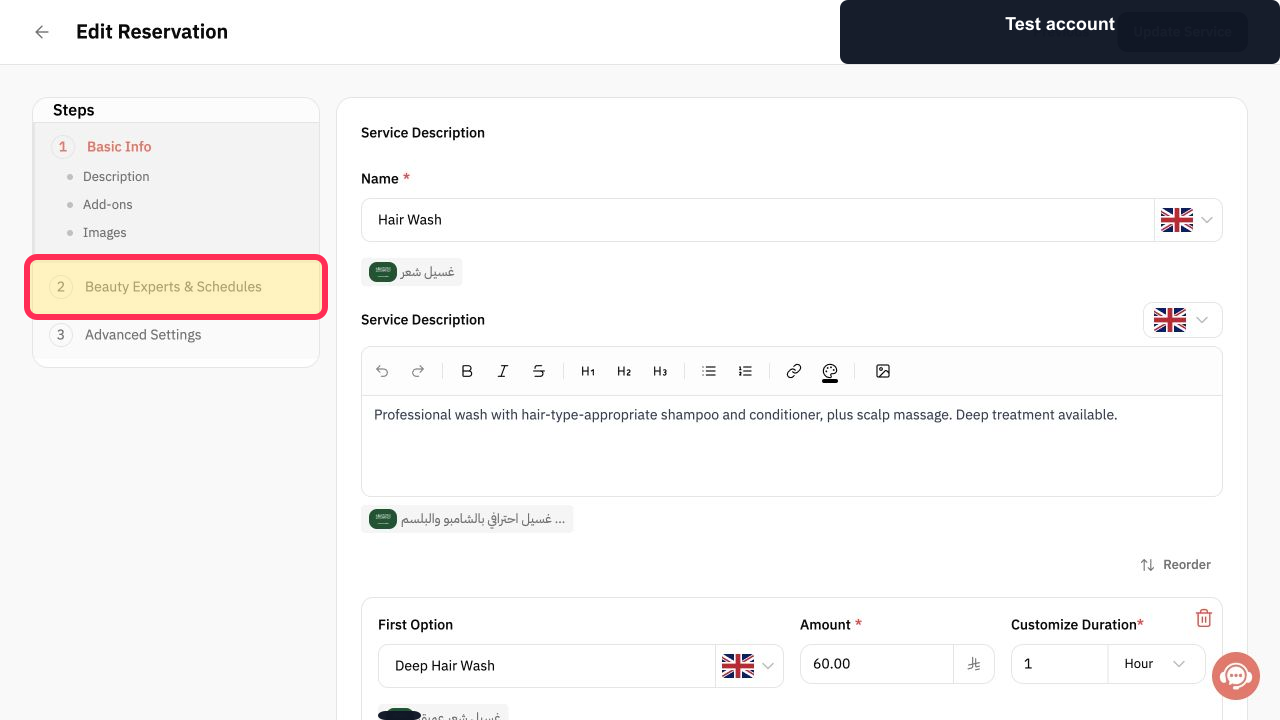
Select 2 Beauty Experts & Schedules.
The assigned-provider and schedule settings appear.
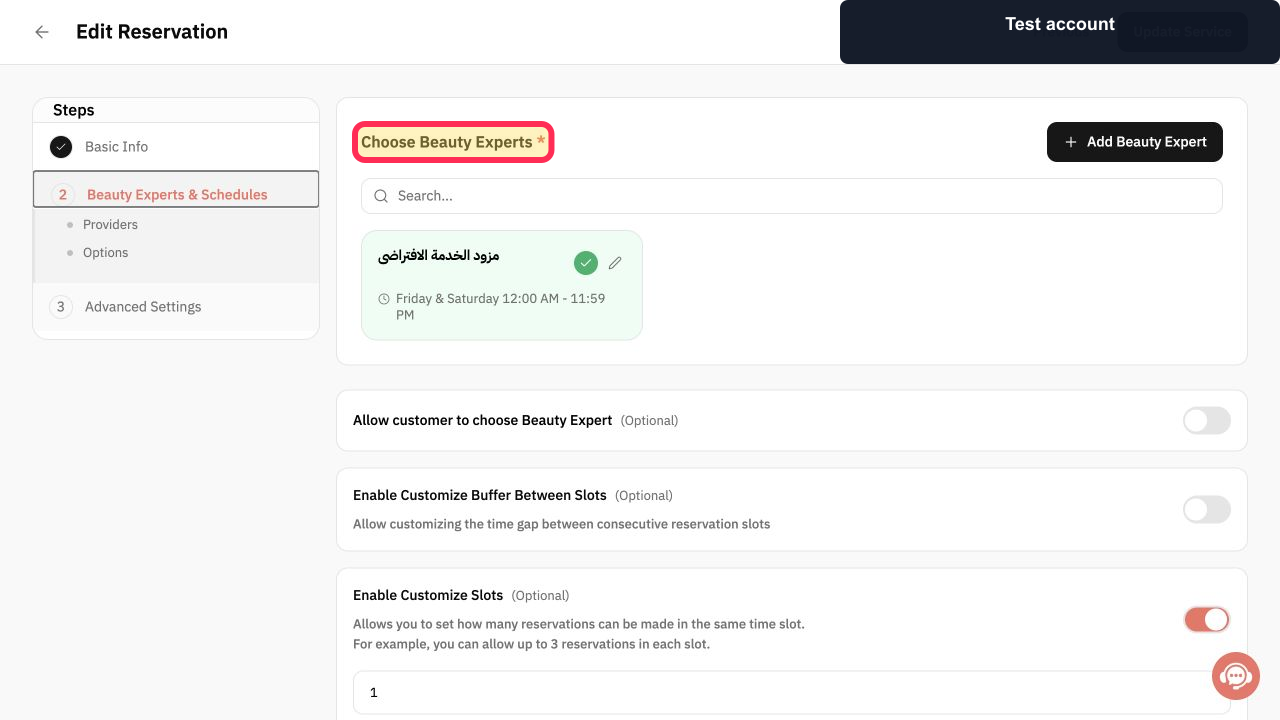
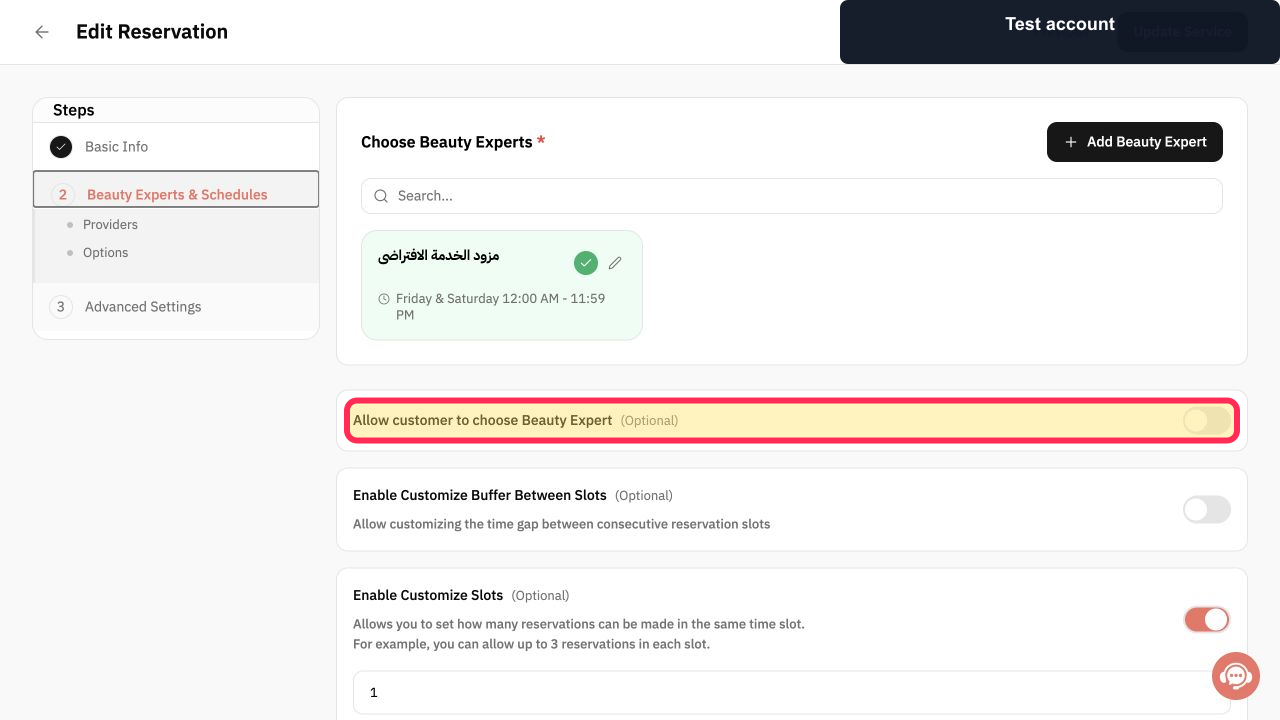
Review Choose Beauty Experts and confirm that every provider customers may select is assigned to the service.
The eligible provider list is correct.
Enable Allow customer to choose Beauty Expert(Optional).
The booking owner may choose among eligible available providers.
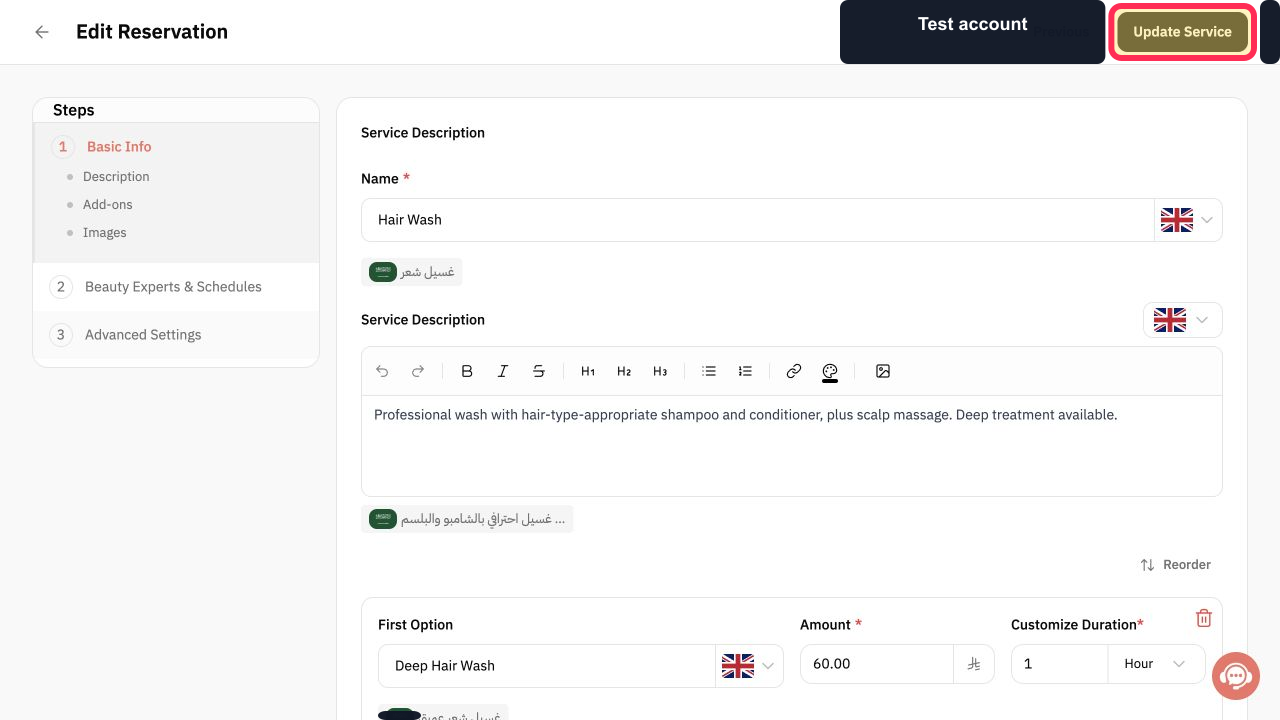
Select Update Service.
The provider-choice setting is saved.
Illustrated guide
Step 1: Open Services in Rekaz.
Step 2: Verify the service before changing provider selection.
Step 3: Open Beauty Experts & Schedules.
Step 4: Review the Beauty Experts assigned to the service.
Step 5: Allow customers to choose a Beauty Expert.
Step 6: Save the customer provider-choice setting.
Important notes
Link service providers to the service before expecting customers to see them during booking.
The appointments shown to customers depend on each service provider’s schedule and availability.
Related questions
How do I let a customer choose an employee in Rekaz?
How do I show service providers on the booking page in Rekaz?
Where do I enable provider selection for bookings in Rekaz?


