How do I assign services to a service provider in Rekaz?
To assign a service provider to a service in Rekaz, open the relevant service and select the provider in its Availability step. Save the change, then repeat the process for every service the provider offers.
This assignment is managed within each service, not from a separate list in the provider profile.
Steps
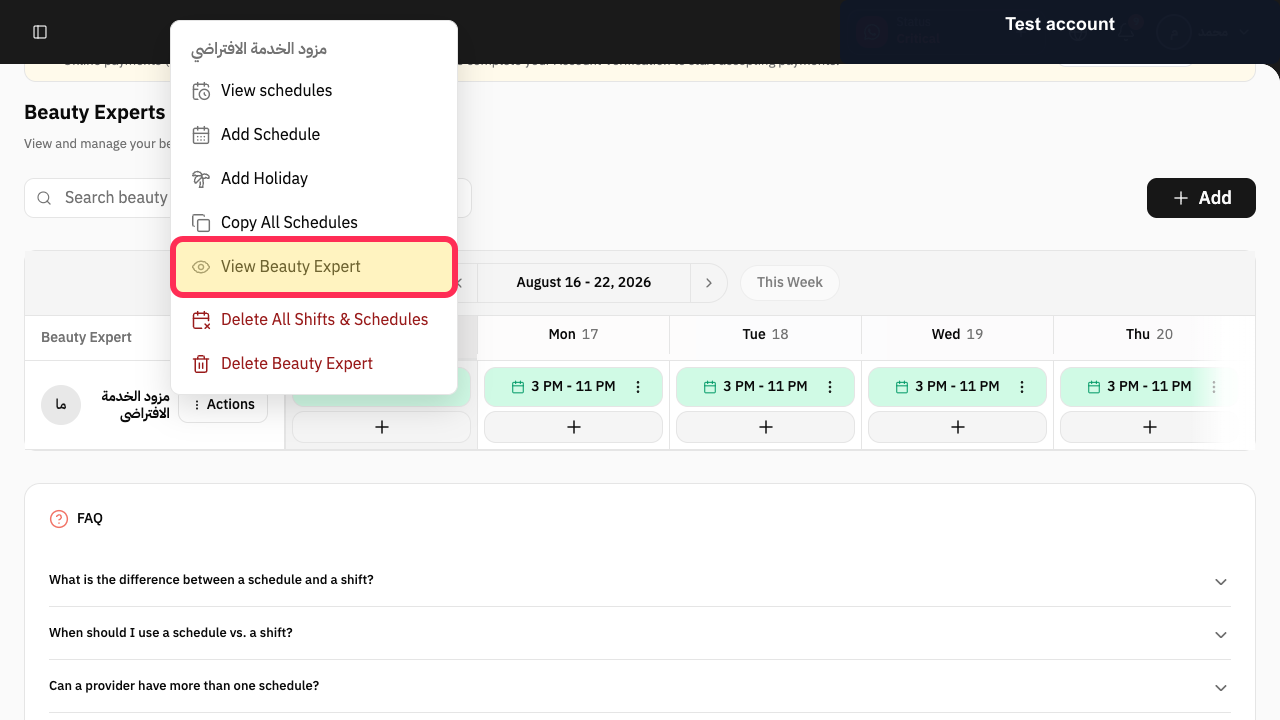
Open Beauty Experts, select Actions for the provider, and choose View Beauty Expert.
The provider profile opens.
Scroll to Services.
The Services selector shows the services currently assigned to the provider.
Open the Services selector and add or remove only the required services.
The selected service assignments are shown in the provider profile.
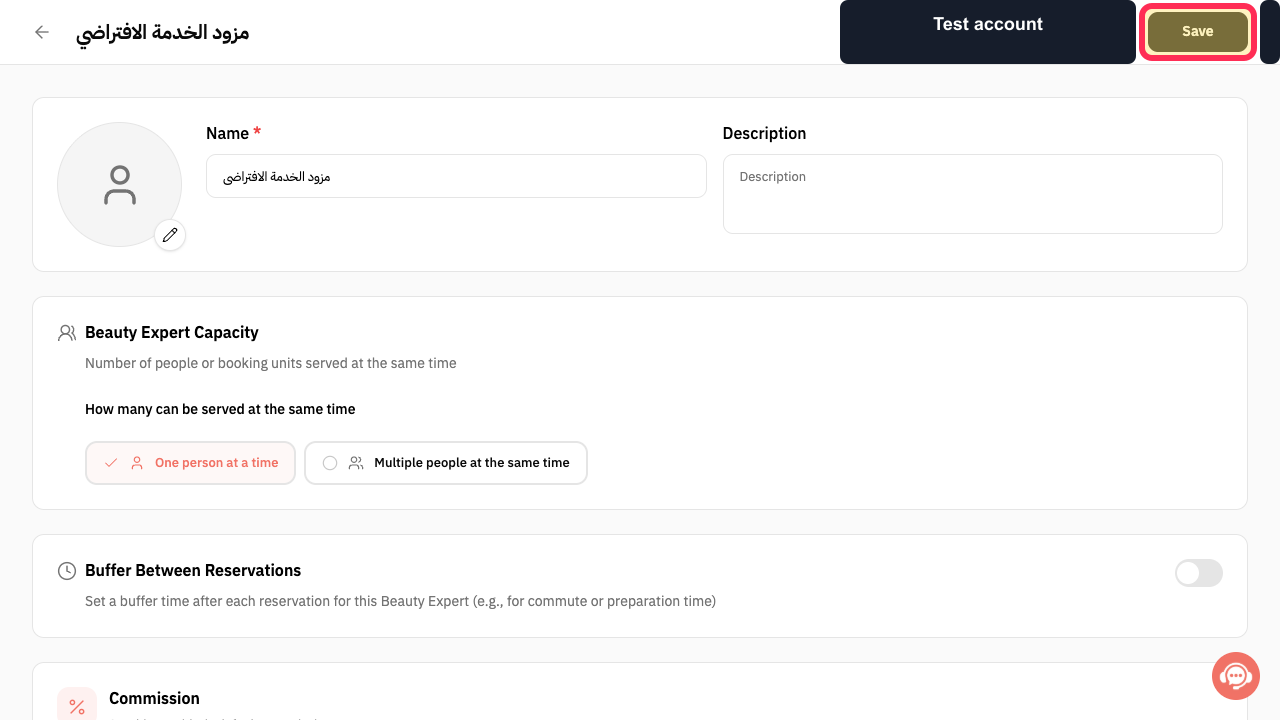
Review the assignments and select Save.
The provider's service assignments are submitted.
Illustrated guide
Step 1: Open the Beauty Expert profile.
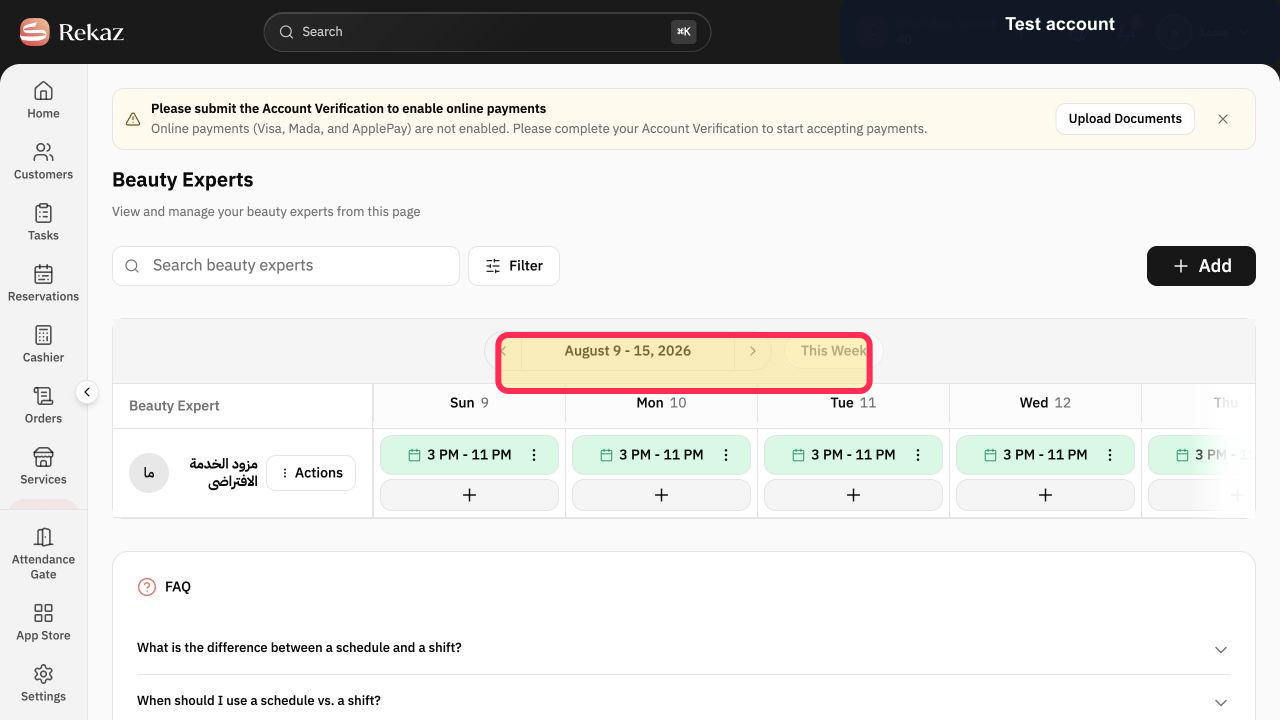
Step 2: Open the provider's Services section.
Step 3: Choose the services assigned to the provider.
Step 4: Save the provider service assignments.
Important notes
Assign providers from within each individual service. This link is not managed from a separate list in the provider profile.
After assigning a provider, review the provider’s schedule to make sure their available appointments appear.
Repeat these steps for each service provided by the same provider.
Related questions
How do I assign services to a specialist in Rekaz?
How do I link a staff member to services in Rekaz?
Where do I select the services offered by a service provider in Rekaz?


