How do I add a service description in Rekaz?
To add a service description in Rekaz, open the relevant service from the Services section, enter the text in Service Description, then update the service. A clear description helps customers understand what the service includes and what distinguishes its options before booking.
Steps
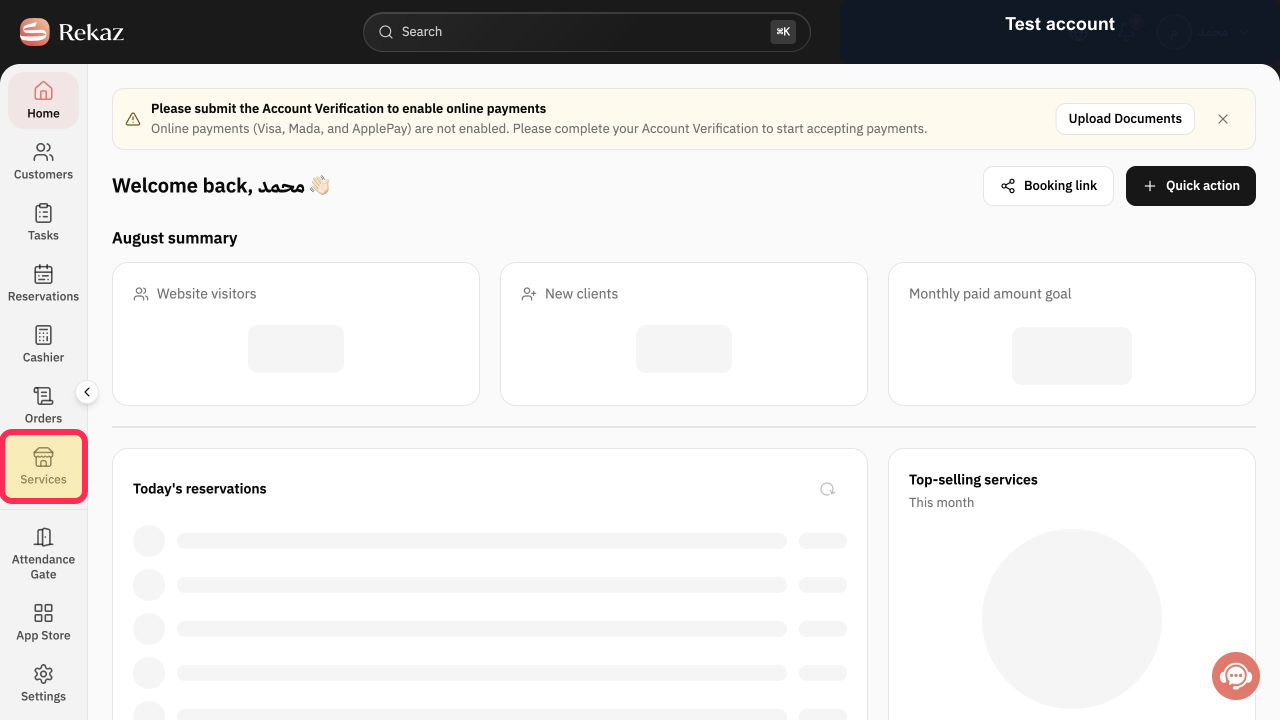
From the Home page, select **Services** in the sidebar.
The Services page opens.
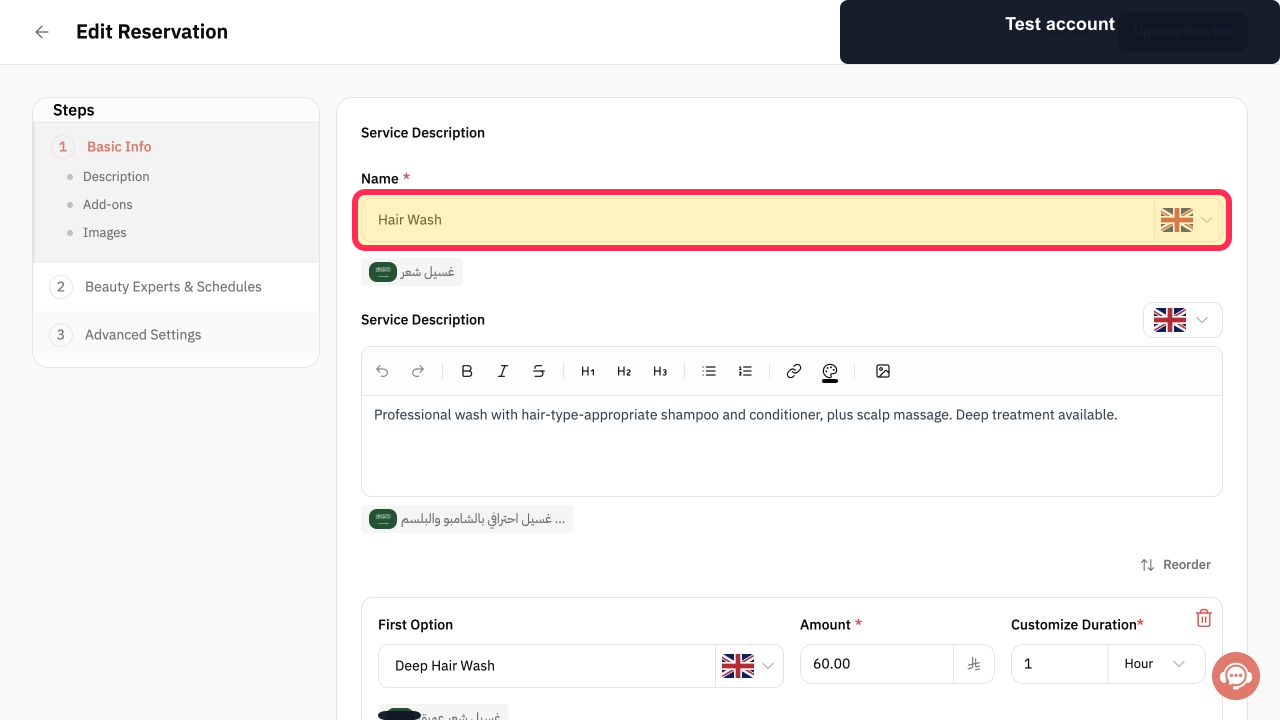
Open the service you want to describe, then verify its Service Name before editing the description.
The correct service editor is open.
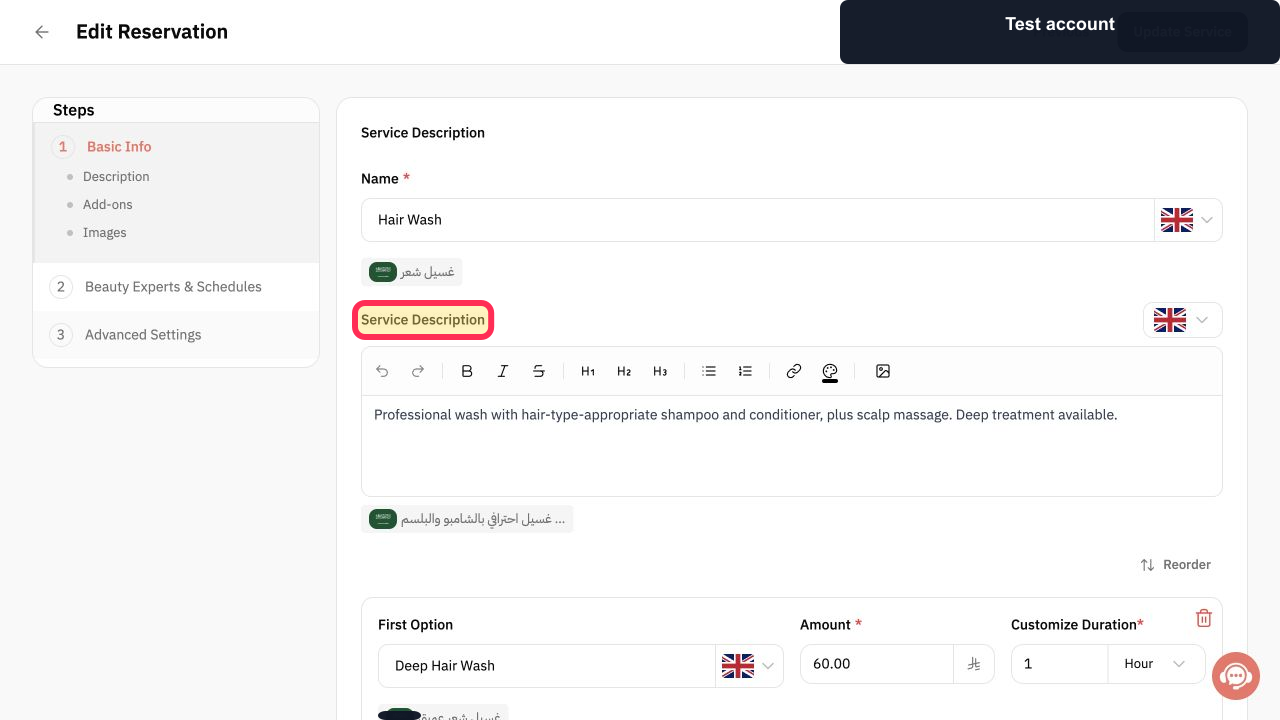
Enter the description in **Service Description**. Use the formatting tools if needed.
Your service description appears in the editor.
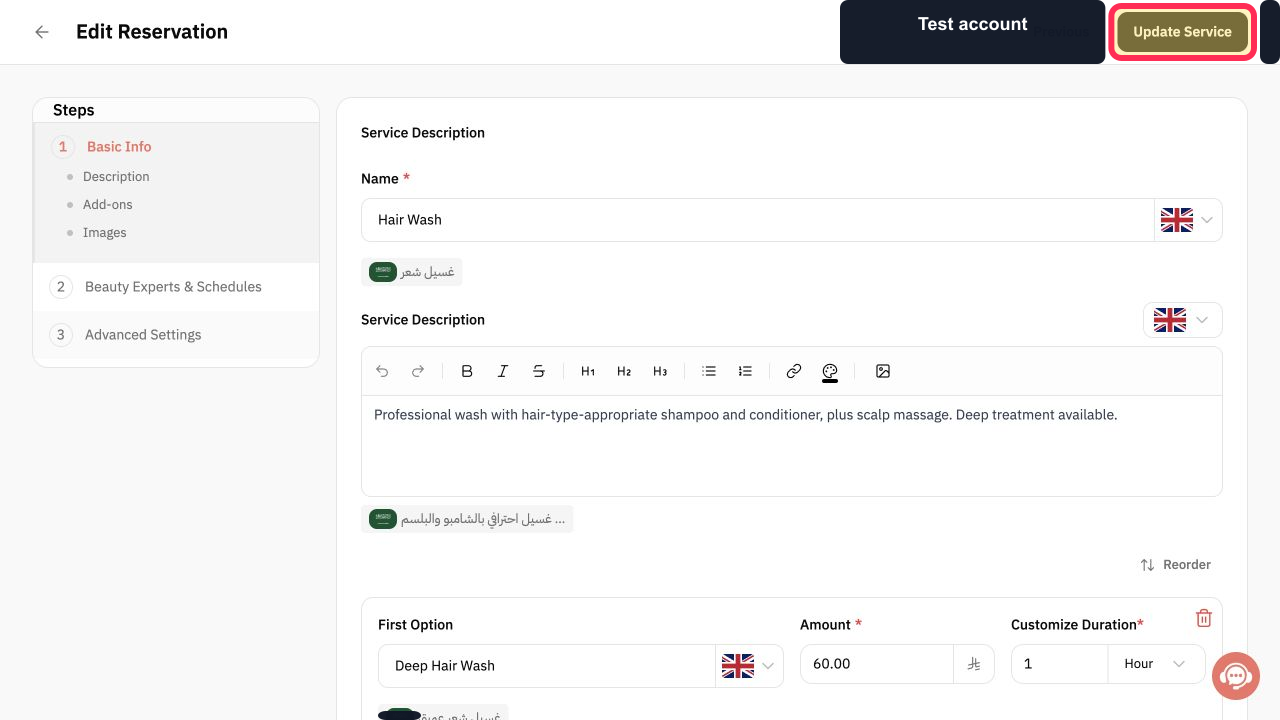
Review the description, then select **Update Service**.
The service update is saved.
Illustrated guide
Step 1: Open Services from the sidebar.
Step 2: Verify the service before editing its description.
Step 3: Write and format the service description.
Step 4: Update the service to save the description.
Write a useful service description
Use direct wording that explains the outcome or important inclusions of the service without exaggeration.
If your website supports multiple languages, review the description for each available language.
Related questions
How do I write service details in Rekaz?
Where can I add an explanation for a service in Rekaz?
How do I make my service description available to customers in Rekaz?


