How do I assign service providers to a service in Rekaz?
To associate a service with a service provider in Rekaz, open the provider form, locate the Services field, and select “Select services.”
Steps
In the provider form, locate the Services field.
The Services field is visible in the provider form.
Select “Select services” to begin choosing the services associated with the provider.
Illustrated guide
Step 1: The Services field in the Rekaz provider form.
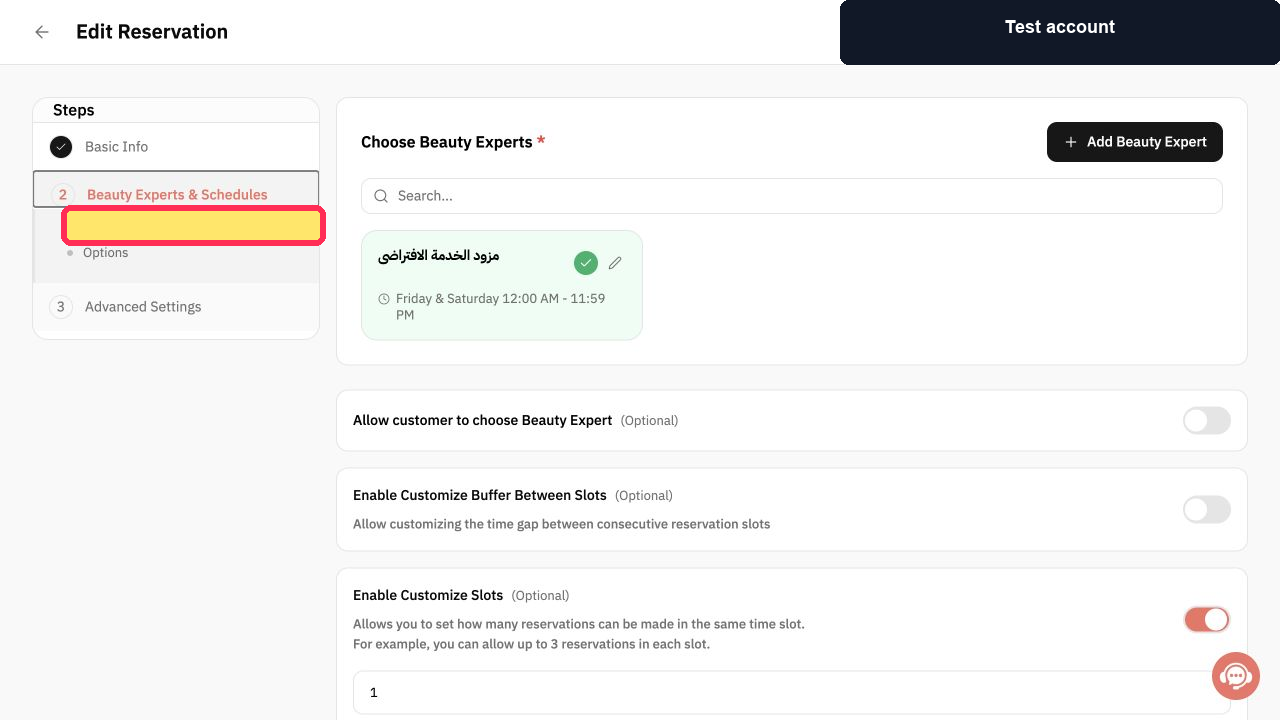
Step 2: Select services from the provider form.
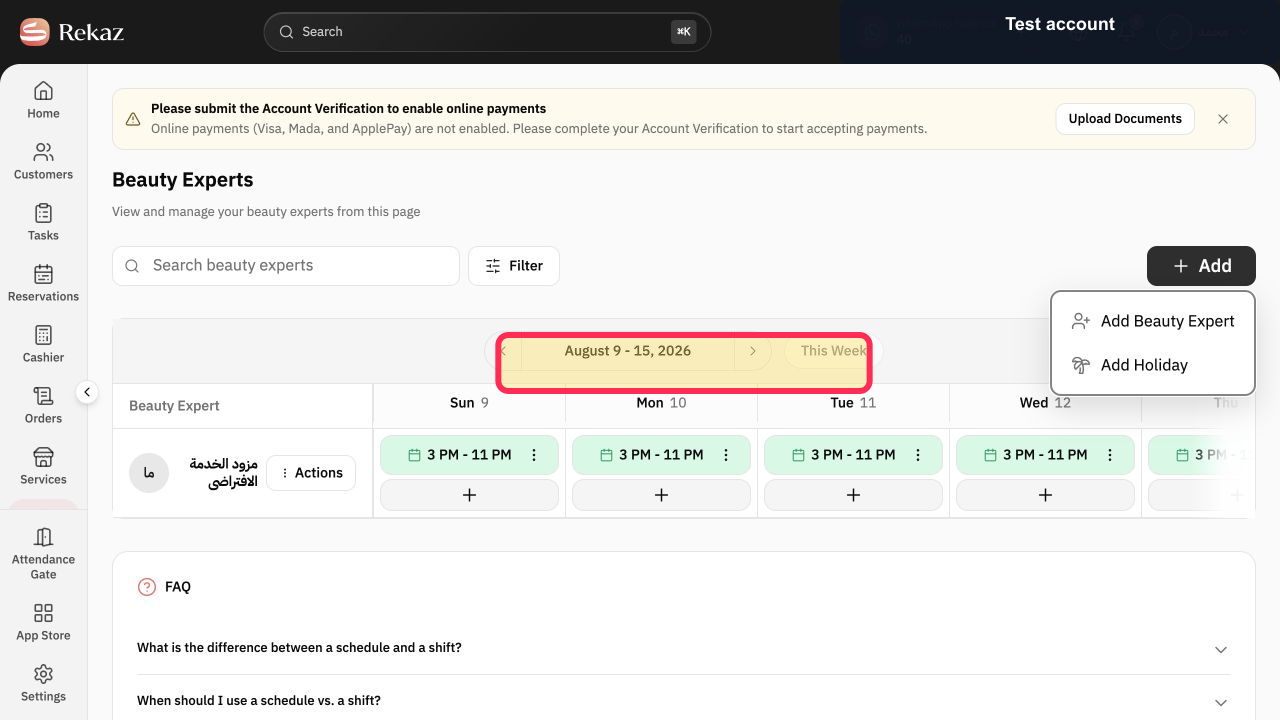
Important notes
You must select at least one service provider for the service in this flow.
After assigning a provider, review the provider’s working schedule. Booking times may not appear unless the provider has available working hours.
Related questions
How do I link a specialist to a service in Rekaz?
How do I choose who provides a service in Rekaz?
Why does a service provider not appear during booking in Rekaz?


