How do I add physical goods for sale in Rekaz?
Use Physical Goods for items you sell rather than appointment-based services. In Rekaz, begin from Services and select Physical Goods in the new-service flow.
The current interface confirms the Physical Goods form, its Name and Description fields, customer options, and Create action. It does not show a price field or the previously documented advanced settings, so those actions are not included here.
Steps
From the signed-in Rekaz dashboard, select **Services** in the sidebar.
The Services page opens.
Select **New Service**.
The new-service flow opens and displays the available item types.
Select **Physical Goods** from the item-type list.
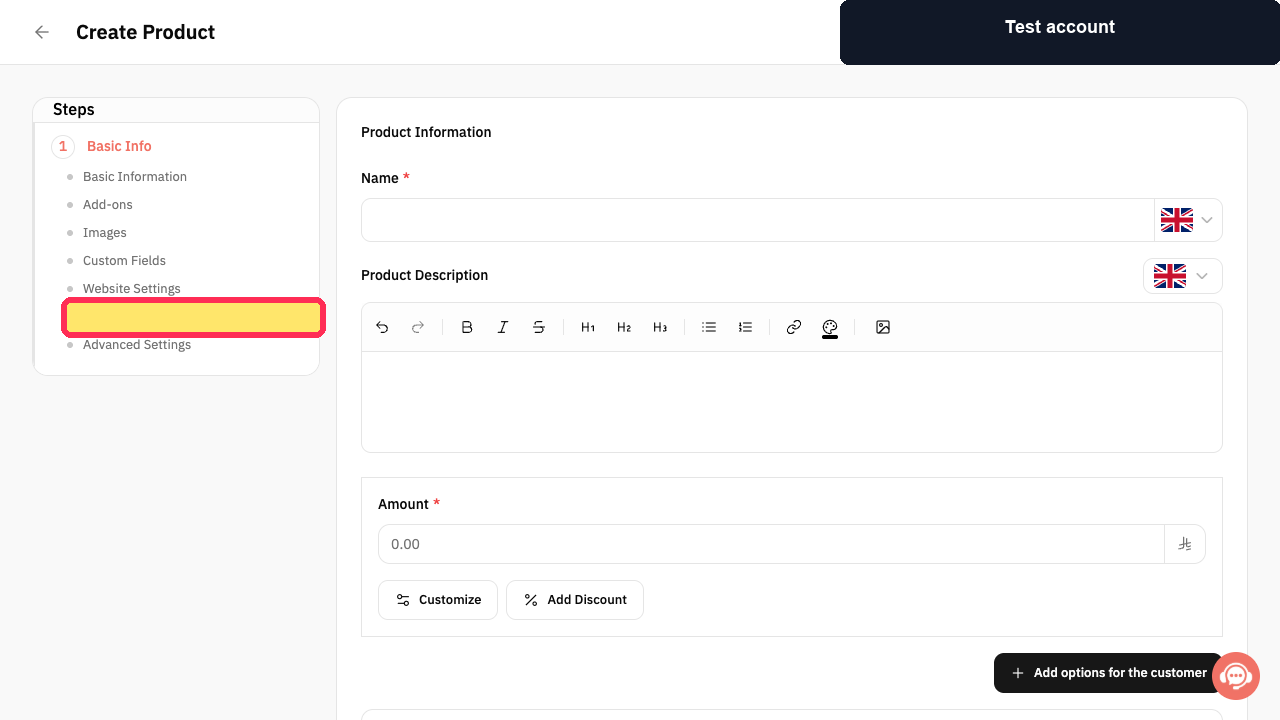
The Physical Goods creation form opens.
Enter the item name in **Name**.
The name is shown on the Physical Goods creation form.
If needed, enter an item description in **Description**.
The description is shown on the creation form.
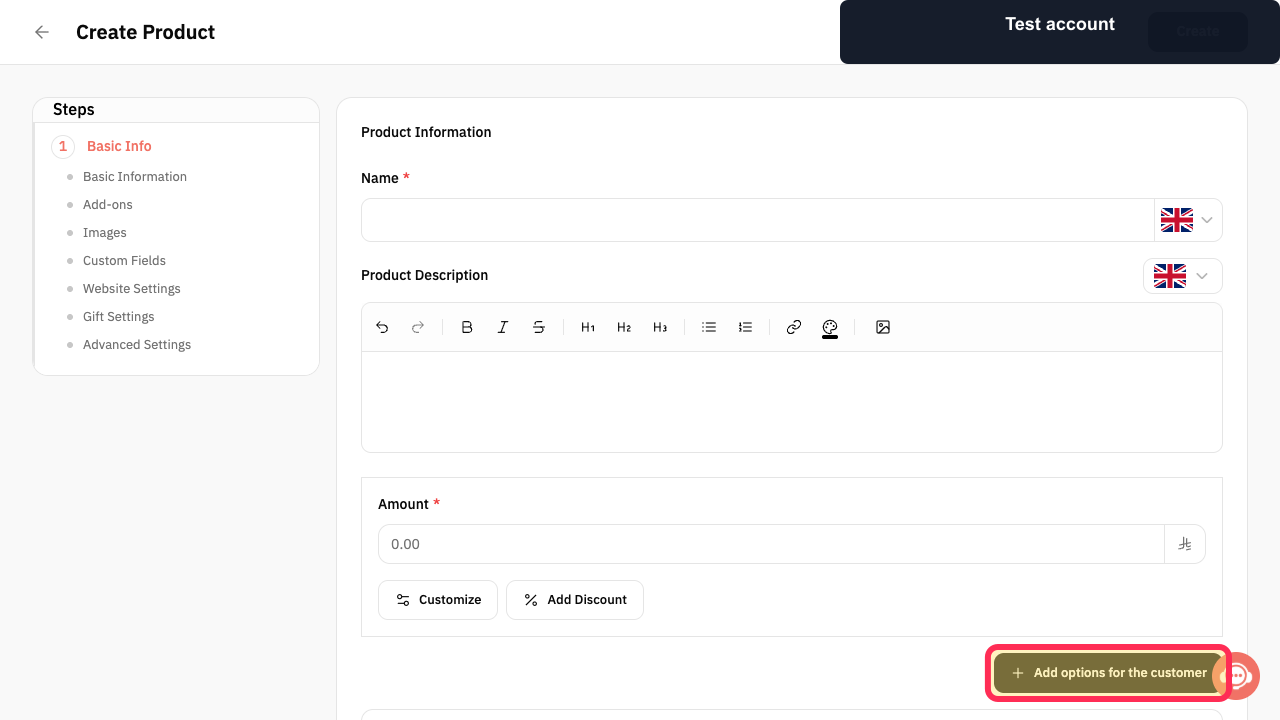
To offer selectable choices to customers, select **Add options for the customer**.
The control for adding customer options is available on the Physical Goods form.
Review the available form details, then select **Create**.
Rekaz attempts to create the Physical Goods item. The supplied evidence does not confirm the completed creation result.
Illustrated guide
Step 1: Open Services from the Rekaz sidebar.
Step 2: Start the new-service flow.
Step 3: Choose Physical Goods as the item type.
Step 4: Enter the physical-goods name.
Step 5: Add an optional item description.
Step 6: Add options for the customer.
Step 7: Create the Physical Goods item.
Important notes
The maximum quantity setting is optional. It controls the quantity a customer can purchase in a single order.
The source recording did not confirm successful creation of a Physical Goods item.
Before you create the item
Have the item name and selling price ready. You can also add a description, configure options, set a purchase limit, choose gifting availability, and assign branches and a category.
Related questions
How do I add a product to my Rekaz store?
How do I sell shampoo or other physical goods in Rekaz?
Where do I set a product price and maximum quantity in Rekaz?


