How do I merge customers in Rekaz?
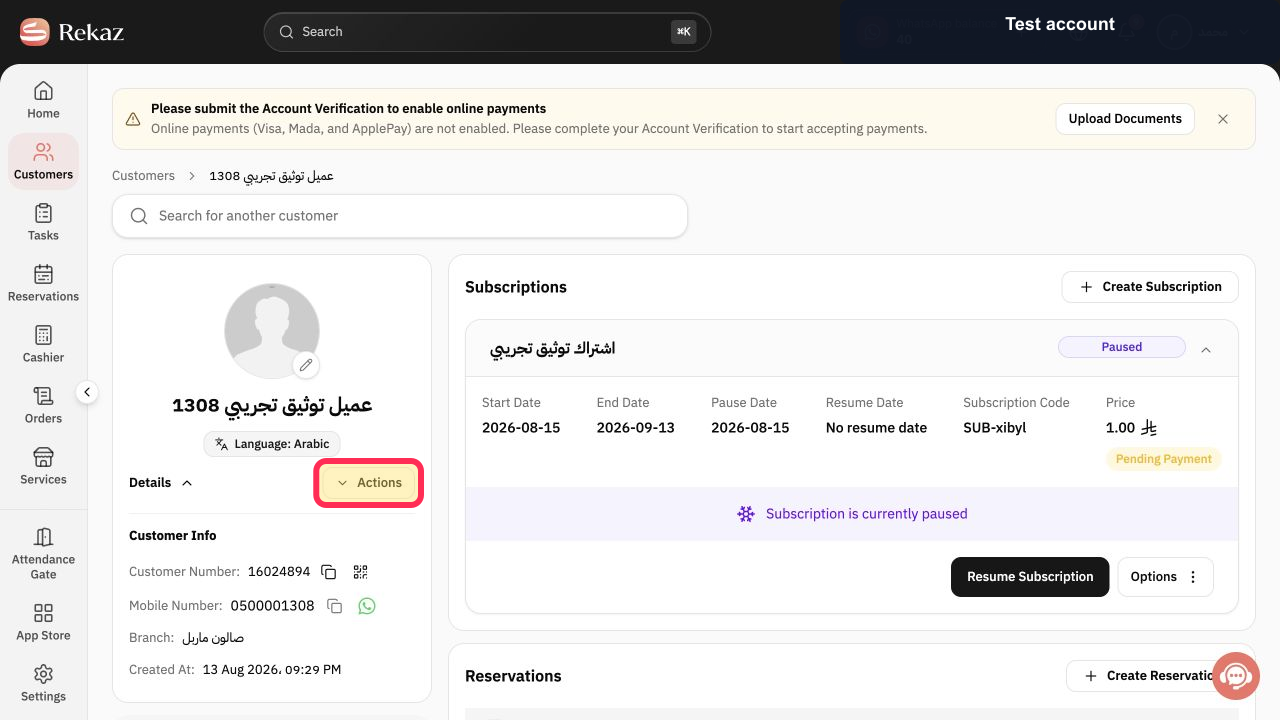
Merge customers, Main Customer, and Customers to Merge are not present in the current customer profile.
Until Rekaz exposes a merge control, keep both records and contact support with the two customer numbers. Never send customer passwords, private attachments, or payment details.
Steps
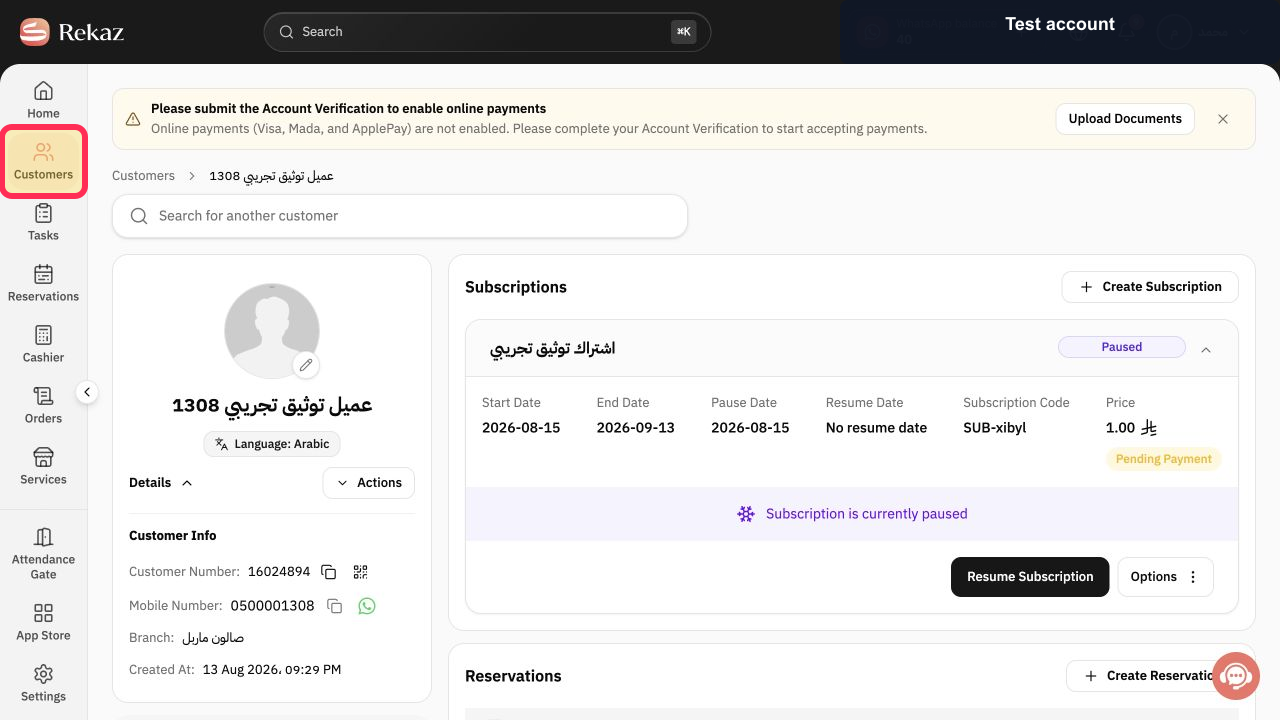
Open Customers from the Rekaz navigation.
The customer list opens.
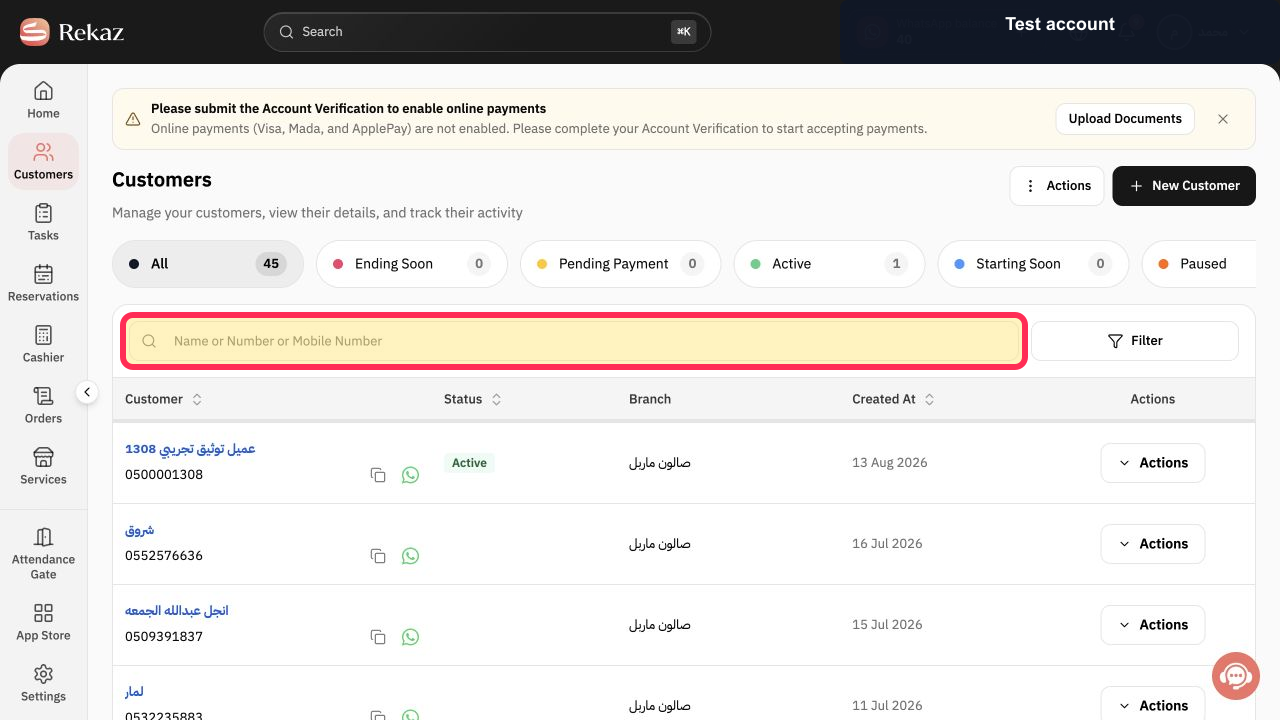
Search by the duplicate customer's name, customer number, or mobile number.
Matching customer records are displayed so you can confirm the duplicate.
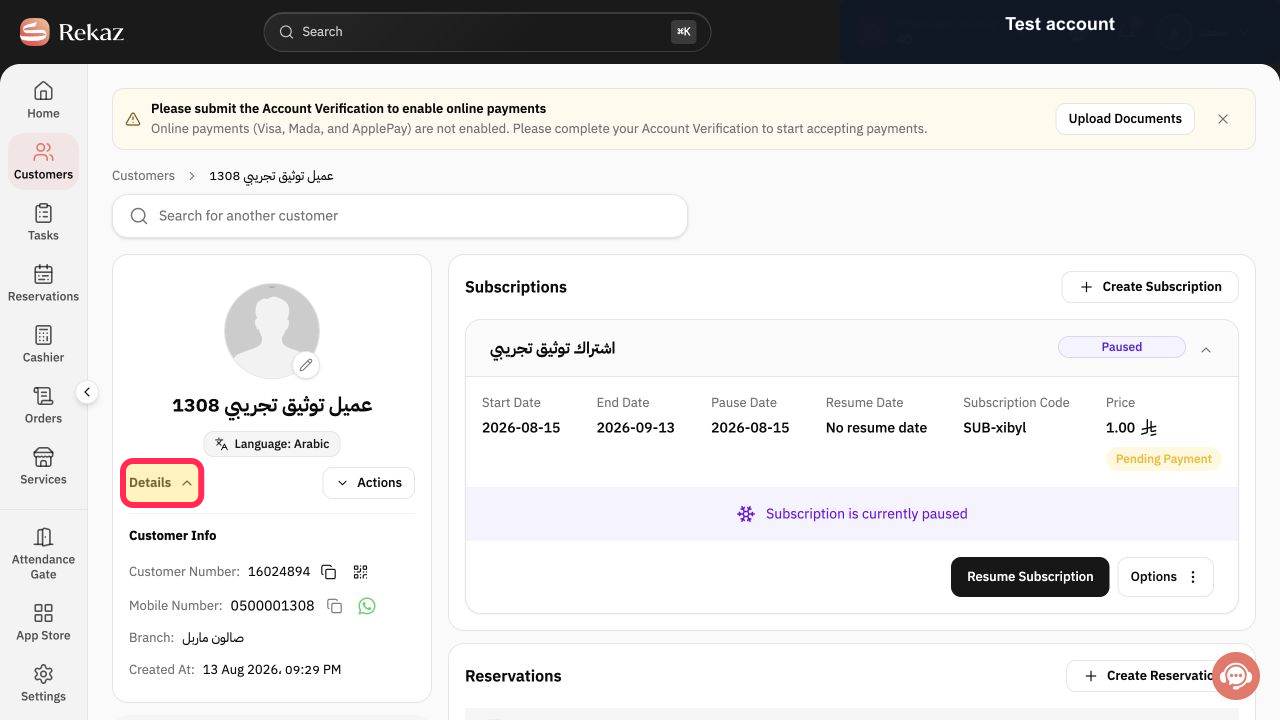
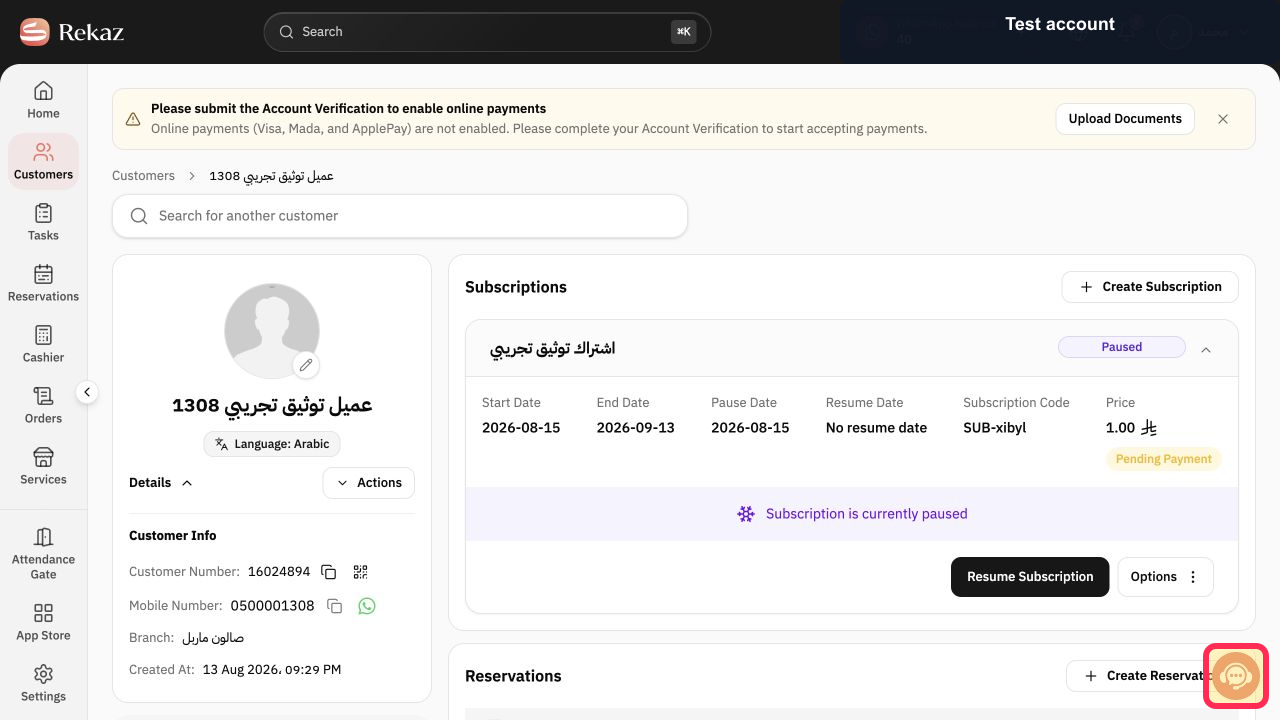
Open each record and select Details to compare the customer number, mobile number, branch, and creation date.
You can verify that the records refer to the same person without changing either record.
Open Actions and confirm whether Merge customers is available for the account. Avoid following an outdated merge flow or deleting the wrong customer.
Select Contact support and provide only the two customer numbers when a merge is required.
Rekaz support can confirm the supported account-specific process without receiving sensitive customer data.
Illustrated guide
Step 1: Open the Rekaz customer list.
Step 2: Search for both possible customer records.
Step 3: Compare the duplicate customer records safely.
Step 4: Check the current customer Actions menu.
Step 5: Contact Rekaz support about the duplicate records.
What happens when you merge customers?
All subscriptions, reservations, deals, invoices, tasks, notes, and attachments from the selected customers will be transferred to the main customer. The merged customers will then be deleted.
Related questions
How do I combine duplicate customer records in Rekaz?
What data is transferred when I merge customers in Rekaz?
Are merged customer records deleted in Rekaz?


