How do I block a customer in Rekaz?
Blocking is different from deletion: use it when you need to restrict the customer while preserving the record.
Confirm the customer row before the final Block Customer action.
Steps
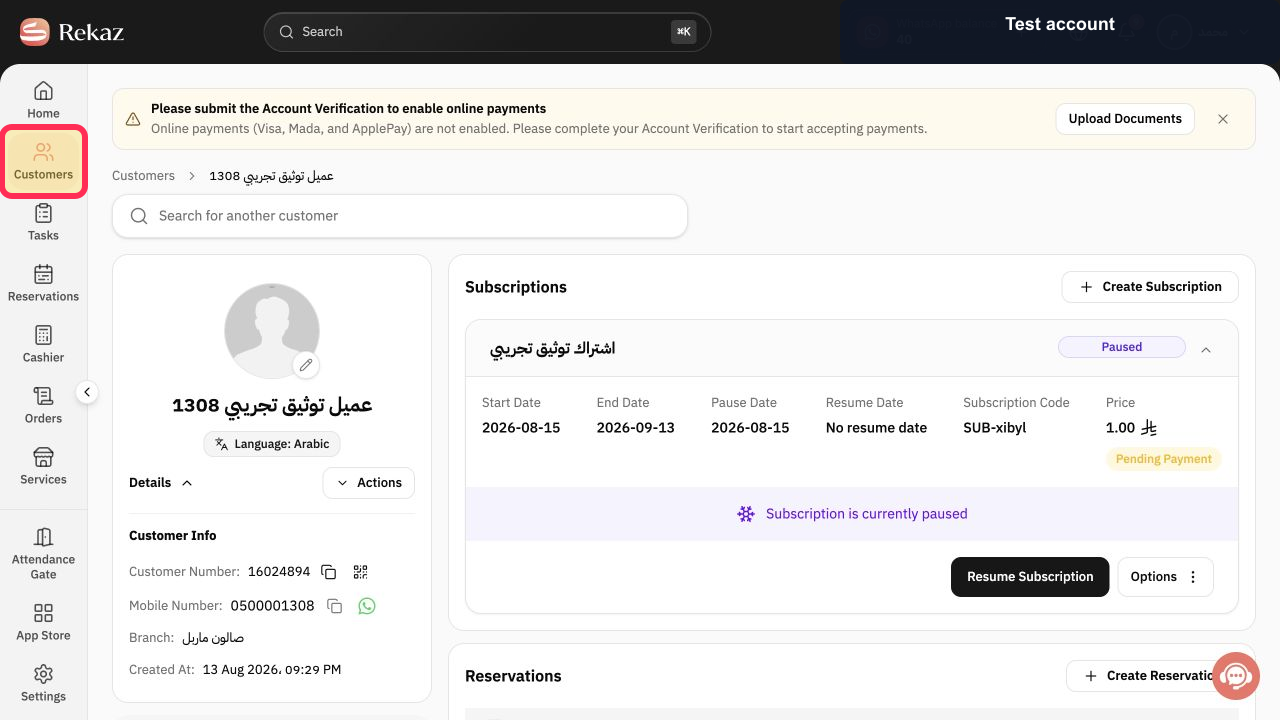
From the Rekaz navigation, select Customers.
The Customers page opens.
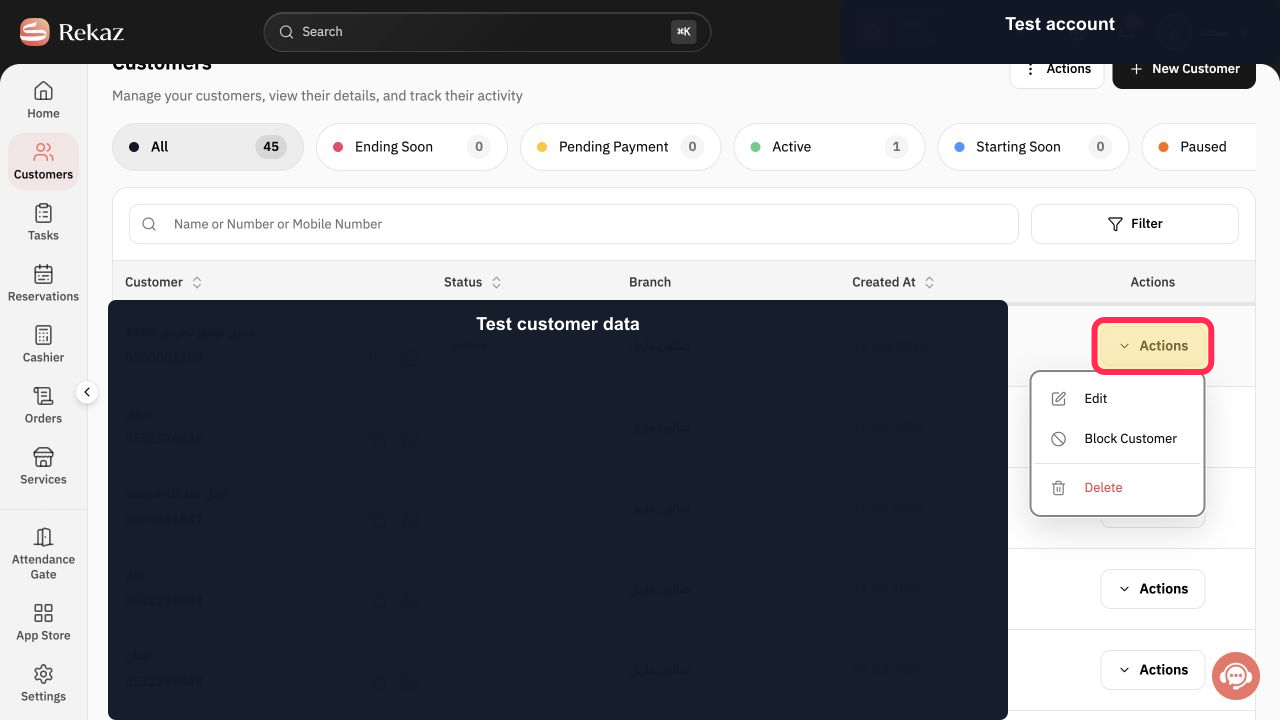
Locate the customer you intend to block and select Actions in that row.
The customer Actions menu opens.
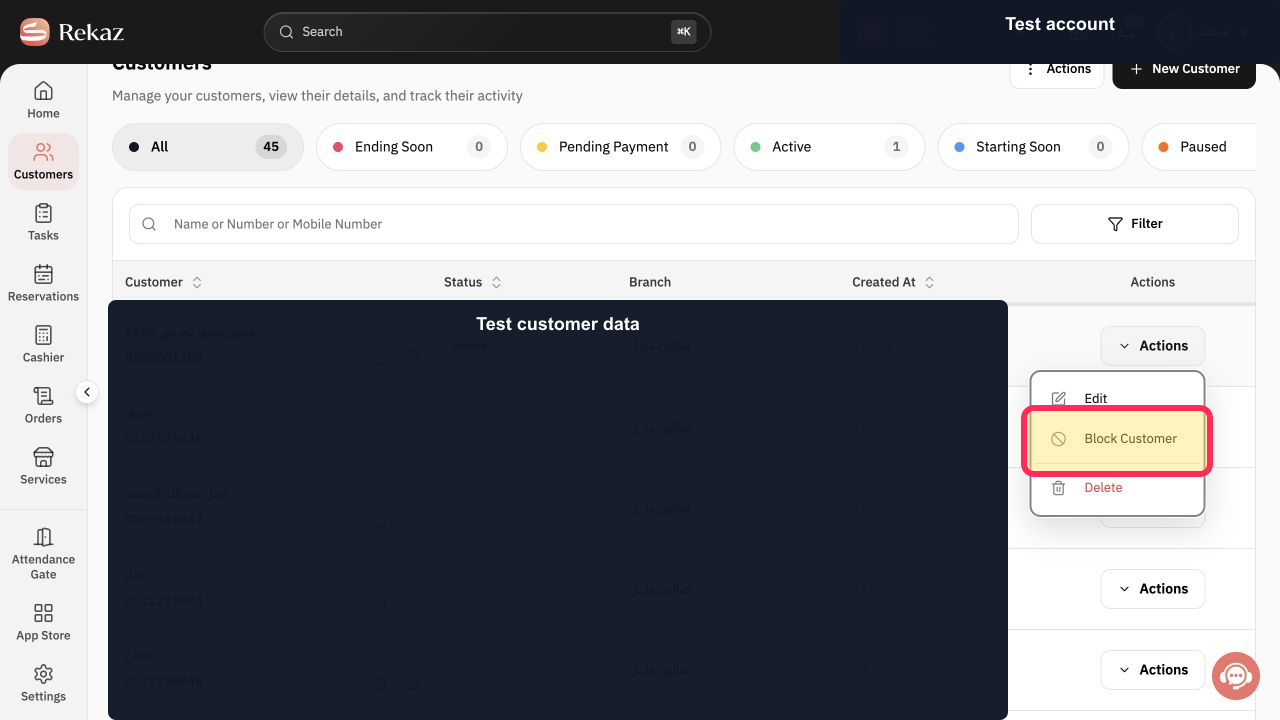
Select Block Customer.
Rekaz opens the block confirmation.
Read the Block Customer warning and verify the selected row.
The final block confirmation is visible.
Select Block Customer to proceed, or Cancel to leave the customer unchanged.
The customer is blocked only after the final confirmation.
Illustrated guide
Step 1: Open Customers in Rekaz.
Step 2: Open the selected customer's Actions menu.
Step 3: Choose Block Customer from the Actions menu.
Step 4: Review the Block Customer confirmation.
Step 5: Confirm blocking the selected customer.
Related questions
How can I block a customer in Rekaz?
Where can I find the Block Customer option in Rekaz?
How do I open a customer profile in Rekaz?


