How do I sync customers missing from Biometric in Rekaz?
If a customer is missing from Biometric, the older Biometric sync path is not available in the current Rekaz interface. Rekaz does not show a Biometric area, Sync Status page, or customer-sync action.
As a safe alternative, open the Customers area and verify the customer record’s subscription information. Do not rely on the Sync Status instructions to sync the customer.
Steps
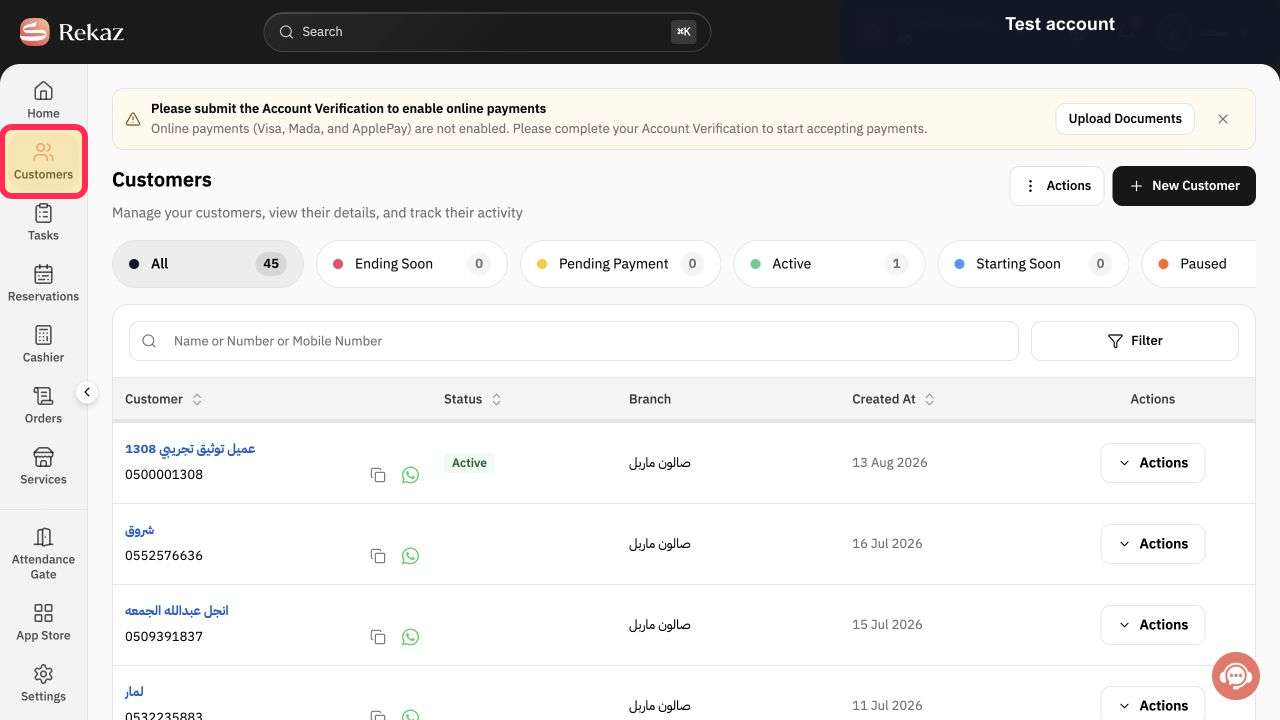
From the Rekaz sidebar, select Customers.
The Customers area opens.
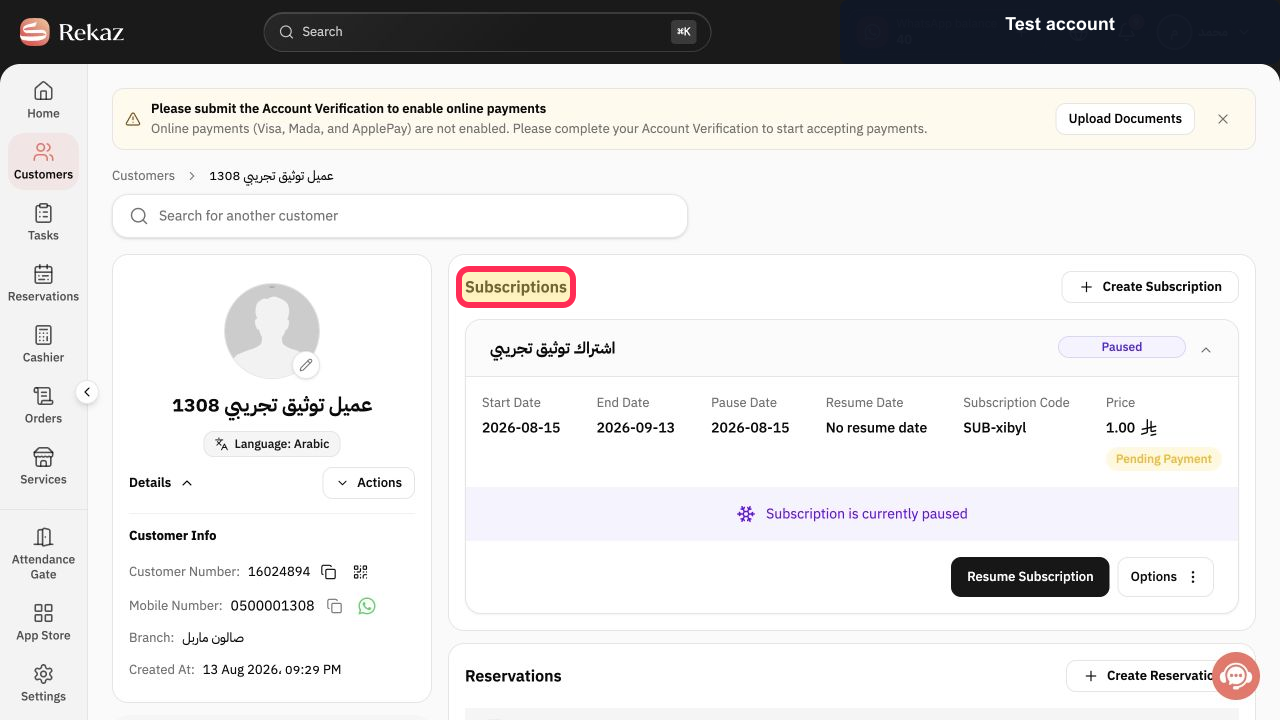
On the customer record, verify that the Subscriptions section is visible.
The customer record shows the Subscriptions section.
Illustrated guide
Step 1: Select Customers from the Rekaz sidebar.
Step 2: Verify the Subscriptions section on the customer record.
When to use Sync Status
Use Sync Status when a customer's name is not visible in Biometric.
Related questions
Why is a customer's name missing from Biometric in Rekaz?
Where can I find Sync Status in Rekaz?
How can I synchronise customers in Rekaz Biometric?


