How do I change a customer’s phone number in Rekaz?
You no longer need to create a second customer and merge records just to correct a phone number. Use Edit on the existing customer record.
Verify the country code and every digit before selecting Submit because the number is used for customer contact and messaging.
Steps
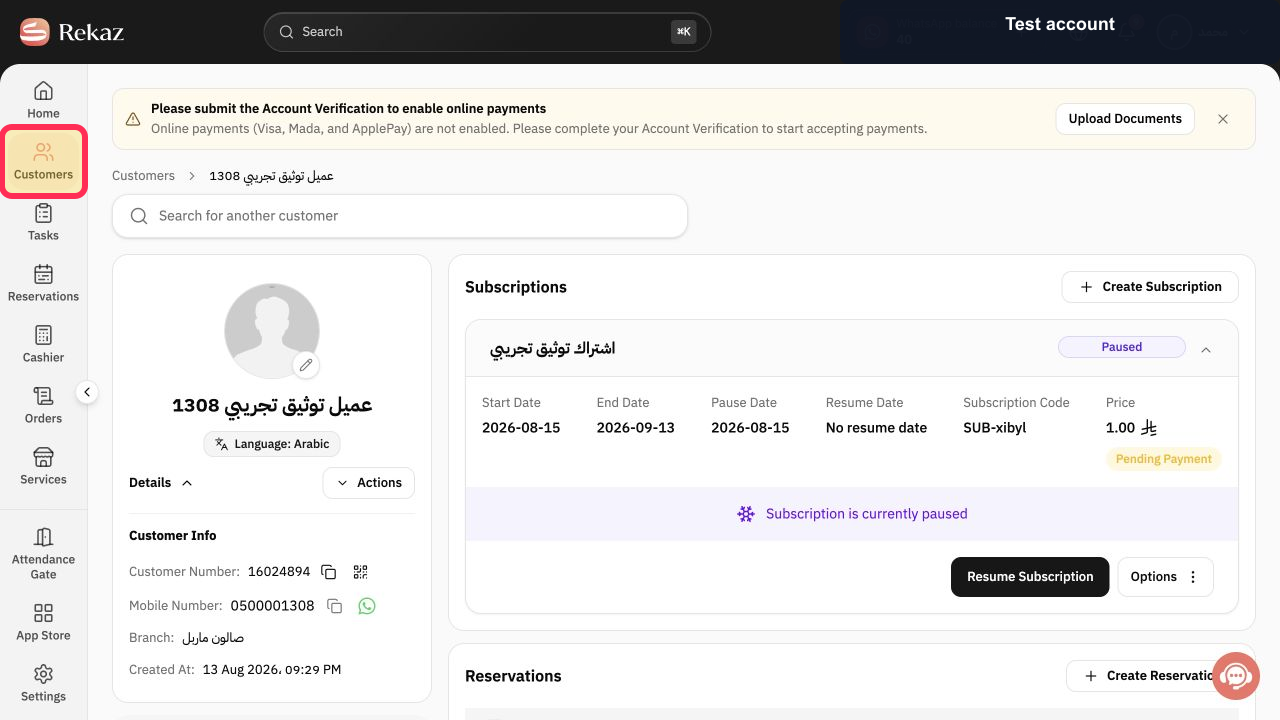
From the Rekaz navigation, select Customers.
The Customers page opens.
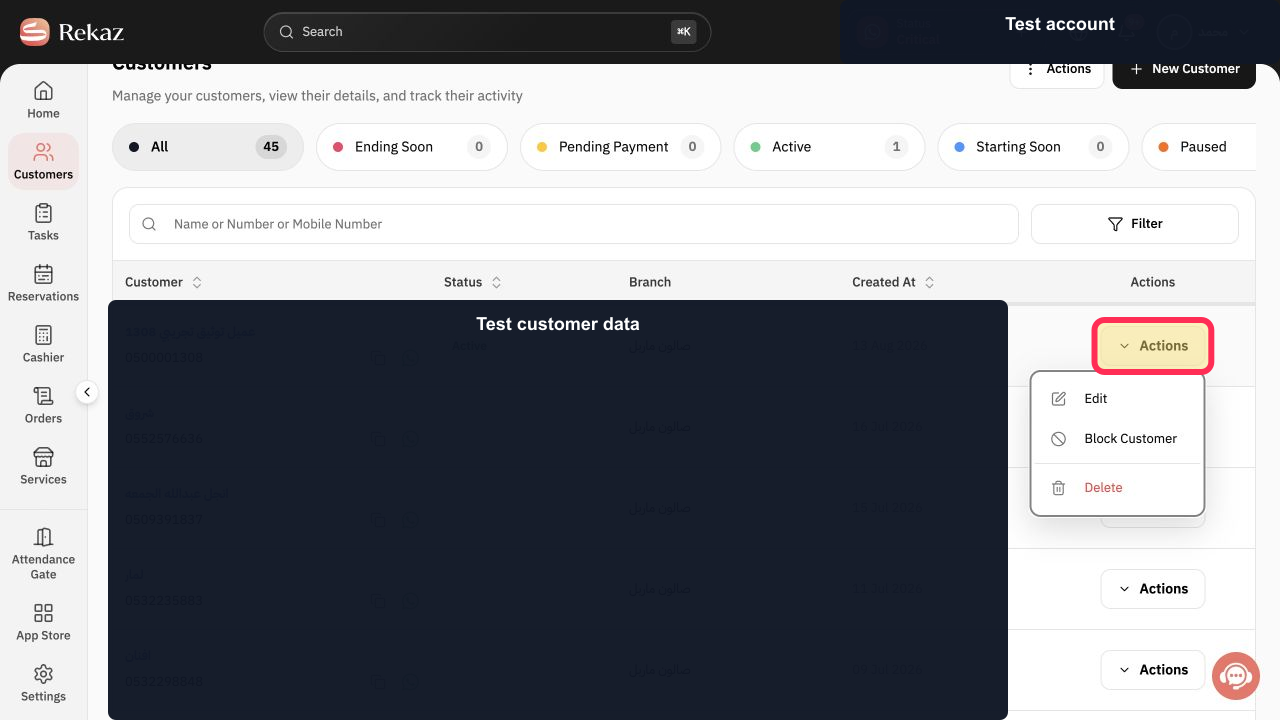
Locate the existing customer and select Actions in that row.
The customer Actions menu opens.
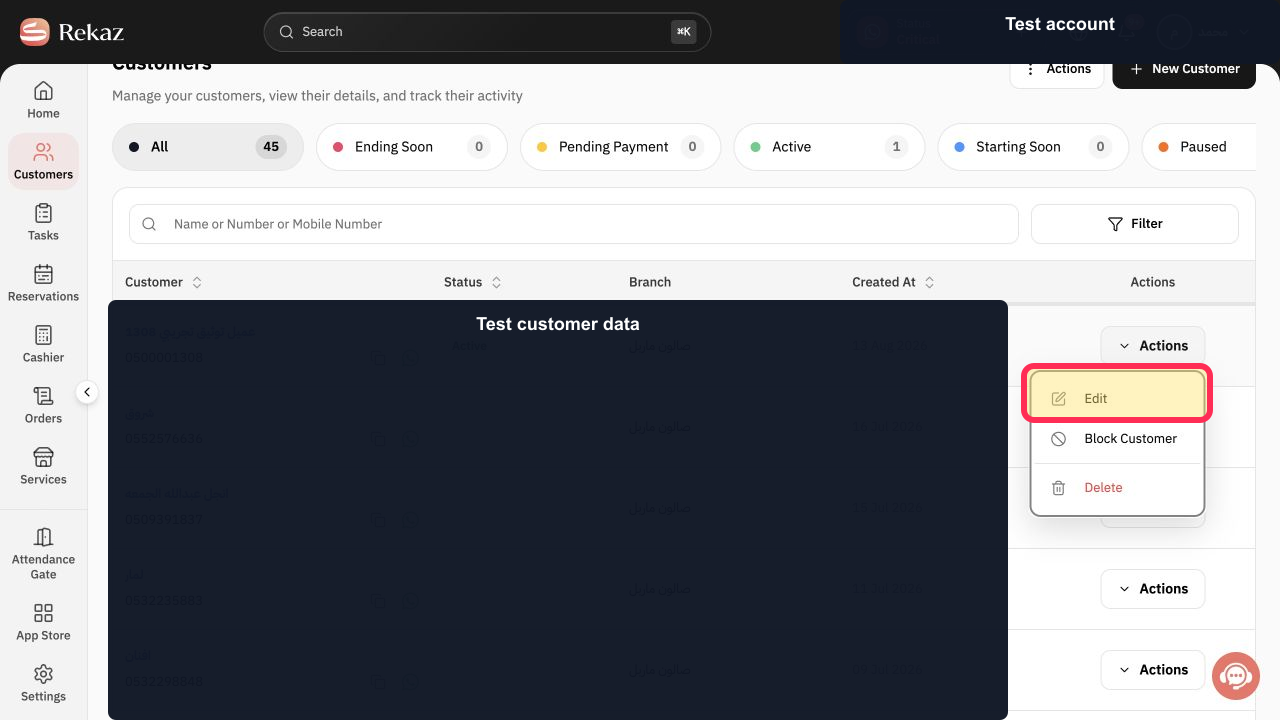
Select Edit.
The Edit Customer form opens.
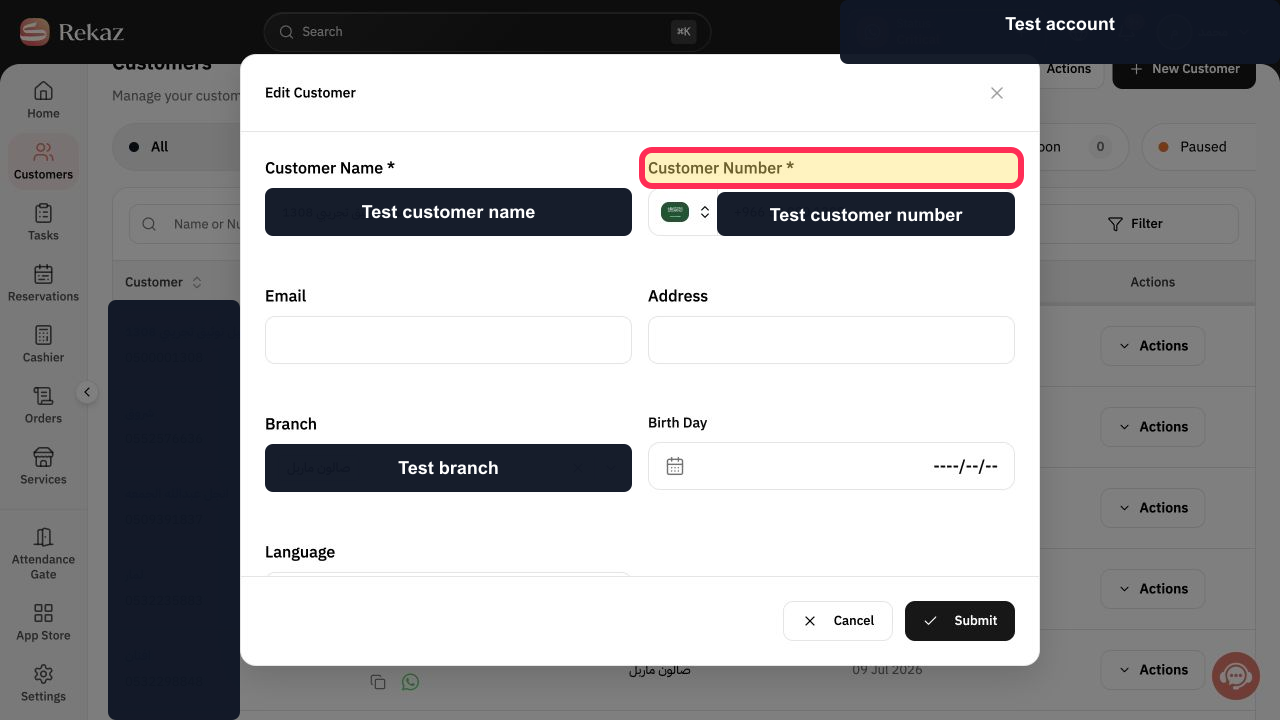
Under Customer Number *, enter the corrected mobile number.
The corrected mobile number is entered.
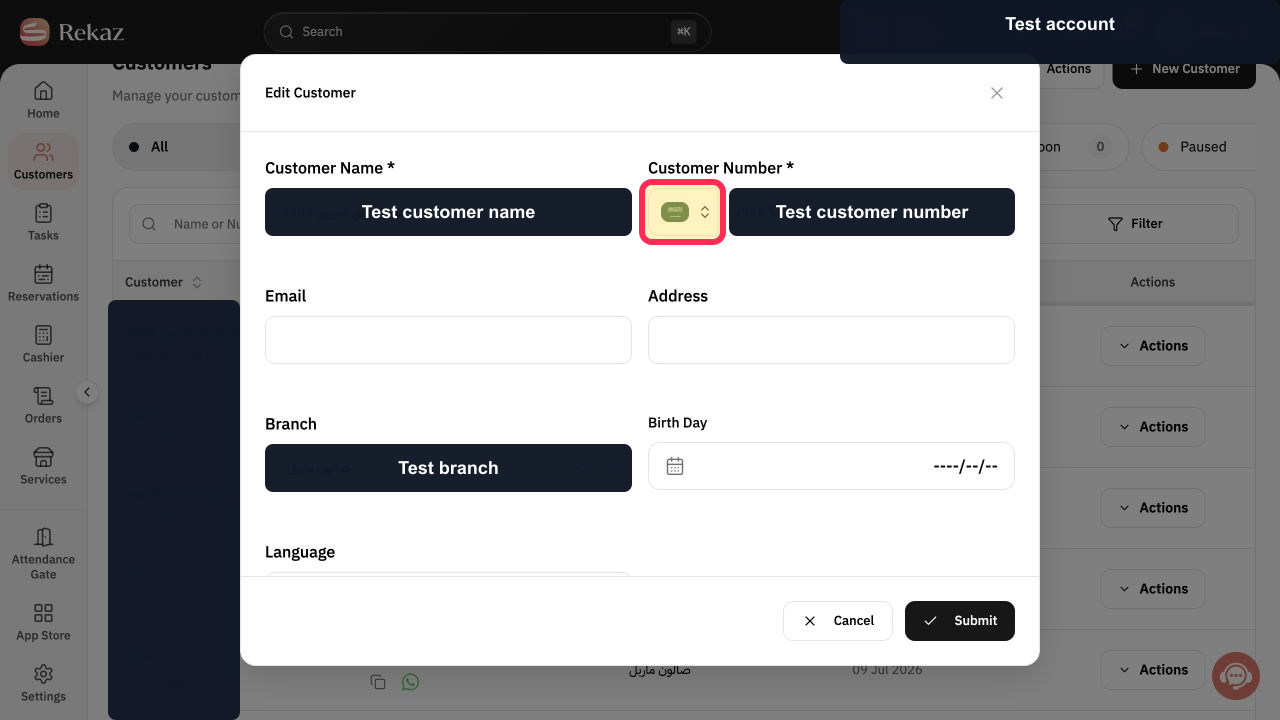
Select Choose a country and verify the country code.
The intended country code is selected.
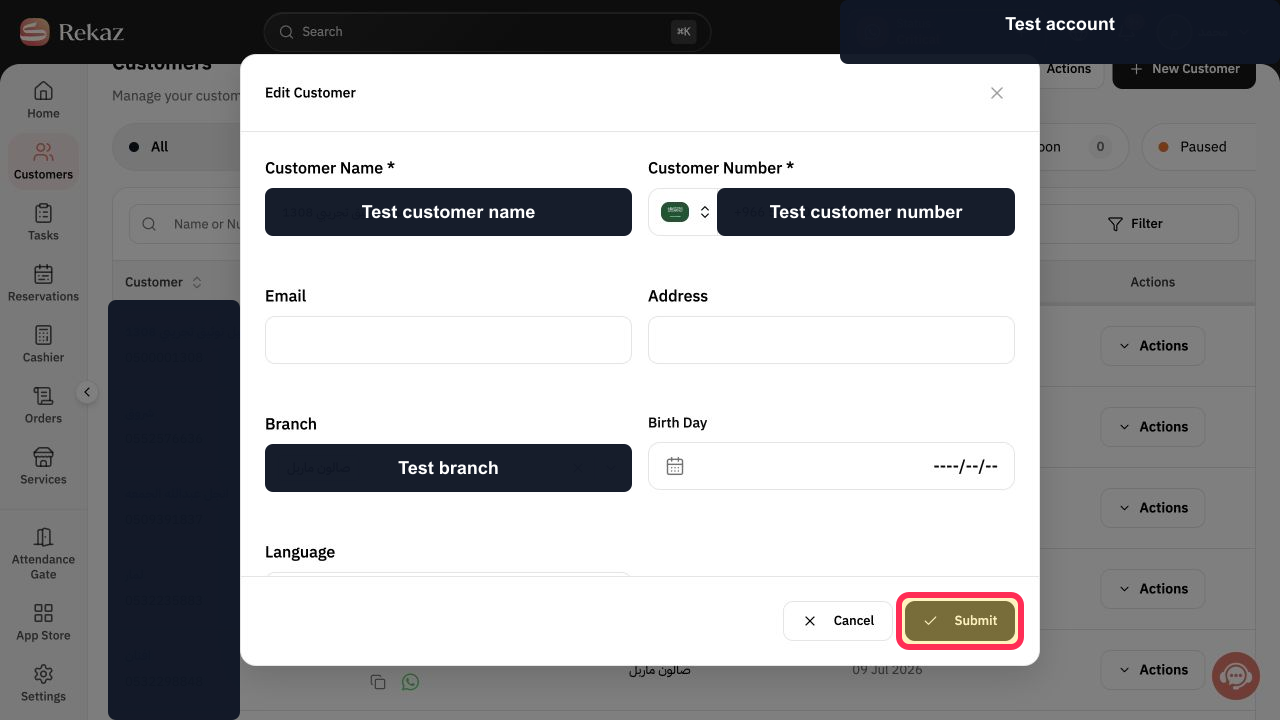
Review the complete number and select Submit.
The phone-number change is submitted on the existing customer record.
Illustrated guide
Step 1: Open Customers in Rekaz.
Step 2: Open the selected customer's Actions menu.
Step 3: Choose Edit for the existing customer.
Step 4: Update the existing customer's required number.
Step 5: Verify the mobile-number country code.
Step 6: Submit the corrected customer phone number.
Important
This workaround applies when the customer signed in through Your Website using their mobile number. In this case, the mobile number cannot be edited directly in Rekaz.
Make sure the new customer record uses the correct mobile number before merging. The merge transfers the customer’s previous data, including bookings and information, to the new number.
Related questions
Why can’t I edit a customer’s phone number in Rekaz?
How do I merge duplicate customer records in Rekaz?
How do I move a customer’s bookings to a new phone number in Rekaz?


