How do I temporarily pause subscriptions or packages for multiple customers in Rekaz?
Use the bulk Quick Action on Subscriptions or Packages to pause selected active records together. The current menu uses the label Pause Subscription on both lists; the package confirmation is titled Pause selected packages.
Only active records can be paused. Set the pause dates carefully and choose whether the pause counts toward the customer's allowance.
Steps
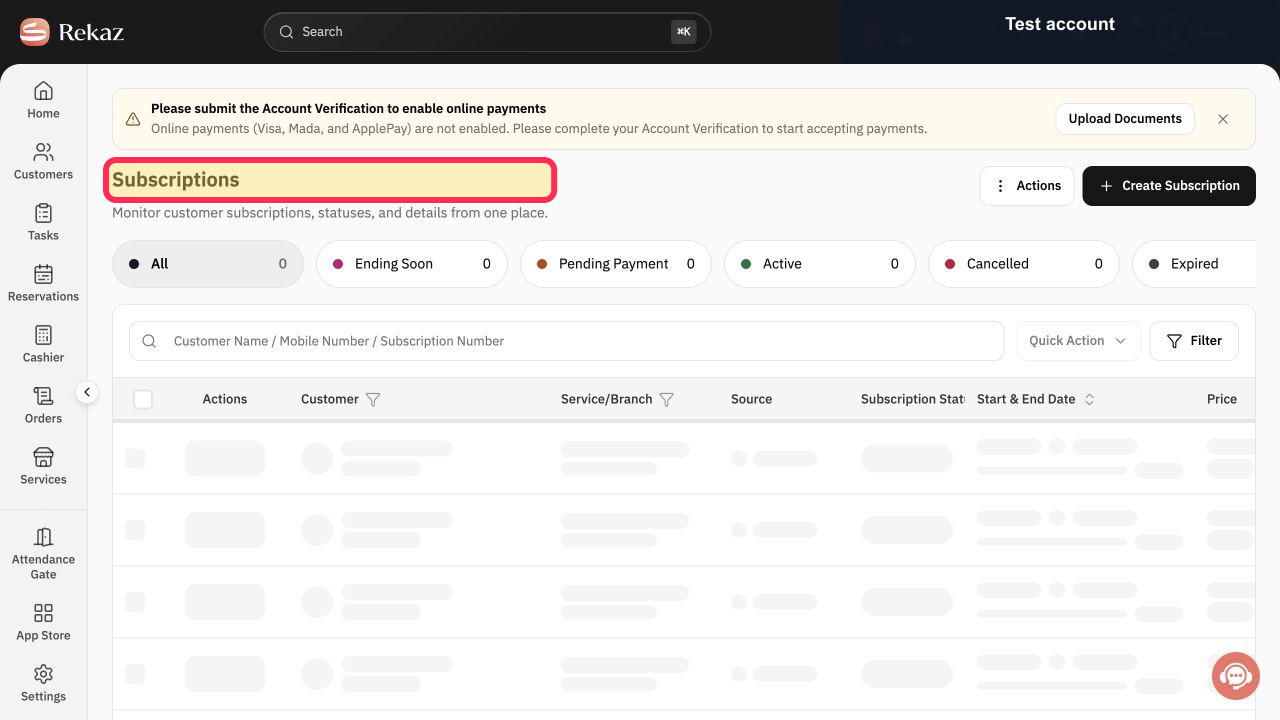
Open Subscriptions or Packages, depending on the records you need to pause.
The selected customer-record list opens.
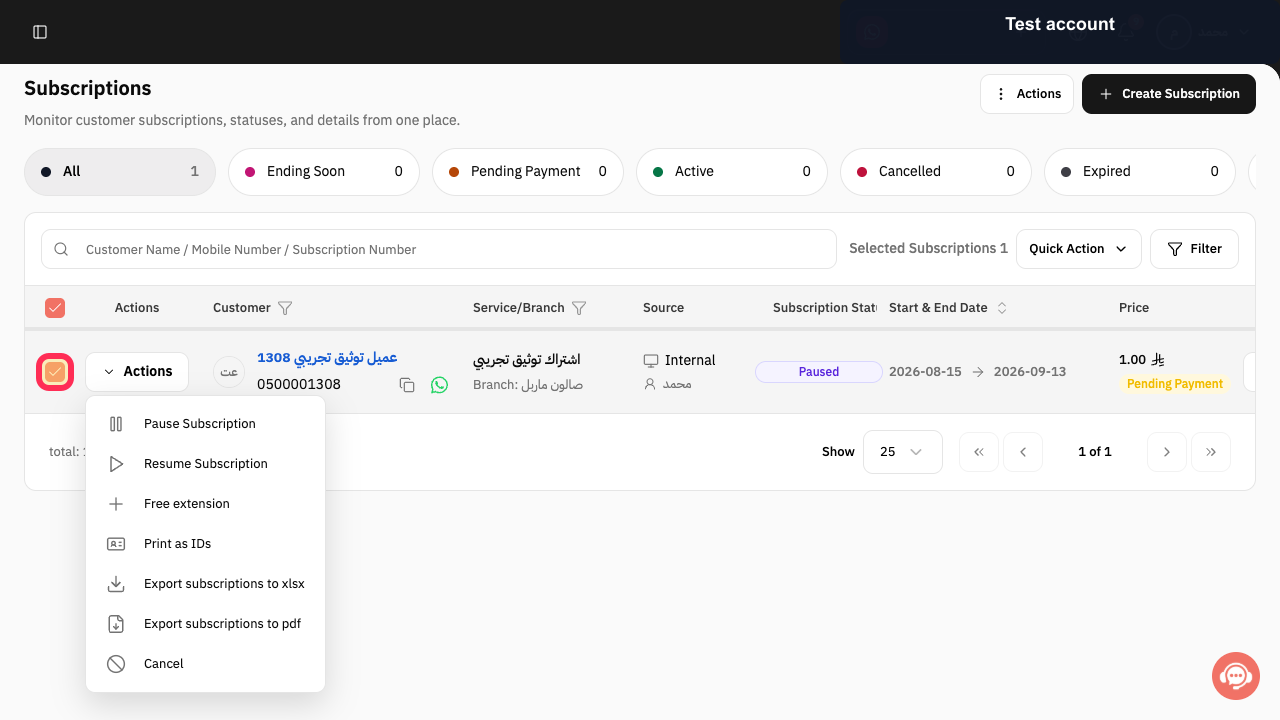
Select the checkbox for every active subscription or package to pause.
The selected rows are checked and Quick Action is enabled.
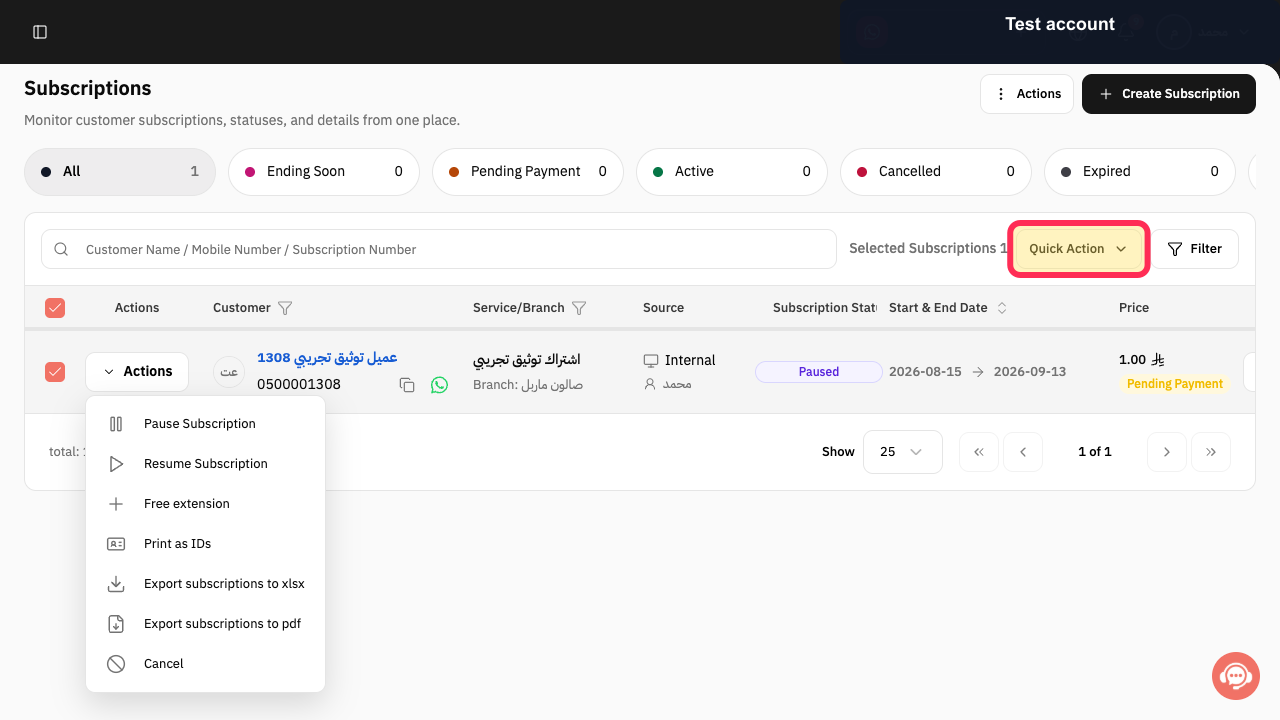
Select Quick Action.
The bulk-action menu opens.
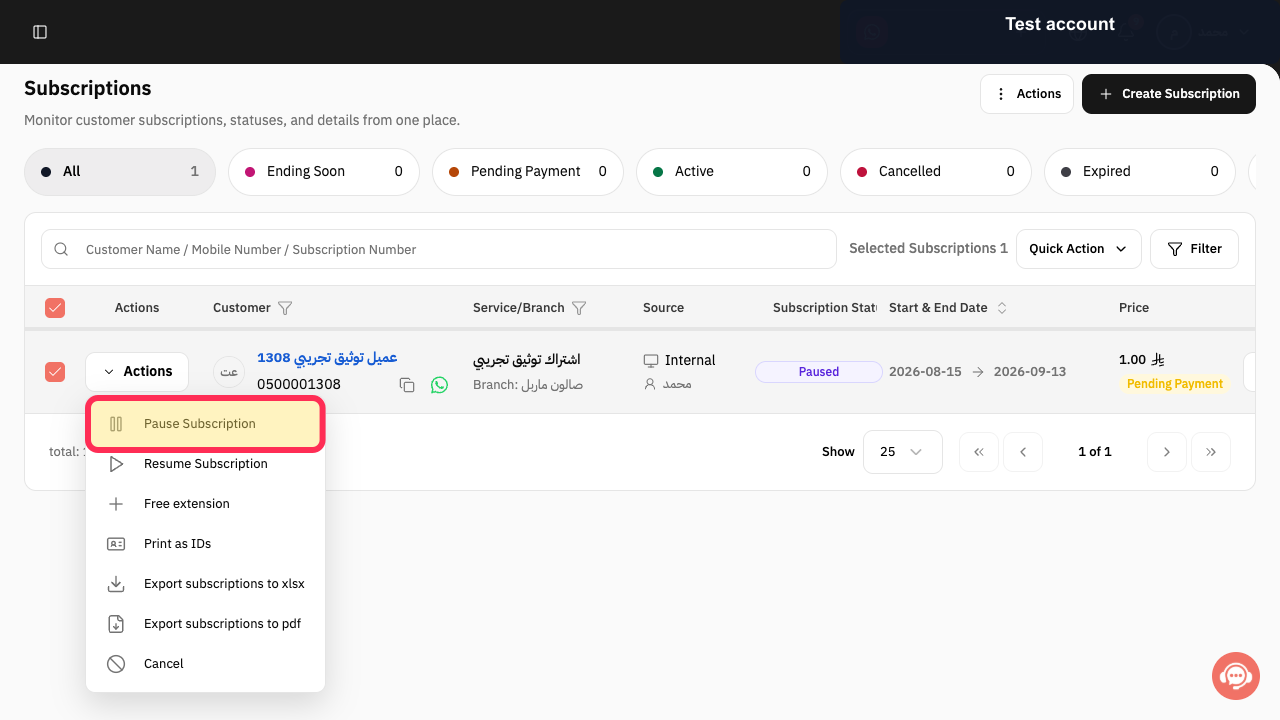
Select Pause Subscription. On the Packages list, this opens Pause selected packages.
The pause dialog opens for the active selected records.
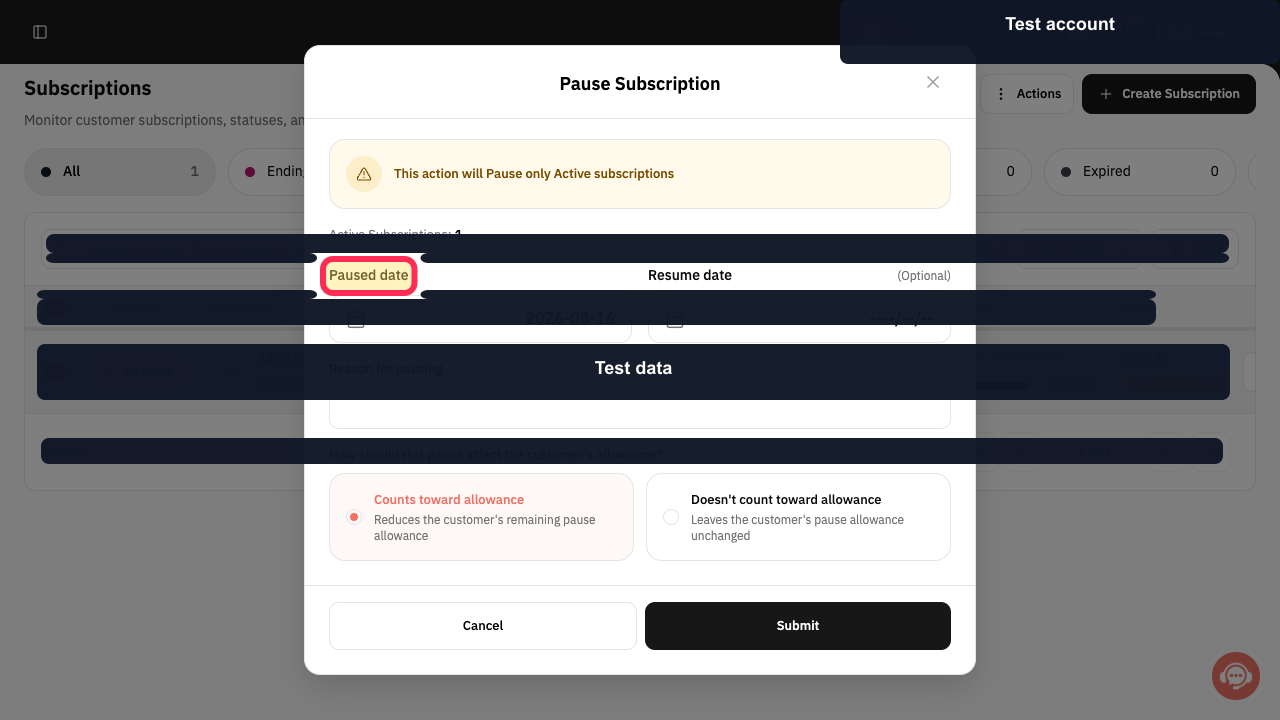
Set Paused date.
The date when the pause begins is selected.
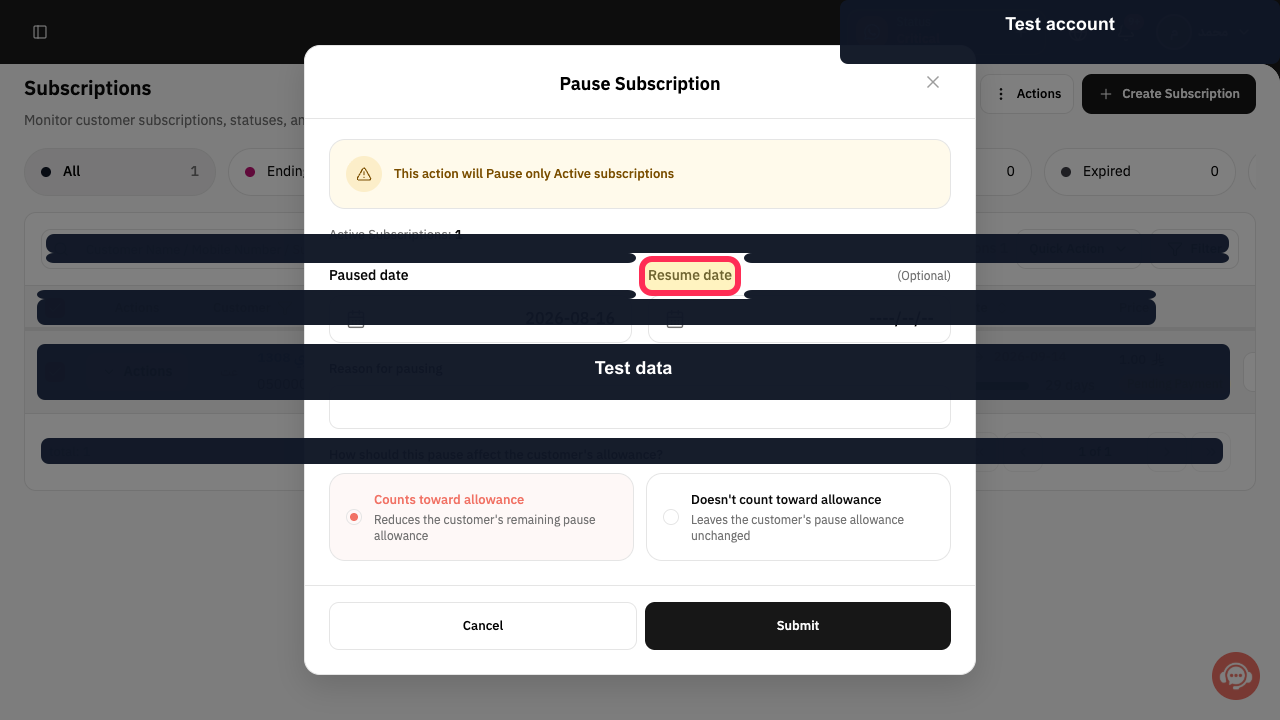
Optional: set Resume date when the records should resume automatically.
The automatic resume date is selected or remains empty.
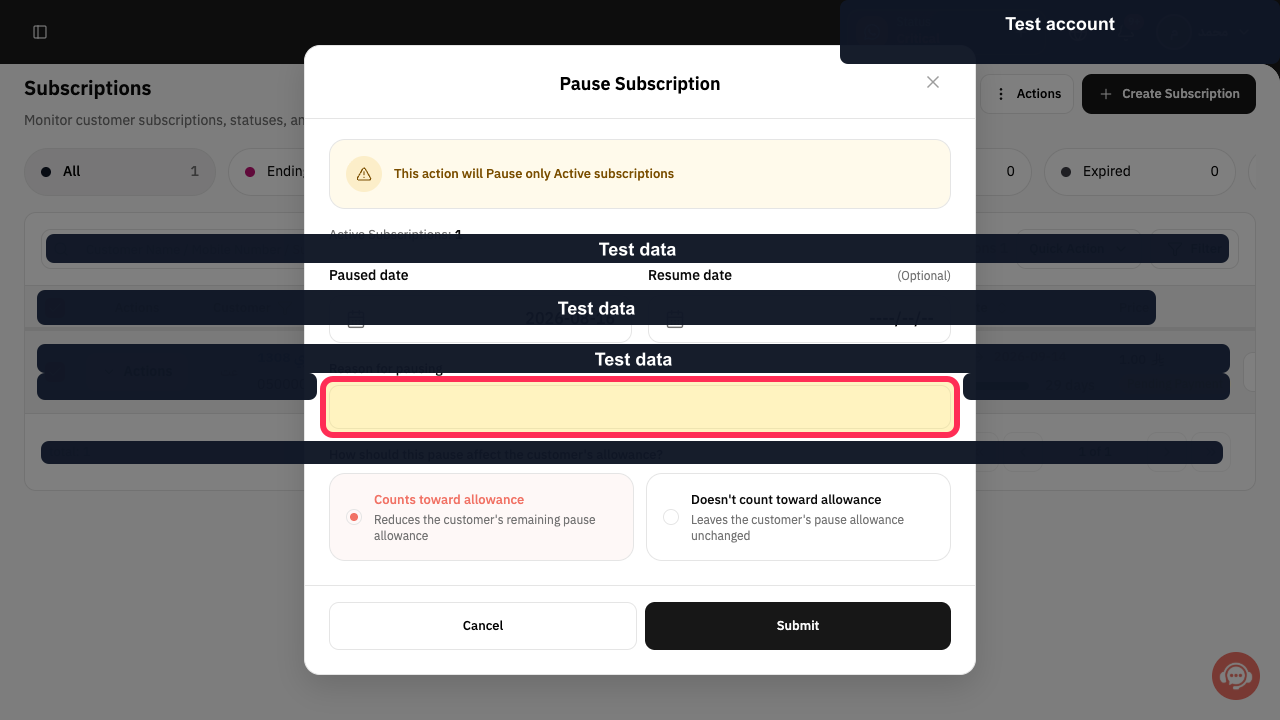
Enter Reason for pausing.
The operational reason is recorded with the pause.
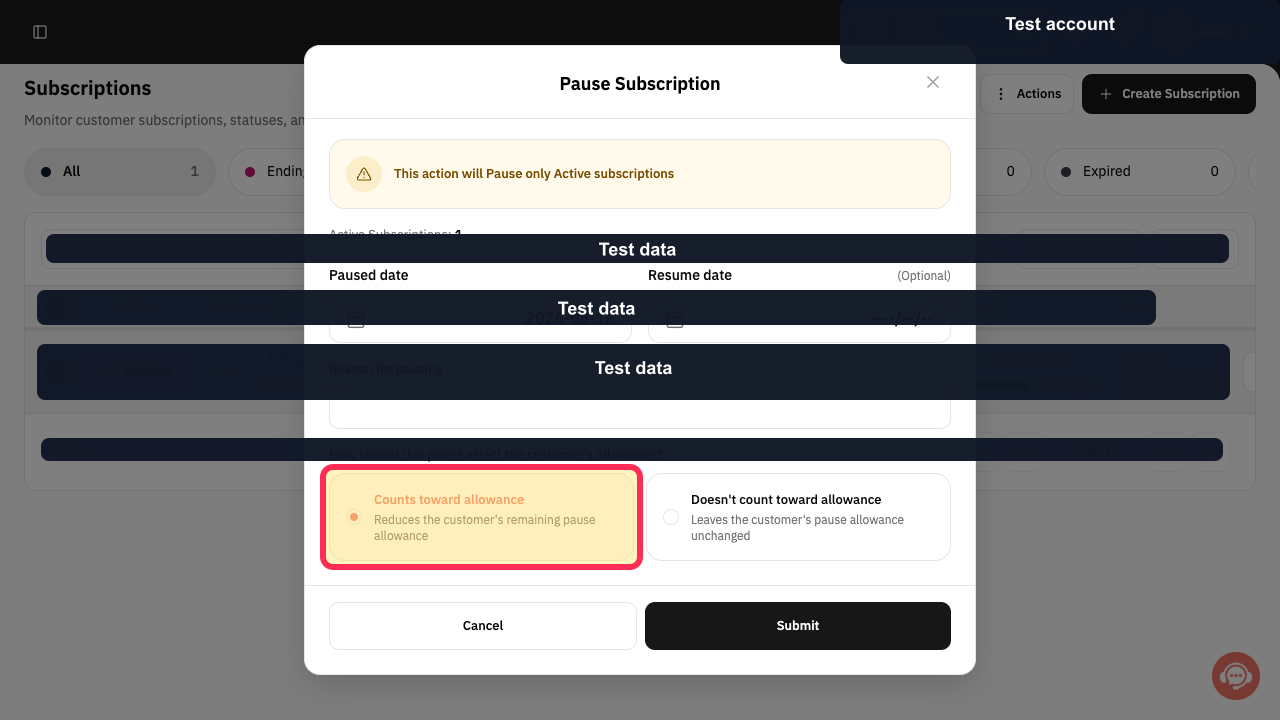
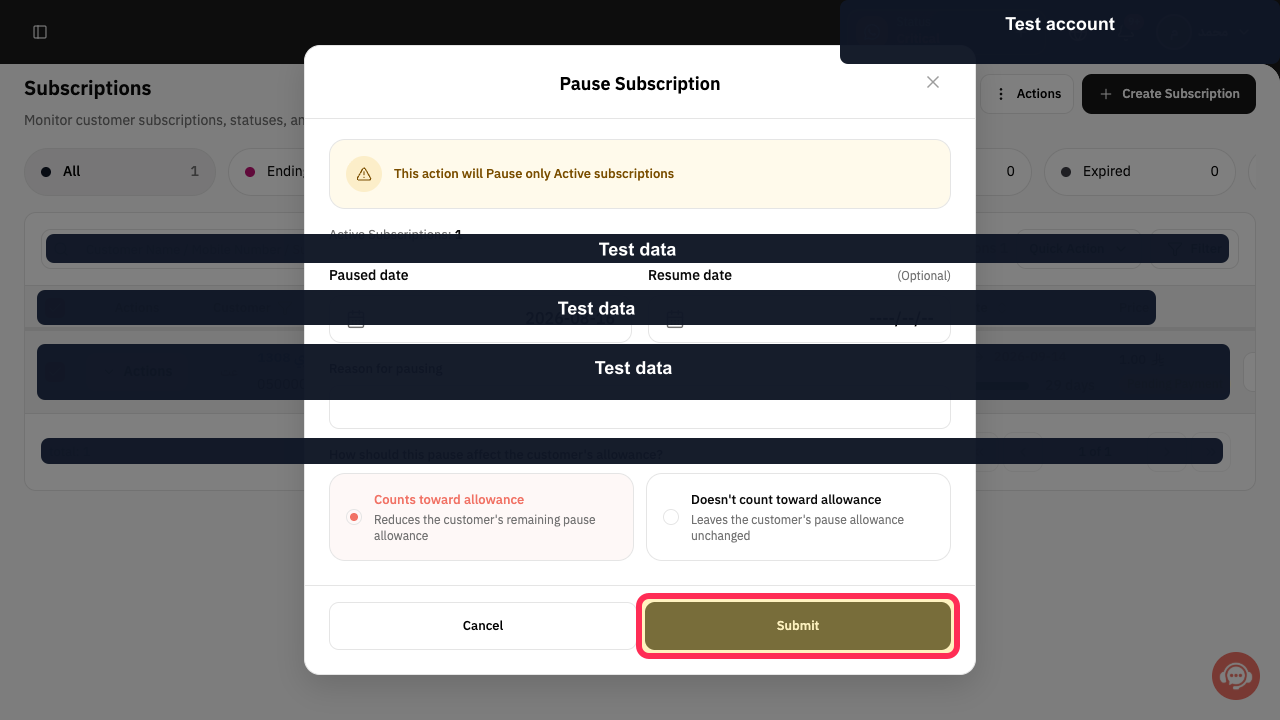
Choose Counts toward allowance or Doesn't count toward allowance.
The customer's pause allowance follows the selected rule.
Review the selected records and dates, then select Submit.
The selected active records are submitted for pausing.
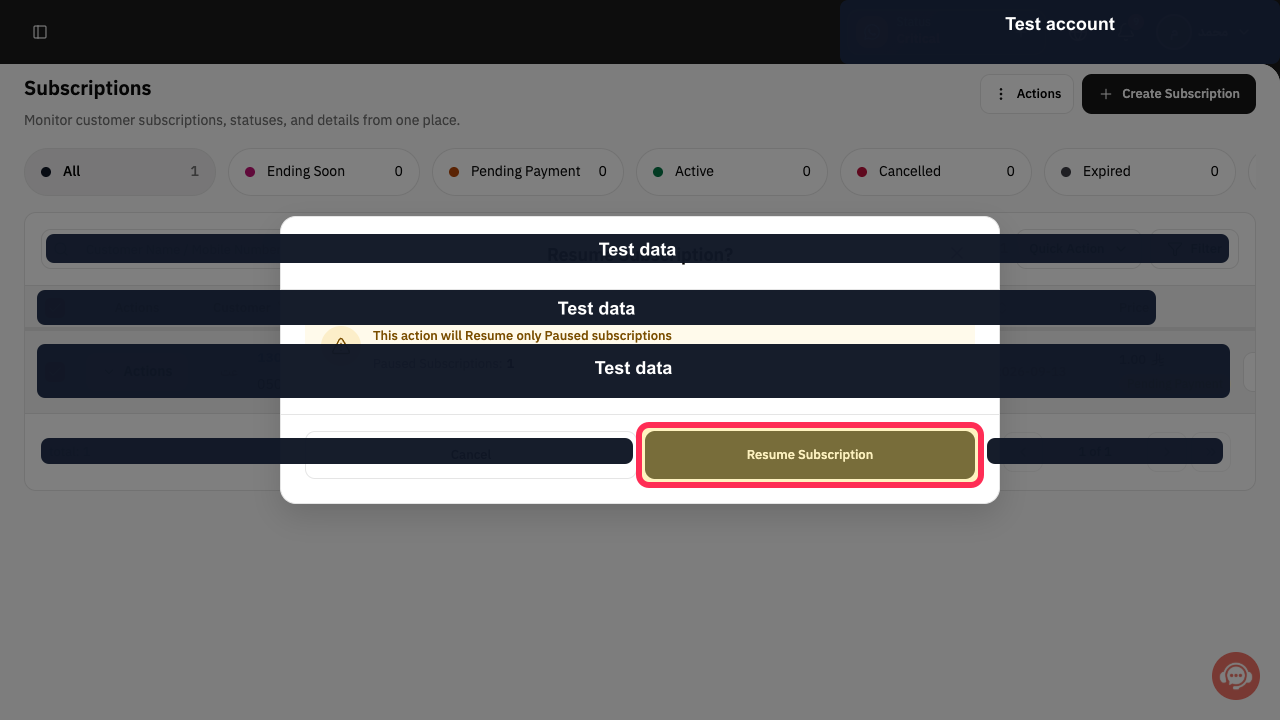
To resume paused records later, select them, open Quick Action, choose Resume Subscription, and confirm Resume Subscription.
Only selected paused records are resumed after confirmation.
Illustrated guide
Step 1: Open the Subscriptions or Packages list.
Step 2: Select the active records to pause.
Step 3: Open Quick Action for the selected records.
Step 4: Start pausing the selected subscriptions or packages.
Step 5: Set the bulk Paused date.
Step 6: Set an optional Resume date.
Step 7: Enter the reason for pausing the selected records.
Step 8: Choose how the pause affects the customer's allowance.
Step 9: Submit the bulk pause.
Step 10: Resume selected paused records.
What happens when you pause in bulk
The temporary pause applies to the customers you selected. Set both the pause start date and Resume Date, and record a reason before saving.
Related questions
How do I pause a subscription for a customer in Rekaz?
How do I temporarily stop a package for multiple customers in Rekaz?
How do I resume a paused subscription or package in Rekaz?


