How do I use Customers Template in Rekaz?
Customers Template is available in Rekaz Settings. Use it when you need to link structured records to a customer, such as cars, cases, or children.
Rekaz presents those functions separately under Custom Fields. Customers Template is a tool for linking structured records to customers.
Steps
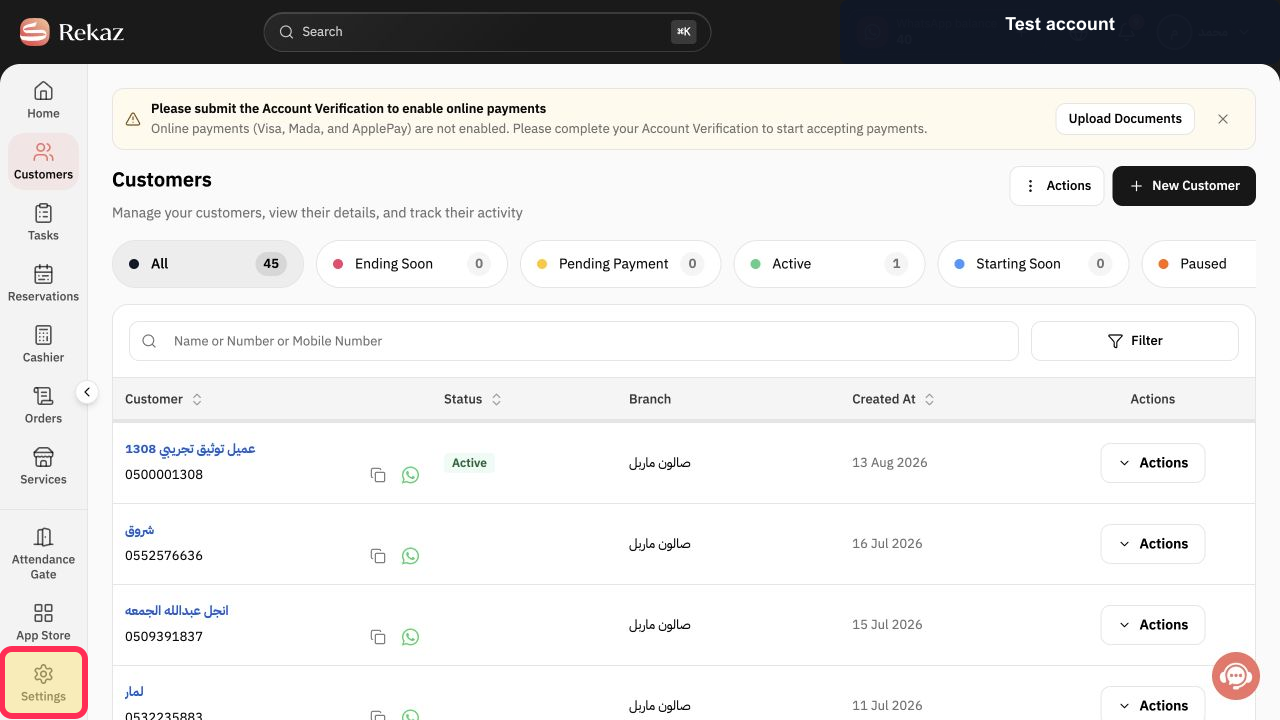
From the signed-in Rekaz dashboard, select Settings in the sidebar.
The Settings page opens.
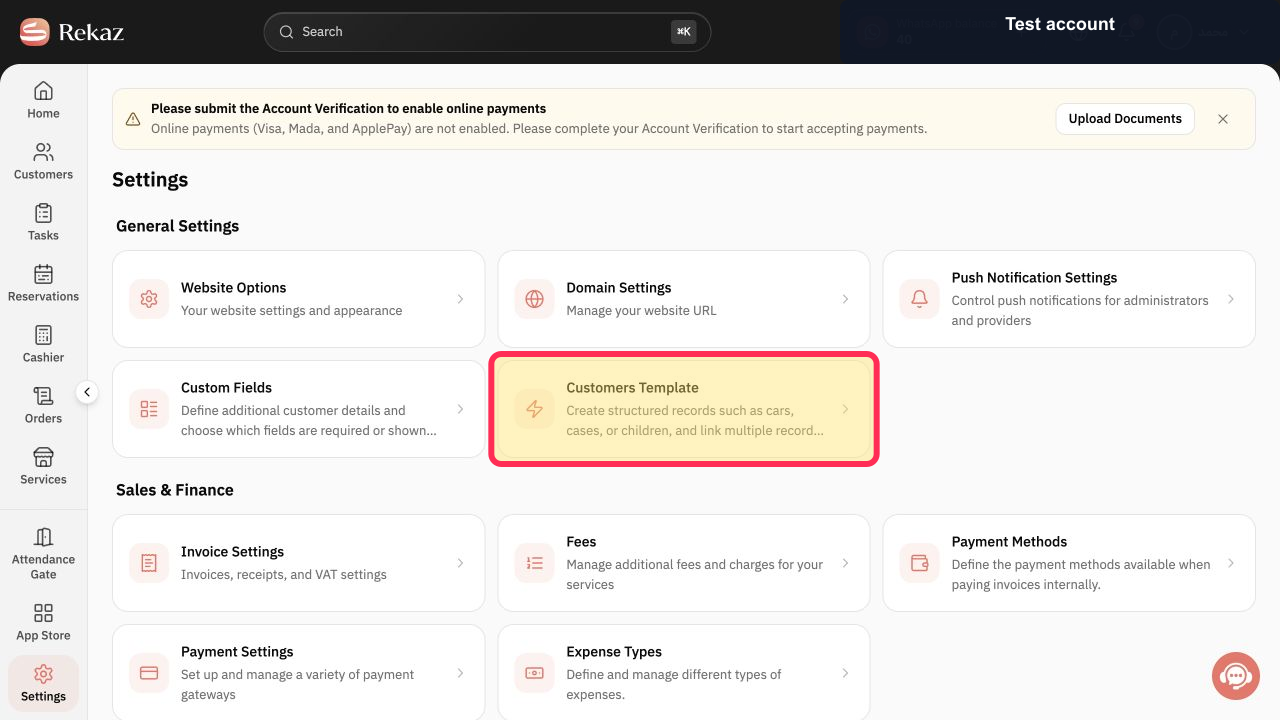
On the Settings page, select the Customers Template card.
The Customers Template page opens.
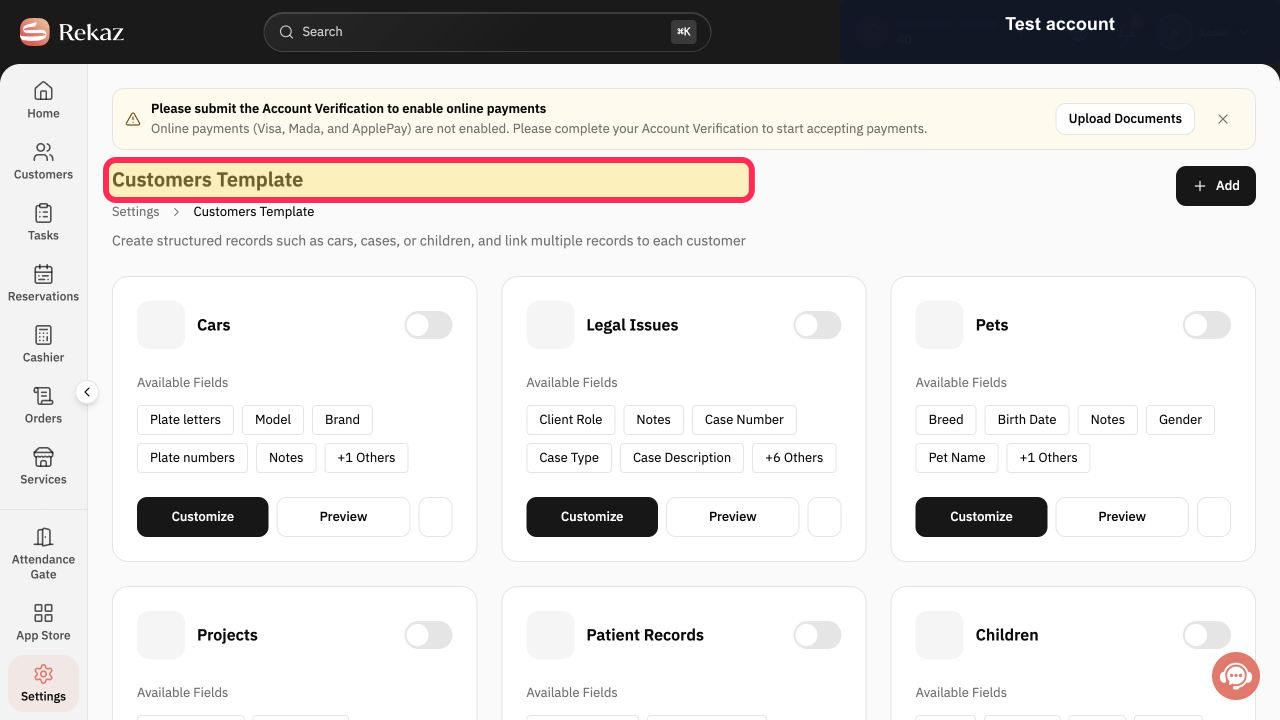
Confirm that the page heading is Customers Template before managing structured records linked to customers.
The Customers Template heading is visible.
Illustrated guide
Step 1: Select Settings from the Rekaz sidebar.
Step 2: Open the Customers Template card in Settings.
Step 3: Customers Template page heading.
What you can manage
You can customise the template with the data and fields your business requires. You can add a new field, remove a field, and control whether a field is required or optional.
You can also decide whether customers can see the information and whether they are allowed to edit it.
Where customer templates appear
Templates appear on each customer’s page and include the records linked to that customer.
Related questions
How do I add custom customer fields in Rekaz?
How do I make a customer field required in Rekaz?
How do I control whether customers can view or edit custom fields in Rekaz?
Where can I find customer template records in Rekaz?


