What cashier and receipt-printer specifications are recommended for Rekaz?
Rekaz does not publish a model-by-model cashier or receipt-printer compatibility list. Compatibility depends on the cashier device, operating system, browser, printer driver, paper size, and connection method.
Before buying multiple devices, test one complete setup with a sample order and printed receipt.
Steps
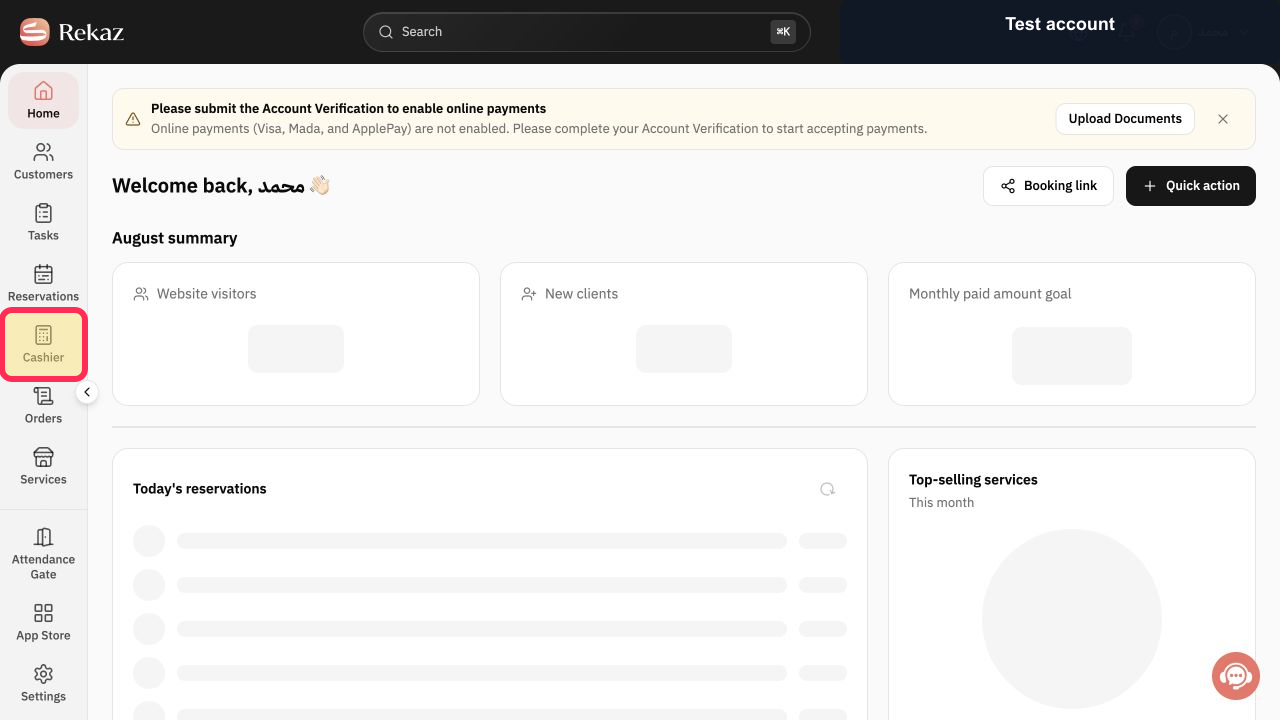
From the Rekaz navigation on the intended cashier device, select Cashier.
The web-based Rekaz Cashier opens on the device.
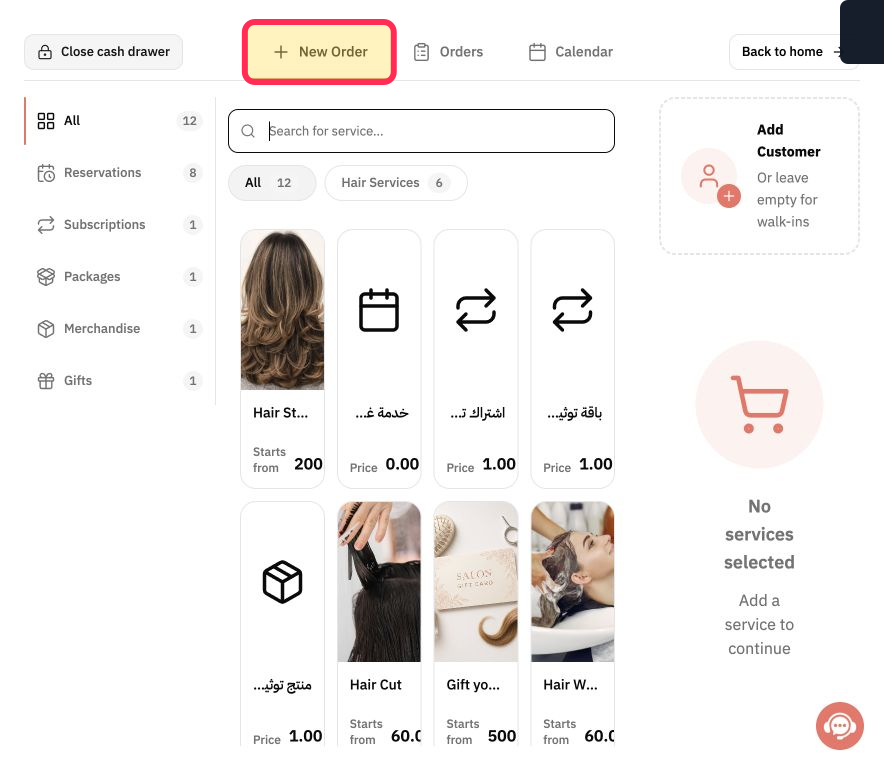
Select New Order and confirm that the device can run the point-of-sale workflow smoothly.
The New Order workspace is usable on the cashier device.
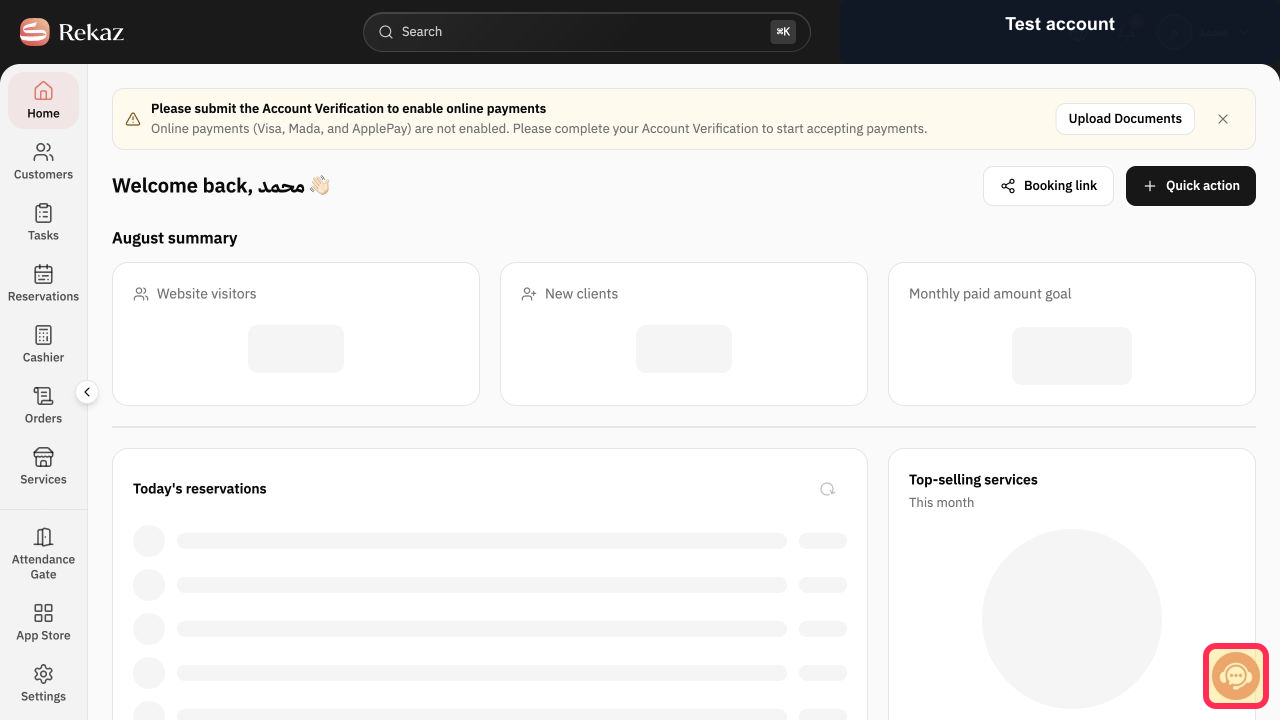
Before purchasing a printer, select Contact support and provide the exact printer model, connection type, operating system, browser, and required paper size. Do not send device passwords. Rekaz can confirm the specific hardware combination.
Illustrated guide
Step 1: Open Rekaz Cashier on the intended device.
Step 2: Test the New Order workspace on the cashier device.
Step 3: Ask Rekaz support to confirm the exact printer setup.
Windows cashier device
Choose a device with a genuine Windows operating system. Windows 10 or later is required, and a 64-bit version is preferred for better performance.
Processor: A multi-core processor suitable for running POS software smoothly. A mid-range processor or higher is preferred.
RAM: Minimum 4 GB; 8 GB or more is recommended.
Storage: Use an SSD for faster performance. Minimum 128 GB; 256 GB or more is recommended.
Screen: A screen suitable for daily POS use. A touchscreen is preferred but not required.
Ports and connectivity: Multiple USB ports for peripheral devices, a LAN port for internet access, and Bluetooth or Wi-Fi support as needed.
Android cashier device
Choose a device running Android 9 or later to support modern applications.
Processor: Quad-core processor.
RAM: Minimum 2 GB; 4 GB or more is recommended.
Storage: Minimum 16 GB; 32 GB or more is recommended.
Screen: A touchscreen suitable for daily POS use.
Connectivity: Wi-Fi and Bluetooth.
Receipt printer
Choose a thermal receipt printer, which prints without ink. The common paper width is 80 mm.
The printer should work with POS systems and support Windows.
Printing type: Thermal printing.
Paper width: 80 mm.
Connection: USB, LAN, Bluetooth, or Wi-Fi, depending on your needs.
Important note about the listed printer specifications
A touchscreen suitable for daily POS use, Wi-Fi, and Bluetooth are listed after the receipt-printer requirements. It is unclear whether the touchscreen requirement applies to the printer or is repeated from the Android cashier-device specifications.
Confirm the specifications of the exact device and printer model with your supplier before purchase.
Related questions
What Windows cashier-device specifications do I need for Rekaz?
What Android cashier-device specifications are recommended for Rekaz?
What receipt-printer paper width and connection types are recommended for Rekaz POS?
Do I need a touchscreen cashier device for Rekaz POS?


