How do I create a package in Rekaz?
In Rekaz, a package is a subscription with a fixed number of uses. It expires when either its duration ends or all available uses are used—whichever happens first.
Packages are linked to Reservation services. You can set up a Shared Pool package, where customers distribute uses across included services, or a Per Product package, where each service has its own fixed number of uses.
Steps
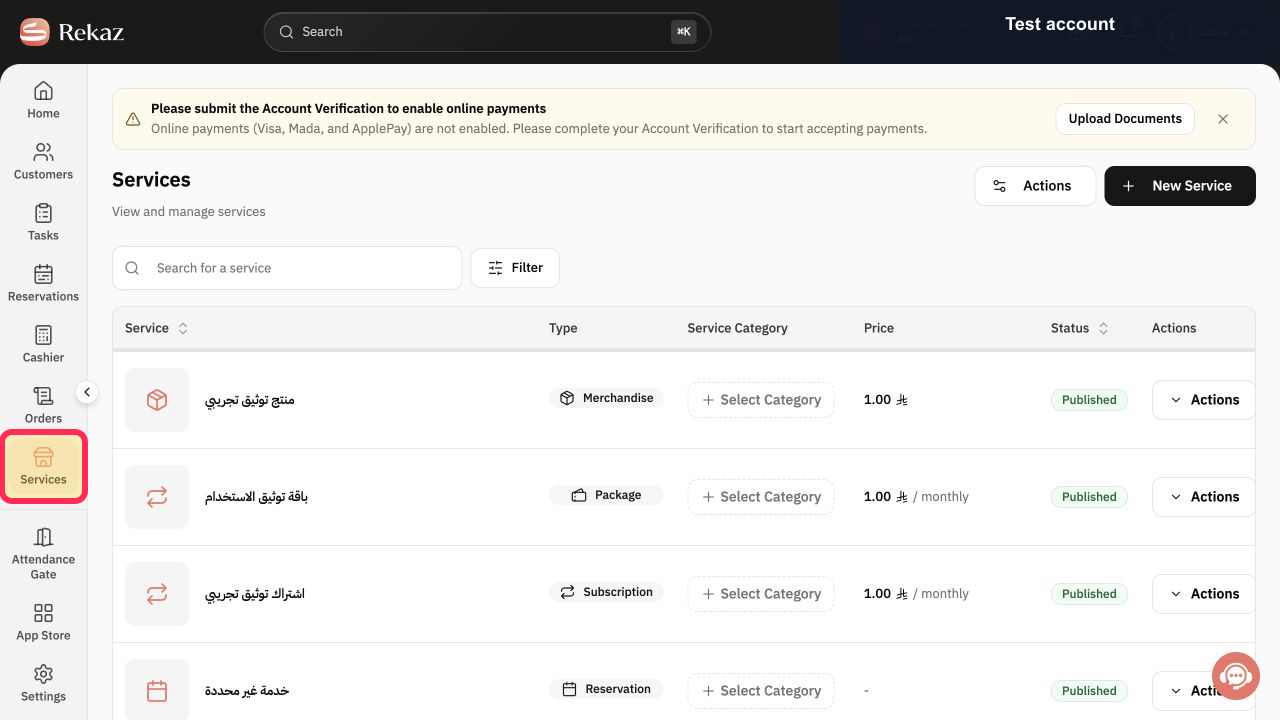
From the sidebar, select Services.
The Services page opens.
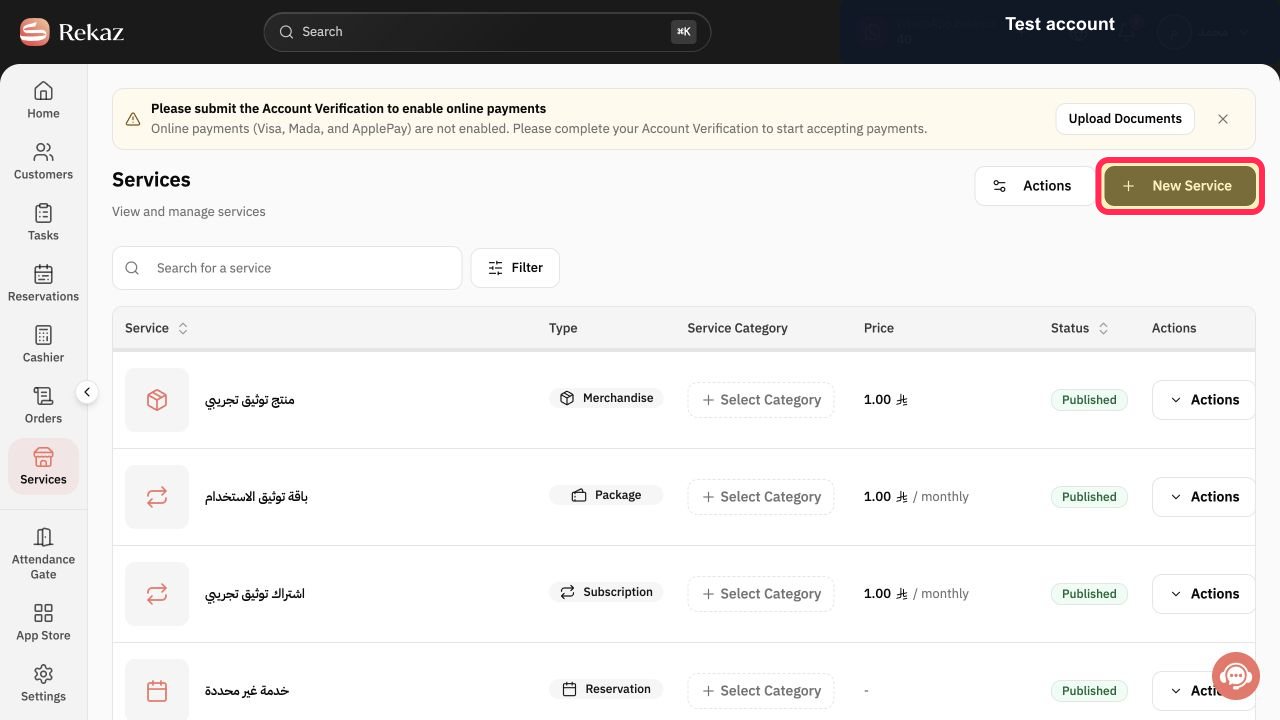
Select New Service.
The options for creating a new service open.
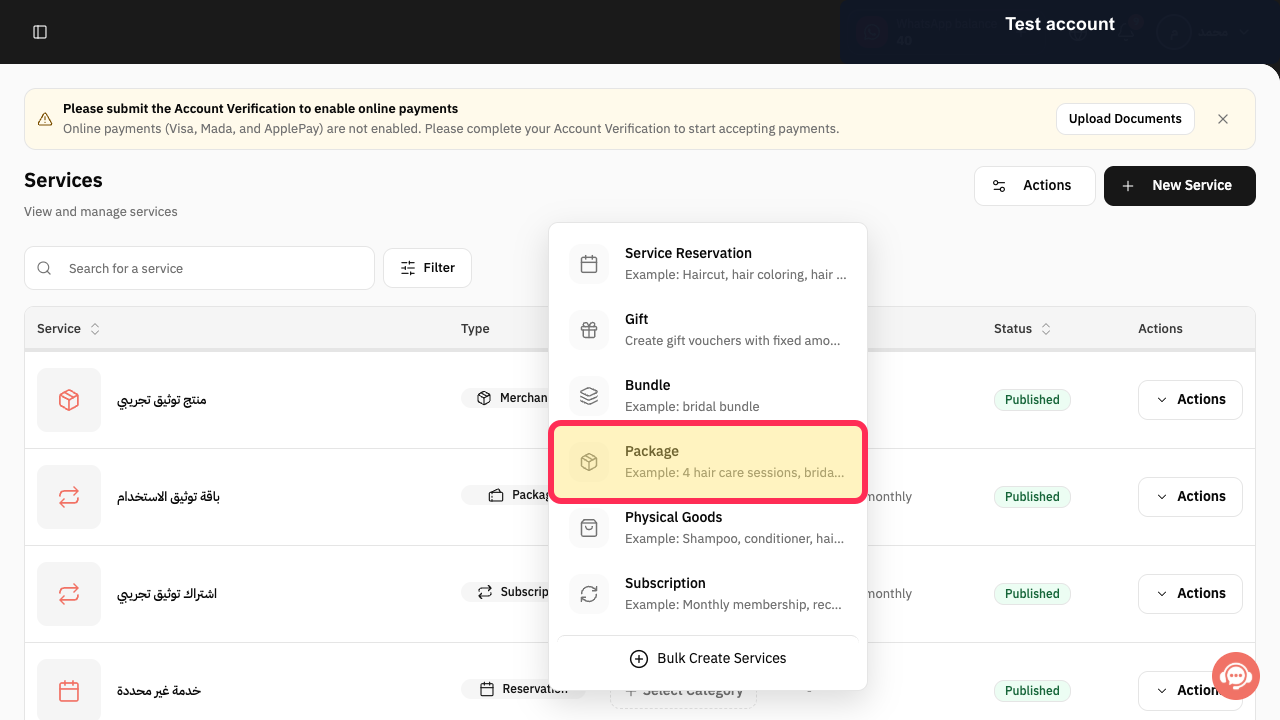
Select the package option.
The package setup flow opens.
Illustrated guide
Step 1: Open Services from the sidebar.
Step 2: Start creating a new service.
Step 3: Choose the package option.
Choose how package uses are distributed
Choose the package type based on how you want customers to use the included services.
Shared Pool: The customer can distribute the total number of uses across the included services as they prefer. For example, a massage and Moroccan bath package with 8 total uses does not set a separate limit for each service.
Per Product: Each service in the package has its own fixed number of uses. For example, a package can include 4 massage sessions and 3 Moroccan bath sessions.
How package expiry works
A package ends when its duration expires or when the customer uses all available uses, whichever happens first.
Related questions
What is a package in Rekaz?
What is the difference between Shared Pool and Per Product packages in Rekaz?
When does a package expire in Rekaz?


